You hire a freelancer to move faster. Day one, you send the brand PDF, a Drive folder, and a Slack invite. Day five, the first drafts look almost right. Day ten, you are writing the same feedback you wrote for the last contractor: wrong blue, logo too small, type feels off, "please match the last campaign."
Brand drift is not a freelancer character flaw. It is what happens when identity lives in attachments instead of in the tool that produces the work. Freelancer brand drift drops when the brand profile is applied in the tool, not attached as a PDF in email. An AI workflow built around shared brand memory makes that onboarding real on day one.
Why brand PDFs fail freelancers
Brand PDFs fail for boring reasons that keep repeating.
Nobody reads twenty pages under deadline. Freelancers skim logos and hex codes, then improvise. The poetic pages about brand personality do not survive a Thursday delivery.
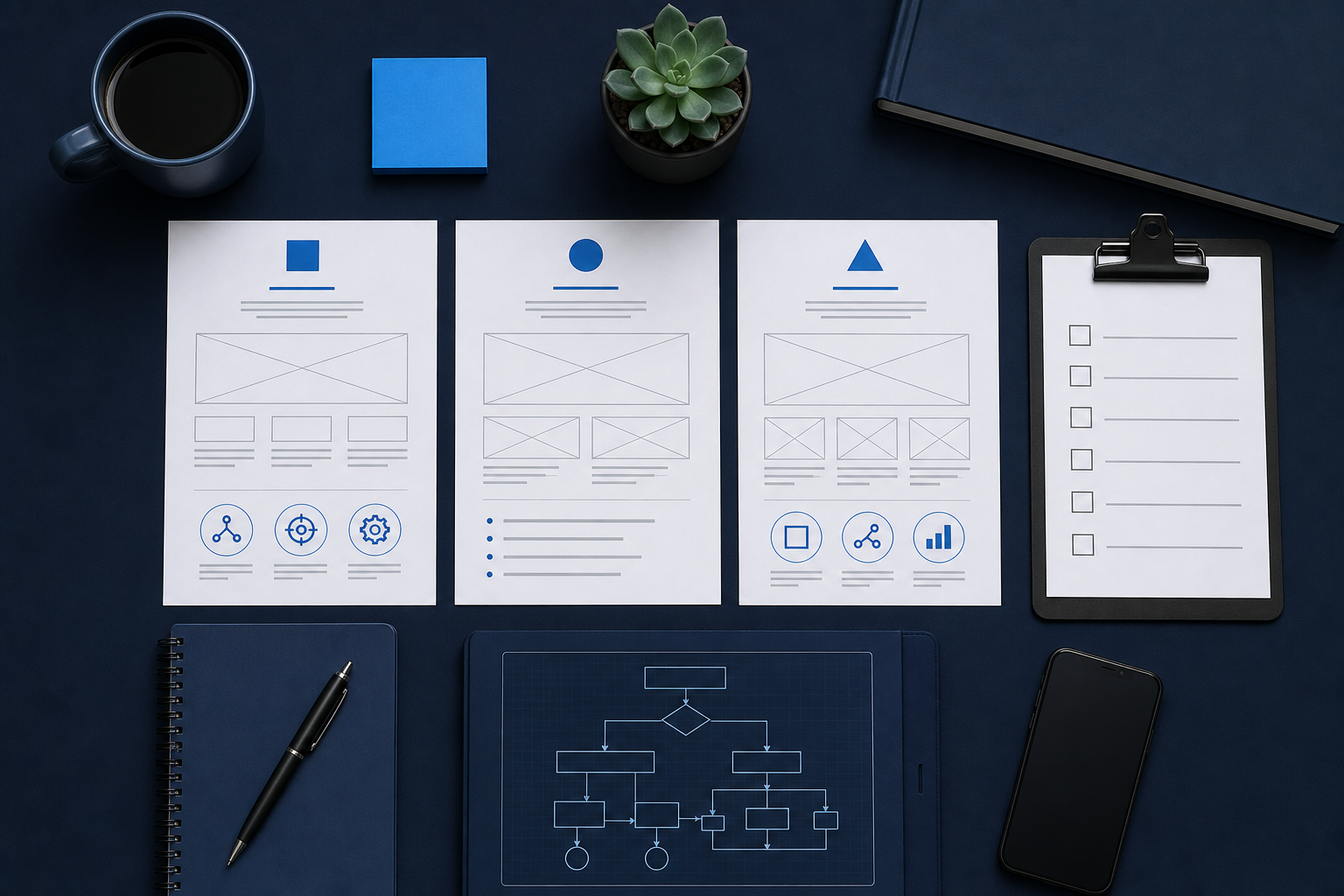
PDFs do not apply themselves. Even a perfect guide is still a document. The freelancer still rebuilds the look in Canva, Figma, Midjourney, or whatever stack you named. Manual transfer is where drift enters.
Versions multiply. Marketing updates the PDF. The freelancer works from last month's email. Drive has three "final" folders. Slack has a screenshot that contradicts page six. The newest truth is unclear.
Feedback becomes the real brand system. Instead of a profile, you have a trail of comments: "more like this," "less like that." That trail does not transfer to the next freelancer. You pay to retrain every time.
AI tools amplify the gap. If the freelancer generates in Midjourney or a blank Canva doc, the PDF sits beside the keyboard while the model invents a new dialect. Attachments do not constrain generation.
The PDF can still exist as legal backup or sales collateral. It should not be the only onboarding surface for production.
Day one kit: what freelancers need in the first hour
Onboarding should make the first asset request possible within an hour, not after a scavenger hunt.
Give freelancers a day one kit with only what production needs:
- Logo files (primary, simplified, light/dark if you have them)
- Color values with usage notes that fit on one screen
- Fonts or approved substitutes with weights you actually use
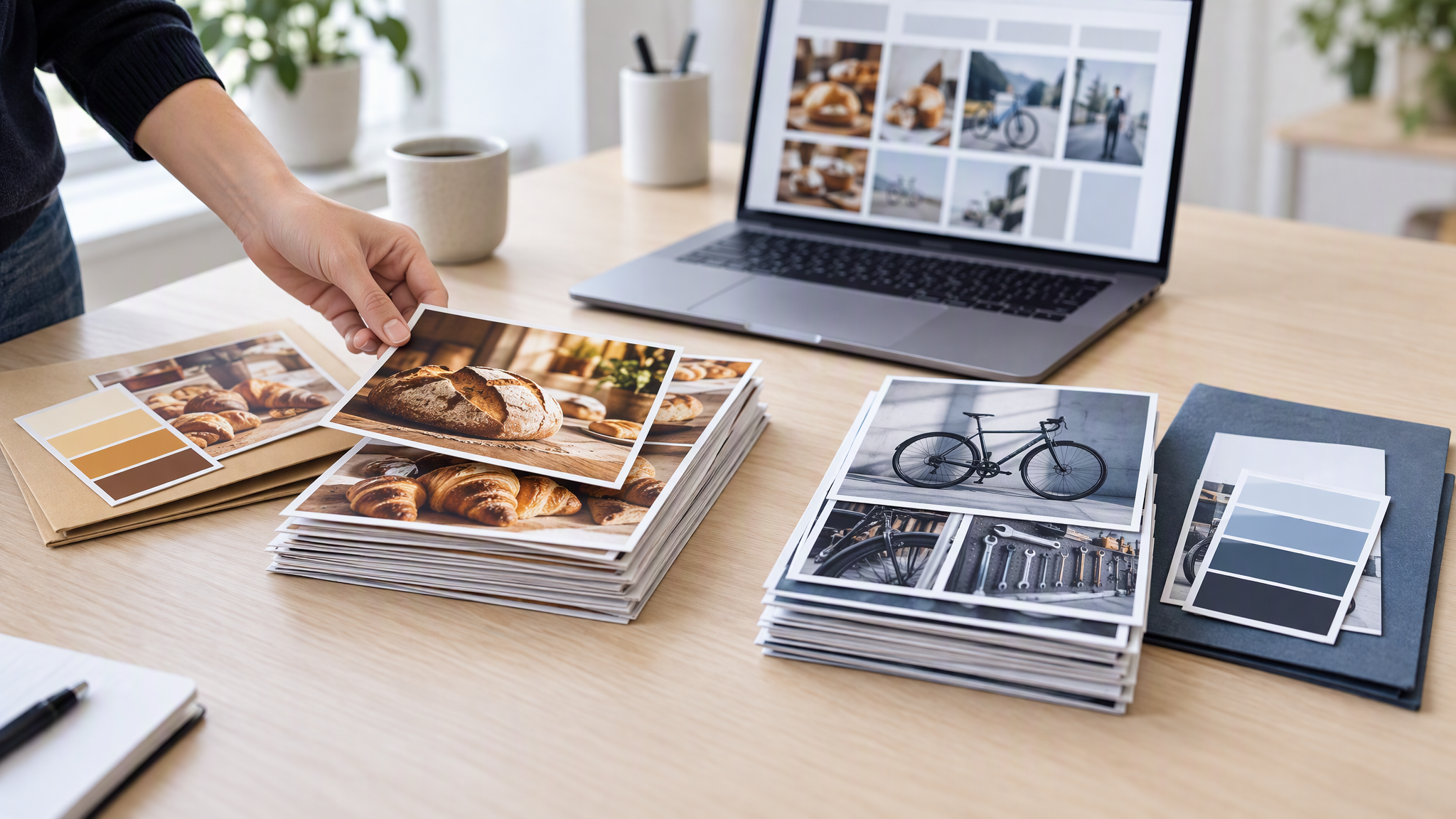
- Three to five reference assets that already look like you
- Channel list for this engagement (social, ads, deck, email headers)
- Reject criteria in plain language (example: no new accent colors, logo never in a circle badge, product always on light background)
Skip the novel. If a rule cannot be checked on a thumbnail grid, it will not survive freelance velocity.
Then put that kit where work happens. If generation happens in a brand-memory tool, the kit is a profile the freelancer opens, not a ZIP they unpack and forget. Access beats attachment.
A clean day one message looks like this:
- Here is access to the shared brand profile.
- Here are the first five asset jobs with formats and due dates.
- Here is how we review (grid first, then comments).
- Here is who approves brand exceptions (named person, not "the team").
That message prevents the polite chaos of "just make it on brand."
A shared brand profile as the onboarding surface
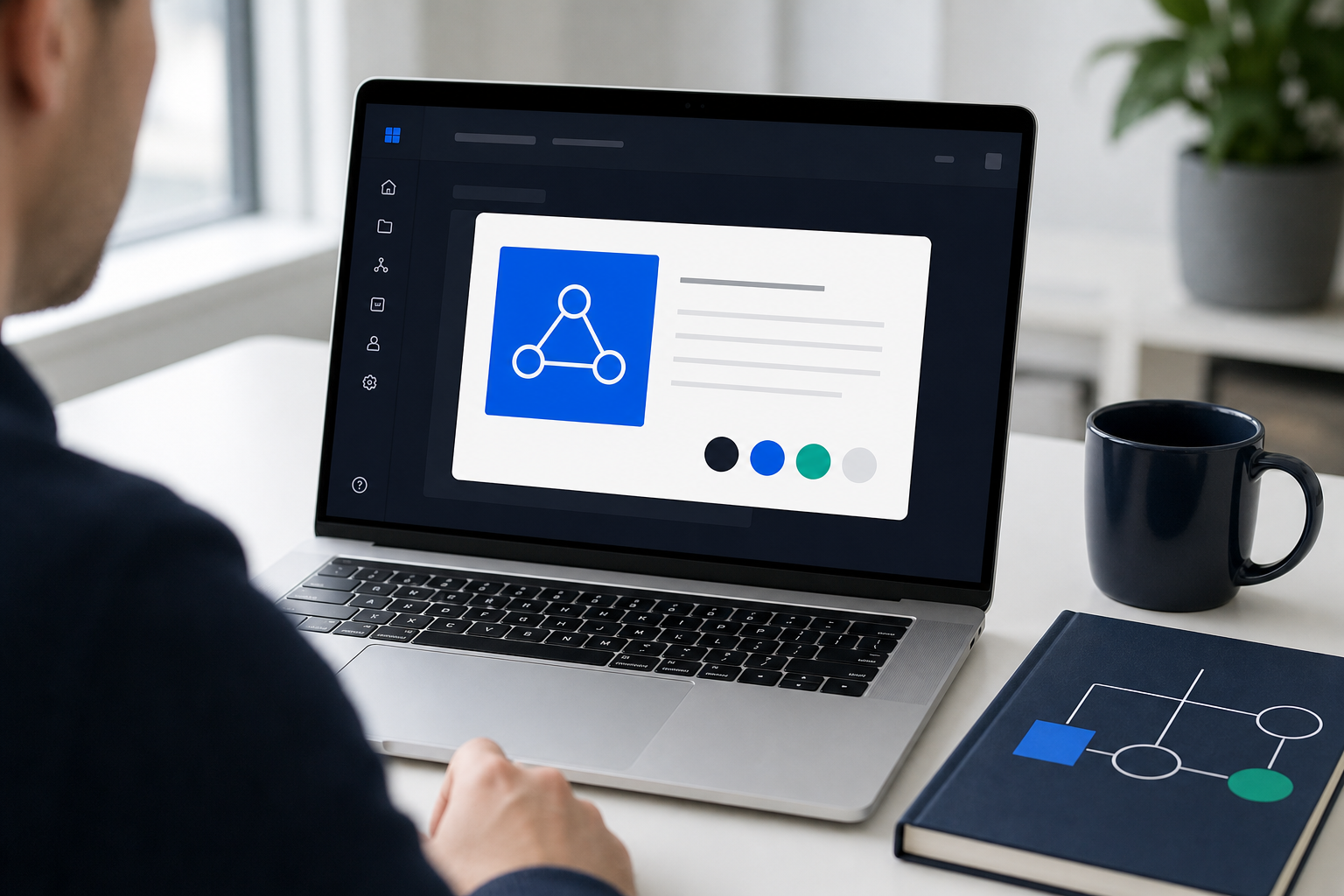
Shared brand memory means the logo, colors, fonts, and references live in a profile the production tool applies automatically. The freelancer requests "LinkedIn launch graphic for feature X" inside that profile. Identity does not depend on how carefully they reread the PDF.
Why this changes freelance onboarding:
- Same lock for every contractor. Swap people without swapping visual systems.
- Lower skill floor for likeness. Prompt poetry matters less when identity is stored.
- Faster first draft. Time goes to message and offer, not reconstructing hex codes.
- Cleaner reviews. Feedback targets hierarchy and clarity, not "please use our blue."
- Better handoffs. When the engagement ends, the profile stays. The next freelancer starts warm.
Brandiseer is built around that profile model. You upload once, invite production through that memory, and keep the PDF as optional reading instead of the source of truth. For AI-assisted freelance workflows, that is the difference between "here are files" and "here is the brand the tool will enforce."
Practical setup before the kickoff call:
- Upload or refresh the brand profile with current assets.
- Generate one sample set yourself so you know the baseline.
- Grant the freelancer access to that profile only (not a pile of conflicting experiments).
- Agree that exceptions require an update to the profile, not a one-off off-brand export that becomes precedent.
The review loop that stops silent drift
Even with brand memory, you need a review loop. Memory reduces identity errors. It does not replace taste or strategy checks.
Use a loop freelancers can predict:
- Request in the profile. Job, format, offer, audience, due date.
- Generate a small set. Prefer three to five options over one precious hero.
- Review as a grid next to last week's shipped assets. Consistency is comparative.
- Comment on hierarchy, crop, and claim accuracy first. If color and logo already match, say so. Do not spend the whole review restating the kit.
- Approve, request a delta, or reject with a rule. When you reject for brand reasons, update the profile or written reject list so the same miss cannot recur silently.
- Archive winners as references. Living memory beats a static PDF.
Cadence matters. A 24-hour first-pass review on new freelancers prevents a week of compounding drift. Async Slack thumbs-up without a grid view is how almost-right work ships.
Also separate brand exceptions from creative exploration. If you want a wild campaign look, label it exploration and keep it out of the production profile until leadership approves a real update. Freelancers should not guess whether this job is "match us" or "surprise us."
When freelancers still add value
Brand memory does not make freelancers obsolete. It changes what you hire them for.
Hire freelancers for:
- Campaign concepts and art direction exploration
- Complex layouts that need hands-on craft
- Motion, packaging, or specialized channel skills
- Overflow capacity during launches
- Strategic creative that updates the brand system on purpose
Do not hire freelancers primarily to remember your hex codes. That is a systems failure disguised as a staffing plan.
The highest leverage freelance engagement in an AI workflow looks like this: the brand profile covers consistency, the freelancer covers judgment and craft, and approved breakthroughs flow back into memory. You pay for taste and speed, not for re-explaining the logo every Monday.
If a freelancer only works well by ignoring the profile, you have either a bad profile or the wrong hire for production work. Fix the system before you normalize exceptions.
Access, permissions, and what not to share
Onboarding freelancers into brand memory still needs basic hygiene.
Share the production profile for that one brand, not your entire experiment history, and not the other client kits in the same tool. Keeping multiple brands in one AI tool separate is the setup when you hold several at once. Old off-brand generations teach the wrong lesson if they sit beside approved references. Keep a clean set of references that represent what should ship.
Grant the minimum access required for the engagement. When the contract ends, revoke access the same day you revoke Drive and Slack. A living profile is powerful. It should not remain open for inactive accounts.
Do not ask freelancers to "download the brand and recreate it" in a personal Midjourney account as the primary path. That recreates PDF failure with extra steps. If they must explore elsewhere, require final production passes through the shared profile or a documented re-apply step before delivery.
Put exception power in one named owner. Freelancers should know who can approve a temporary off-profile look. Without a named owner, every rush job becomes a precedent.
Sample kickoff checklist (copy and use)
Use this checklist on the kickoff call:
- Brand profile access confirmed and opened live on the freelancer laptop
- Day one kit files match the profile (logo, colors, fonts, references)
- First five jobs listed with format, channel, and due date
- Review grid method agreed (shared folder or board)
- Reject criteria read aloud once (five bullets max)
- Exception owner named
- Invoice and delivery folder paths confirmed
- PDF sent only as optional backup, not as the working source
If the freelancer cannot generate a first draft from the profile on day one, onboarding failed even if the Zoom call felt friendly. Fix access and clarity before the calendar fills with almost-right work.
FAQ
Should we stop sending brand PDFs?
Keep a short PDF if legal or sales needs it. Do not treat it as the production onboarding path. Lead with the shared profile.
What if the freelancer prefers Canva or Midjourney?
They can still use those tools for exploration or finishing. For on-brand volume, require generation inside the shared brand memory, or require a documented handoff that re-applies the profile before delivery.
How do we handle brand updates mid-engagement?
Update the profile first, then notify freelancers with a short changelog. Never rely on a buried email as the only update channel.
Onboard the profile, not just the person
If freelancers keep drifting, stop blaming the market for talent and fix how identity travels. A living brand profile inside the tool beats a PDF beside an unopened laptop. Put the brand where generation happens, review in grids, and hire freelancers for craft that still needs humans.