Product updates

What shipped recently in Brandiseer, written for people who already use it.

Developer API v2.1 still image to video

Developer API v2.1 still image to video

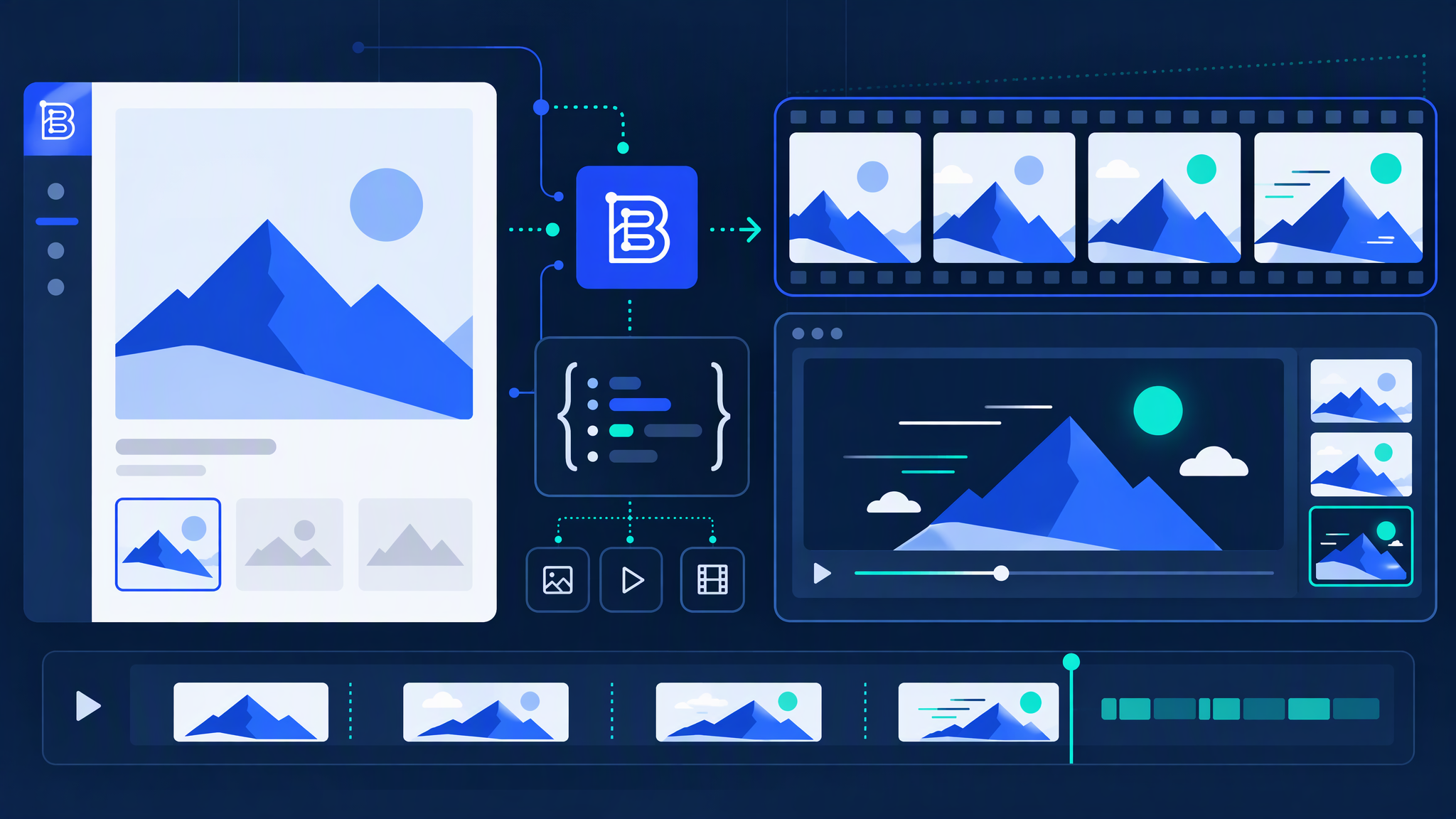
If you already generate stills through the Brandiseer Developer API, you can now turn a finished image into a short video without leaving your stack. Start from an image your API already returned, request video, wait until it is ready, and use the docs when you wire it up.

This is for integrators. Keep in-app Animate for the Chat workspace; use the Developer API video path when your product already talks to Brandiseer over the API.

Take a successful still from your integration, request video for it, and confirm the result fits your flow. The guides are there so the customer-facing contract stays clear.
Highlights

  • New video step for Developer API customers
  • Start from an image your API already returned
  • Wait until the video is ready, then use it in your product
  • Docs and guides for wiring without guesswork
  • Separate from in-app Animate in Chat: this ship is for API integrations

Read update

Cookie consent and GDPR privacy surfaces

Cookie consent and GDPR privacy surfaces

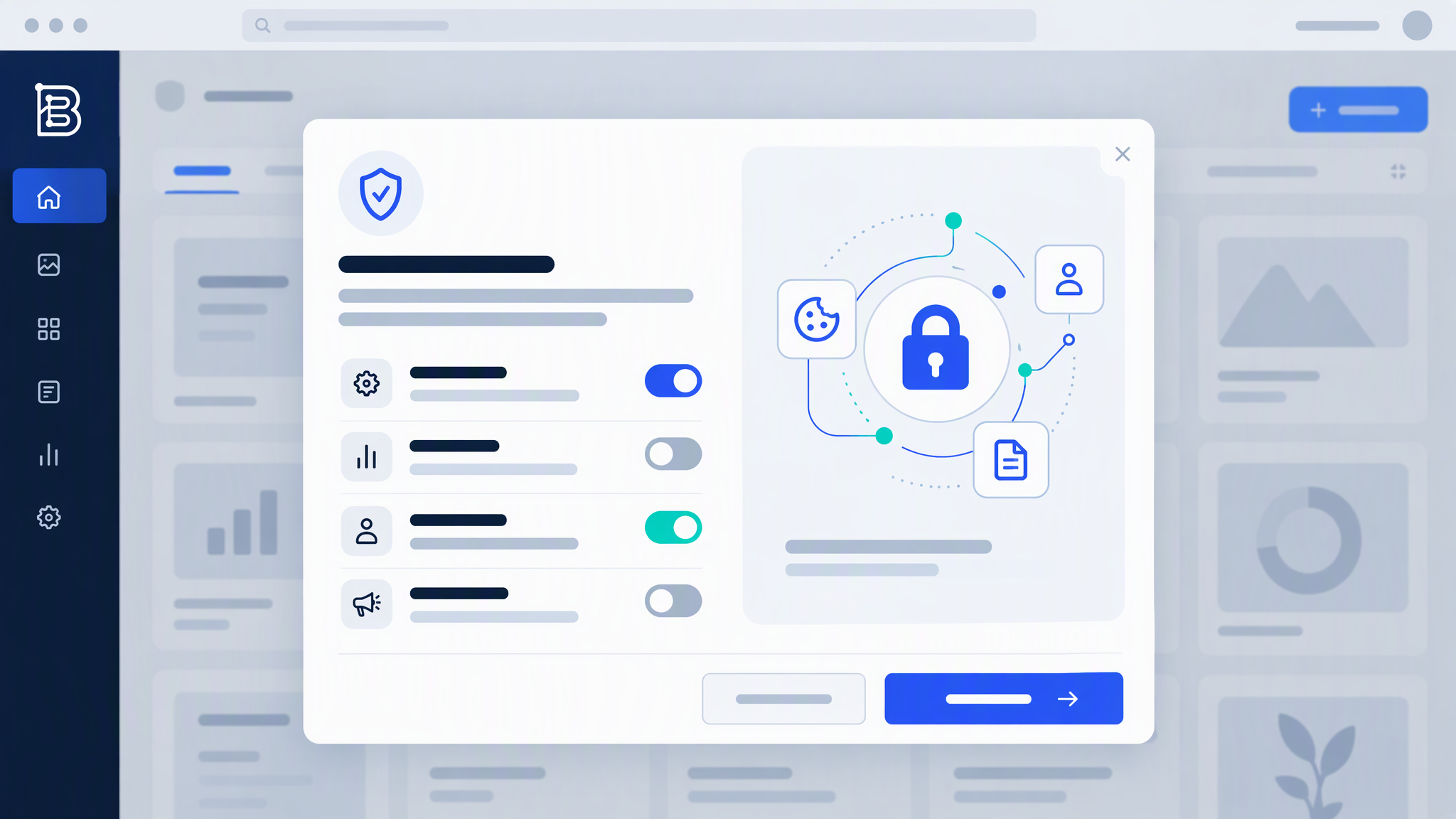
Privacy hygiene is not a flashy feature, but it is the kind of ship customers should notice. Brandiseer now shows a cookie consent banner, and marketing and analytics trackers stay off until you choose to opt in.

We also lined up the ToS, Privacy, and account consent links so the legal surfaces match what the product actually does. Short update, clearer control.

When you next land on Brandiseer, you will see the banner before those trackers run. Opt in only if you want to, and keep creating either way.

Highlights

  • Consent banner before marketing and analytics trackers run
  • Trackers stay off until you choose to opt in
  • ToS, Privacy, and account consent links updated to match the flow

Read update

Product catalogue import into Brand Intelligence

Product catalogue import into Brand Intelligence

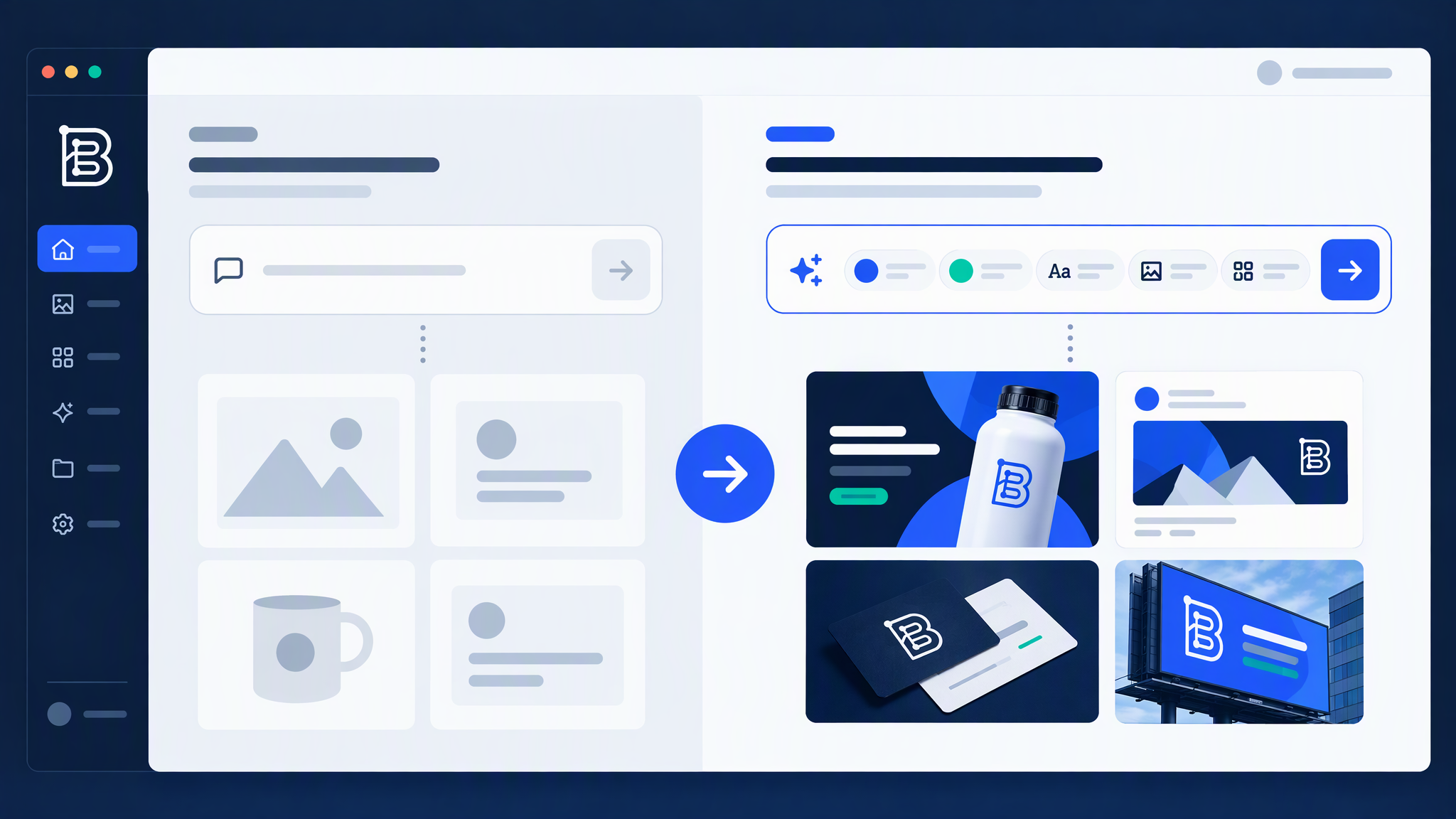
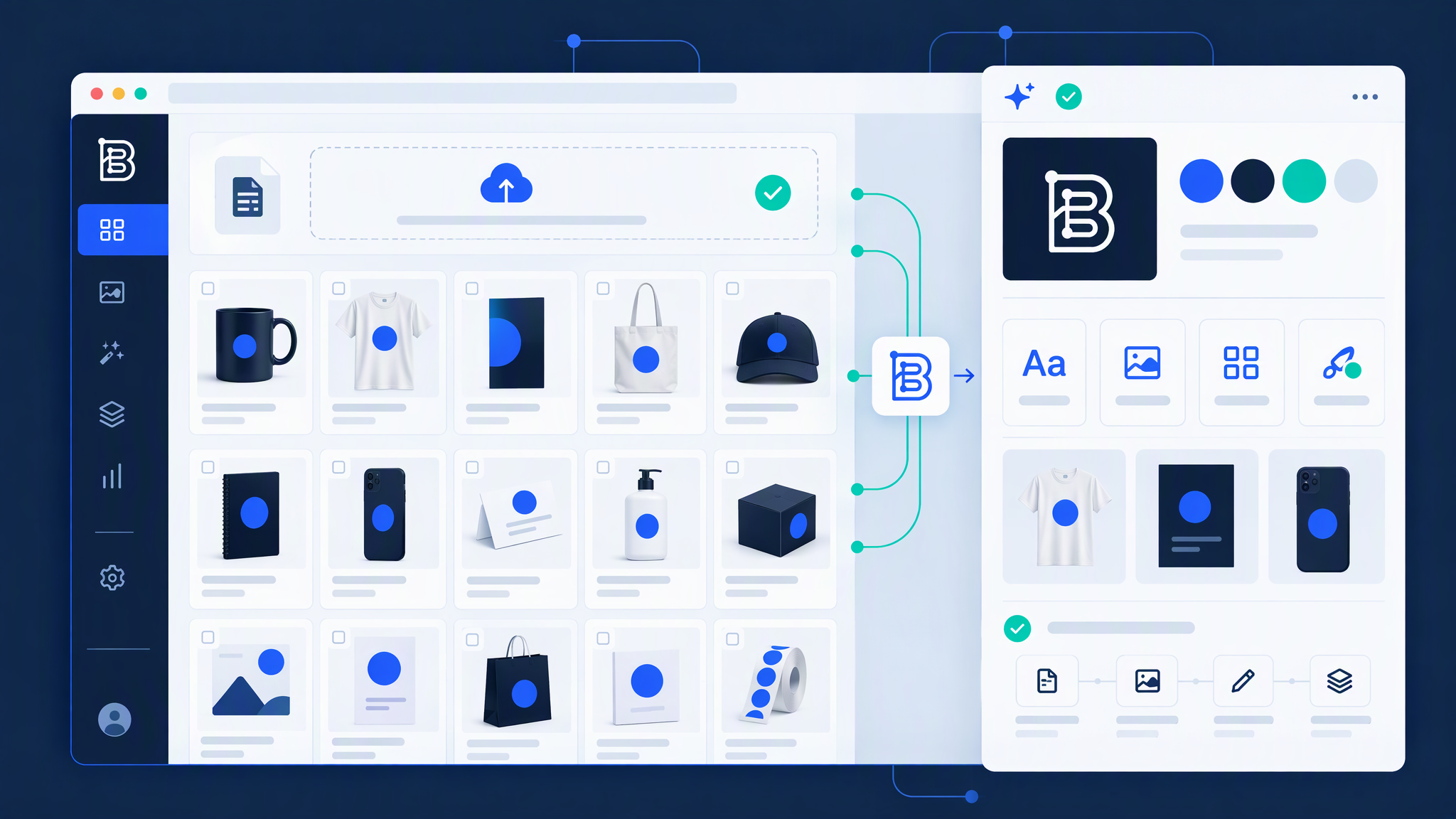
Your products already live on the website. Re-uploading every SKU by hand so generation knows what you sell was never the fun part. Product catalogue import closes that gap: bring products from your site into Brand Intelligence as references you can reuse.

You get product context closer to where creative actually happens, without turning onboarding into a spreadsheet marathon.

Honest note: catalogue pages vary. Treat the import as a strong starting set, not a perfect mirror of every product page overnight. Import, check, adjust, then put the references to work.

If your catalogue is live and Brand Intelligence is on, try an import on the brand you care about most. Point Brandiseer at the site, review what landed, and start generating with real product context in the mix.

Highlights

  • Import products from your website catalogue into Brand Intelligence
  • Use imported items as product references in brand-aware generation
  • Keep those references handy in Library when you need them again
  • Review what landed, tidy edge cases, then generate
  • Saves re-uploading every SKU by hand when your catalogue is already live

Read update

Prompt-first Dashboard to Chat creation workspace

Prompt-first Dashboard to Chat creation workspace

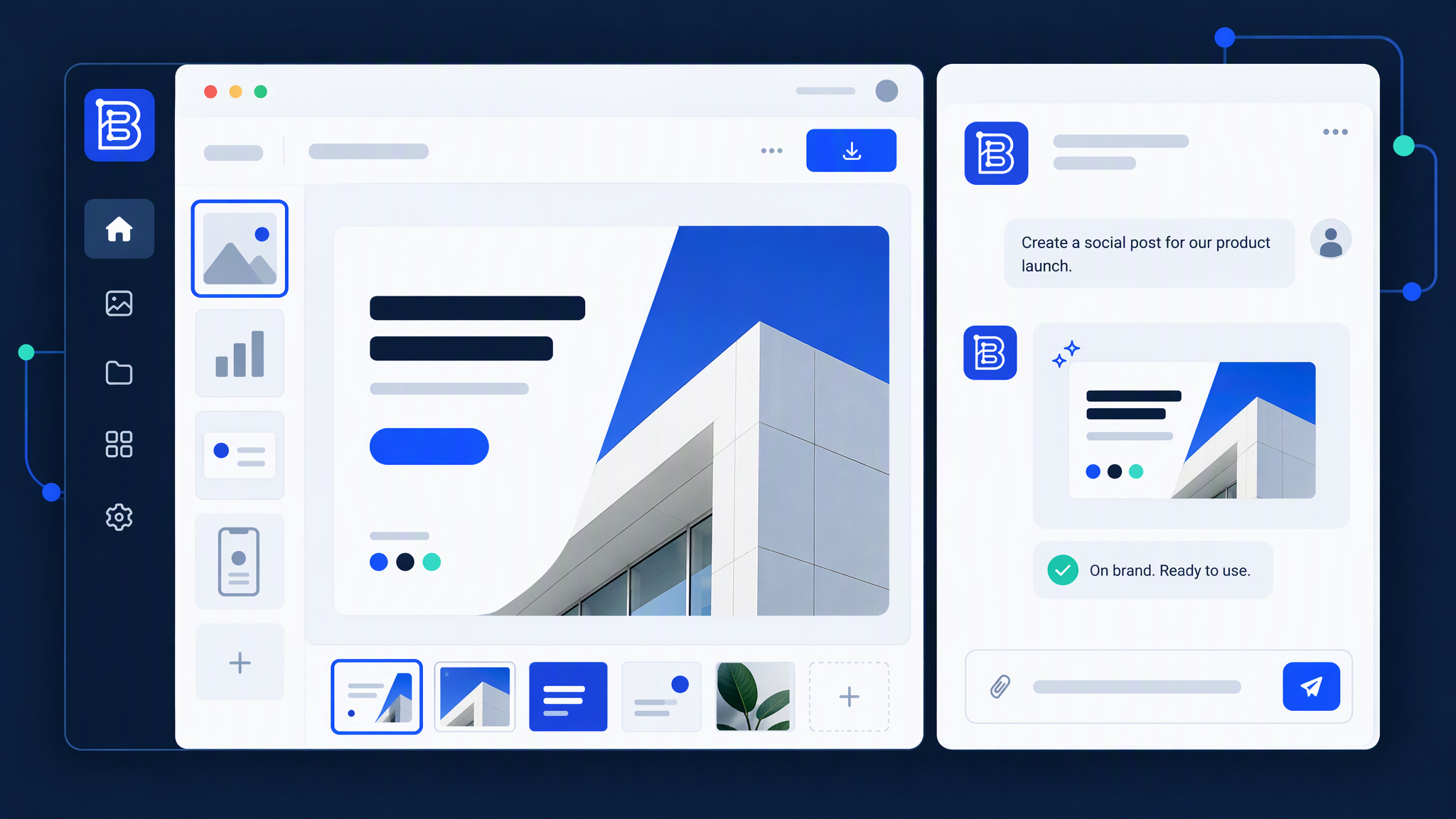
Creating used to feel like a hop between home and Chat. Now the Dashboard is a prompt-first launchpad: write the idea, pick a quick-start when you want a nudge, choose aspect ratio and brand, then Generate opens Chat with that setup already in place.

If you have not set up a brand yet, Brandiseer shows a clear next step instead of letting you wander into a broken generation. Teams that bounce between brands get the last brand they used remembered, so the workspace starts closer to where you left off.

Open Brandiseer, land on the Dashboard, drop a prompt with a brand you trust, and Generate into Chat. It should feel like one continuous creation path, not two apps taped together.

Highlights

  • Prompt launchpad with quick-starts on the home creation surface
  • Generate carries your prompt, aspect ratio, and brand into Chat
  • Clear next step when you do not have a brand yet
  • Remembers the last brand you used so the next session starts closer
  • One continuous creation path from Dashboard into Chat

Read update

Brand-aware Prompt Enhancement

Brand-aware Prompt Enhancement

“Enhance” always meant “make this prompt better.” Now it means something more useful: take a rough idea and turn it into a sharper image prompt that already respects your brand. One calm button in the composer.

We kept the UX quiet on purpose. No flashy concept bubble. No status theatre. You ask Enhance, and you get a prompt that is ready to generate with.

The point is not more UI chrome. It is fewer weak first drafts. Bring a half-formed idea, hit Enhance, and let brand context sharpen it before you generate.

Open Brandiseer, drop a rough idea into the composer, and try Enhance on a brand you trust. The quieter path is usually the faster one.

Highlights

  • Enhance rewrites your idea into a stronger image prompt with brand in mind
  • One calm button in the composer you already use
  • No flashy concept bubble, no extra side panel to learn
  • Best when the brand profile is in good shape
  • Fewer weak first drafts before you spend a generation

Read update

Deep Brand Understanding that actually drives generation

Deep Brand Understanding that actually drives generation

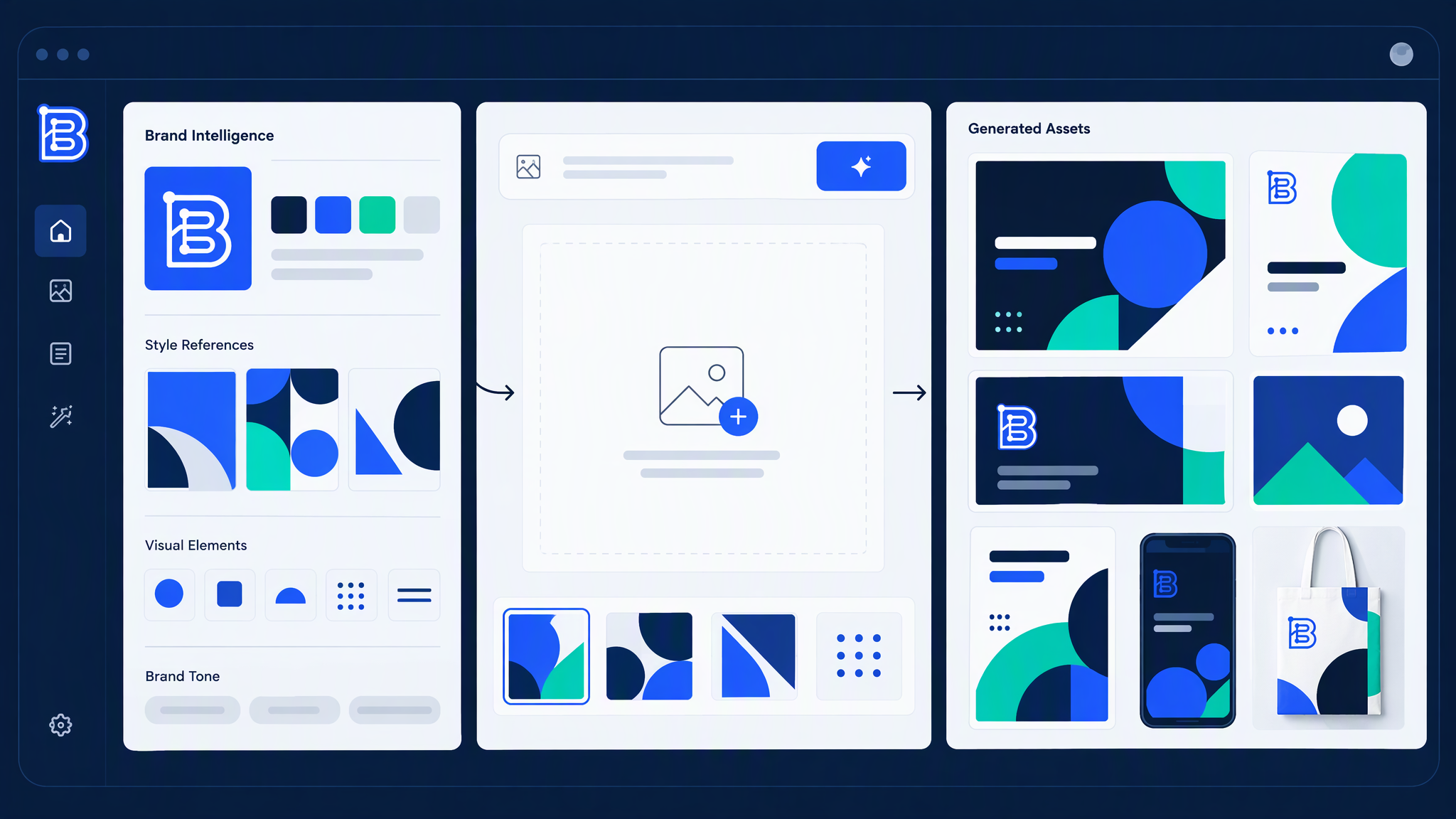
Deep Brand Understanding used to sound clever and still feel optional. That changed. When it is on for a brand, new work in Visual Generator and Creative Mode stays closer to how that brand actually looks and feels, without you restating the whole brand in every prompt.

Think of it as the difference between “here are our colours” and “here is how this brand behaves on a blank canvas.” Deeper brand context, tighter generations, less “almost us.”

It is for brands you have already invested in understanding. Enable it after Brand Intelligence is ready for that brand, then generate as usual. Brandiseer does more of the heavy lifting so you do not have to.

Ready when you are: open Brandiseer, pick a brand with Brand Intelligence ready, enable Deep Brand Understanding, and try your next Visual Generator or Creative Mode run.

Highlights

  • Per-brand: switch it on where you want deeper brand fidelity
  • Helps Visual Generator and Creative Mode stay closer to the brand
  • Built for teams that already run Brand Intelligence
  • Works best after Brand Intelligence has finished learning that brand
  • Flip it on, generate as usual, and judge the next batch

Read update

Library PDF export for print-ready assets

Library PDF export for print-ready assets

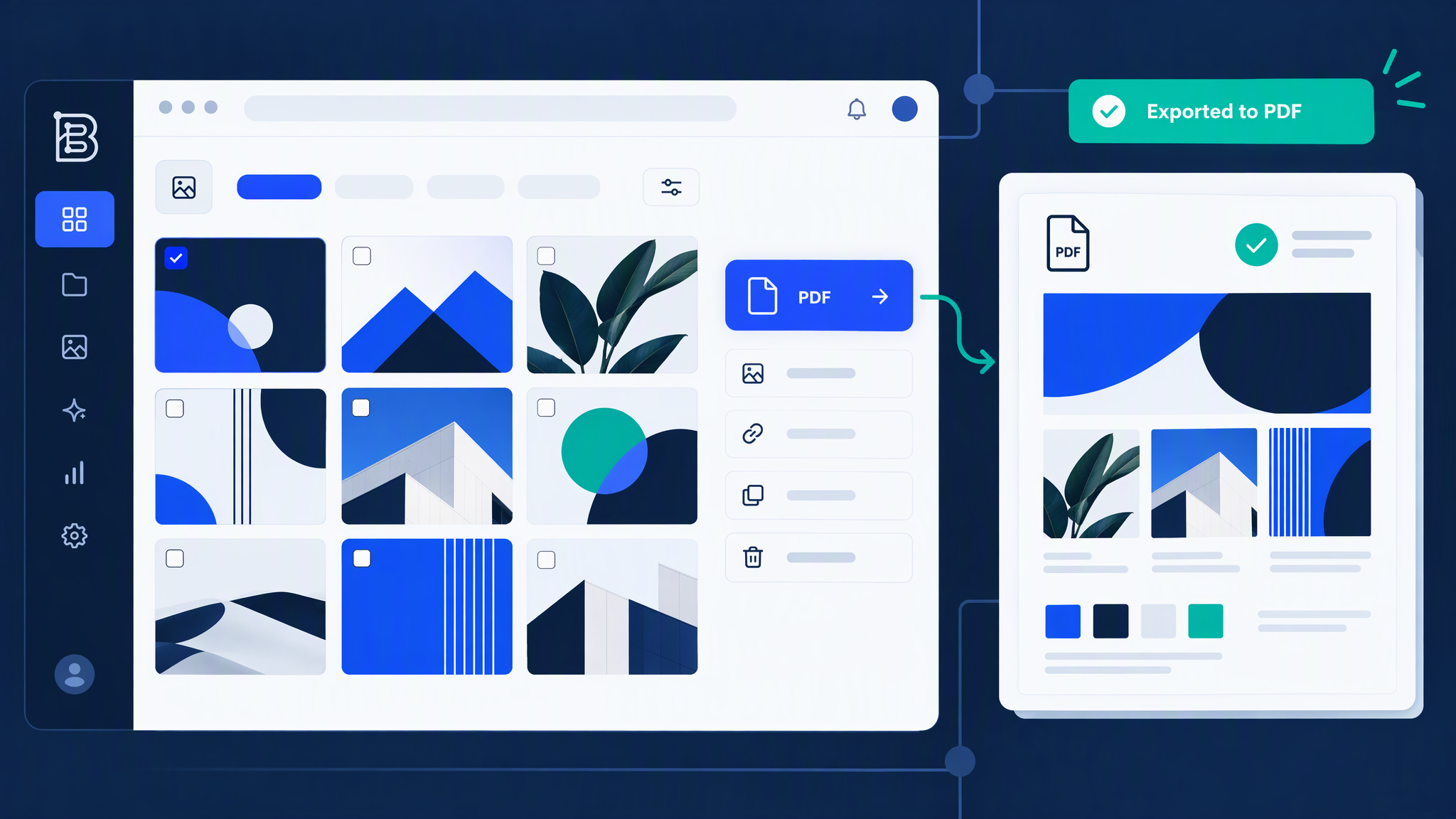
When a Library visual needs to leave Brandiseer for print or a client pack, you should not have to bounce through a third tool just to get a PDF at the right size. Library PDF export turns stills into PDFs that keep the same footprint you generated, from the places you already browse assets.

One honest limit up front: video and SVG are out of scope for this export. Stills in Library are the path. That keeps the PDF path predictable for print and review workflows.

Grab a still from Library, export PDF, and check the size matches what you generated. If it looks right on screen, the PDF should carry that same footprint out the door.

Highlights

  • PDF export for stills at the same dimensions you generated
  • Available from All Visuals, Favorites, Campaigns, API Generated, and preview
  • Built for print-ready handoff without a separate resize detour
  • Video and SVG assets are not included in PDF export

Read update

Ready Format for printable, full-bleed output

Ready Format for printable, full-bleed output

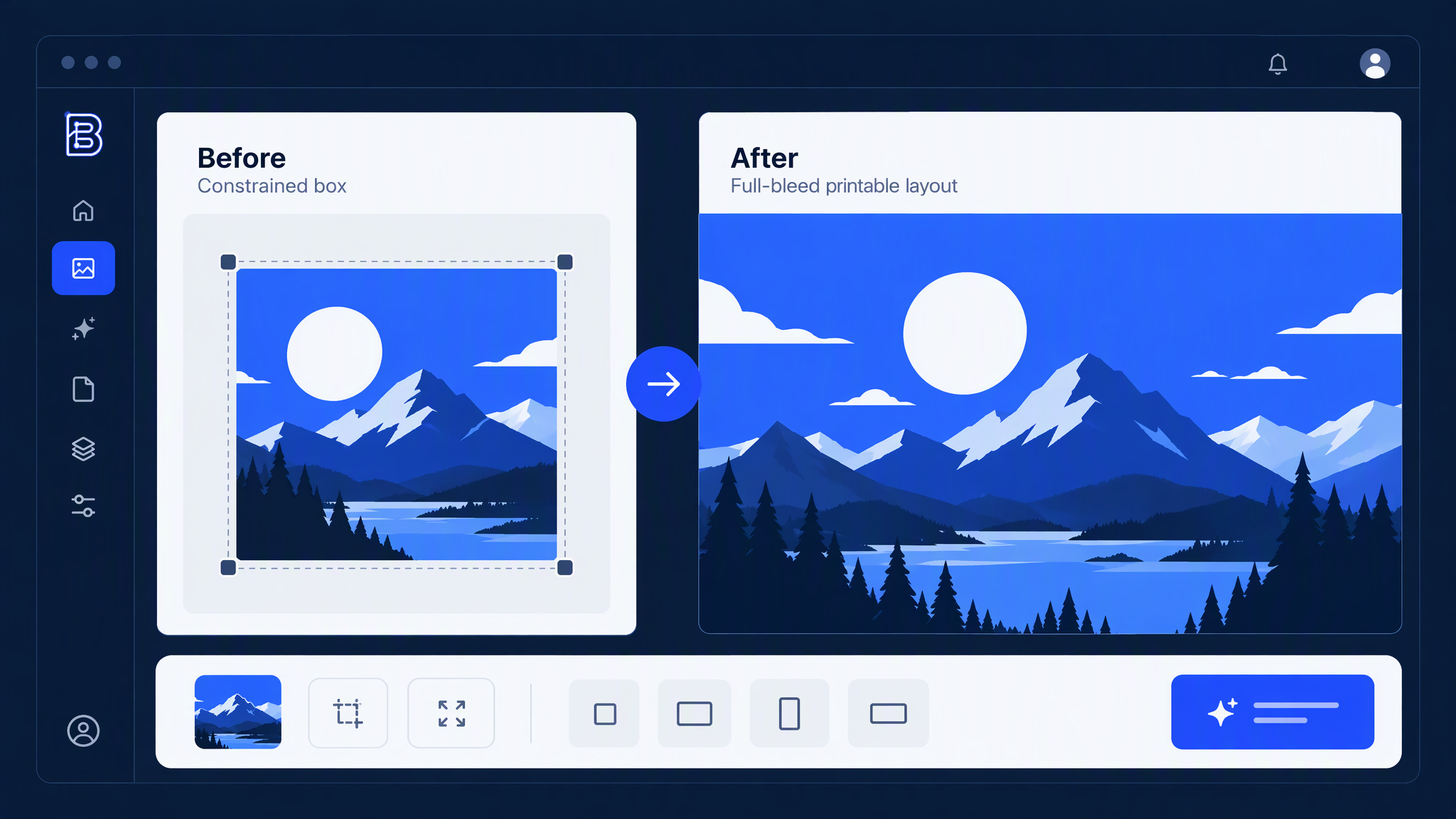
Ready Format should feel like finishing a piece for production, not dropping art into a picture frame. It now aims at printable full-bleed results so the asset you leave with is closer to what a printer or production partner expects.

When you switch image or mode, Ready Format clears cleanly. Less leftover framing from the last pass, fewer “why does this still look mockupy” moments mid-flow.

Take a generation you like, run Ready Format for a print size you need, and judge the bleed on the result. Full-bleed is the point; the mockup frame is no longer the destination.

Highlights

  • Printable full-bleed output instead of framed mockups
  • Built for formats you actually send to print or production
  • Clears cleanly when you change the image or mode
  • Judge the bleed on the result, not a picture-frame preview

Read update

Start on Brandiseer

Save your brand once. Make the next ad or post match.

Upload your colours, logo, and references. Brandiseer uses them on every new image so you are not re-briefing the style each time.