Adobe just put a large slice of its creative toolkit inside Slack. For teams that already brief, approve, and argue about ads in channels, that is exciting. It is also a consistency trap if everyone generates from chat context without a shared brand kit.
Here is the answer-ready line: Slack-based creation is fine for speed; without a shared brand kit, chat-generated ads will drift.
This guide is for SMB marketing leads whose teams live in Slack and ship creatives fast. We will cover what launched (from Adobe's 2 September 2026 announcement and TechCrunch coverage), why it is useful, where consistency breaks, rules before you generate in chat, and when a saved look outside Slack (including Brandiseer) still matters. We will not invent features beyond what Adobe and TechCrunch described.
What launched
On 2 September 2026, Adobe introduced Adobe for Slack, available to Slack Business+ and Enterprise+ customers on desktop, web, and mobile.
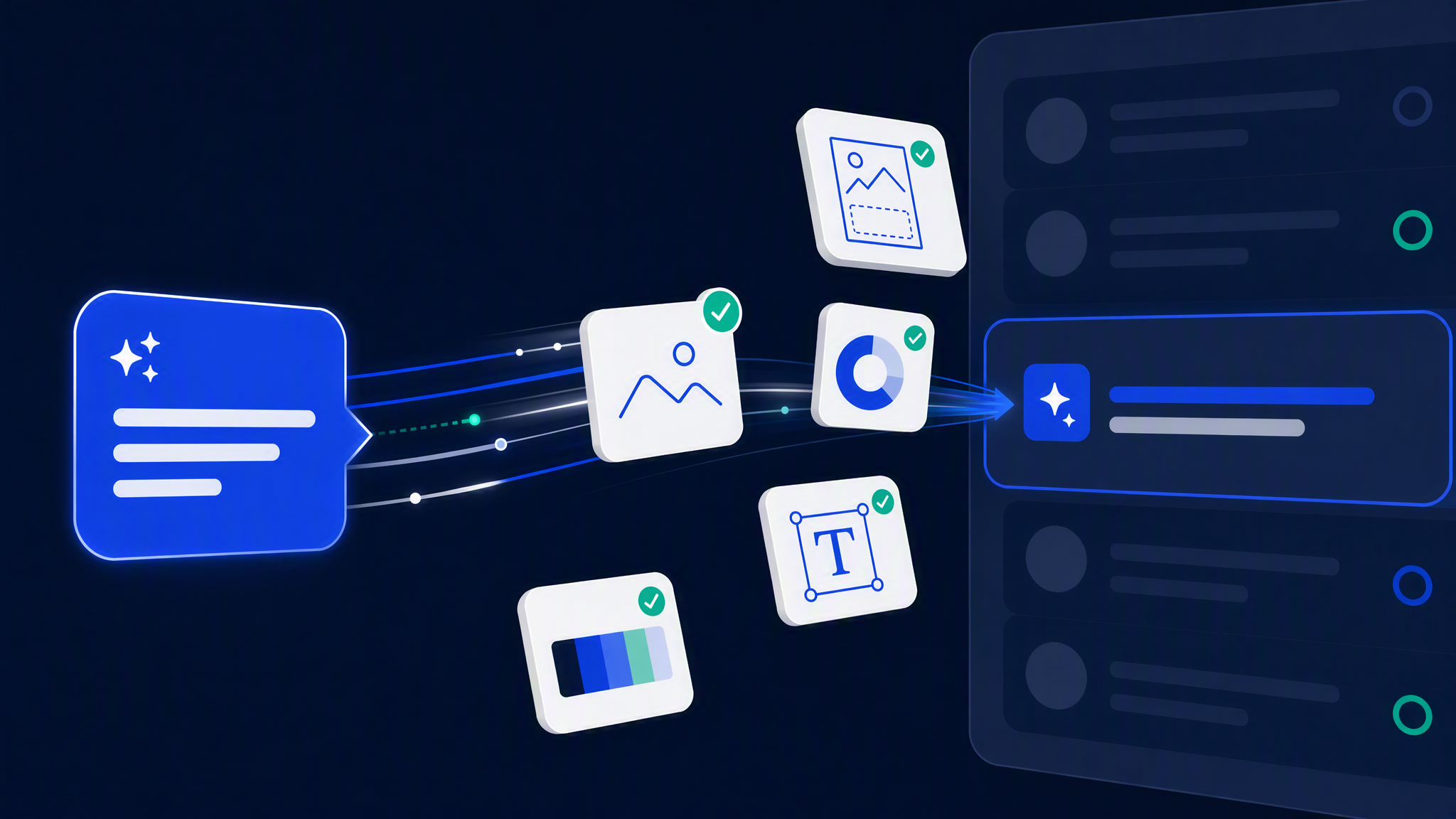
According to Adobe's blog and TechCrunch's report, the integration brings more than 70 pro-grade tools from Adobe's creative and productivity suites into Slack. Named examples include Firefly, Adobe Express, Photoshop, Premiere, Acrobat, InDesign, Illustrator, Stock, and Lightroom.
How it works in practice, per Adobe:
- Install the Adobe app in Slack.
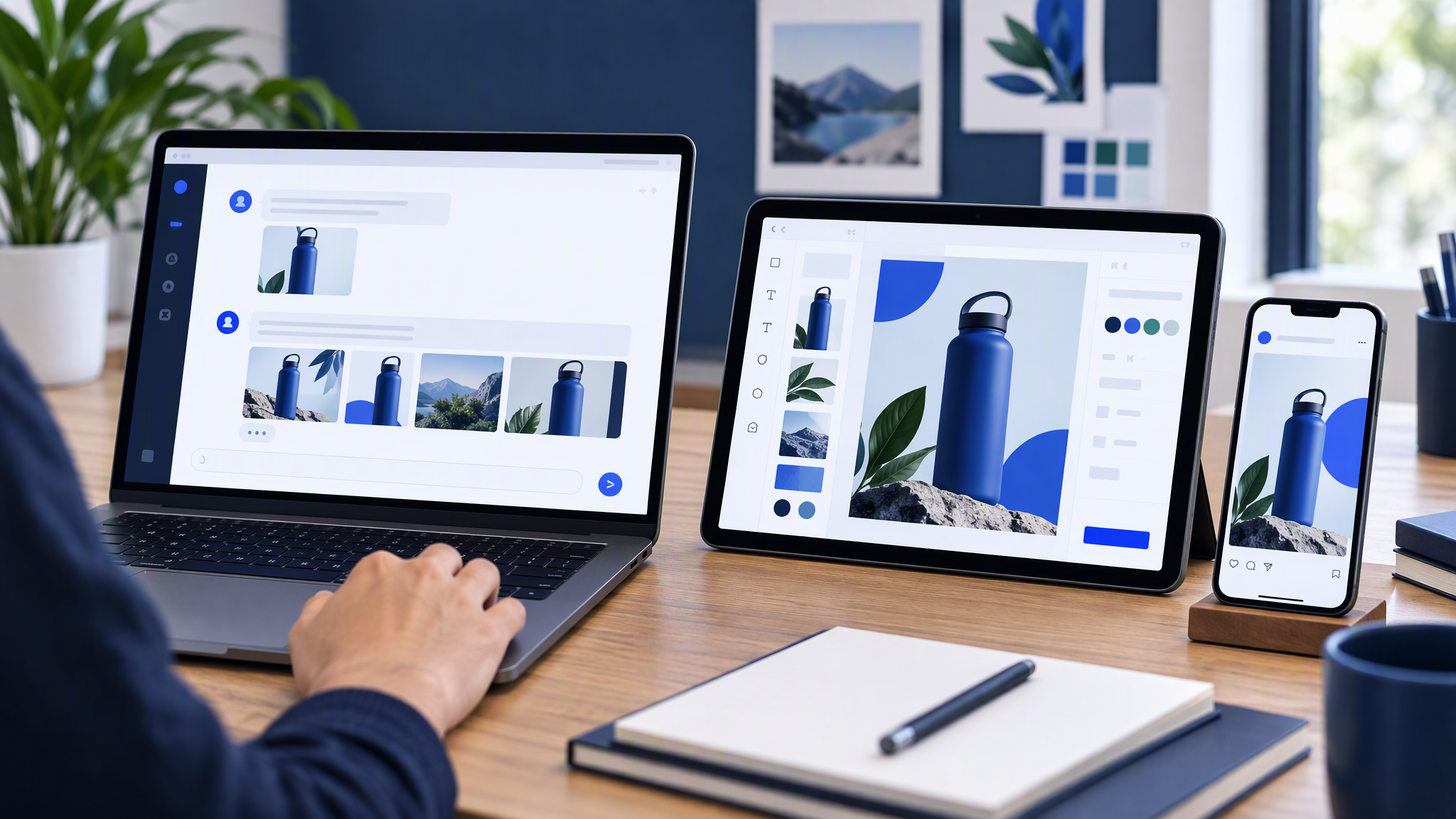
- Describe the outcome you want in your own words to Slackbot.
- Slackbot calls on the right Adobe tools to help create or refine the work.
- Slackbot can pull relevant context from conversations, files, channels, and Canvases so the Adobe app can draw on that context as you create.
Adobe's examples include turning project plans and conversations into PDFs, images, and videos; searching Creative Cloud assets by subject, style, or mood; adapting approved campaign creative across social sizes; browsing design templates; turning spreadsheet data into shareable visuals; and refining batches of images (backgrounds, lighting, crop, resize) from Slack.
Adobe also notes you can continue in flagship apps when you need more control. Users can start without an Adobe account; signing in unlocks additional tools, generative AI capabilities, Creative Cloud file access, and continuity across sessions. Adobe positions the launch as part of a wider push to bring its tools into AI chatbots people already use (ChatGPT, Claude, Copilot, with Gemini called out as coming soon).
TechCrunch similarly reported that Slackbot takes in conversation context while calling Adobe tools, and that the launch is limited to Business+ and Enterprise+ at the start.
That is the product as announced. Everything below is what marketers should do with it.
Why useful
Marketers will use Adobe for Slack for the same reason they already live in Slack: the brief is already there.
Fewer tab switches. Campaign feedback, asset links, and "can you make a square version?" often start as messages. Creating or resizing beside that thread removes export-upload-redesign loops.
Context is the pitch. Adobe emphasises pulling from conversations, files, channels, and Canvases. A summarised brief becoming a first visual draft inside the same tool is genuinely useful for speed.
Familiar Adobe jobs, closer to chat. Resizing approved creative, cleaning photo batches, searching past Creative Cloud assets, and building share-ready PDFs are real weekly tasks. Doing them without leaving Slack helps teams that already pay for Business+/Enterprise+ and Adobe habits.
Collaboration stays in-channel. Drafts can return to the thread for comments instead of disappearing into someone's desktop folder.
Speed is a real win. Treat it as a production accelerator, not as automatic brand discipline. Chat does not know your brand unless you give it an approved look to follow.
Where consistency breaks
Chat-based creation invents a new failure mode: pretty assets that match the last message, not the brand.
Context is not a brand kit. A Canvas brief might mention "bright and energetic." Slackbot plus Adobe tools can interpret that as neon one day and soft pastels the next. Conversation tone shifts. Outputs shift with it.
Everyone can generate. When seventy-plus tools sit behind natural language in a channel, more people create. That is good for throughput. It is bad if only one person used to touch the Brand Kit and everyone else now ships from vibes.
Last asset wins. Teams paste a draft into the channel. The next person "makes it punchier" from that draft. Three rounds later you have a cousin of the homepage, not a match. Approval becomes "looks fine in Slack dark mode," not "matches our kit beside the website."
Templates without governance. Adobe describes browsing thousands of design templates and customising copy and colours. Templates are fast. Without locked colours, logo rules, and references, template culture becomes a new dialect every campaign.
Multi-tool drift. The same week someone generates in Slack, someone else edits in Express on the desktop, and a freelancer delivers Canva files. If there is no shared kit above all three, Slack only accelerates mismatch.
Plan and access gaps. Adobe for Slack needs Slack Business+ or Enterprise+. Generative features and Creative Cloud continuity improve when users sign in. Partial rollouts (some teammates signed in, some guests, some on different Adobe entitlements) create uneven quality and uneven brand control.
None of this means you should avoid the integration. It means speed without a kit produces volume you will later regret.
Rules before generate in Slack
Write these rules once. Pin them in the marketing channel. Enforce them before Slackbot becomes your busiest designer.
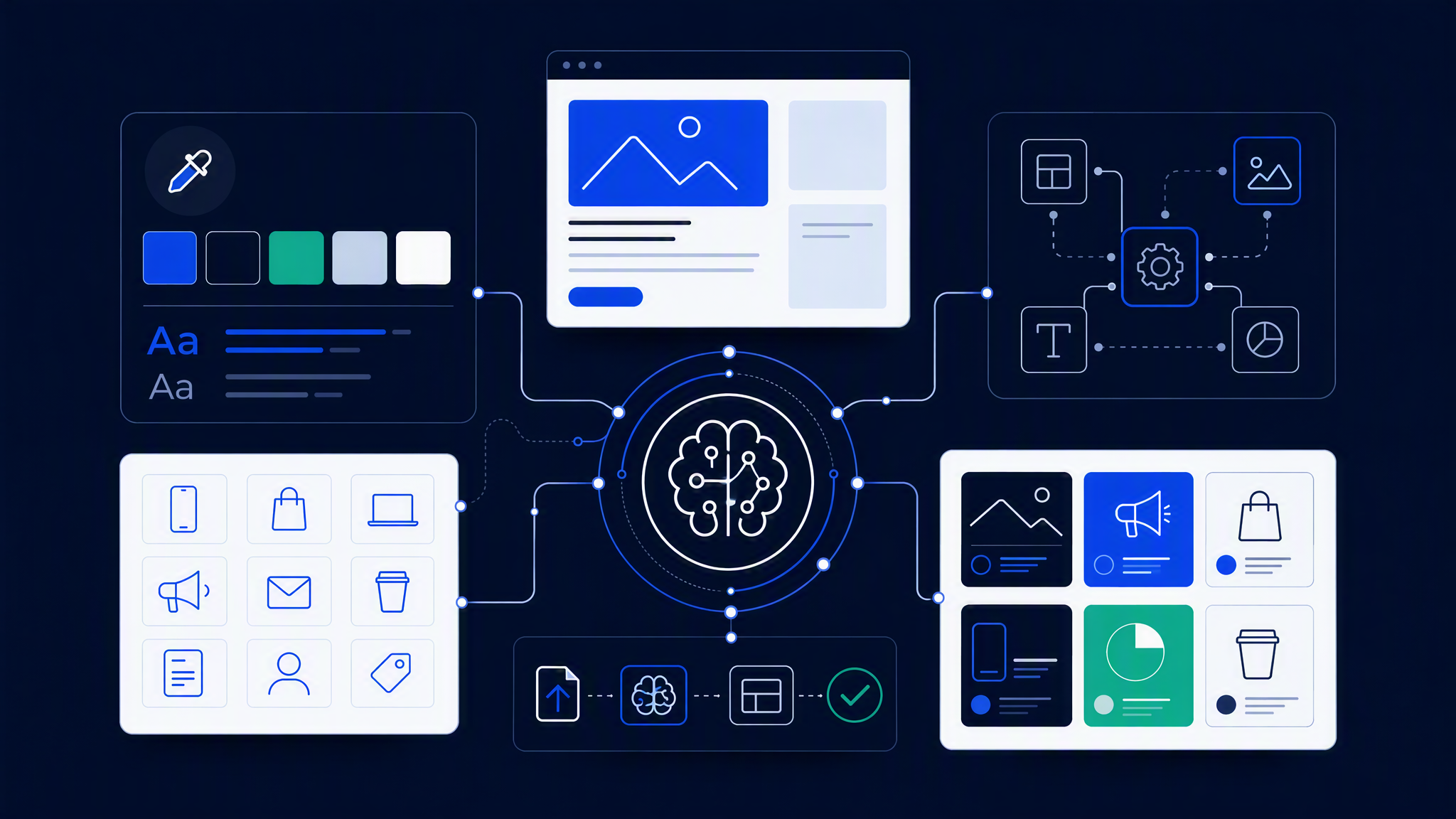
1. Kit before chat. Colours, logo files, fonts, and three to five reference images live in one approved place. Nobody generates campaign finals from memory of "our blue."
2. Name the job, not the mood. Prefer "resize approved hero to story safe zones" or "same product on soft grey field" over "make it pop" or "more premium." Vague adjectives invite new dialects.
3. Start from approved masters when you can. Adobe's own story includes adapting approved campaign creative and searching Creative Cloud for past assets. Prefer that path over inventing a new scene from a chat summary every time.
4. Review in a grid, not one thumbnail in a thread. Drop three to five outputs beside the website and last week's social. Ask: same company in three seconds?
5. Limit who can ship. Anyone can draft. Only named roles publish paid ads or customer emails. Draft speed without publish gates is how mismatched creatives reach customers.
6. Campaign accents need an end date. If chat invents a temporary stripe or prop set, label it and kill it when the campaign ends.
7. Do not let Canvas tone rewrite the brand. Pulling conversation context is powerful for copy and facts. It should not silently redefine lighting, palette, or logo behaviour.
If your team cannot follow those rules yet, pilot Adobe for Slack on internal drafts and low-stakes social first. Turn on paid and email after the kit habit is real.
When Brandiseer/saved look matters outside Slack
Adobe for Slack is a strong place to create when your company already pays for the right Slack plan and people think in threads. It does not, by itself, guarantee that every teammate and every other tool shares one look.
A saved brand look still matters outside Slack when:
- You also use Canva, Google tools, freelancers, or agencies
- Not everyone is on Business+/Enterprise+ or signed into Adobe
- You need the same kit for email, ads, and social whether or not the brief started in a channel
- Chat context keeps inventing moods and you want generation that starts from locked logo, colours, fonts, and references
Brandiseer helps when you want that look saved once and applied when you generate new ads and posts, including for people who are not working inside Adobe's Slack flow. Upload the kit. Give the team access. Use Slack for speed and collaboration; use the shared look so chat-generated work does not become a second brand.
Stay inside Adobe + Slack alone if your creatives truly stay in that ecosystem, Creative Cloud libraries are disciplined, and one owner reviews grids before publish. Add a kit that travels across tools when reality is messier, which it is for most SMBs.
FAQ
Is Adobe for Slack free for all Slack users?
No. Adobe's announcement says it is available to Slack Business+ and Enterprise+ customers. You can start without an Adobe account; signing in unlocks more capabilities.
Does it replace Photoshop or Express?
Adobe describes creating and refining in Slack, then continuing in flagship apps when you need more control. Treat it as workflow-native access, not a full desktop replacement for every job.
Should we enable it for the whole company on day one?
Enable for marketing and design pilots first. Expand after kit rules and publish gates exist. Broad access without a kit is how channels fill with mismatched pretty images.
What is the single biggest risk?
Generating from conversational vibe instead of an approved brand kit, then treating channel emoji reactions as brand approval.
Speed is optional. Matching is not.
Adobe for Slack is a real speed upgrade for teams already collaborating in Business+ or Enterprise+ workspaces. Use it to turn briefs into drafts and to resize approved work without leaving the thread.
Do not confuse that speed with brand control. Slack-based creation is fine for speed; without a shared brand kit, chat-generated ads will drift. Lock the kit, name the shippers, review grids, and keep a saved look that still works when the next tool lands in chat.