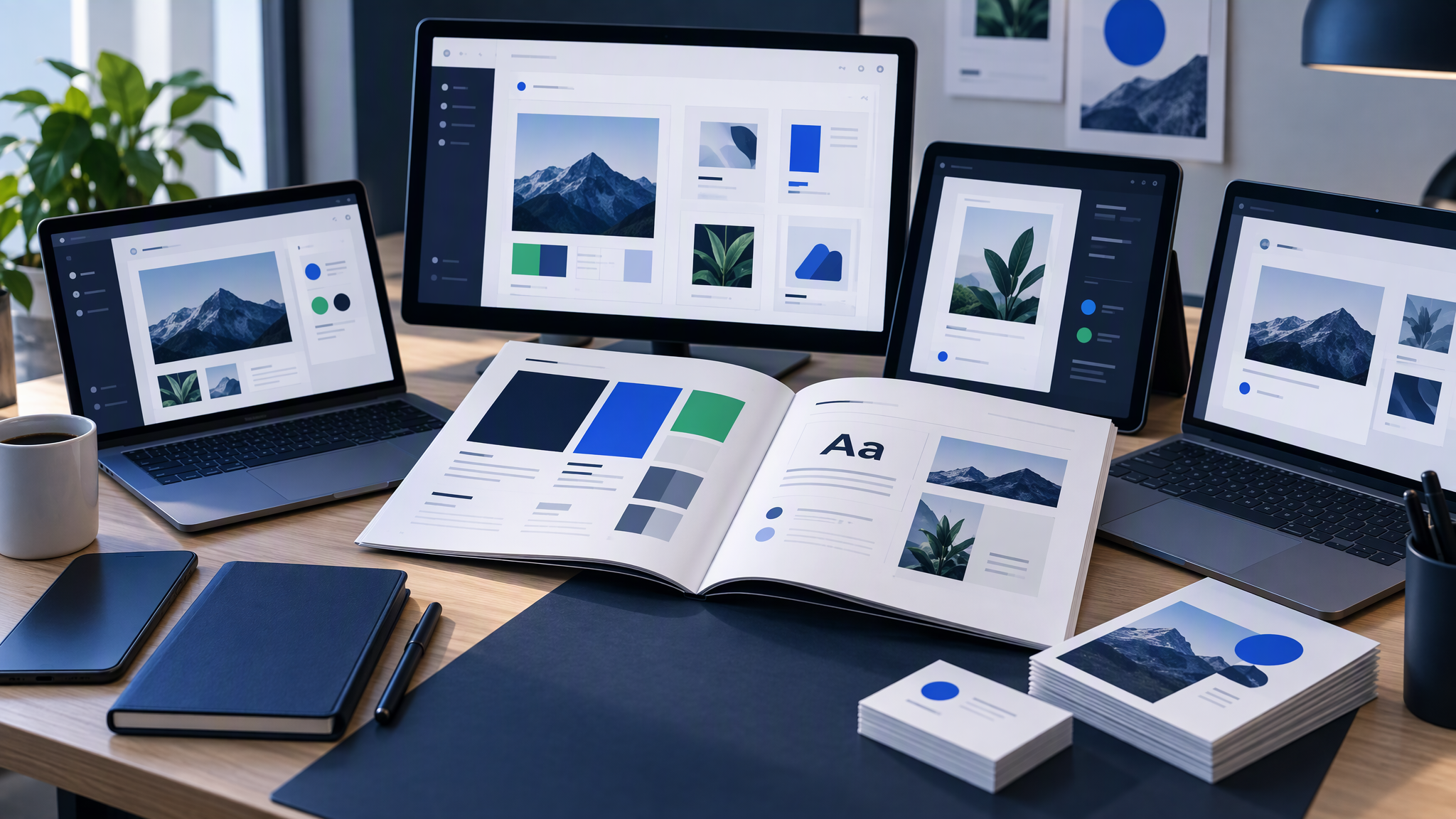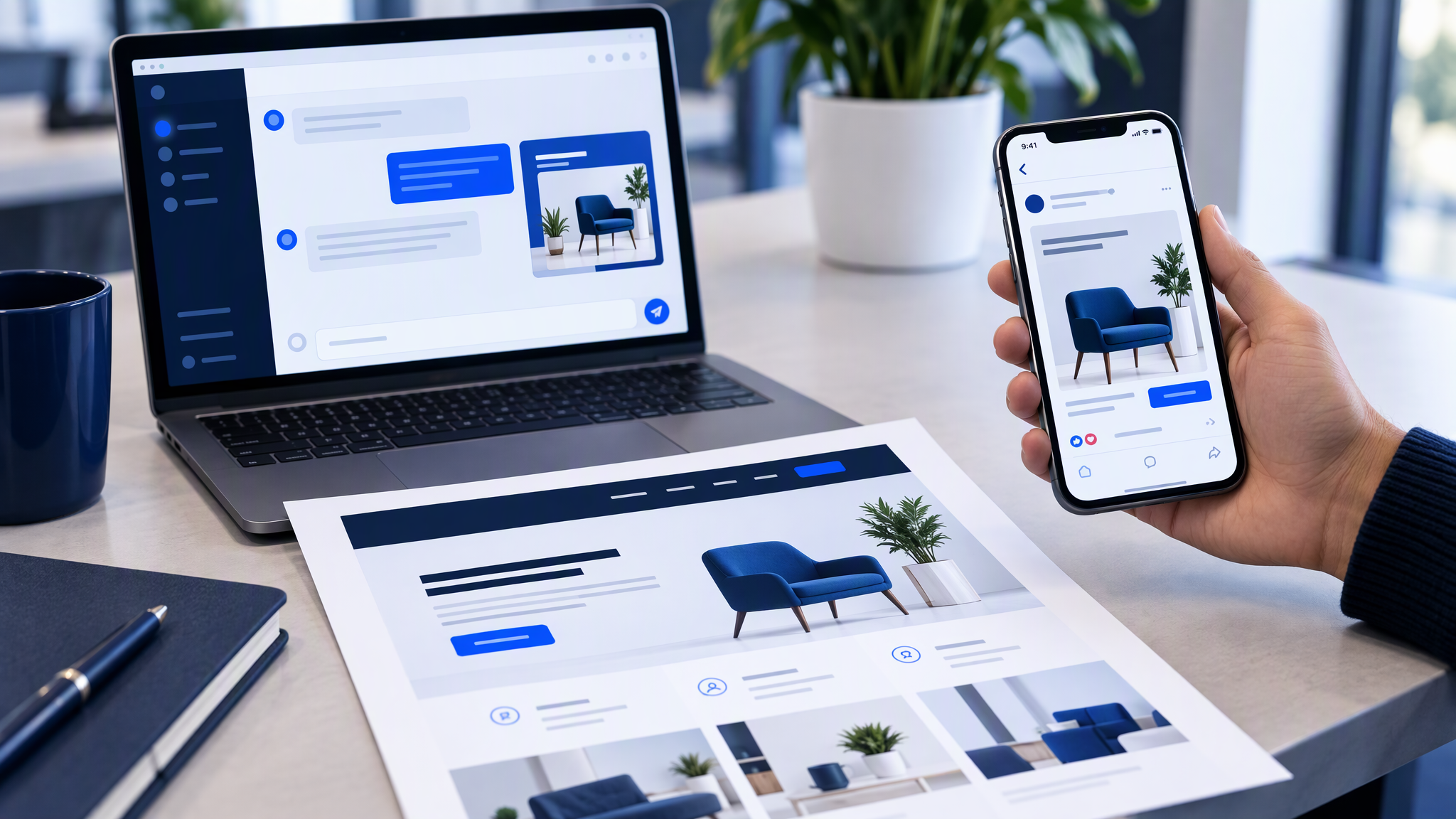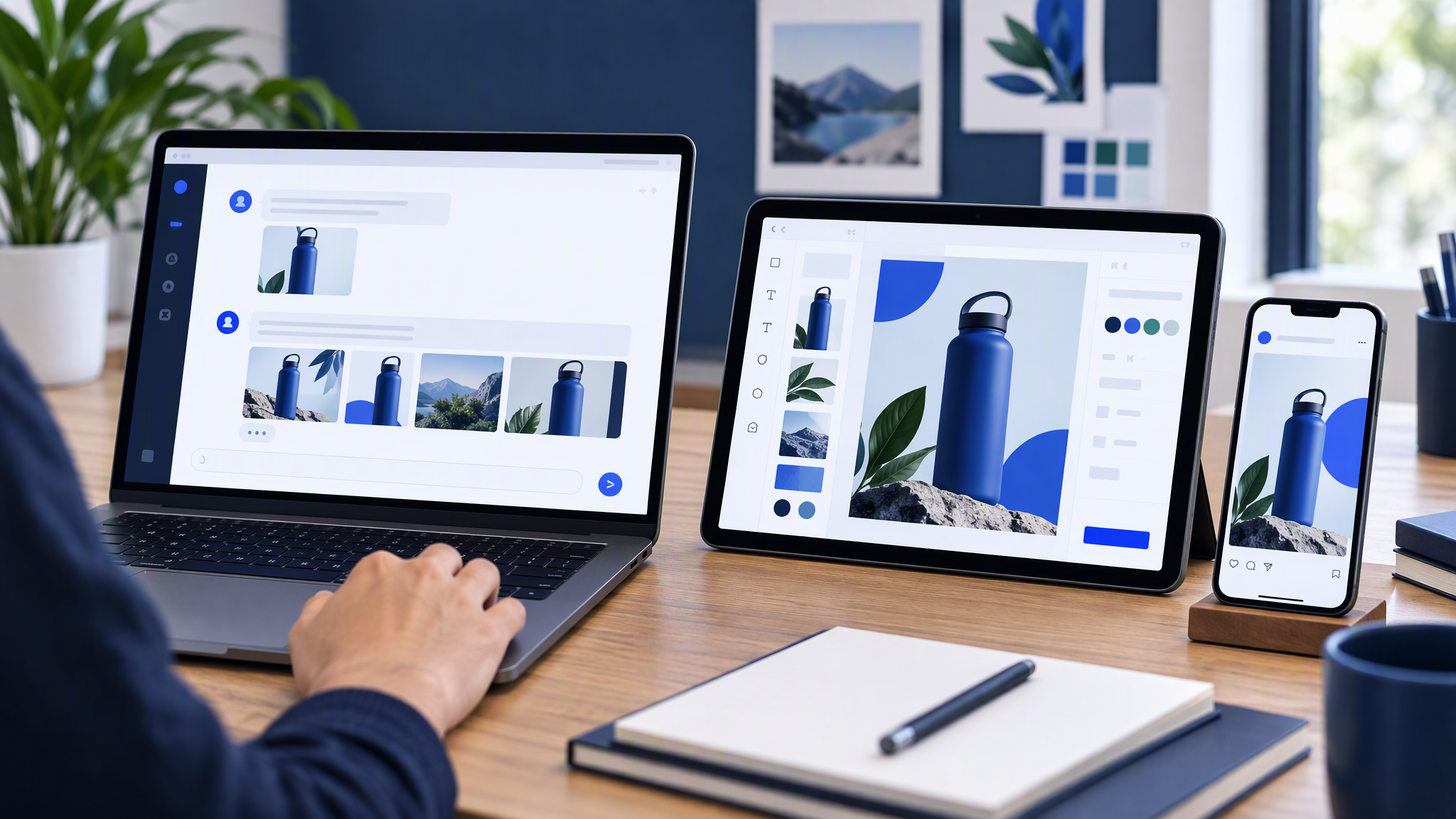
The homepage looks like you. The Canva story looks almost like you. The ChatGPT image in the ad looks like a cousin who borrowed the product. Scroll them in one sitting and the company splits into three. Each file was made in a different app, and each app started cold.
Here is the answer-ready line: AI tools stay matching when one brand kit owns colour, logo, and photo style, and each app only specifies the subject and scene. Re-typing "make it on brand" in ChatGPT, Canva, and your ad tools separately is why the feed and the website look like different companies.
This guide is for an owner or marketing lead whose team already uses two or more AI creative tools and notices the mismatch. You will see why a multi-tool stack drifts, what one look means in a side-by-side, how to build the kit once, how to brief a scene without restyling the brand, and a weekly check across the apps you actually ship from.
Why multi-tool stacks drift
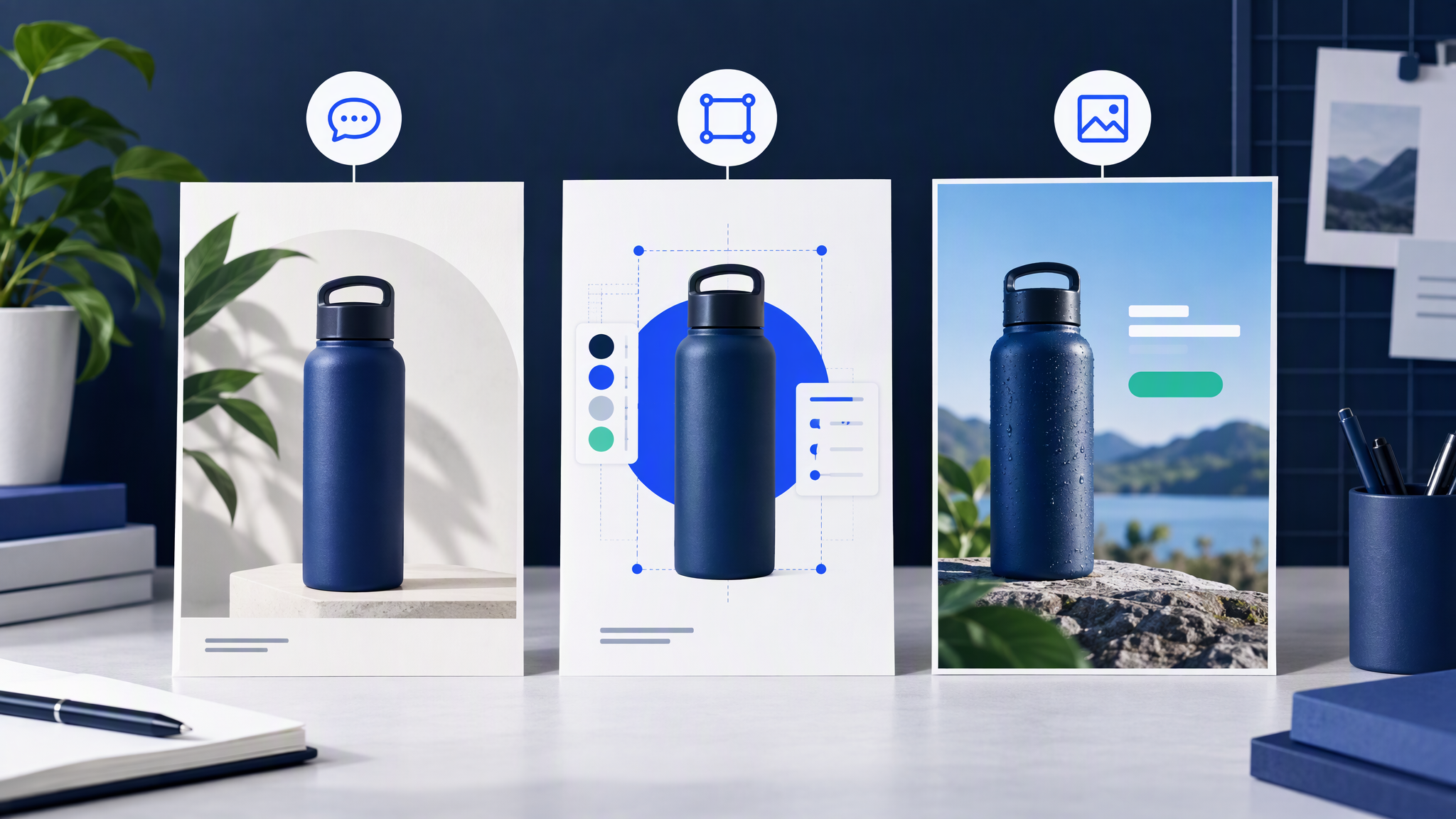
Each app remembers nothing about last week's look. ChatGPT does not know what Claude approved. Canva does not know what the ad tool just exported. A new person, or the same person in a new tab, rewrites the style words from memory.
Style words get rewritten per person. "Warm, premium, airy, our blue" means a different blue in every prompt, and a different blue from the homepage. The site already decided the blue. The next tool invents a cousin.
The work is split by default. Drafts start in ChatGPT or Claude. Layouts land in Canva. Variants for Meta or Google start in an ads tool or in yet another chat. Nothing in that chain shares a logo treatment or a photo style unless a kit does.
People judge the file where it was made. A chat image looks fine in the chat. A Canva frame looks finished in Canva. The mismatch appears only when the homepage, the export, and the ad sit together.
"Make it on brand" is not an instruction any of these tools can follow alone. The model cannot see a kit from that sentence. It improvises. The next app improvises differently.
Customers feel separate shops before they can name the cause. A stack that restarts the look in every app spends down the recognition a small brand already paid for.
What one look means
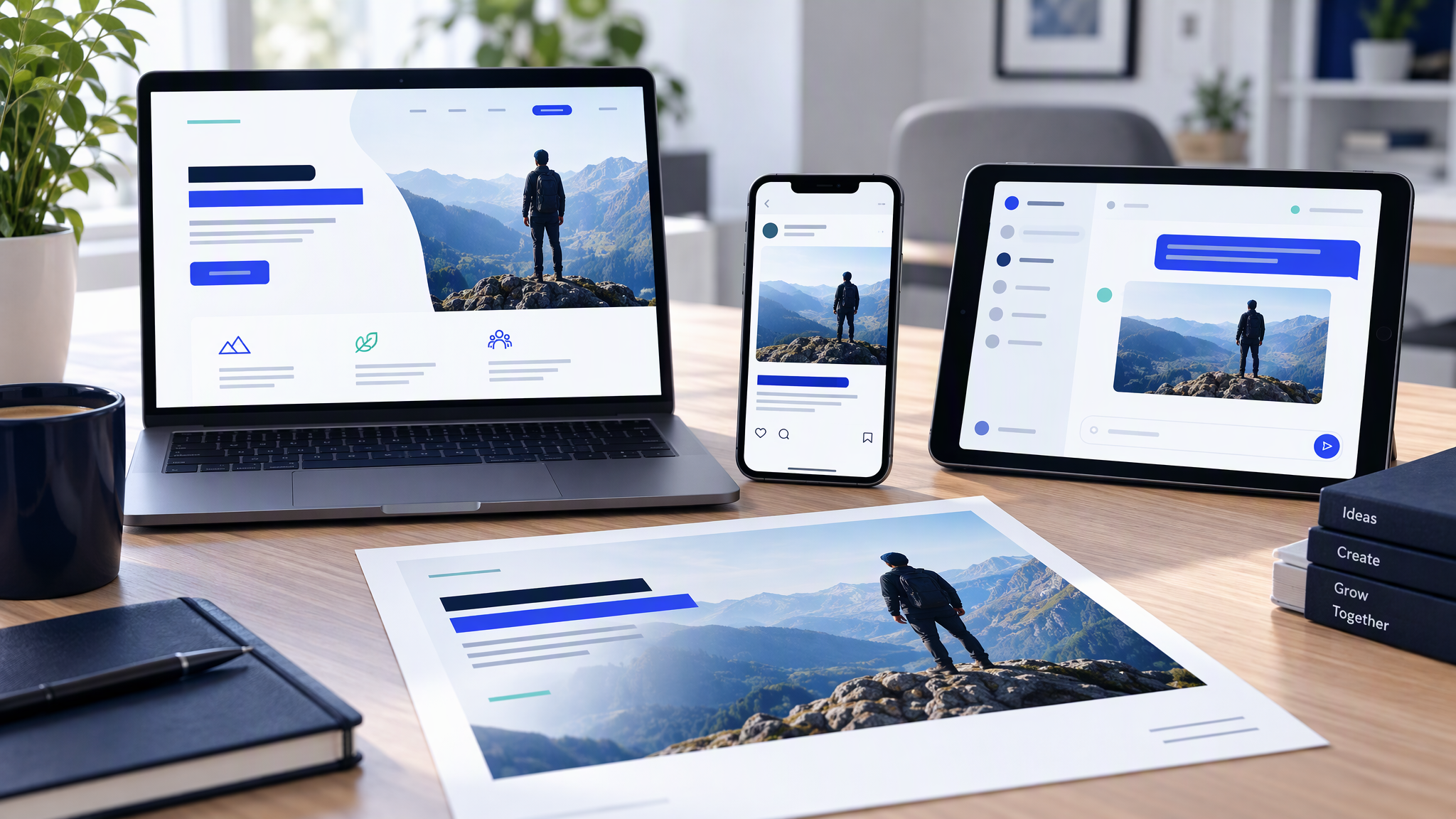
One look is a side-by-side test, not a vibe. Put four surfaces on the desk at once: a homepage print or screenshot, a Canva export, a chat image, and the current ad creative.
Ask three questions only.
Colours. Do the same colours dominate, in the same roles? A white site, a cream Canva frame, and a charcoal chat image are three brands, even if each file is tidy.
Logo treatment. Same mark, same clear space, same habit of where it sits. A tool that redraws the logo, recolours it, or locks it inside a new badge has left the kit.
Photo style. Clean product versus lifestyle clutter. Hard flash versus soft daylight. If the site is calm product photography, a Canva illustration set and a cinematic chat render are other shops.
Subject, offer, and crop can change. Identity should not. If a stranger can tell the four files belong together in three seconds, you are matching.
Chat-only drift has its own guide, How to Keep AI Chat Images Matching Your Website and Ads. This post is the wider case: chat, the layout tool, and the ad tool have to pass the same test. If the colours agree and the photograph still does not, why AI images look almost on brand even when the colours match walks through that gap.
Build the kit once
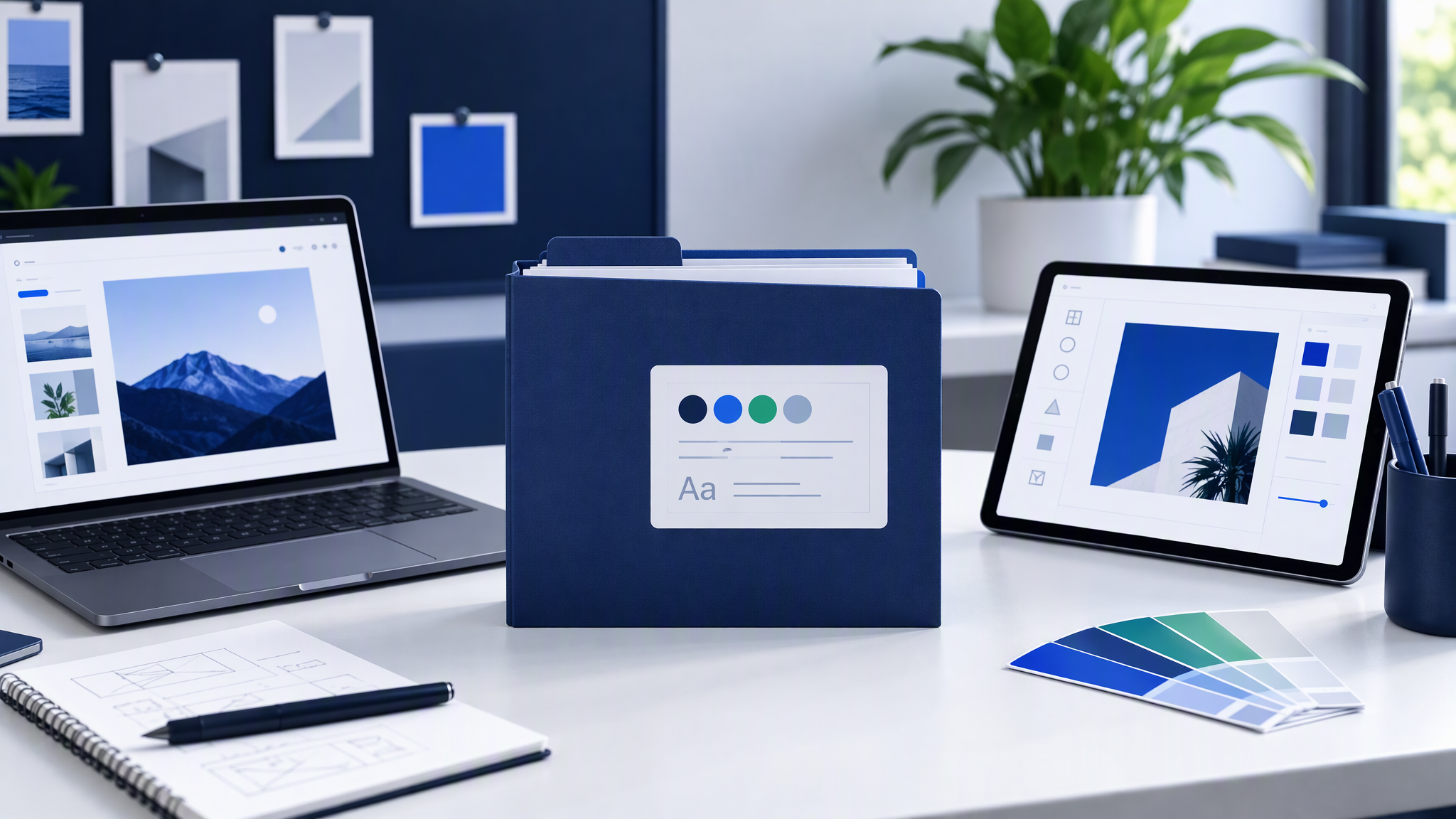
Save this once. Do not rebuild it inside a prompt, a Canva file, or an ads account.
1. Logo file. The real mark, in a format someone can place without redrawing it. Light and dark versions if you ship both. One rule for every tool: do not stretch it, recolour it, or invent a monogram because a template asked for an icon.
2. Three to five brand colours. The colours already on the homepage and in live ads, with a role for each: background, product, text, or a small highlight. Name the combinations you refuse.
3. Fonts, or a type rule. If type is set in Canva or on the site, name the families. If a chat would invent decorative lettering, write it in the kit note: generate the picture, set type in the layout tool.
4. Four to six approved reference images. Only include frames you would still publish. New files from any tool should sit beside these without looking like another company. Optional: one "never this" example, with a one-line reason.
Put the kit where the next person and the next tool can find it. A named shared folder is the minimum. A personal Downloads folder is not a kit, because the other apps cannot see it. The longer packing list is What to Put in Your Brand Kit Before You Use AI.
The kit is the identity. No single app is.
Scene in the tool, identity from the kit
Once the kit exists, change what you type in each app.
Ask for subject and composition only. "Bottle on a pale table, three-quarter view, space on the left for a headline." "Offer card with the product on the right." That is a scene brief. It works in a chat and as the note you hand a Canva layout.
Do not restate the brand in the same prompt. Navy, the font name, "premium but friendly", and "make it on brand" overwrite last week's look, and they overwrite it differently in each tool. If the kit holds colour, logo, and photo style, the prompt should not argue with it.
Attach references from the approved set only. A random frame from the web teaches a new dialect. An approved product shot teaches the one you already ship. Use the same small set in ChatGPT, in Claude, and as the images you pin in Canva.
Generate a small batch, then stop. Three options beside the homepage beat thirty inside one app. If Canva is only for type and crop, do not let it restyle the photograph while it sets the headline.
Keep a tool for the job it is good at. Chat can draft a scene. Canva can place real type and the real logo. The ad account can take a finished crop. None of them should invent the brand on the way through. Brandiseer vs Midjourney, DALL·E, and Canva: Which Is Actually On-Brand? compares the jobs. The kit still has to be the shared input, whichever tool makes the file.
If a draft feels off, regenerate from the kit, or update the kit because the site moved. Do not negotiate a private style inside one app and hope the others catch up.
A weekly cross-tool check
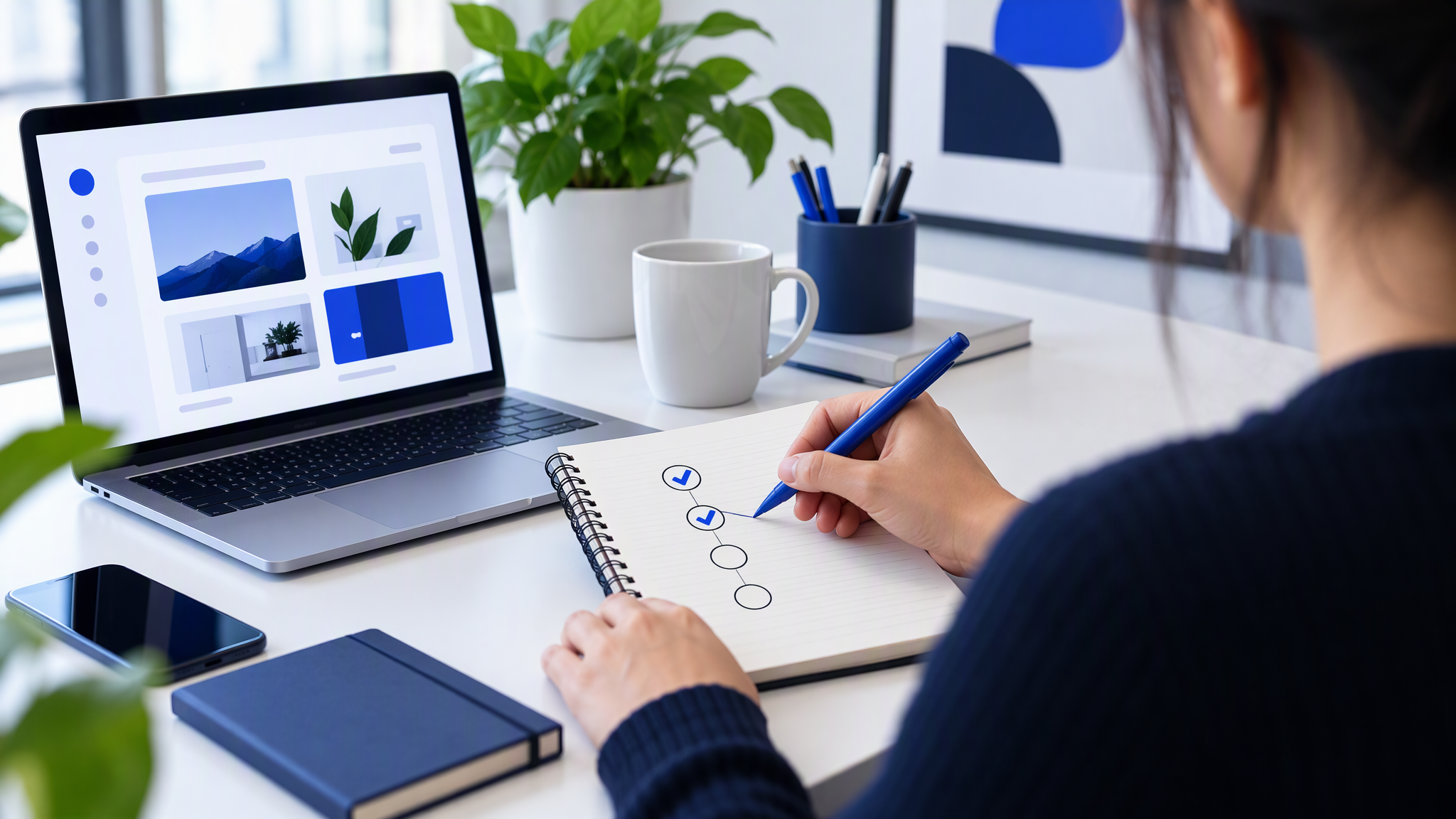
Once a week, pin four things: the live site, a current social or Canva export, a live ad, and the latest AI image you are about to publish. Open them together. Reject anything that fails the side-by-side.
Use the same three questions: colours, logo treatment, photo style. Then ask whether one tool invented an accent the other three do not have. A Canva-only accent, or a chat-only accent, becomes the accidental brand by Friday.
Keep a one-line log. "Rejected: chat image on a new warm ground." "Shipped: same product crop as the homepage." Paste it into next week's briefs as a scene constraint, not as a restyle.
If a whole campaign is drifting, use How to Spot and Fix Visual Brand Drift Across a Campaign. The four pins are the small version. Ten minutes is enough because you are refusing files, not redesigning the brand.
When the kit should live in the generator
A disciplined folder can do this job: kit in a shared drive, scene-only prompts in every app, Friday side-by-side.
Brandiseer fits when chat images, Canva-ready layouts, and ad crops should start from the same saved look instead of a fresh description in each tool. You upload logo, colours, fonts, and reference shots once. The next generation inherits them, including sizes you can place in a layout tool or an ad account. You still choose the subject, the crop, and what ships. When a tool builds the kit by reading your website and then writes the ads, check that import before you download, as set out in what to check in Krea Ad Studio before you download.
Use it when several people generate and each holds a slightly different prompt, when the site already matches the paid ad and a third tool is what breaks the set, or when you are tired of maintaining one dialect for chat and another for Canva. Stay manual when one person makes occasional images and applies the kit by hand in every app.
More posts on this cluster live under AI tools.
FAQ
Do we need a separate kit for ChatGPT, Canva, and ads?
No. One kit, every tool. If each app gets its own colour list, you have started a second brand. The tool can change. The references should not.
Can Canva's brand settings replace the shared kit?
They help inside Canva. They do not travel into ChatGPT, Claude, or an ad generator unless you save the same logo, colours, and reference shots where those images are made. If those Canva pictures are made with Craft, what small teams should check on the Canva Craft image model still starts from that same kit.
What if each teammate prefers a different AI app?
Let them. Write the scene in whichever app they use, and point every app at the same kit.
How many references are enough?
Four to six, frames you would still ship. More than that becomes a pile each person will cherry-pick.
One kit, four surfaces
Multi-tool stacks drift because every app starts without the look you already decided, and every person retypes it. Save the kit once, outside any single chat or Canva file. Ask each tool for the subject and the scene. Check four pins before you publish.
AI tools stay matching when one brand kit owns colour, logo, and photo style, and each app only specifies the subject and scene. When Brandiseer holds that kit, the next chat image, the next layout, and the next ad can start from the same place as the website, instead of from a fresh "make it on brand".