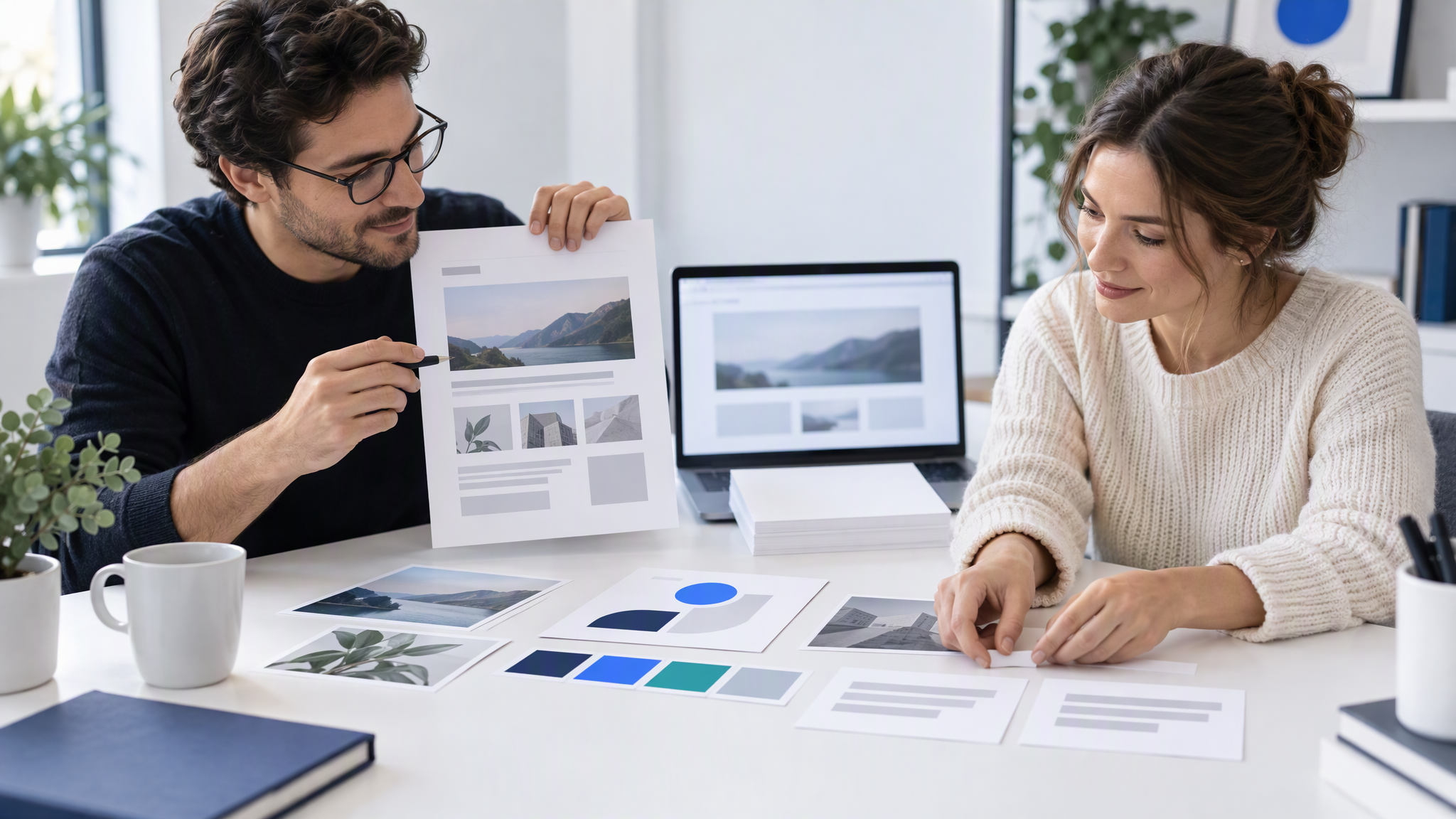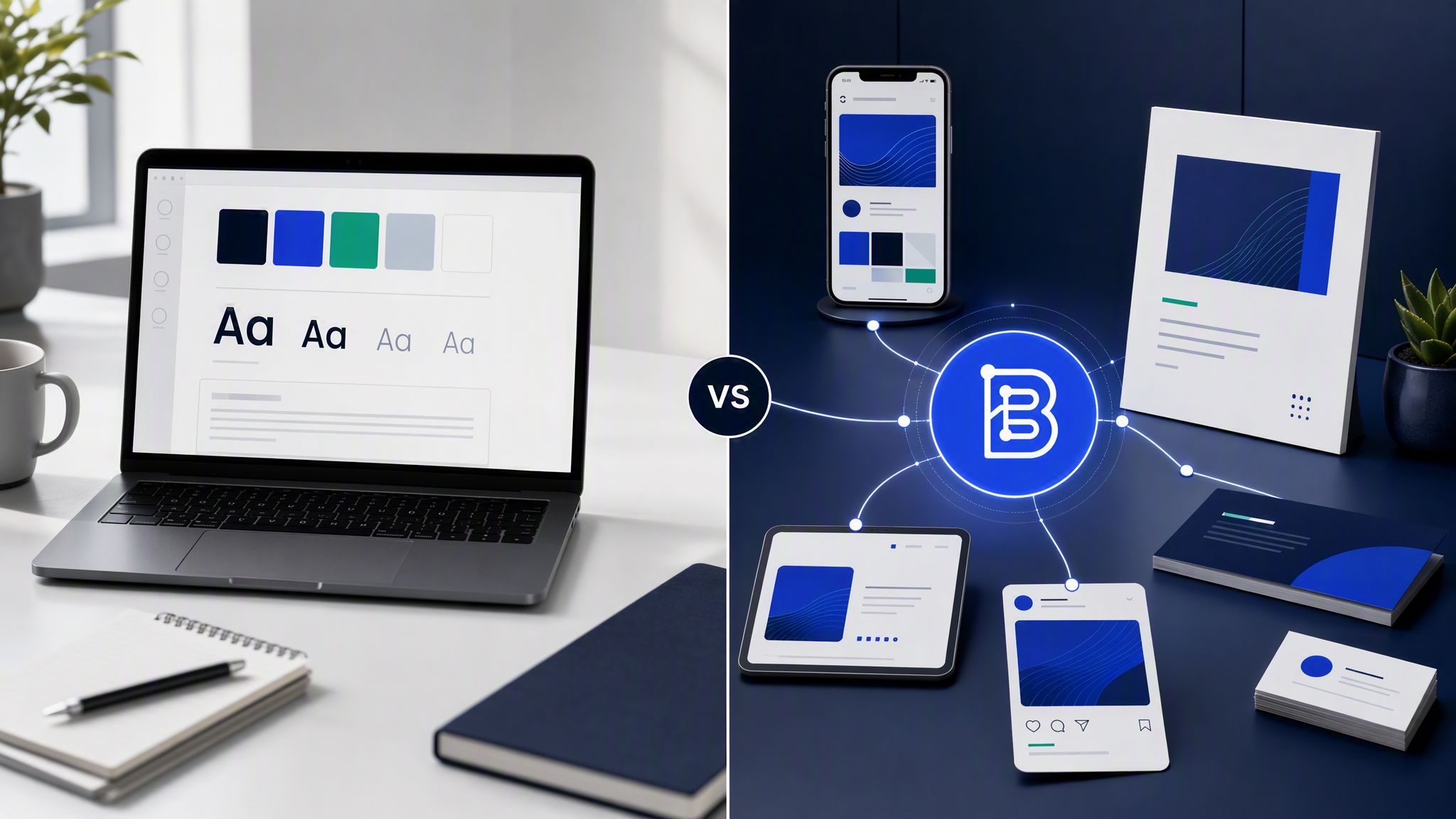
Canva teams usually adopt Brand Kit for a good reason: colors stop drifting, fonts stabilize, and logos stop living in random Slack threads. Then volume rises. The feed still looks like a collage of almost-branded templates. The kit did its job. The job was never automatic generation from identity.
This is a head-to-head for teams already inside Canva. Canva Brand Kit helps humans stay consistent; generative brand memory makes the model stay consistent without template edits. Both can coexist. They solve different steps in the same marketing week.
How Canva Brand Kit works in practice
Brand Kit is a shared set of brand assets inside Canva: logos, colors, fonts, and often related files your plan allows. Teammates building a design can pull from that set instead of uploading from desktop each time. On team plans, admins can lock brand elements so people do not casually invent a new palette.
Day-to-day workflow looks like this:
- Open a template or blank design.
- Apply brand colors and fonts from the kit.
- Drop the logo where the layout suggests.
- Swap images, rewrite text, nudge spacing.
- Export and schedule.
That flow is fast compared with starting in Illustrator. It is still a human assembly flow. The kit reduces mistakes. It does not invent the composition from your brand profile and a plain-language job request.
What Brand Kit reliably improves:
- Color and font consistency when people use it
- Logo access and basic brand hygiene
- Onboarding speed for non-designers who need a safe palette
What it does not remove:
- Template selection as the creative starting point
- Manual layout work for every asset
- Drift when someone picks an off-brand stock photo or a trendy template family
- Time cost that stacks across a full campaign calendar
If your team is disciplined, Brand Kit looks excellent in a single file. Discipline is a process. Process frays under deadlines.
What Canva Brand Kit does not automate
The gap shows up when you ask for ten assets by Friday that must look like one company and not like ten Canva templates wearing your hex codes.
No automatic inheritance on generation. Canva is not generating from a living brand memory the way a brand-locked generator does. You assemble. The kit assists.
No protection against template dialect. Two posts can use correct brand colors and still read as different visual systems because the underlying layouts come from different template families. Color lock is not composition lock.
No multi-person prompt-free consistency for AI output. If part of your team also uses Midjourney or other generators beside Canva, Brand Kit does not travel with those tools. You get a branded editor and a separate AI lane that resets style every time.
No "describe the job, get the asset" production lane. Marketing ops language is "summer sale carousel," "webinar LinkedIn cover," "retargeting ad set." Brand Kit helps once you are already designing. It does not replace the design step with brand-aware generation.
Those limits are not a failure of Canva. They are the boundary of a template-and-editor product. Trouble starts when teams expect Brand Kit to behave like generative brand memory.
What AI that remembers your brand does differently
Generative brand memory stores logo, colors, fonts, and reference assets as a profile the model applies on every request. You describe the marketing job. Output inherits identity without browsing a template shelf or pasting a style paragraph into a prompt.
For a Canva-heavy team, the practical differences are:
- Starting point shifts from template to brand profile plus job
- Consistency shifts from "did the human apply Brand Kit?" to "did the profile load?"
- Volume shifts from minutes of assembly per piece toward faster generation with review
- Onboarding shifts from "here is how we use Canva" toward "here is the shared brand profile; request the asset"
You still review. You still reject weak hierarchy or wrong crop. You stop paying the full rebuild cost every time someone opens a blank or a near-miss template.
Brandiseer is built for that memory model. It is not a Canva clone. It is the production lane for original on-brand assets when template fatigue or AI drift is the bottleneck.
When to keep Canva (and Brand Kit)
Keep Canva when the work benefits from manual assembly:
- Dense one-pagers with unusual structure
- Event graphics that need precise object placement
- Collaborative editing where multiple people move elements live
- Quick text swaps on a locked layout you already love
- Teams whose primary skill is Canva fluency, not generation workflows
Brand Kit remains valuable in those cases. It is the hygiene layer for human editing. Do not rip it out because generative memory exists. Use it where humans are the assembler.
Also keep Canva as a finishing tool when a generated asset needs a last manual tweak and your team already knows the editor. Hybrid stacks are normal. Loyalty to one logo is optional. Clarity about lanes is not.
When Brandiseer wins for volume
Move recurring branded volume to generative brand memory when:
- You ship many social, ad, or deck assets that must match
- Template sameness is becoming a brand risk
- AI experiments filled a drive with pretty off-brand one-offs
- Founders or marketers generate without a designer on every ticket
- New teammates should not need a secret Canva template map to stay close
A practical split for Canva teams:
- Keep Brand Kit current for anything still built in Canva.
- Upload the same core identity into Brandiseer as the generative profile.
- Generate weekly channel sets in Brandiseer; review as a grid.
- Drop into Canva only when a piece needs heavy manual surgery.
- Feed approved winners back into references so memory stays honest.
That split respects what Brand Kit already does well and stops asking it to be an automatic generator.
A side-by-side week for a Canva team
Abstract comparisons stall. Run one week as a test.
Monday: Refresh Canva Brand Kit and upload the same logos, colors, and fonts into Brandiseer. Confirm both sources match.
Tuesday: Build two social posts the old way in Canva from templates. Generate two equivalent jobs in Brandiseer from the brand profile. Put all four in one grid.
Wednesday: Ask someone who did not design them to identify which pair looks more like "one brand" and which pair looks more like "two templates." Do not reveal the tool labels first.
Thursday: Time both workflows for a five-asset mini set (three social, one ad, one deck cover). Include review cycles. Record where brand comments appear.
Friday: Decide lanes. Keep Canva for the formats that needed heavy manual moves. Assign recurring volume to generative memory if the grid and the clock voted that way.
This test beats a feature webinar. It uses your brand, your formats, and your reviewers. If Brand Kit alone already produces a coherent grid at acceptable speed, keep leaning on it. If the grid reveals template dialect or the clock reveals assembly tax, you have evidence for a hybrid stack.
Common objections from Canva-first teams
"We already trained everyone on Canva."
Keep that training for assembly work. Training people to request assets from a brand profile is shorter than training them to police template drift forever.
"Brand Kit locks are enough."
Locks reduce palette chaos. They do not invent compositions from identity or stop template sameness across a feed.
"Generative tools make weird layouts."
Review and reject. Weird one-offs are cheaper than a month of on-brand-looking templates that still feel generic. Update references when winners ship.
"We cannot add another tool."
Then accept the cost of the current bottleneck explicitly: minutes, review cycles, and recognition risk. Adding a lane is optional. Pretending Brand Kit is generative memory is not.
FAQ
Is Brandiseer a Canva replacement?
No. It replaces the "produce many original on-brand assets" lane. Canva still wins for hands-on template editing and collaborative layout work.
Can Brand Kit and generative memory share the same logos and colors?
Yes. Use one source of truth for files, then load them into both tools. The difference is how each tool applies them.
Will generative memory make our Canva skills useless?
No. Those skills still matter for finishing, exceptions, and complex layouts. They matter less as the only path to weekly consistency.
Run the head-to-head on your next campaign
If Brand Kit already cleaned up colors and fonts, keep it. If the feed still looks like templates or AI one-offs, add generative brand memory for volume. Canva Brand Kit helps humans stay consistent. Generative brand memory makes the model stay consistent without template edits.