
The PixelDojo brand kit, added on 27 October 2026, is built by pasting your website address. As of October 2026, PixelDojo says your logo, colours, fonts, voice and selling points load in and apply to every ad, and that the first colour leads every design. Check each field before saving.
This is for a small business owner, or the one person who runs the ads, who has seen "brand kit from your website" tools and wants to know whether importing the site is safe to rely on before the Black Friday and Christmas push. PixelDojo is an AI image and video platform. Marketing Studio is the part of PixelDojo where, as of October 2026, PixelDojo says you make image ads, motion graphics and video ads. The kit is the logo, colours, fonts, voice and selling points those ads are meant to follow.
Should a small team build its brand kit from its website in PixelDojo?
Try it if your website is up to date and you make lots of image or motion ads: as of October 2026, PixelDojo says the import loads your logo, colours, fonts, voice and selling points, and makes up to eight image ads at a time. Check every field before you save, because PixelDojo's guide says the first colour leads every design. If your site is old, or you sell on behalf of other brands, build the kit by hand instead. The announcement gives no price, so check your plan first.
What PixelDojo launched on 27 October 2026
PixelDojo's changelog for October 2026 is the account this post uses. The entry dated 27 October 2026 is "Marketing Studio: brand kit, image ads, motion graphics". The steps are in PixelDojo's Academy guide, "Brand kit, image and motion ads". OpenTools' item, "PixelDojo adds website brand kits to image ads and motion graphics", is secondary context. As of October 2026, claims about what the product does are what PixelDojo says. This post has not tested the pictures.
As of October 2026, PixelDojo says the PixelDojo brand kit is built from your website. Your logo, colours, fonts, brand voice and selling points load in, and you can edit any of them before you save.
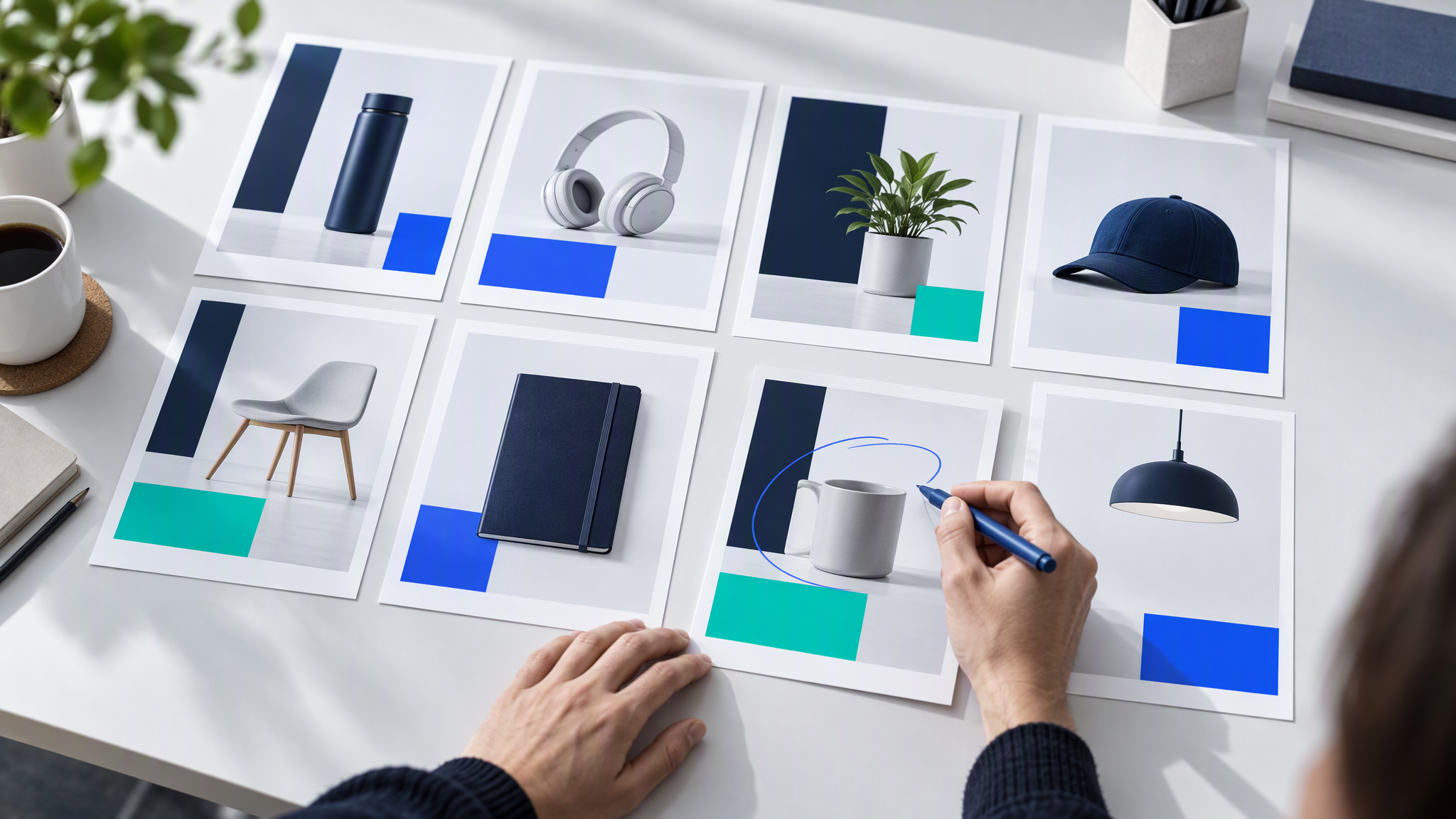
As of October 2026, PixelDojo says Image mode is for static ads, product shots, posters and marketplace listings, up to 8 at a time, with the headline spelled exactly. PixelDojo says "pure white listing images are ready to upload". PixelDojo also says there is a template gallery.
As of October 2026, PixelDojo says motion graphics cover kinetic headlines, count-ups, feature callouts, price drops and logo stings. PixelDojo says an Ad multiplier rebuilds a working ad with your product and your brand, and that video ads can close on a brand end card. PixelDojo says the same kit works in Sensei, its assistant, and through the API and the MCP.
That list is what the changelog names, as of October 2026. Magnific One and ElevenLabs, from earlier in October, are in Magnific One and ElevenLabs Launch AI Brand Kits. What Small Teams Should Save Before Using Them. Canva Craft is an image model, covered in Canva Craft Image Model: What Small Teams Should Check.
How a website import becomes a brand kit
PixelDojo's Academy guide, as of October 2026, says you open Brand kit, paste the website address and choose Import. The logo, the colours, the fonts, the voice and the selling points load as fields you can read.
Check each field, edit anything that is wrong, and save. PixelDojo says a brand chip shows the kit is on. PixelDojo says the saved kit then applies to image ads, motion graphics and video ads, so the same fields are in every format you make next.

The Academy guide says one to eight designed ads at a time. The changelog says up to 8. As of October 2026, both lines are PixelDojo's. If the first colour is wrong, the batch repeats it. Save after you have read every field.
What the PixelDojo announcement does not say
As of October 2026, the changelog and the Academy guide give no price, no plan and no credit cost. OpenTools notes that gap. Check the plan you already pay for before a sale weekend. This post adds no price.
As of October 2026, these sources include no independent test of the pictures. Look at the first batch next to the live website.
OpenTools notes that importing a website address is not permission to reuse someone else's logo or photos. Paste an address only for a site you are allowed to publish from. An import does not create a right in a photographer's pictures, a font or another brand's logo.
Five checks on any imported brand kit before you generate
Run these five checks on any kit a tool builds from a website, including a PixelDojo brand kit. Do them before the first batch, while the fields are still easy to edit.
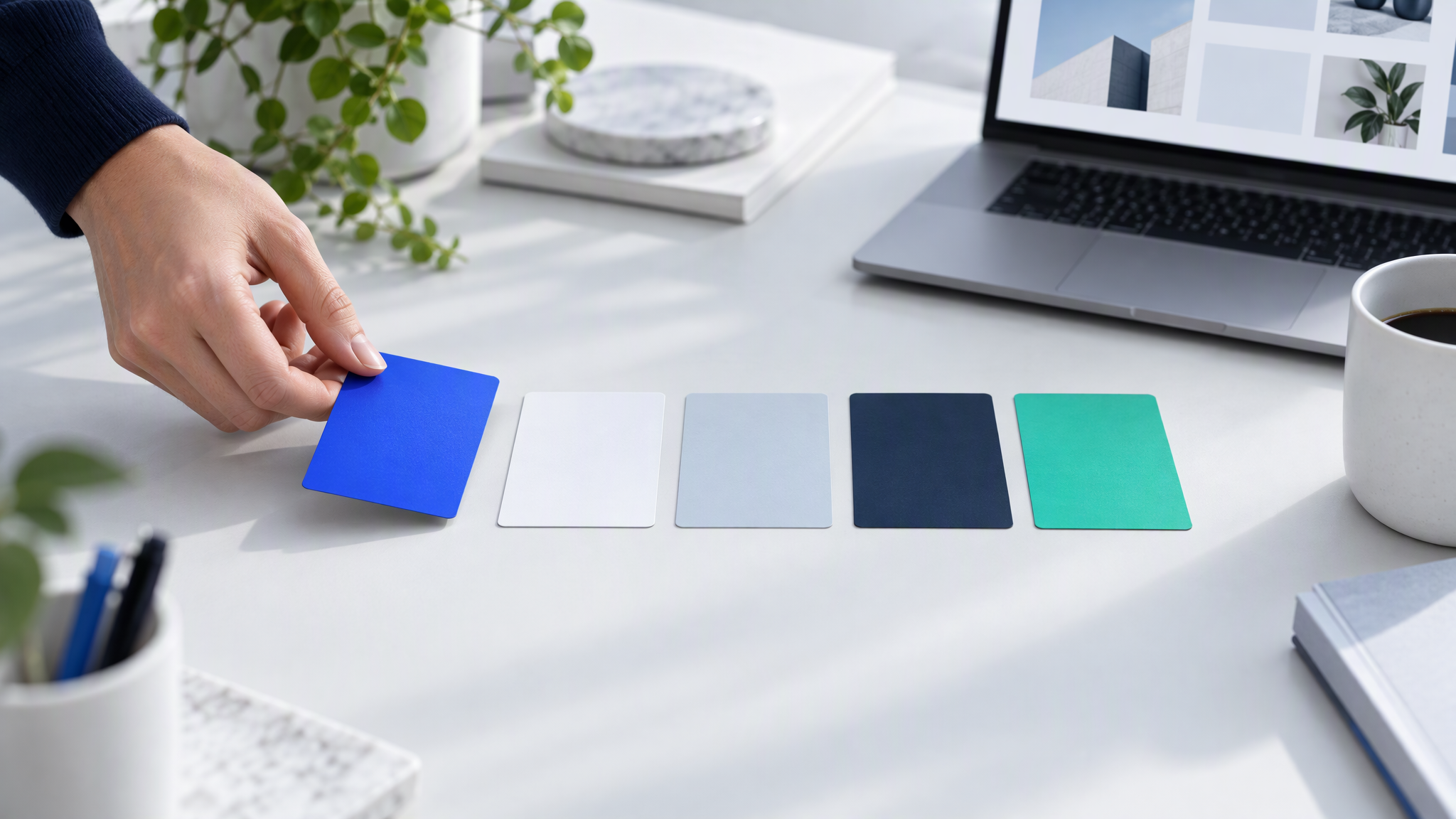
The lead colour has to be the colour you actually use. PixelDojo's guide says "The first color leads every design". As of October 2026, if the import put a footer grey, or the background of a photo, in the first slot, every ad follows that grey. Swap it for the colour on your buttons and headings.
The logo is the current file, and it is sharp. Compare it with the logo on the site you would send a customer to today. A blurry header or last year's icon will repeat on every ad and on the end card.
The fonts match the website. Name the heading font and the body font you already use. If the import picked a fallback, correct it before you save.
The selling points are current, and they are true. Read each line as if it were a paid ad tomorrow. An expired offer or a product you no longer sell does not belong in the kit. "Free delivery over £40" stays only while that offer is real.
The voice reads like you. Short, and in the words you use with customers. Edit a paragraph that sounds like another company before you save.
The same five checks work in any tool that imports a website. The first colour is the costly one to get wrong, because PixelDojo says it leads every design.
Keep one master kit across PixelDojo and your other tools
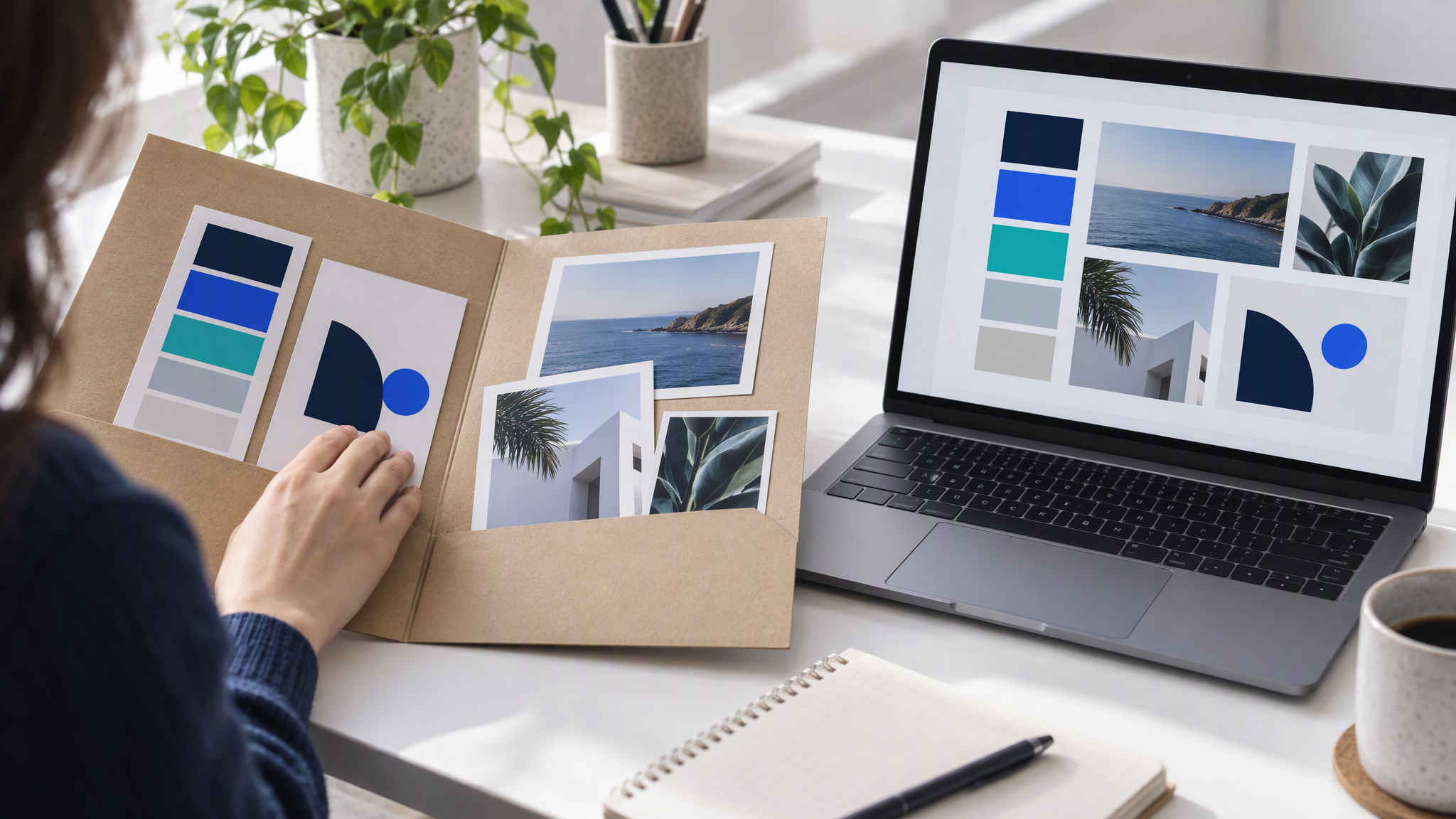
A site import is a copy. Keep one folder as the source: logo files, colours with a job each, two fonts, four to six of your own photos, and the selling points you will publish.
When an import finishes, lay the kit next to that folder. If the lead colour, the logo or a selling point differs, the folder wins. Correct the kit, then save.
If the website is out of date, fix the site, or build the kit by hand from the folder. When a colour changes, change the folder first, then copy it into PixelDojo and into every other tool.
The habit across tools is in How to Keep One Brand Look Across Every AI Tool Your Team Uses. How the kits you fill by hand compare is in Brand Kit Tools Compared for Small Teams. The packing list for the folder is in What to Put in Your Brand Kit Before You Use AI. When a tool goes further and writes the ads from your site, the checks are in Krea Ad Studio Makes Ads From Your Site: What to Check.
More on this cluster lives under AI tools and Ads and campaigns.
Uploading that folder yourself, colours, logo and references, is optional on Brandiseer. The five checks before a batch of ads are the point.
Read the kit, then make a small batch
Paste the address when the site is current and it is yours to use. Read the lead colour, the logo, the fonts, the selling points and the voice. Then make a small batch and set it next to the homepage before you spend on the ads.