
Krea Ad Studio, released on 29 October 2026, reads your website, builds an editable brand kit with your products and prices, and makes up to 12 ads at a time, as of November 2026. Check the kit first, because your ad headlines come from the selling points it finds.
This is for the owner of a small online shop, often on Shopify, running Instagram and Facebook ads for Black Friday and Christmas. Everything below is from Krea's announcement. We have not tested Ad Studio, and this post adds no price, no credit cost and no judgement of the pictures.
Should a small shop make its ads with Krea Ad Studio?
Try it if your website and product pages are current and you need many ads for Instagram and Facebook: as of November 2026, Krea says Ad Studio makes up to 12 ads per batch from a brand kit built from your site. Edit the kit before your first batch, because the ad copy comes from your selling points and the products carry your listed prices. If your site is out of date, fix it first or set the brand up by hand. Krea's announcement gives no price per ad, so check your plan's compute units.
What Krea released on 29 October 2026
On 29 October 2026 Krea published "Introducing Ad Studio". As of November 2026, Krea says Ad Studio is the first Krea 3 Expert, a version of Krea 3 that is very good at one job. You give it a website, it reads the brand and the products, and it makes the ads with Krea 3.
Krea says you type a domain and Ad Studio builds a brand kit: logo, colours, fonts, a description, tone of voice, audience and selling points. It also finds products, with photos and prices. For Shopify stores, Krea says it reads the product catalogue. As of November 2026, a kit holds up to 20 products. With no website, Krea says you can set the brand up by hand, and add products by link, by upload or by hand.
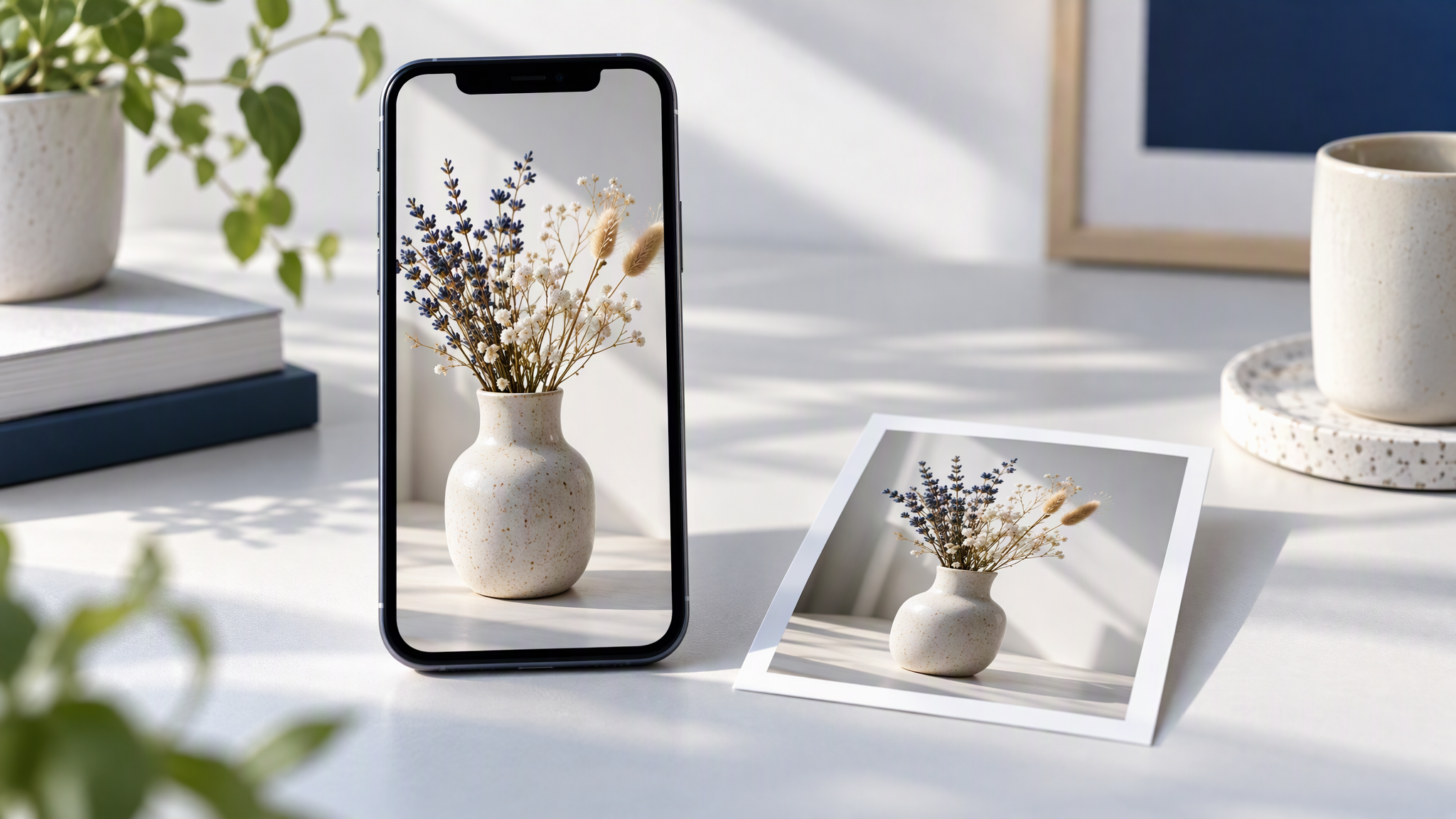
As of November 2026, Krea says placements decide the sizes: Instagram feed at 4:5 and 1:1, Stories and Reels at 9:16, and a landscape feed at 16:9. A batch is up to 12 ads, one product each, with its own layout and copy. Directions Krea names are a product spotlight, the product in the real world, an editorial look, or an ad that explains why the product works. You can also let Krea choose.
As of November 2026, Krea says you can fix a colour, delete an expired promotion, or rewrite a selling point, and that every ad follows the kit. The copy, Krea says, comes from the tagline, the tone of voice and the selling points on the site. Ad Studio is live on every paid plan from Basic up. Brand research and product import are free. Ads use compute units, like other Krea 3 generations. It also works through the Krea MCP server in Claude.
Krea published one timed run of its own. As of November 2026, Krea says the kit was ready in 49 seconds, six Story ads took 2 minutes 28 seconds, and the first download took about five minutes from pasting the address. Those figures are Krea's timing for that run.
How Ad Studio turns a website into a campaign
Krea's page, as of November 2026, is a sequence. Edit the kit before the batch, because an old price still on the site can become a headline.
The domain becomes a kit and a product list. You type the address. Ad Studio returns the brand kit and the products, with photos and prices. On Shopify, Krea says the product list is read from the catalogue.
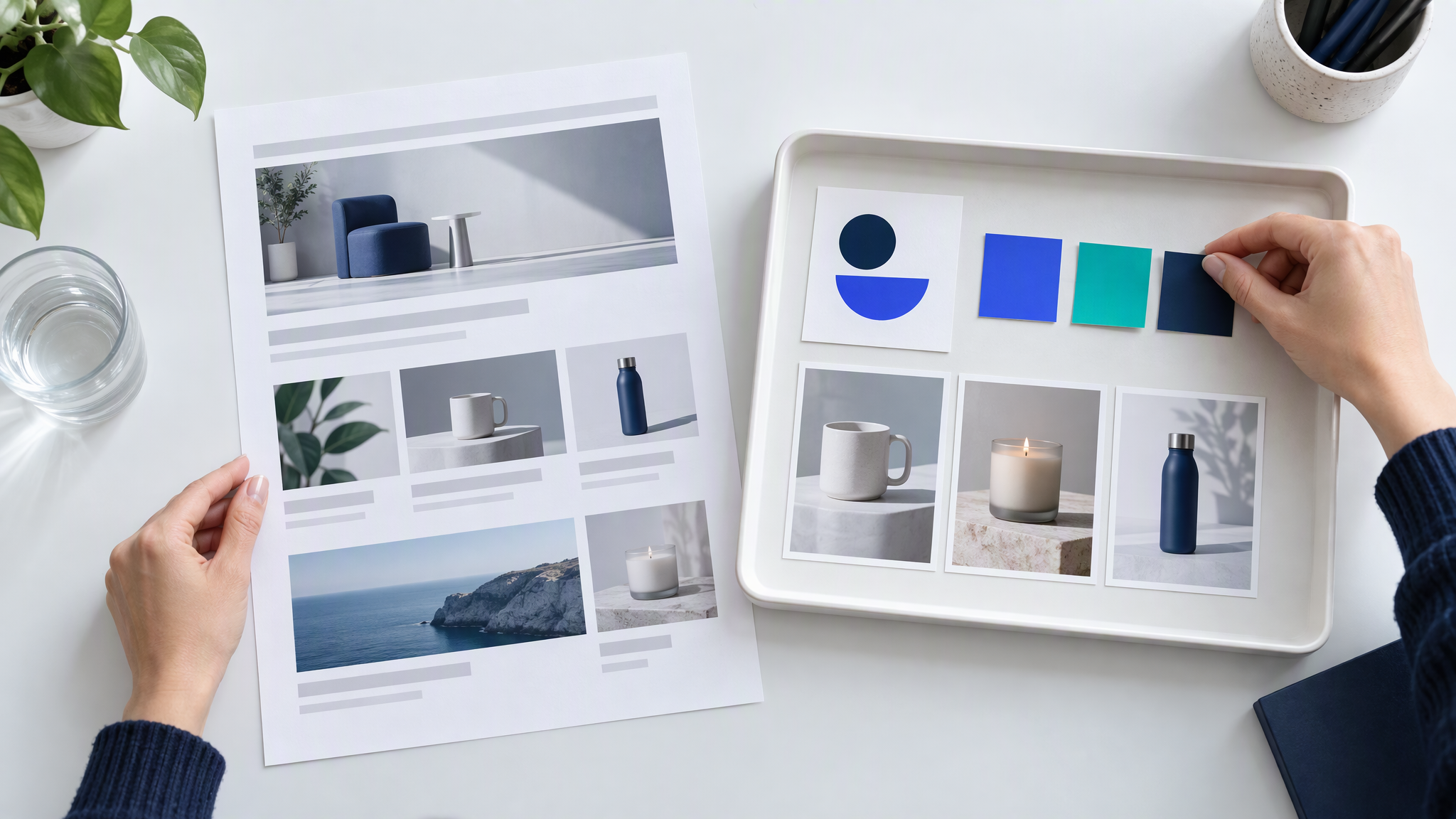
You choose placements and products, then a direction. The placement sets the shape. You pick the products, up to 12 ads, one product each. Krea says Krea 3 makes each ad from the kit, and that the product stays the product, down to the label.
Krea Agent edits by request. Krea says the ads open beside Krea Agent, which keeps the kit and the campaign in context. You can ask for a new headline, a darker background, another product or another size.
You preview, then you download. Krea says you can preview an ad in a Facebook, Instagram or Reels mockup, then download one ad or the campaign as a ZIP.
What the announcement does not tell you
Krea's page gives no price per ad. As of November 2026, ads use compute units on paid plans from Basic up, and brand research and product import are free. Look up the compute units on your plan before a full batch.
The questions on the same page, as of November 2026, say Ad Studio makes static ads with Krea 3. Check the product itself before you plan video from this announcement. The timings and the examples are Krea's own. We have not run Ad Studio.
Reading the site collects what is published. It does not test whether a claim is still true. A last-season price, an expired promotion, or a line you cannot prove can land in the kit. Edit those before you generate.
Earlier October kits, in Magnific One and ElevenLabs, are a different week, covered in Magnific One and ElevenLabs Launch AI Brand Kits. What Small Teams Should Save Before Using Them. Canva's image model is a different announcement, in Canva Craft Image Model: What Small Teams Should Check. How the kits you fill by hand compare is in Brand Kit Tools Compared for Small Teams.
Six checks before you download a campaign
Run these six before you download. They apply to Ad Studio, and to any other tool that reads a website and drafts the ads.
The lead colour and the logo are current. Match them to the live site. Replace an old logo file before the batch.
The fonts match the site. If the kit has picked a face the shop has never used, change it and make the batch again.
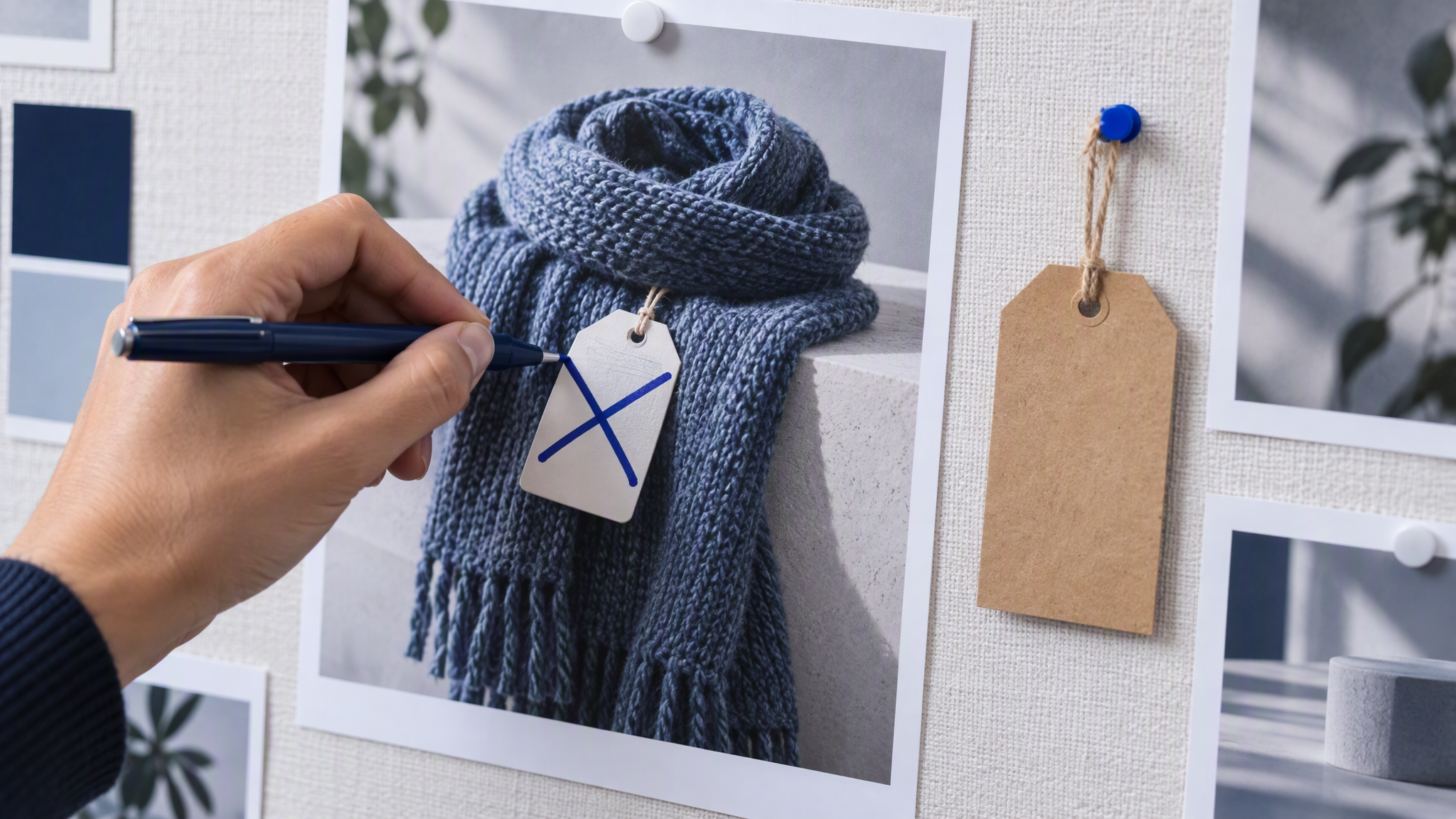
Every selling point is true and you can prove it. Krea says the copy comes from those points, the tagline and the tone of voice. Take out any line you would not put on the product page today.
Product prices and promotions are current. The products carry the prices the tool found. Replace a sale that has ended, including one the website still mentions, then generate.
The product photos are yours to use in an ad. If a supplier owns the shot and you only have the right to show it on the product page, swap it before you download.
Each placement looks right in the mockup. Krea says you can preview Facebook, Instagram and Reels. Check the tall story and the square before you download the ZIP.
Fix the kit, then make the batch again.
Keep one master brand kit across Krea and your other tools
Keep one folder of source files, the logo, the colours, the fonts and a few of your own photos, and check every import against it. When the kit and the folder disagree, correct the kit from the folder.
The habit across tools is in How to Keep One Brand Look Across Every AI Tool Your Team Uses. What belongs in that folder before you generate is in What to Put in Your Brand Kit Before You Use AI. Sale creatives that still look like the everyday shop are in How to Keep Black Friday Creatives Looking Like Your Everyday Brand. PixelDojo's website import, launched on 27 October 2026, fills a kit the same way, and the checks for it are in PixelDojo Website Brand Kits: What Small Teams Should Check.
More on this cluster lives under AI tools and Ads & campaigns.
If you want a saved brand beside the kit a tool builds from your site, Brandiseer is one place to keep the logo, colours and reference photos. It is optional. The six checks, before you download, are the point.
Check the kit, then the batch
As of November 2026, Krea says Ad Studio makes up to 12 static ads from a kit it builds off your site. Edit prices and selling points first, run the six checks, and look up compute units on your plan. The announcement gives no price per ad.