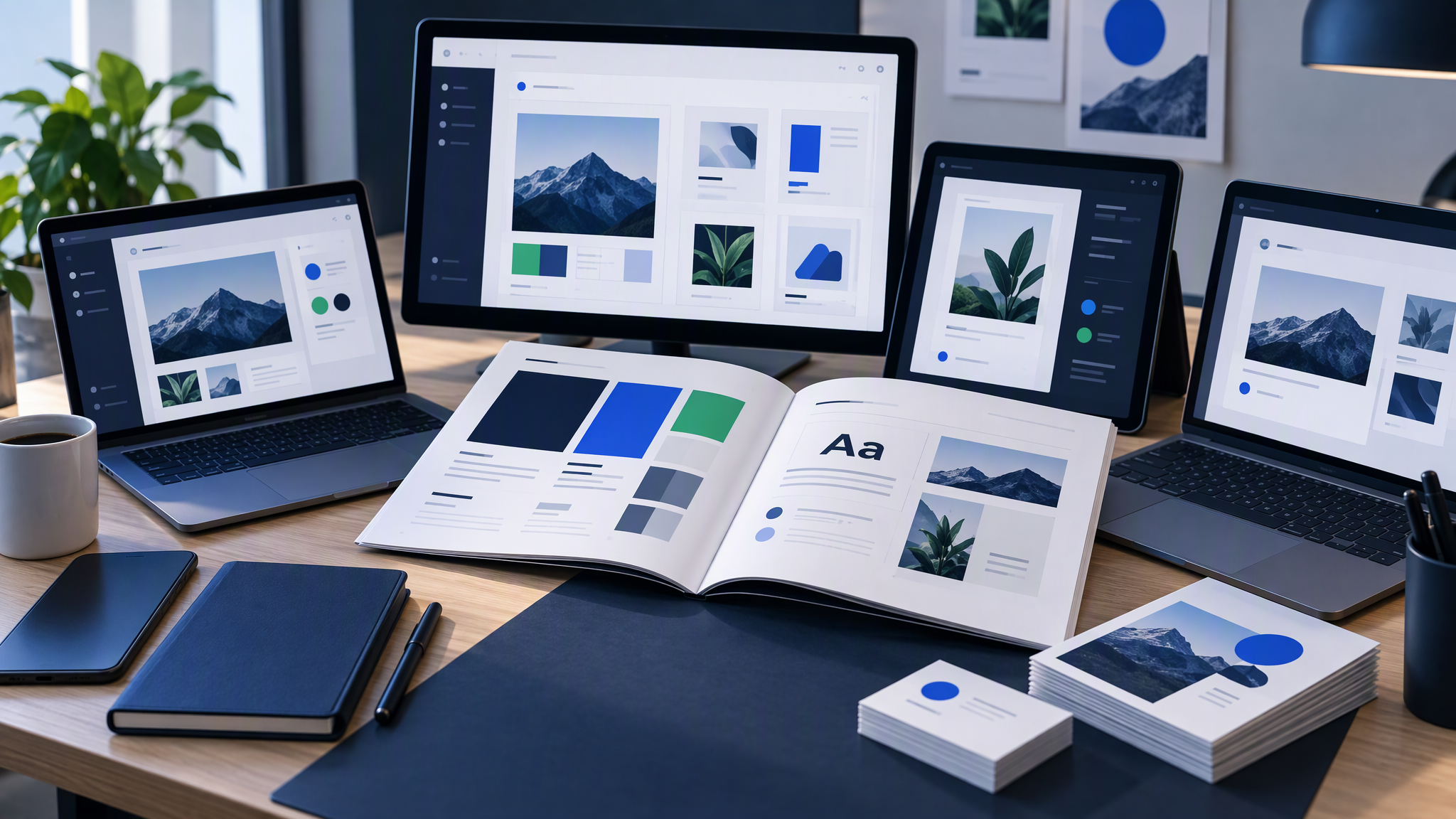
Google just put a Canva-shaped tool inside Workspace. Small businesses are asking the obvious question: do we switch, keep Canva, or run both?
Here is the answer-ready line: Google Pics is convenient if you live in Workspace; Canva is still stronger for template workflows and a shared brand kit.
This guide is for SMB owners and marketing leads who already pay for Google or Canva (or both) and need posters, social posts, and slide imagery without hiring a designer for every tweak. We will cover what launched, how prompts differ from templates, where Workspace convenience wins, where a brand kit still matters, who should switch or wait, and where Brandiseer fits if you need the same look across tools.
What launched
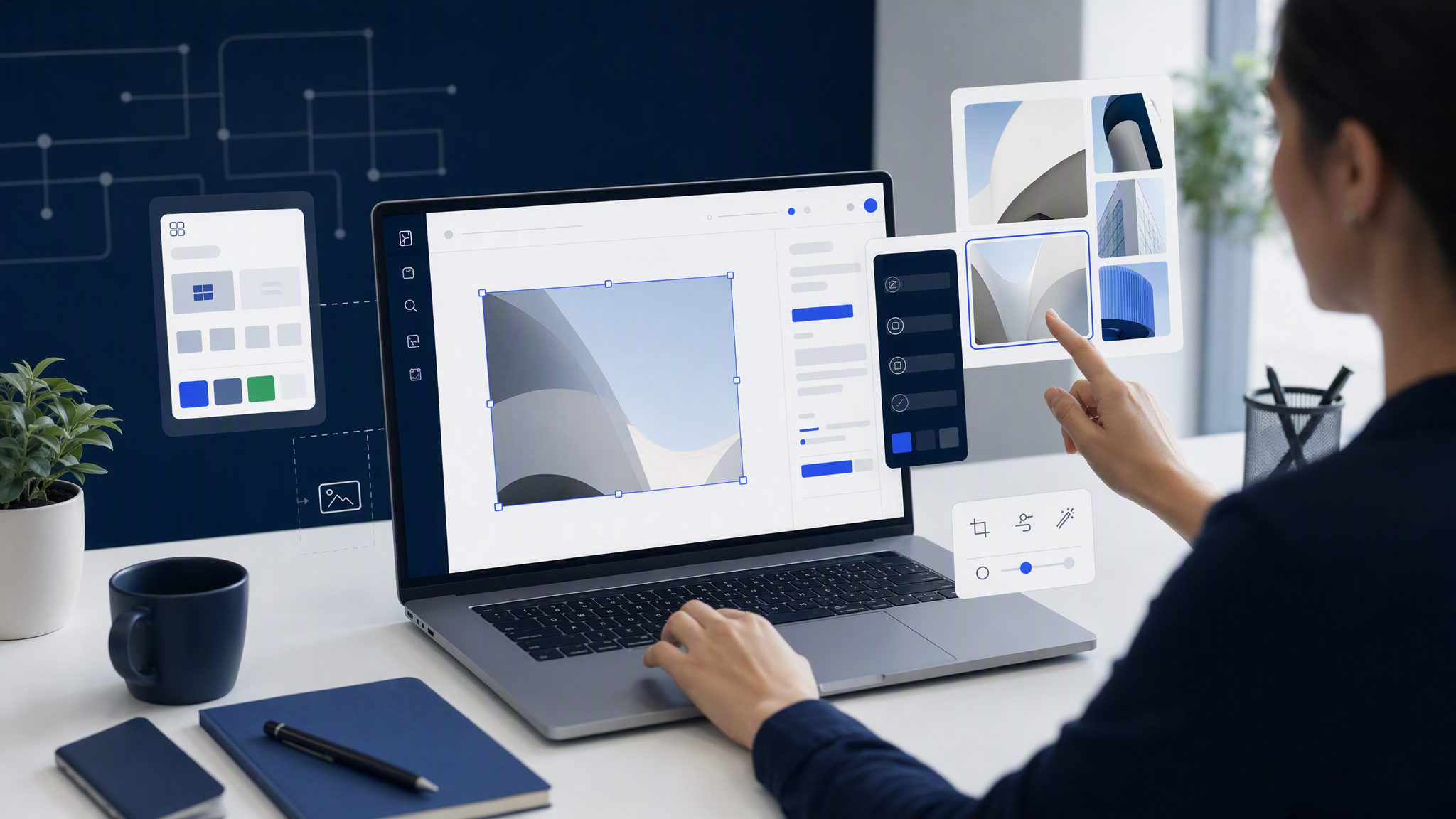
Google Pics is Google's AI-first image app for Workspace. It rolled out after Google I/O testing and reached broader availability around early September 2026. You can use it as a standalone app (pics.new) and inside Docs and Slides, with Drive integration promised soon after launch.
It is built around Gemini and Google's Nano Banana image model. The pitch is practical: generate or edit "professional-grade" images with prompts, then refine specific objects or text inside the picture without leaving the Google apps you already use for work.
Access sits on paid plans: Google AI Pro and Ultra, AI Pro for Education, and Workspace Business Standard and above (plus higher Enterprise tiers). There is no free Canva-style tier at launch. If you are not already on one of those plans, Pics is not a free experiment you can try in five minutes.
Google positions Pics for posters, flyers, social posts, and presentation imagery. In other words, the same jobs many SMBs currently open Canva for. That is why the comparison is fair, even though the products start from different places.
Prompt-first vs template-first
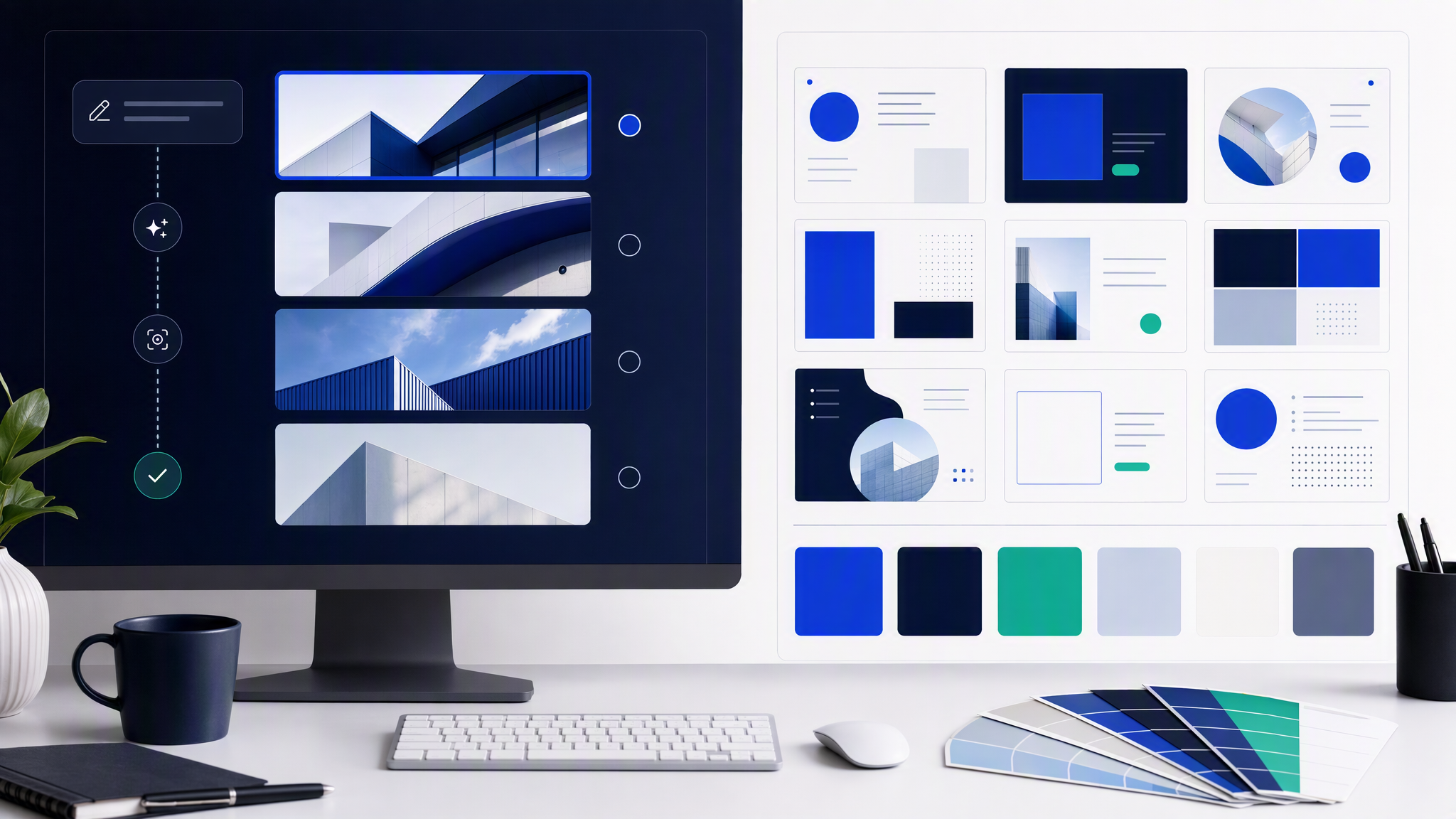
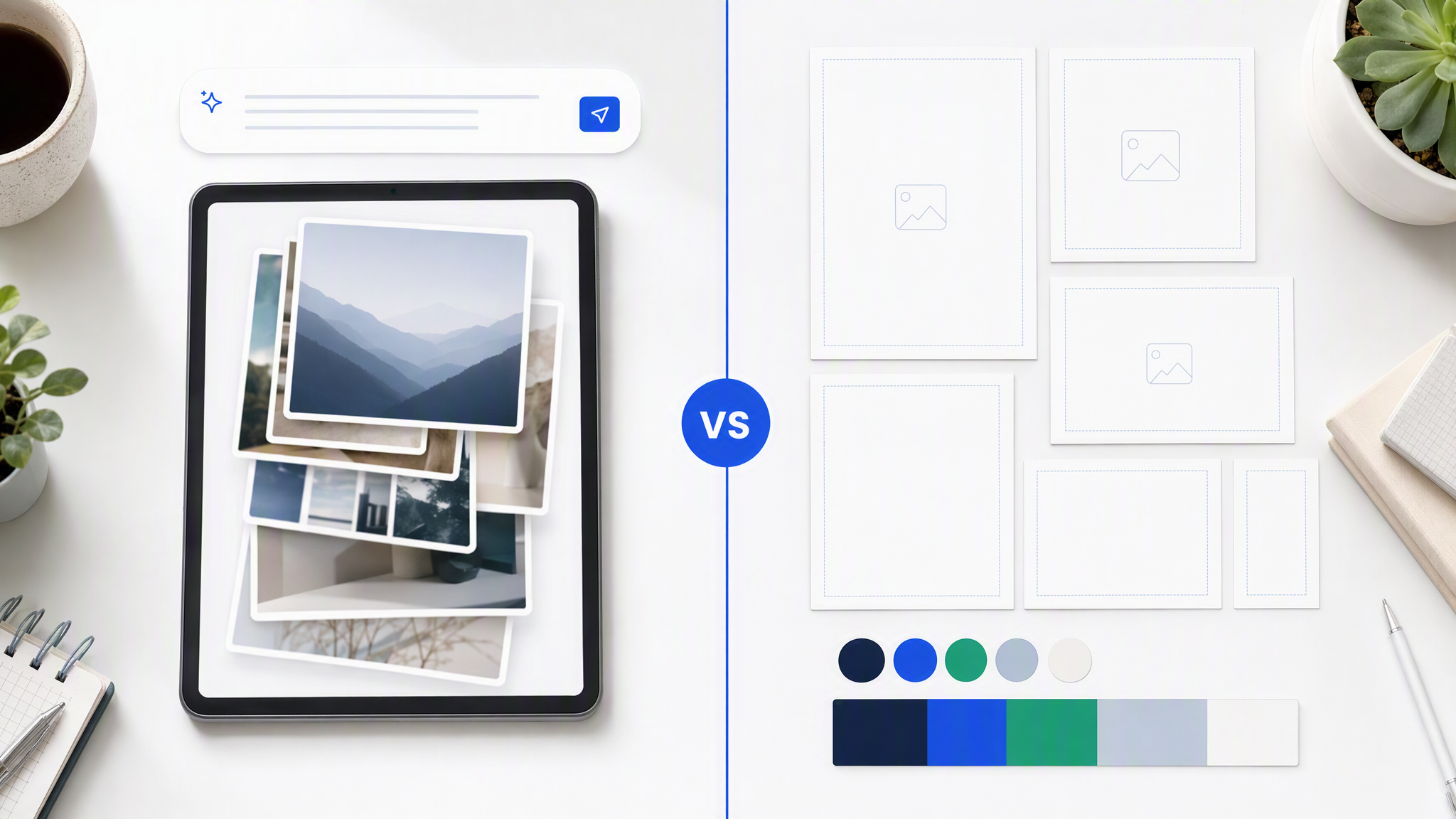
Canva and Google Pics disagree about the first click.
Canva starts with templates. You pick a layout someone designed, drop in your logo and colours, swap photos, and ship. The library and Brand Kit are the centre of gravity. AI features (Magic Edit, Magic Erase, Magic Switch, and friends) sit on top of that template culture. For many small teams, that is the whole product: choose a structure, stay inside guardrails, publish before lunch.
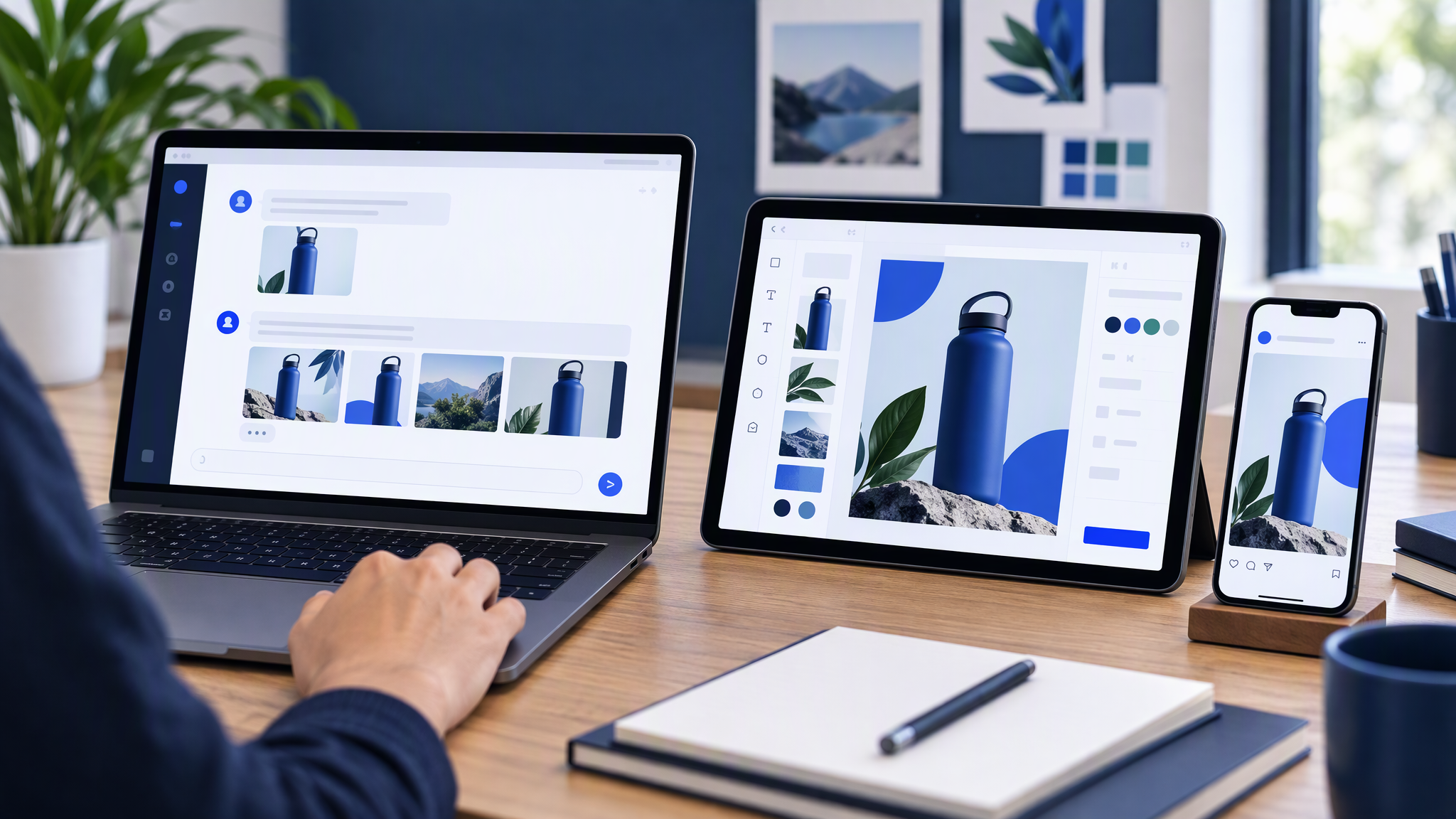
Google Pics starts with a prompt. You describe what you want. The model generates options. Then you tap objects or text and describe changes. Upscale to 2K or 4K, crop for web or social, collaborate with teammates. There is no giant template marketplace at the centre. The model is the starting point; precision editing is the finish.
Neither approach is "more AI" in a useful sense. Canva already has AI tools. Pics leads with generation and object-level edits inside Workspace. The real question for an SMB is workflow fit:
- Do your people think in layouts ("I need a square promo with headline left") or in scenes ("a warm photo of our product on a kitchen counter")?
- Do you reuse the same campaign skeleton twenty times, or do you invent a new visual each week?
- Is your bottleneck blank-page fear (templates help) or endless tab-switching between Docs/Slides and a design tool (Workspace-native helps)?
Prompt-first shines when you want original imagery fast and you are comfortable reviewing AI drafts. Template-first shines when non-designers must assemble reliable layouts with locked colours, fonts, and logo placements.
Workspace convenience is real
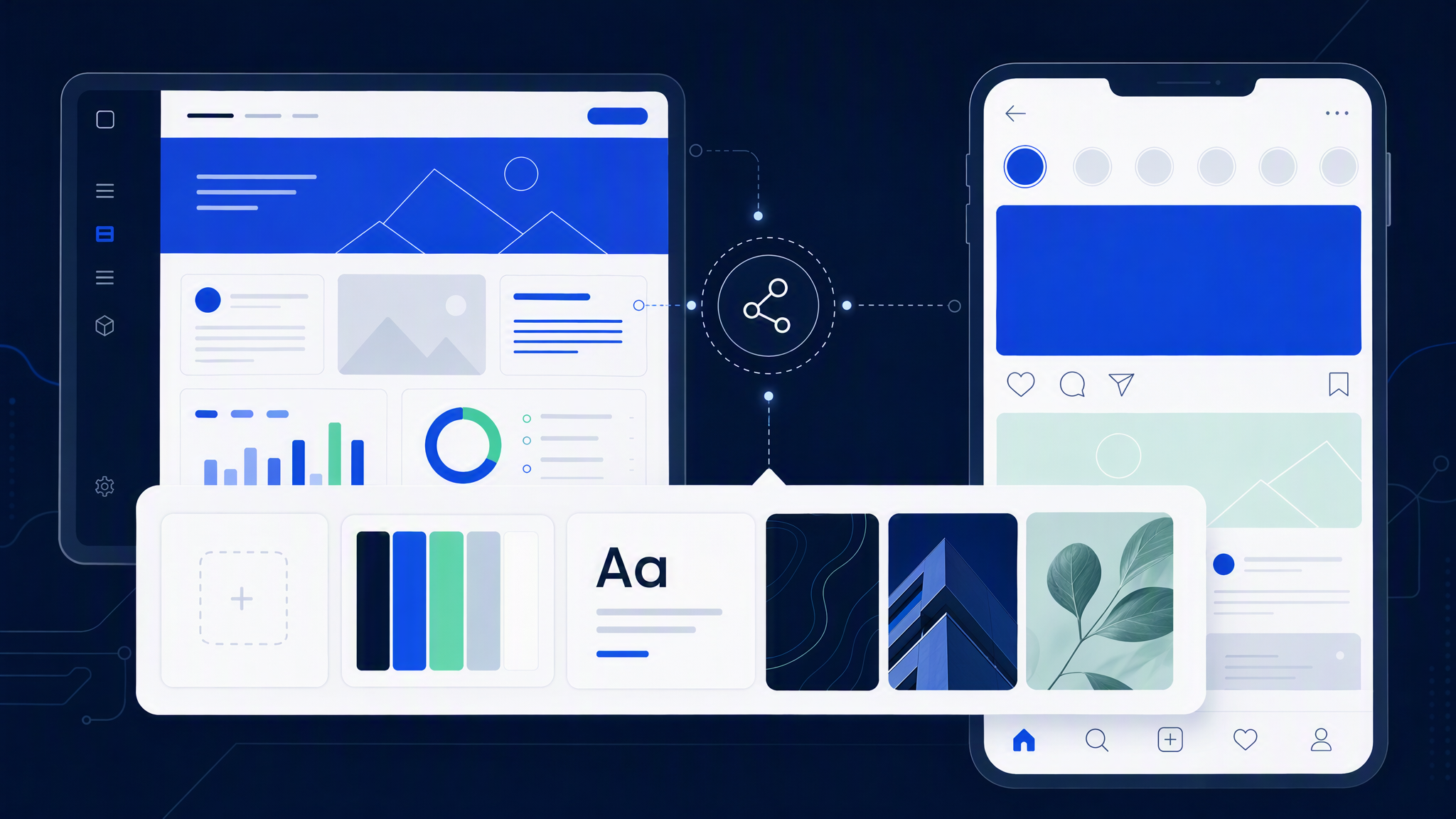
If your company already lives in Gmail, Docs, Slides, and Drive, Pics removes a familiar tax: export, upload, redesign, re-export, paste back. Editing an image inside the slide or doc keeps context. That matters when marketing and sales share decks, or when a founder edits a flyer between meetings.
Convenience compounds for teams that already pay for Workspace Business Standard or higher. You are not adding another vendor just to resize a social crop. Collaboration patterns (sharing, comments, permissions) stay inside Google's world.
Caveats still apply:
- Plan gate. Pics is not free. Canva's free and low-cost tiers still win for bootstrapped teams.
- Early product maturity. Template depth, brand controls, and marketplace habits took Canva years. Pics is new. Expect gaps in "I need that exact layout family we used last quarter."
- Habit. If your freelancers and interns already know Canva, switching costs are not only subscription line items. They are training and rework.
So: Workspace convenience is a genuine reason to try Pics if you already qualify. It is not, by itself, a reason to cancel Canva tomorrow.
Where a brand kit still matters
SMBs do not lose customers because one flyer was slightly off. They lose recognition when every week looks like a different company.
A shared brand kit (logo variants, colours with behaviour, fonts, and a few reference images) is how you stop that drift. Canva's Brand Kit is built for that job inside a template workflow: lock the assets, push them into layouts, keep teammates from inventing a neon accent "just this once."
Pics is strong at generate-and-refine. At launch, it is not known for the same depth of shared brand kit and template governance that Canva teams rely on. That may change. Until it does, treat brand consistency as your process, not as something the new tool automatically solves.
Practical rules that still hold whichever app you open:
- Decide colours and logo rules once. Write them somewhere the whole team can see.
- Keep 3-5 reference images of "this is us" and ban mood-board roulette on deadline days.
- Review in a grid, not one asset at a time. Side-by-side is how drift becomes obvious.
- Do not let every prompt invent a new lighting dialect. If last week's ads were soft and warm, this week's should not suddenly look like a nightclub unless that is a planned campaign shift.
If Pics becomes your generator inside Workspace, you still need those rules. If Canva remains your assembly line, Brand Kit plus references still beat "pick a pretty template."
Who should switch, wait, or run both
Lean into Pics (or try it hard) if:
- You already pay for a qualifying Workspace or Google AI plan
- Most of your visuals end up in Docs and Slides anyway
- Your team is comfortable prompting and refining, not hunting templates
- You want fewer tabs for everyday posters and social crops
Stay on Canva (or keep it primary) if:
- Template speed is how your marketing actually ships
- Brand Kit and shared templates are already working
- Freelancers and agencies deliver editable Canva files
- You need a free or low-cost seat for occasional users
Wait or pilot lightly if:
- You are mid-campaign and cannot afford a tool experiment
- Nobody on the team has time to rebuild your kit and train people
- You only heard "Google made a Canva" and have not tested object edits on your real assets
Run both when roles differ: Pics for Workspace-native edits and quick generative drafts; Canva for template campaigns, client handoffs, and the brand kit your team already trusts. Many SMBs will land here for a while. That is fine. Two tools beat one tool that fights how you work.
Where Brandiseer fits
Neither Pics nor Canva is magic if your look has to stay consistent across Canva, Workspace, Midjourney experiments, freelancers, and paid ads. Each app remembers what you put inside that app. Your brand still has to travel.
Brandiseer fits when you need one saved visual look that new ads and posts can pull from, instead of re-explaining style in every tool and every Slack thread. You upload logo, colours, fonts, and references once. New assets start from that look. You still choose Canva for a weird layout or Pics for an in-Slides edit when that is faster. The point is stopping the weekly soft rebrand.
Use Brandiseer when:
- Volume is high and re-briefing style wastes mornings
- Multiple tools and people invent parallel looks
- Templates help assembly but someone still re-applies brand by hand every time
- You want original creatives that match, not another near-miss template family
Stay with Canva Brand Kit alone when volume is low and one person happily applies the kit. Stay with Pics alone when Workspace convenience is enough and your visual rules are simple and well enforced.
A practical decision checklist
Before you cancel or commit:
- Open five recent assets you are proud of. Could Pics recreate that look with prompts and edits, or does Canva's structure matter more?
- Time a real job. Same brief in both tools: one social post and one Slides image. Measure minutes and "would I ship this?"
- Check seats. Who already has Workspace Business Standard+ or Google AI Pro? Who only has Canva?
- Name the owner. One person owns colours, logo files, and references. Tools do not replace ownership.
- Pilot one channel for two weeks. Do not migrate the whole brand on day one.
FAQ
Is Google Pics free?
Not at launch. It needs a paid Google AI or qualifying Workspace plan. Canva still has a free tier.
Will Pics replace Canva for most SMBs?
Unlikely overnight. Canva's templates, Brand Kit habits, and freelancer ecosystem are deep. Pics wins on Workspace proximity and prompt-first editing for teams already inside Google.
Can I keep my Canva Brand Kit and still use Pics?
Yes. Export the same logo, colours, fonts, and references into whichever tool you generate in. The kit is yours; the app is just storage plus workflow.
What about Adobe Express?
Same decision frame: where do your people already work, how strong is shared brand control, and who owns consistency? Express fits Adobe-shaped teams. This post focuses on the Pics vs Canva question most Workspace SMBs are asking this week.
Pick the workflow, then lock the look
Google Pics is a serious Workspace-native option. Canva remains the stronger template and brand-kit workflow for many small teams. Convenience is not the same as consistency.
Try Pics if you live in Google and prompting feels natural. Keep Canva if templates and Brand Kit are how you ship. Run both when the jobs differ. Whatever you choose, lock colours, logo rules, and references so customers still recognise you next month.