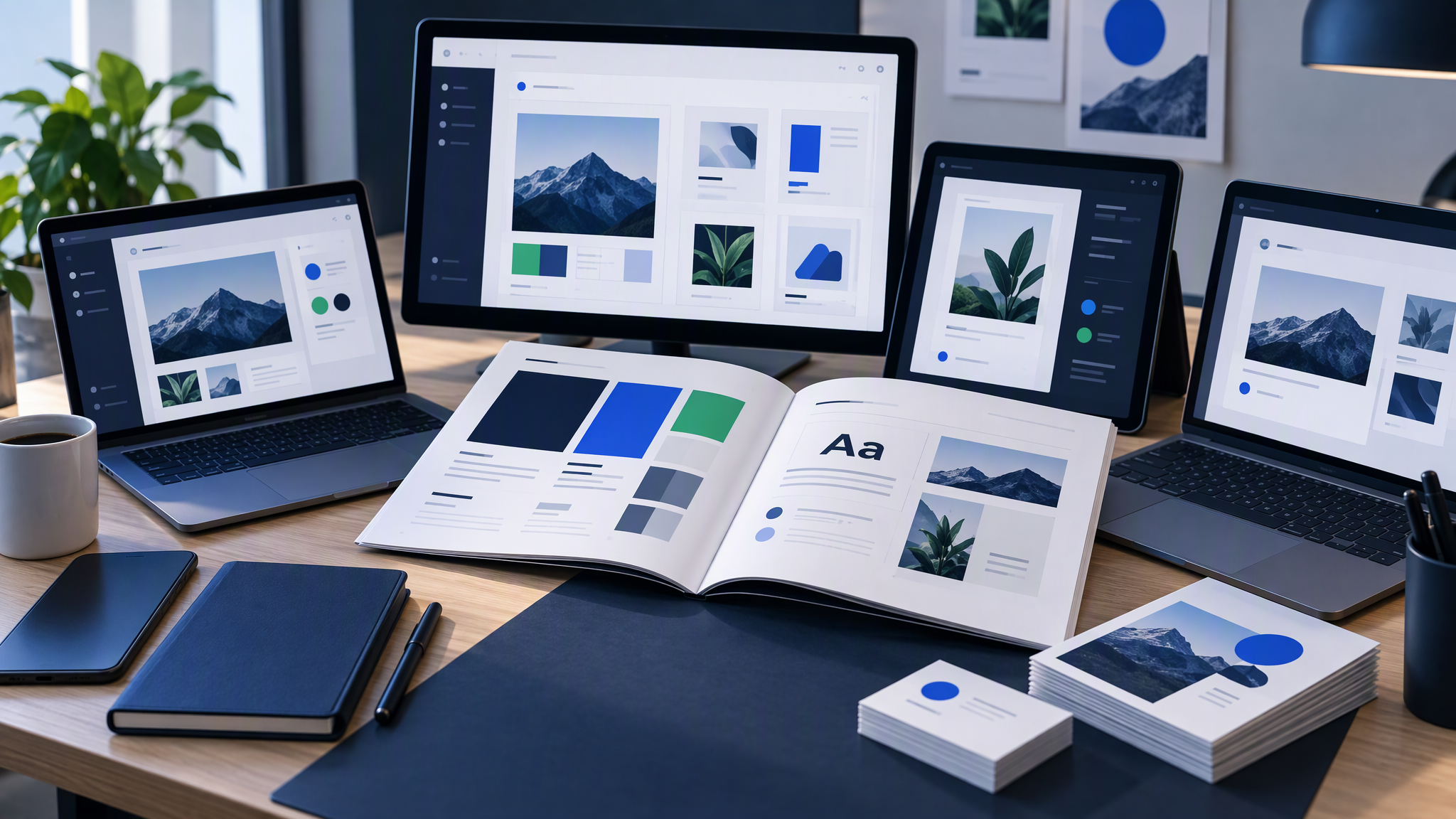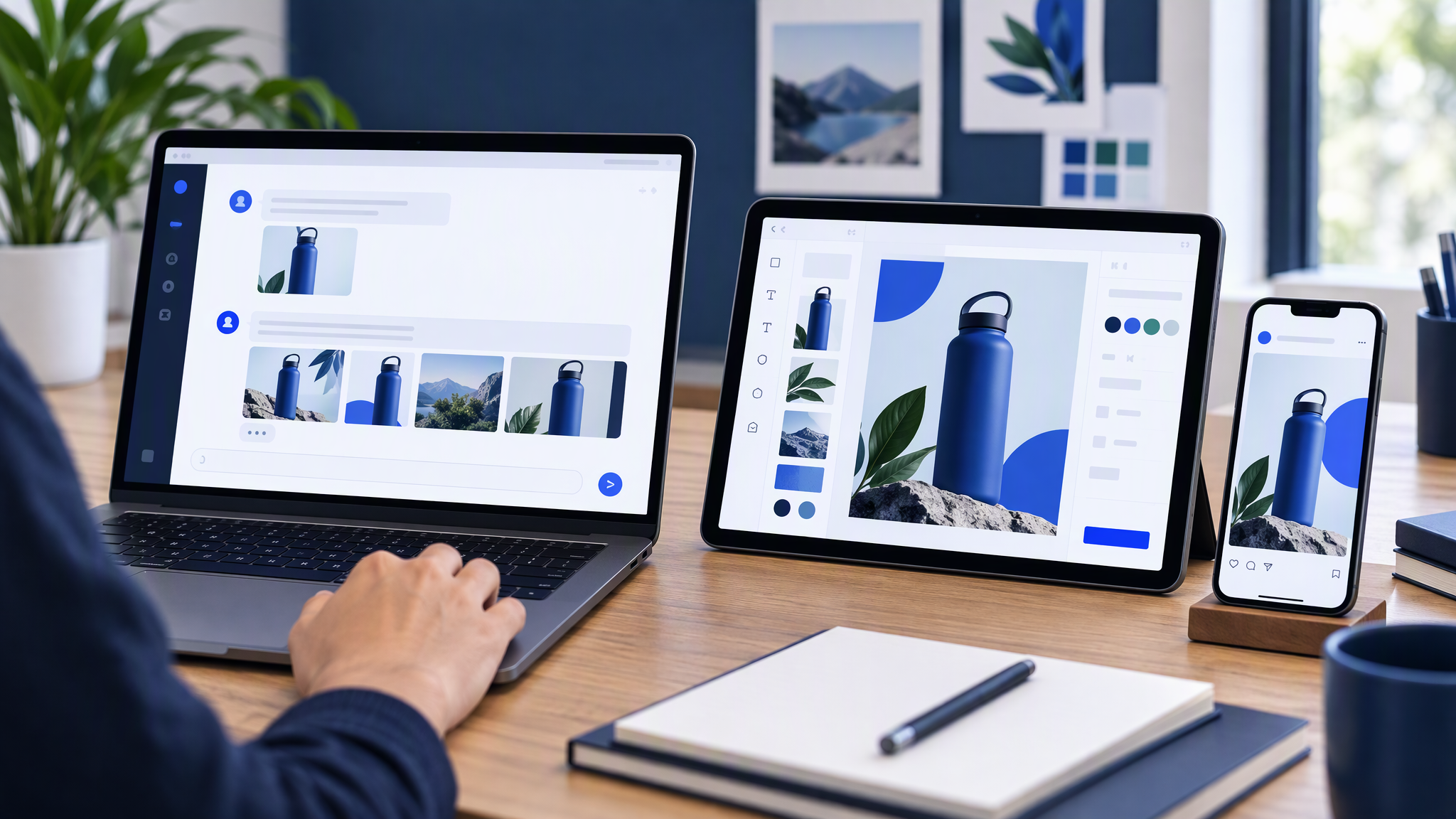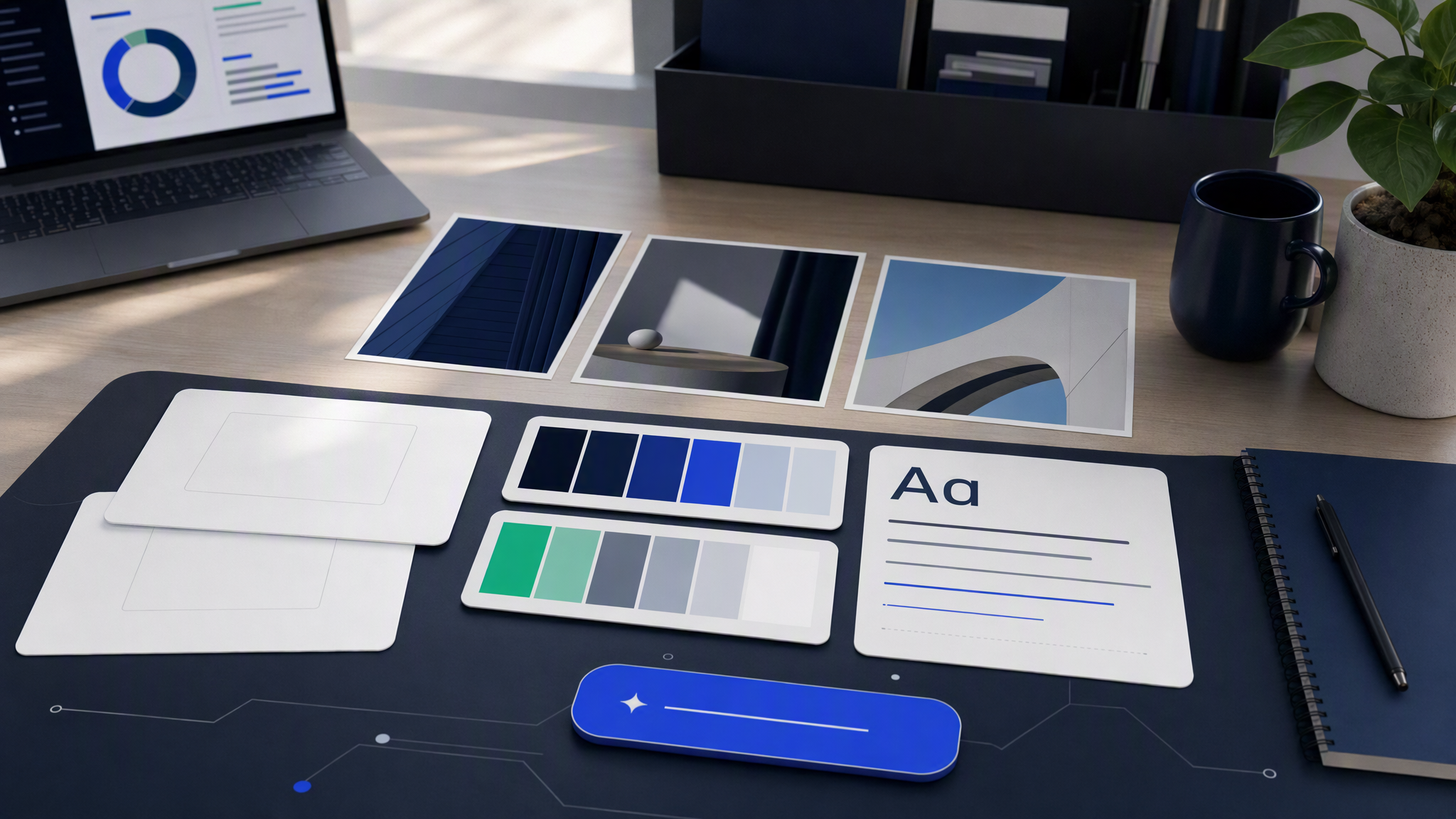
Most teams open an AI image tool first and build a brand kit second. That order feels fast. It usually ends in a folder of almost-right ads that do not look like the same company.
Here is the answer-ready line: Build a simple brand kit first. AI only stays consistent if it has your look to pull from.
This guide is for SMB owners and marketing teams who want AI for posts and ads without training customers on a new visual dialect every week. You do not need a 40-page brand book. You need a small kit the tool can actually use.
Why generate-first fails
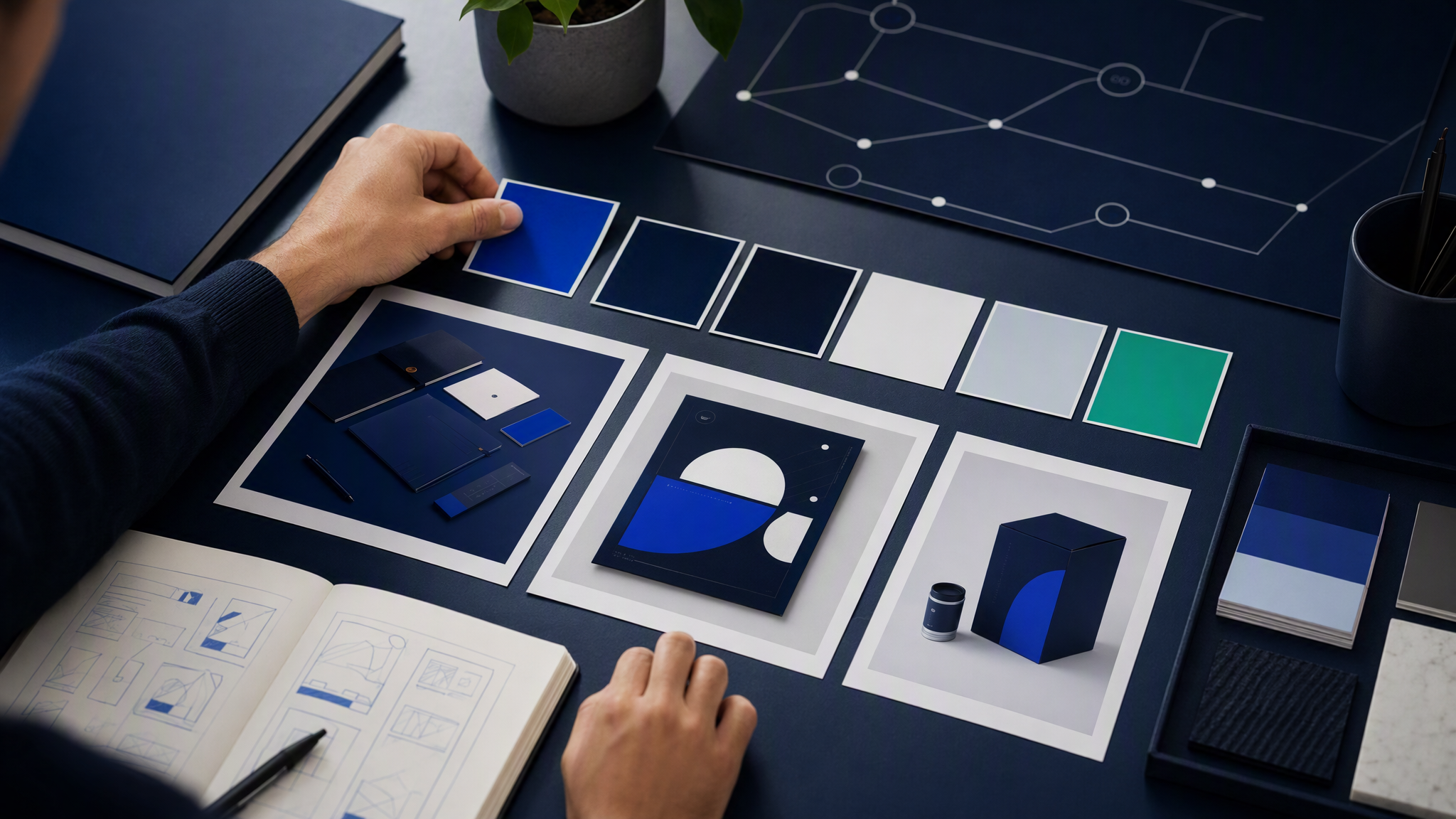
Generate-first feels productive because pixels appear in seconds. The failure shows up later, when you put five outputs side by side.
Every prompt invents a new look. Without a saved kit, each request restarts from a blank model. One ad is warm and soft. The next is cold and sharp. Both can look "good" and still fail as a brand.
The good result lives in chat history. Someone finds a lucky wording, a seed, or a style trick. Then they go on holiday. The next person cannot recreate the look. The tool did not forget you. You never gave it anything durable to remember.
Volume multiplies drift. One off-looking hero is a miss. Thirty Meta creatives, Stories, and email headers that each shift colour and lighting are a soft rebrand you never approved. AI makes the thirty easy. That is only useful if the look is locked first.
Review becomes taste, not a checklist. Without a kit, "on-brand" means "I like it today." Two reviewers ship different dialects. A freelancer invents a third. AI invents a fourth faster than all of them.
You train the wrong muscle. Teams get better at typing longer prompts and worse at deciding what must never change. Prompt theatre does not survive hiring, agency handoffs, or a busy campaign week.
If you already have a pile of experiments, keep them for mining. Pull the winners into reference images. Retire the rest without guilt. The kit comes next, then generation.
The minimum brand kit (enough for AI)
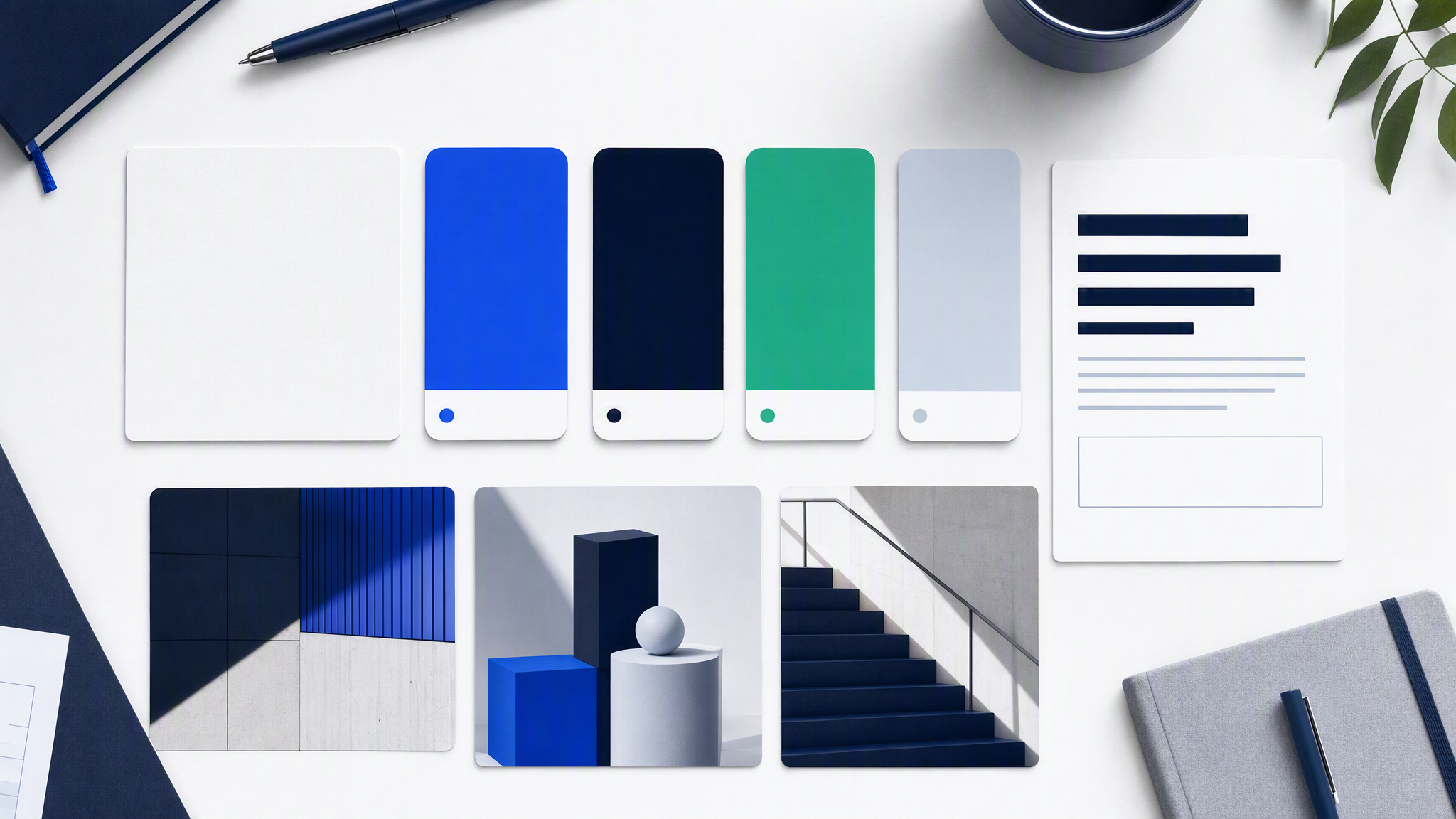
Skip the binder nobody opens. Pack four things a model or teammate can use without a meeting.
1. Logo files you can actually drop in
Export the versions you ship with:
- Full logo (horizontal if you have one)
- Icon or mark alone
- Light and dark versions if you use both
- Clear space and minimum size notes in one short line
Name the files so a stranger finds the right one. Avoid a Slack folder of "final-final-v3". AI and freelancers both fail when the wrong mark is the only upload.
2. Colours with behaviour, not only hex
List primary, secondary, and accent colours. Then write how they behave in ads and posts:
- What usually fills backgrounds vs product vs accents
- Combinations you ban even when they "pop"
- How much accent is allowed in one frame (a stripe vs half the image)
Hex codes alone still produce rainbow weeks. Behaviour is what keeps a feed recognisable.
3. Fonts (or a clear type rule)
Note the families you use for headlines and body in marketing. If AI type looks messy in your tools, write a simple rule: generate the visual, set type in your layout tool. That is a valid kit decision, not a cop-out.
4. Three to five reference images
This is the piece most kits skip, and the piece AI needs most.
Pick real examples of your look:
- One hero-style product or service image
- One lifestyle or in-context shot you like
- One flatter, cleaner ad or social treatment
- Optional: one "never like this" example with a one-line reason
References beat adjective lists. "Warm, premium, minimal" means different things to different models. Three approved prints mean "match this." When a tool such as Gemini asks you to upload that kit, what to check in a Gemini brand kit before a small team trusts it is the pass to run first.
Optional fifth piece: a one-page do / don't list (no stock clichés you hate, no competing brand cues, lighting you always want). Keep it short enough that people read it.
That is the minimum kit: logo, colours, fonts, and 3–5 references. Fancy PDF optional. Clarity mandatory.
Lock the kit in the tool before you generate
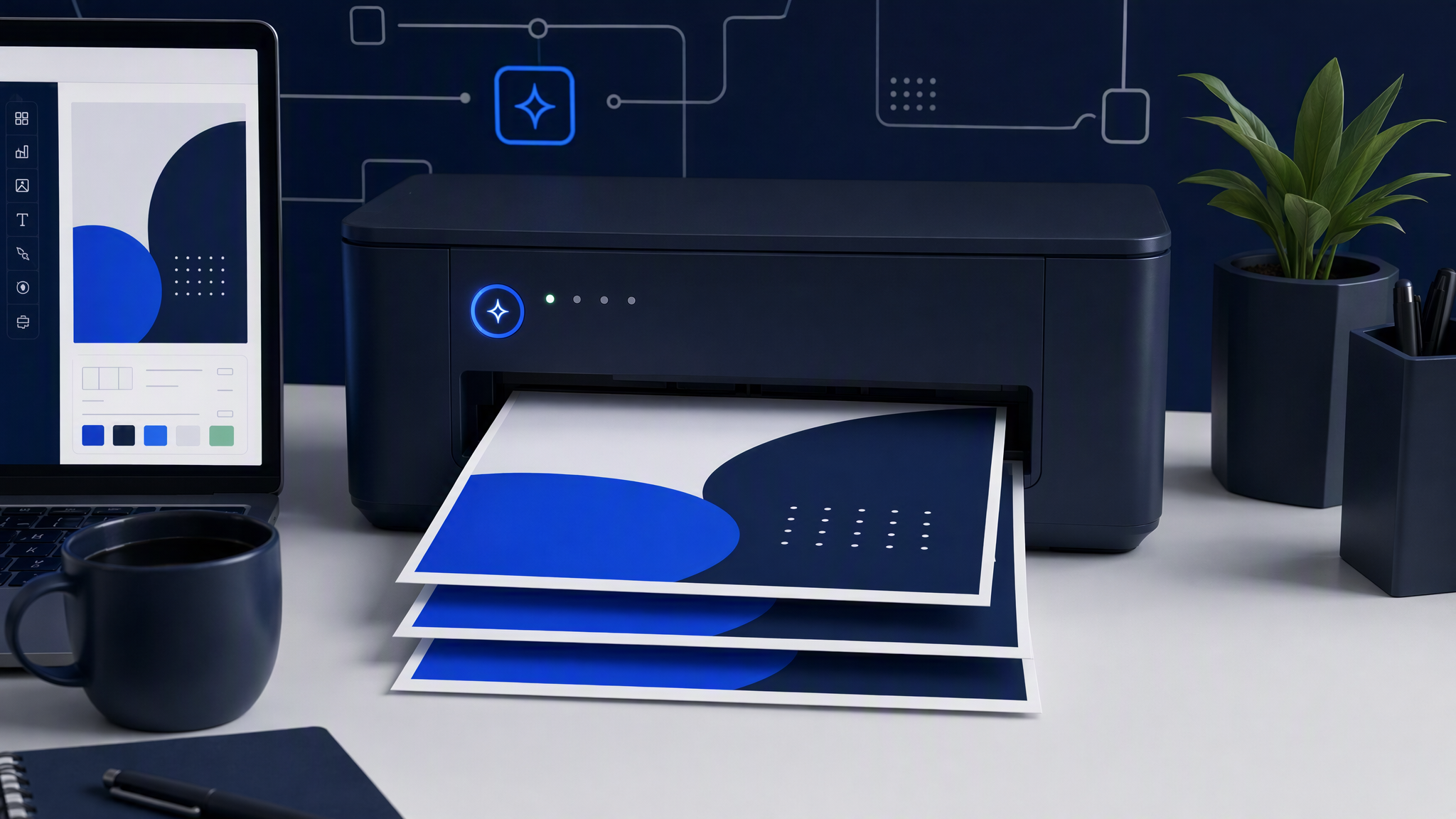
A kit on a drive is storage. A kit loaded into the tool you generate with is what stops the reset.
Upload once into the place production happens. If your AI tool has a brand kit, brand profile, or brand settings panel, put logo, colours, fonts, and references there. Do not leave the only copy in a personal Downloads folder.
Turn the kit on by default for the team. If the product lets you lock colours or require the kit on new designs, use that. Consistency dies when every person can quietly work outside the kit.
Write the job in plain language; leave identity out of the prompt. Ask for the subject and the channel ("summer offer ad for Instagram," "three product angles on a soft desk"). Let the saved kit carry colour, type, and style. Re-describing your whole brand in every prompt is how drift returns.
Smoke-test with five assets, not one hero. Generate a small set across formats you actually ship: feed post, story, ad crop. Review them as a grid. If they look like cousins, the kit is working. If each one looks like a different agency, fix the kit before you scale.
Name an owner. One person updates logo files and references when the real brand changes. Unowned kits rot into outdated exports.
First assets to make after the kit is live
Do not start with a weird experimental poster. Start with the jobs that prove consistency under real pressure.
- One recurring social format you post every week (tip card, product highlight, offer frame).
- One paid ad size you actually buy (Meta feed or similar).
- One story / vertical crop of the same idea so you see whether the kit survives tall frames.
- One email or landing header if that channel matters this month.
- One product or service visual that matches your site, not a random stock mood.
Ship that set. Compare side by side with your website and last month's best organic post. Adjust references and colour behaviour before you order fifty variants.
Useful review questions:
- Would a customer recognise these as you in three seconds?
- Do colours match the site, or only the prompt's mood?
- Did type fight the image (and should type move to the layout tool)?
- Are the references strong enough, or are you still arguing taste in Slack?
When Brandiseer fits
You can build this kit in a shared drive and still assemble layouts by hand in Canva or similar. That works when volume is low and a human is happy to apply the kit each time.
Brandiseer fits when the bottleneck is recurring ads and posts that should inherit your look automatically. You upload logo, colours, fonts, and references once. New assets start from that saved look instead of a blank prompt box. Review the set, tweak the brief, keep going.
Use Brandiseer when:
- You ship many channel assets each week and re-explaining style wastes time
- Freelancers or teammates keep inventing a parallel look
- Template tools help assembly but still need someone to re-apply brand on every piece
- You want original creatives that match, not another near-miss template family
Stay with manual kits and templates when the job is a rare one-off layout with unusual structure. Many teams use both: templates for odd layouts, a saved brand profile for weekly volume.
A one-hour setup plan
If you want this done before lunch:
Minutes 0–15: Export logo variants and write colour + font notes from the live site.
Minutes 15–35: Pull 3–5 reference images from your best past work (or shoot quick phone refs of the real product).
Minutes 35–50: Upload everything into the AI tool's brand kit / profile. Turn defaults on.
Minutes 50–60: Generate five real channel assets. Review the grid. Fix one weak reference or colour rule. Stop. Do not "just try one more prompt style" until the kit is stable.
Tomorrow, generate from the kit. Do not reopen a blank tool and hope.
FAQ
Do I need a designer to build the kit?
No for a minimum kit. Pull logo, colours, and fonts from the site. Add references from work you already like. Bring a designer in for rebrands and packaging, then feed approved work back into the kit.
What if my brand is incomplete?
Start thin. A partial kit used every time beats a perfect PDF nobody opens. Consistency from a small kit still compounds.
Can I keep using Midjourney or Canva?
Yes. Explore or assemble elsewhere if you want. For matching weekly ads and posts, load the same kit into the tool that produces volume, or use a profile that applies the look on generation.
How often should I update references?
When the real brand changes, or when a campaign introduces a lasting look you want to keep. Do not swap references every mood board Tuesday.
Start with the kit, then hit generate
AI does not invent a stable brand for you. It amplifies whatever you give it, including nothing.
Build the small kit. Lock it in the tool. Make the first five assets that prove the look. Scale after the grid holds together. That order is slower on day one and much cheaper by week four.