
The Gemini brand kit upload, announced by Google on 20 October 2026, keeps your website, fonts and colours on file for later images made with Nano Banana 2.1. Upload real brand files, test three everyday jobs against your website, and keep one master kit across tools.
This is for an owner or a solo marketer who already uses Gemini or Google Workspace, has seen the 20 October announcement, and wants to know whether to upload a brand now and what to give it. Other tools have asked for the same kind of kit this month. The useful question is what to put in, how to test it, and how to keep one brand when the files live in more than one app.
What Google launched on 20 October 2026
On 20 October 2026, Vishnu Sivaji, Senior Director, Gemini App, published "New Gemini tools for small business owners" on the Google Keyword blog. Claims about what Gemini can do in this post are Google's, from that announcement.
Google says it is introducing a business landing page in Gemini, a central place to build a brand, look at finances and understand customer insights. The same post says the business landing page, marketing and finance skills, and new connected apps are beginning to roll out in the coming days, globally, for all Gemini app users.
On connections, Google says it is making it easy to connect Gemini to Google tools such as Google Business Profile, Google Ads and Google Workspace, and to third-party apps such as Adobe, Canva, Dropbox, Shopify, Wix, Zoho and Xero.
The visual part is the one this post stays on. Google says businesses can define their brand style in Gemini by uploading their website, brand kit, fonts or colour palettes. On finance, one line only: Google says Gemini can turn messy spreadsheets, receipts and purchase records into financial graphics and interactive models.
This post does not name a country where the upload is already on, a plan that includes it, or a price. The announcement lists none.
Other tools have already asked for a brand kit this month. Magnific One and ElevenLabs are in Magnific One and ElevenLabs Launch AI Brand Kits. What Small Teams Should Save Before Using Them. Canva's 13 October launch is in Canva AI 2.0 Launches a Design Model and Brand Intelligence. What Small Teams Should Check First. If the pictures are made with Canva's Craft image model, run what small teams should check before they rely on Craft as its own pass. A later kit that starts from a website address is in what small teams should check on PixelDojo's brand kit. Give Gemini the same files.
What does the Gemini brand kit upload actually do?
You upload your website, brand kit, fonts or colour palettes, and Google says Gemini keeps that style for later images made with Nano Banana 2.1, so you do not upload the guidelines again each time.
Google's wording is specific. Paired with Nano Banana 2.1, which Google calls its latest image model, Gemini "retains this visual style". Google says owners can then generate on-brand assets without uploading style guidelines again each time. Treat that as Google's description. This post does not score the pictures, and it does not add a file type, a size limit or a quality claim the announcement does not make.
The upload still only knows what you gave it. A thin kit, or a website that no longer matches the shop, becomes the style Gemini will keep.
How kits you fill by hand compare, including Canva and Adobe Express, is in Brand Kit Tools Compared: Canva, Adobe Express, and AI That Remembers Your Look. Google's separate image tool, Pics, is in Google Pics vs Canva: What Small Businesses Should Know. This post is the 20 October upload, and the checks before you trust it.
What to upload first

Google names four things you can upload: your website, a brand kit, fonts or colour palettes. Put the real versions of those in, not a description typed from memory.
The website URL. Google lists the website as an upload. Use the live site, not a draft you mean to redesign.
Logo files, with a placement rule, inside the brand kit. The file from the website, and one line for where the mark sits. Google says "brand kit" and does not list logo fields. The logo still belongs in that kit, or the next image will place the mark wherever it likes.
Three to five colours, each with a job. Background, text, the product colour, and one small highlight, from the live site. Google names colour palettes as an upload. A job beside each colour stops a highlight becoming the background.
Two fonts. The headline and the body you already use. Google names fonts as an upload.
Four to six of your own best photos, in the brand kit. The homepage, a product, a post you would still publish. The announcement does not give a photo count. The photos are so the kit shows the real shop, not only colours. Leave out a frame from a campaign you would not run again.
Three "never" rules, in the kit you keep. No neon, no cartoon people, no busy backgrounds, or whatever the shop actually refuses. The announcement does not mention rules. They belong in the master kit so every tool refuses the same things.
The longer packing list, shared with every other tool, is in What to Put in Your Brand Kit Before You Use AI.
Test three real jobs before you trust it
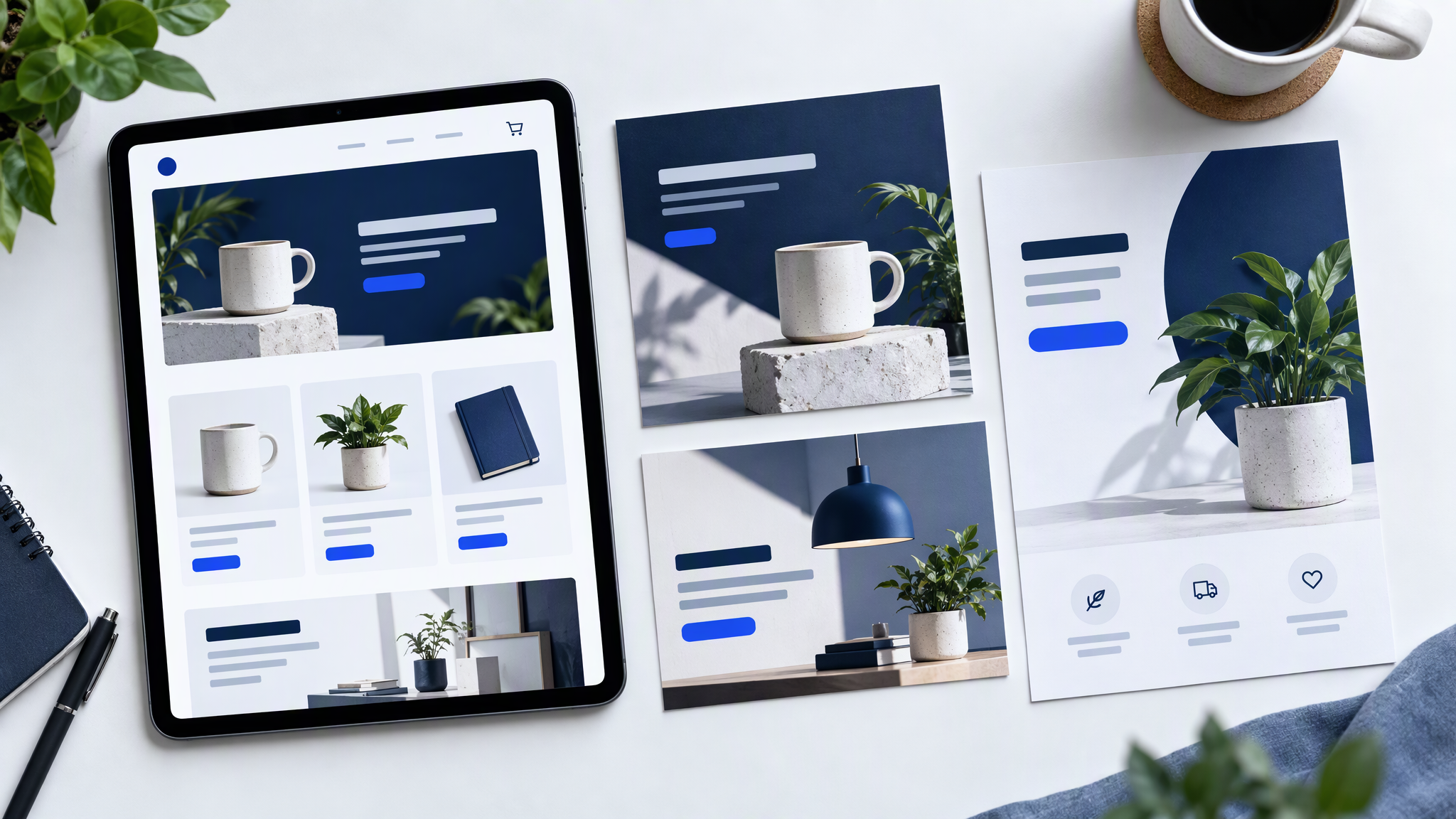
Make three pieces you would actually publish: a square post, an image for a Google Business Profile update, and a one-page offer. Use a real subject from this month.
Lay each one next to the live website and the last six posts. They pass if a stranger would call the set one business. A new palette, a stock scene, a font the site has never used, or a logo in a corner you do not use is a fail. If the square passes and the offer does not, do not trust the upload yet.
Google says Gemini connects to Google Business Profile, which is why a profile image is a fair test. The test only asks whether the generated picture looks like your site. Real photos for the listing are a separate job.
If a piece fails, change the uploaded files and remake the three. Keep the request as the subject and the format.
One brand across Gemini, Canva and the rest

Google says Gemini connects to Canva and Adobe, among other apps. A connection moves work between tools. It does not give them one shared copy of your brand. Each keeps its own colours, fonts and photos until you put the same files in each.
Keep one master folder: logo files, colours with a job beside each, two fonts, four to six photos, and three "never" rules. Copy from that folder into Gemini, into Canva and into every other tool. When a test fails, correct the folder first, then copy the change out again.
The habit is in How to Keep One Brand Look Across Every AI Tool Your Team Uses.
What we do not know yet

Pricing, which plans include the upload, and the day it reaches a given country are not in the announcement. Google says the rollout is beginning in the coming days, globally, for all Gemini app users. Until the upload is in your own Gemini app, do not brief the team as if it is already on.
This post adds no prices, no plan names, no image-quality score and no file-format limit. The announcement does not give them.
More on this cluster lives under AI tools.
If you want the same master folder to feed the next post outside a single app, Brandiseer is one way to keep the logo, colours, fonts and reference photos together. It is optional. The three test jobs against the website are the point.
Upload the real files, then test three jobs
Upload the live website and a brand kit that matches it, including the fonts and colours you already use. Make the square, the profile update image and the one-page offer. Keep one master folder for Gemini, Canva and the rest. Leave plan and price questions until Google publishes them.