
To get consistent product photos across suppliers, set one standard for every image: one aspect ratio, one background, one framing rule and one size. Then re-edit old supplier images to match and send new suppliers a one-page spec before they ship photos.
This is for the owner of a small reseller or a multi-brand online shop, on Shopify, Amazon, Etsy or a local marketplace, who is adding supplier stock for Christmas and looking at a collection grid that does not look like one shop. One supplier shoots on grey. Another sends a lifestyle scene. Another sends a tiny crop. You did not take these photos. You can still make the grid agree.
How do I create consistent product photos across multiple supplier catalogues?
Set one standard and make every supplier image meet it: same aspect ratio, same background, same framing and same size. On Shopify, as of October 2026, square images at 2048 x 2048 px usually display best. If you also sell on Amazon, as of October 2026, main images need a pure white background with the product filling at least 85% of the frame. Send new suppliers a one-page spec. For old stock, edit what you have before you reshoot, and only reshoot the worst offenders.
Why supplier photos make a shop look messy
The collection grid shows it first. Consistent product photos across suppliers means a customer can scroll and see one shop.
Backgrounds and light. White, grey, a kitchen, daylight, a yellow lamp. Side by side, the tiles look borrowed, and similar products can look like different materials.
Crops and props. One product fills the frame. The next sits in a wide scene with a plant or a hand. Shoppers compare the props, not the products.
File size. A large photo next to a tiny one. The small file goes soft when the product page enlarges it.

Write the standard, then edit the files you already have. Reshoot only a file that is too small to crop, a product buried under props, or a photo of a different item from the one in the box.
Write a one-page photo standard
Write five lines a supplier can follow without a call. Copy the platform rules below into the page when you sell there.
The one-page standard
| Setting | Our standard | Why |
|---|---|---|
| Aspect ratio | One square for every featured image | Tiles line up at the same size |
| Background | Plain white, or one colour you name | The row looks like one shop |
| Framing | Same angle, product filling most of the frame | Shoppers compare products, not crops |
| Size | One large JPEG for the whole catalogue | Small files go soft on the product page |
| Leave out | Extra props, words on the photo, filters | The product stays the subject |
Pick one angle, usually a straight-on pack shot, and say how much of the square the product fills: most of the frame, a small even margin, label readable. Name the background as a colour ("plain white", or the one soft grey you already use), unless a marketplace main image requires white. Put the file type and pixel size on the same page, and keep the page to one side.
Fix the images you already have
For stock you already list, edit the files before you pay for a reshoot. Reshoot only the worst offenders.
Work in batches by supplier. One supplier's grey sweep can be replaced in a single sitting, because the light and the crop usually match across that brand.
Re-crop every featured image to the one aspect ratio on your page. On Shopify, as of October 2026, you can crop images to the same aspect ratio in the media editor. Replace backgrounds that break the standard. Export each file at the size you wrote down, as a JPEG.
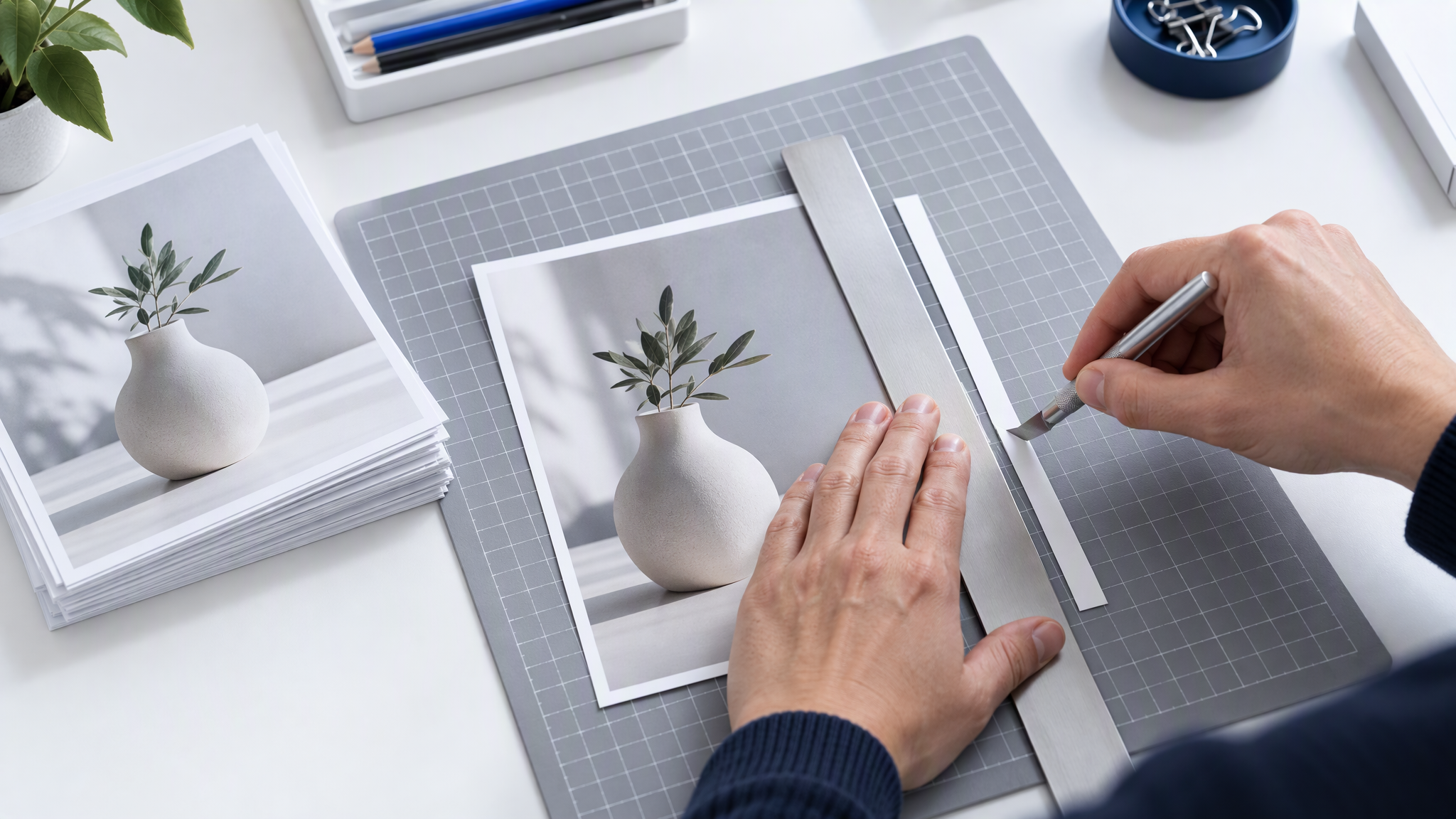
Lay ten edited tiles in shop order. If the row looks like one shop, repeat the edits for the next supplier. If it jumps, name the margin and redo the ten.
Platform rules worth building into the standard
Two help pages are worth copying into the spec, as of October 2026. For Etsy or a local marketplace, read that site's own image page before you add a number.
Shopify's help page on product media types, as of October 2026, says images can be up to 5000 x 5000 pixels, or 25 megapixels, and under 20 MB. It says: "For square product images, a size of 2048 x 2048 px usually displays best." It also says to use a consistent aspect ratio for featured images so they display the same size side by side.
If you also sell on Amazon, use the main image rules in Amazon's Selling on Amazon Home Selection Style Guide. As of October 2026, that guide says a main image has a pure white background, given as 255 RGB, the product fills at least 85% of the frame, and the colour profile is sRGB. This post uses those lines as Amazon's main image rules from that guide. The guide's other minimums stay inside the guide. Do not treat them as a rule for every Amazon category.

If you sell on both, put the stricter frame in the spec: a square, pure white, the product filling at least 85% of the frame, sRGB, and 2048 x 2048 px on Shopify. Check one finished file against the product in the box before you edit a whole supplier. The shape, the label and the colour should still match.
Ask suppliers for the right images and permission
Before a new supplier sends photos, send the one-page spec and ask for the originals at full size. A picture lifted from their catalogue PDF is usually too small to crop to 2048 x 2048 px without going soft.
Ask, in writing, for permission to use their images and to edit the crop, the background and the size. An email you can file is the practical version. This is general guidance for a small shop, not legal advice.

If they can shoot to the spec, ask for the full-size file. If they cannot, ask for the unedited original and edit it to the standard. If they will not allow edits, shoot a simple square yourself for that product, or wait to list it.
Shooting products yourself is a different job, in How E-Commerce Brands Keep Product Photos Consistent Without a Studio. This post is for images a supplier sent.
Where AI helps with supplier photos, and where it does not
Use AI for lifestyle scenes and social posts made from the corrected photo. The setting can change. The product stays as it is: same shape, same label, same colour. The listing photo stays the edited file. A new cap or a shifted colour in a generated picture is a different product from the parcel.
Judge colour against the real item with how to keep product colours accurate in online shop photos. Ads and posts from products you already list are in How to Turn Your Shop's Products Into On-Brand Ad and Social Images. Christmas sets that still match the catalogue are in How Local Shops Shoot Christmas Gift-Set Photos That Still Match the Catalogue.
If the catalogue is already on your website, Product catalogue import into Brand Intelligence, shipped on 24 August 2026, can bring those products in as references. As of October 2026, the note says catalogue pages vary, so review what landed. Correct the supplier image to the standard first.
More on this cluster lives under Product photos. Holding the corrected photos for later scenes is optional on Brandiseer. The spec, the edit pass and the email to the next supplier are the work.
One standard, then the same grid
Set the ratio, the background, the framing and the size. Edit the old supplier files to match. Send the page to the next supplier before they shoot.