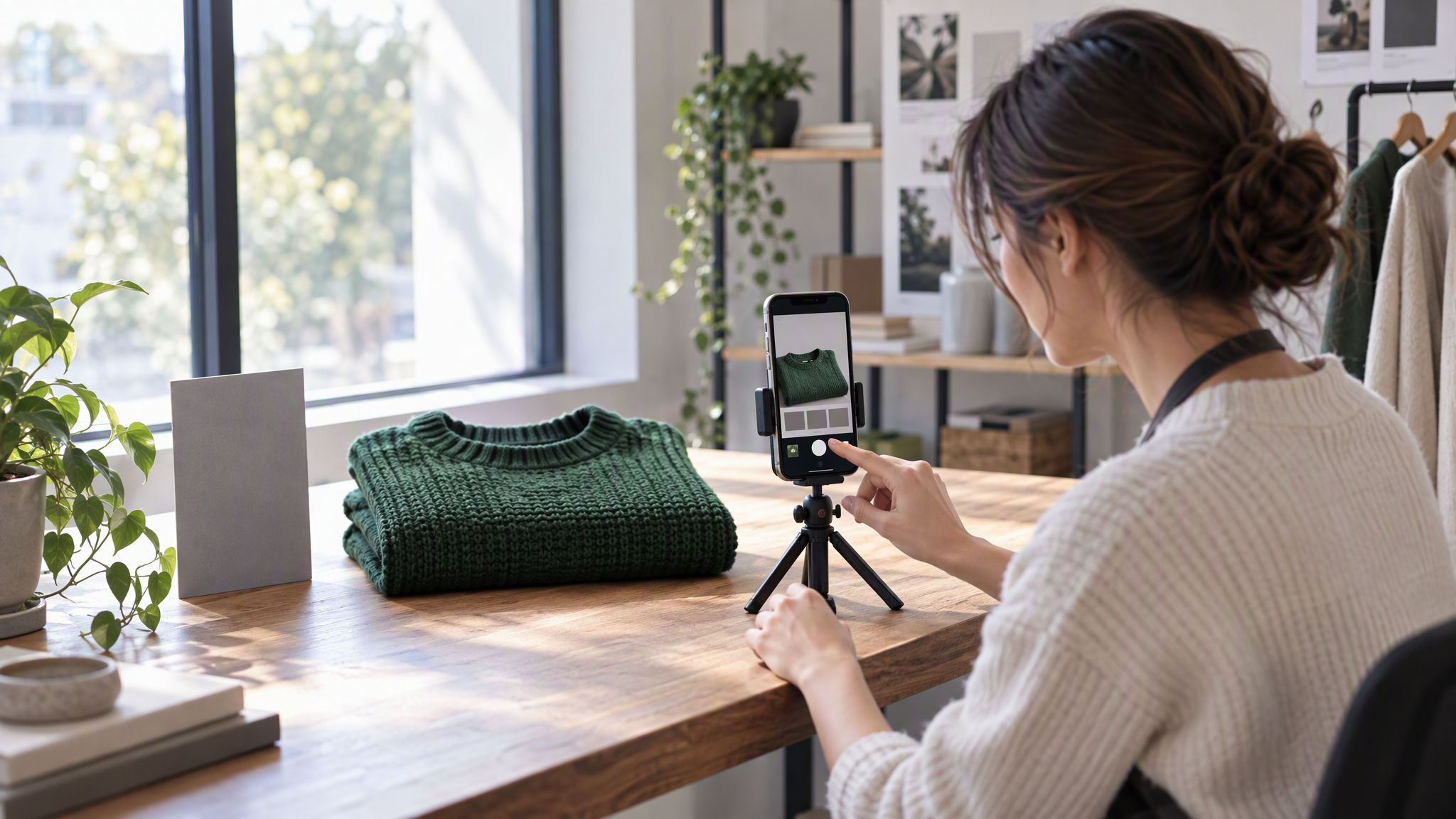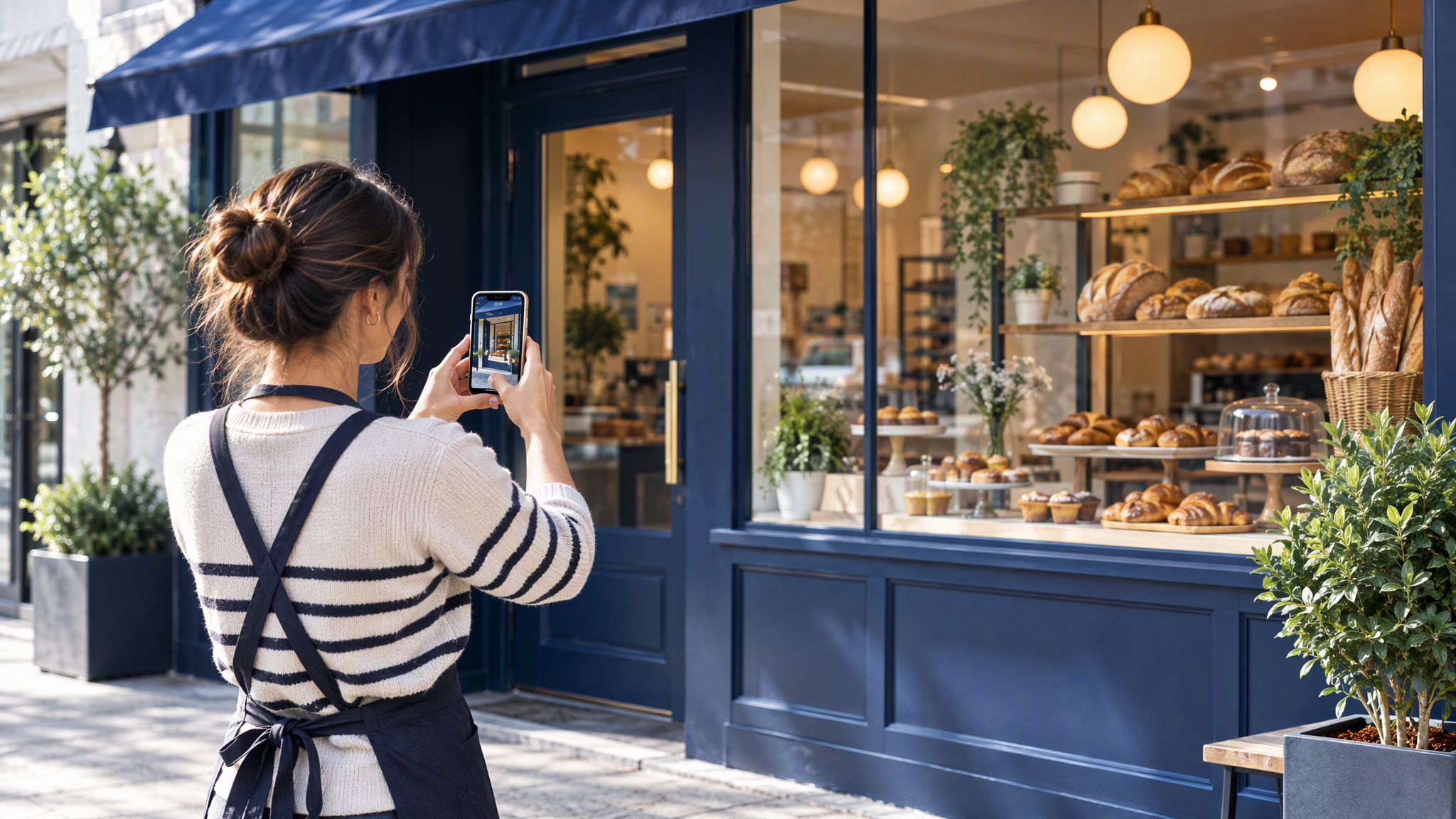
Google Business Profile photos look on brand when the logo matches your website and the cover and business photos are real, well-lit shots framed like your best posts. Google asks for JPG or PNG files between 10 KB and 5 MB, ideally 720 × 720 px, with no heavy filters.
Late October is when a café, a salon, a bakery or a local shop starts being found on Google Search and Maps, often before anyone opens the website or Instagram. The Business Profile is the picture they meet first, and it is often the one nobody has looked at since the spring. This is for the owner who wants that listing to look like the shop and the feed before the holiday visits begin.
Why Google Business Profile photos matter in the holiday season
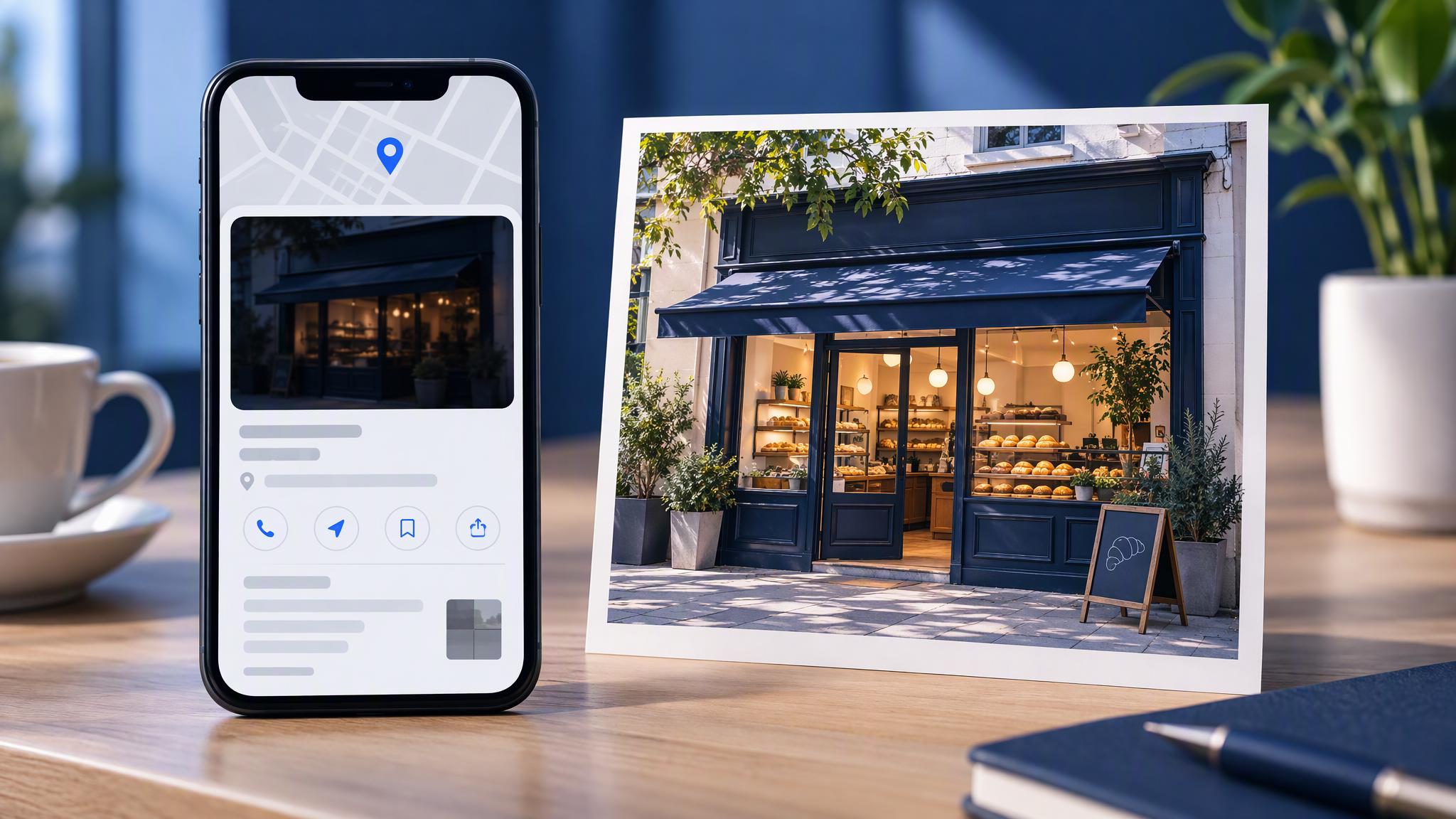
People meet the shop on Maps first. An old logo, a dark storefront snap, or a customer photo at the front of the gallery does not match the feed. The shop has not changed. The listing has.
Google Business Profile photos are a real-photo job. The look comes from the same framing, light and subjects you already use, not from a generated scene. Shoot them in daylight while you still can.
Google's help page does not say that photos move your position on Search or Maps. It says an exterior photo helps customers recognise the business when they visit. Do not expect a new cover to change where the listing sits.
What makes Google Business Profile photos look on brand?
Google Business Profile photos look on brand when the logo is the same file as the website, the cover shows the real shop the way your feed does, and the other photos are shot with the same light, angle and subjects as your best posts.
The logo is the file already on the site, not a festive redraw. The cover is a real photograph of the shop, in focus, framed like a post you would still publish. A heavy filter, a stock room or a generated scene is a different shop, even when the colours are close. If you would not put that cover in the feed, do not put it at the top of the listing.
What does Google ask for?
Google asks for JPG or PNG photos between 10 KB and 5 MB, recommends 720 px by 720 px, and says the photo should be in focus, well lit, and free of significant alterations or excessive filters, because it should represent reality.
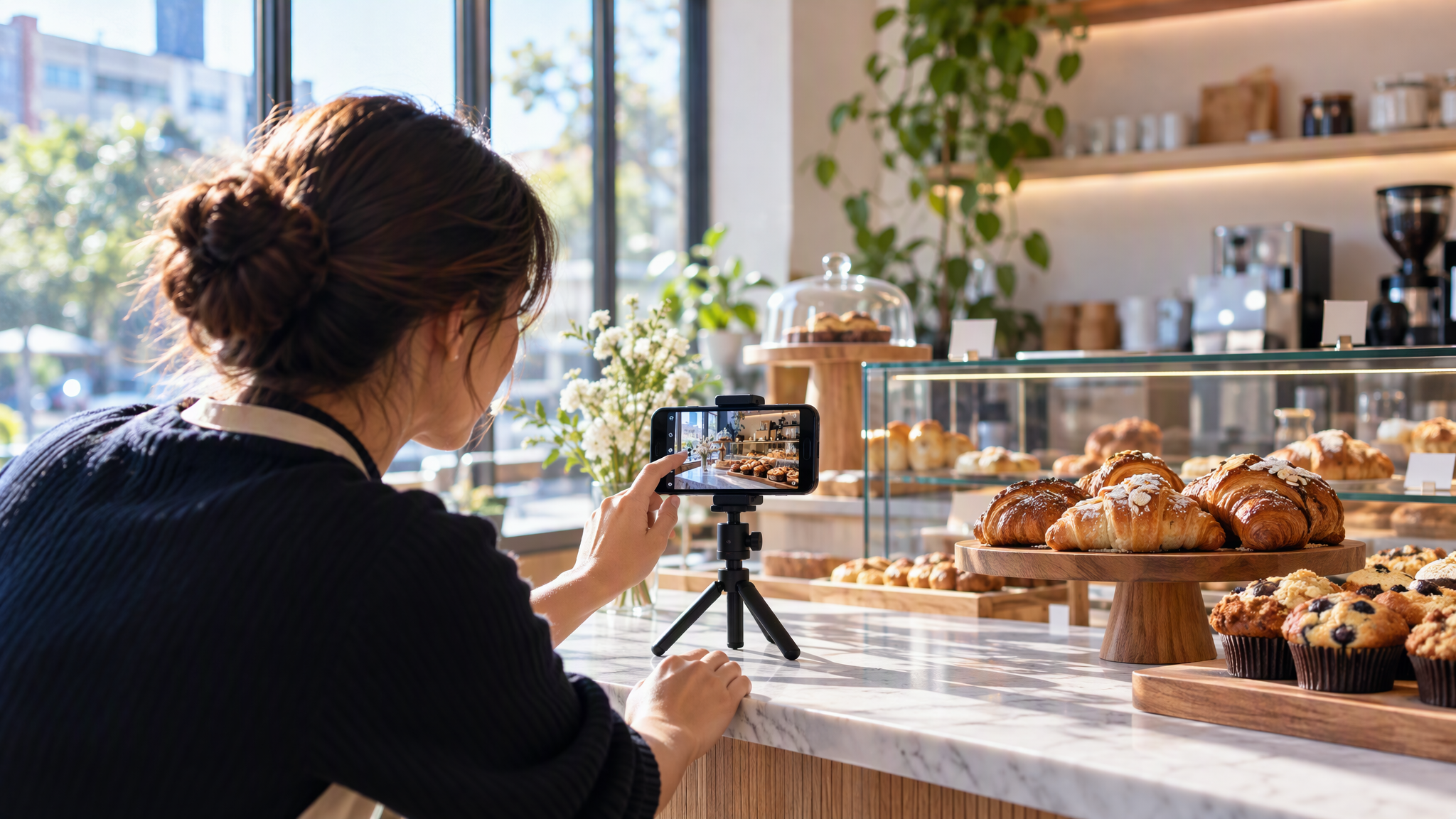
That is from Google Business Profile Help, "Manage your Business Profile photos and videos". The same page sets a minimum of 250 px by 250 px. Photos and videos show on Google only after you verify the Business Profile. Google says it can take up to 24 to 48 hours before they show.
Google lists a logo, a cover photo and business photos. The logo helps customers recognise the business. The cover is the photo at the top. Google says choosing a cover does not guarantee it will show first. If the cover is low quality, or other sources suggest it is not the best photo, Google says a user-submitted photo may be chosen instead.
Videos can be up to 30 seconds. This post stays with still photos. The line that decides the shoot is Google's: the image should represent reality.
A ten-photo set
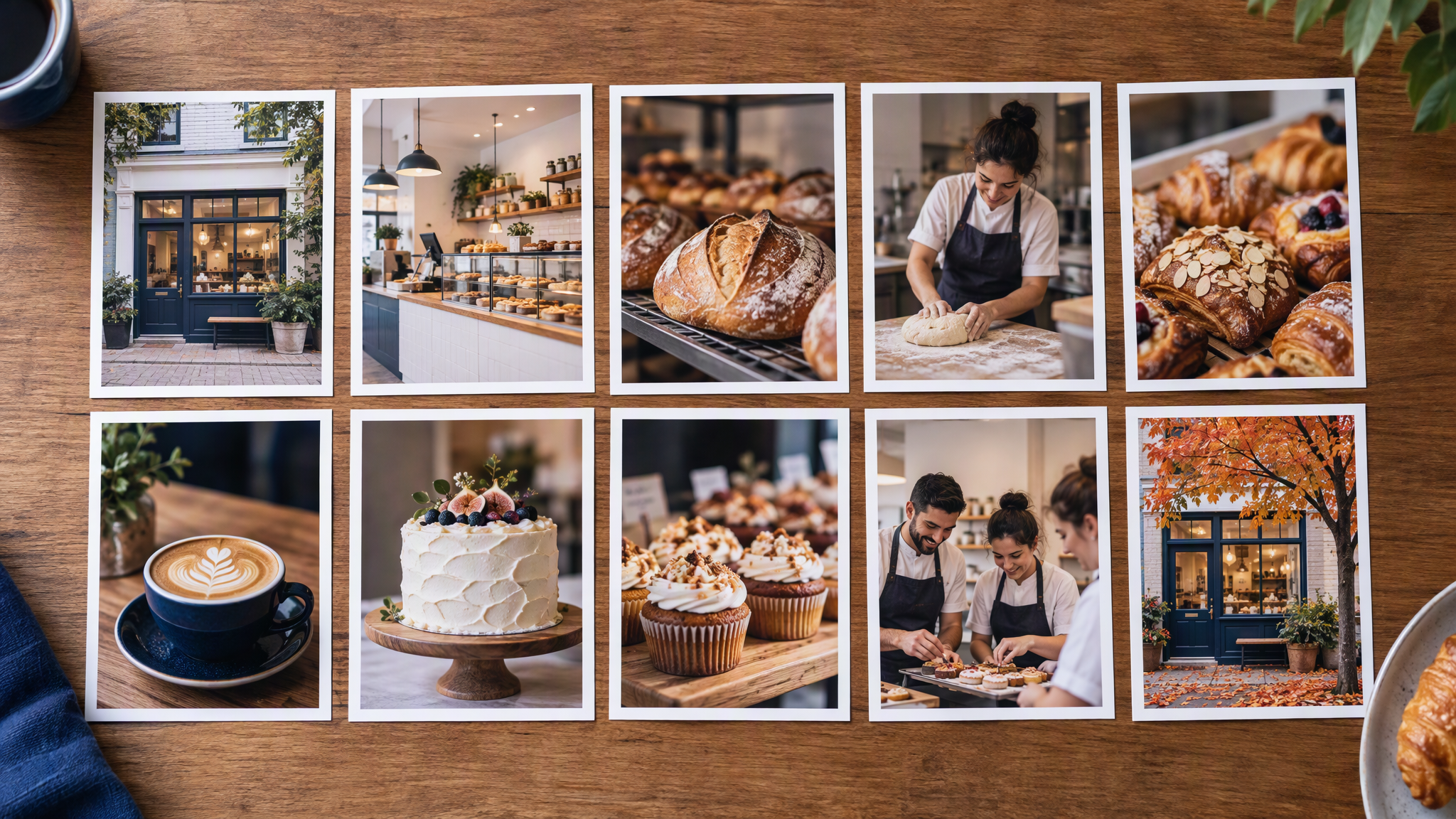
Shoot real photos in one session where you can, in the same light. Together these are the ten frames: logo, cover, exterior, interior, three hero shots, the team, one seasonal shot, and one closer frame of the thing a regular already recognises.
Logo. The same file as the website.
Cover. The real shop, framed like your feed, in focus and well lit.
Storefront exterior. The front a customer uses to recognise you. Google's page says an exterior photo helps people recognise the business when they visit. Daylight, door clear.
Interior. The room on a normal day, with the light you actually have.
Three hero products or services. Shown the way the site already shows them. Upright, not buried in props.
Team at work. Only if your posts already include people. No stock stand-in.
One seasonal shot. Holiday in the window or on the counter, in the same light. One frame, not a new grade.
One closer frame. The counter, the chair or the product a regular would know from the feed.
If a frame is soft, shoot it again. Google's quality line is in focus and well lit.
Catalogue photos without a studio are a different shoot, in How E-Commerce Brands Keep Product Photos Consistent Without a Studio. Christmas gift-set photos are in How Local Shops Shoot Christmas Gift-Set Photos That Still Match the Catalogue. The listing should look like the shop a customer walks into, not a snowy product set.
Keep it matching
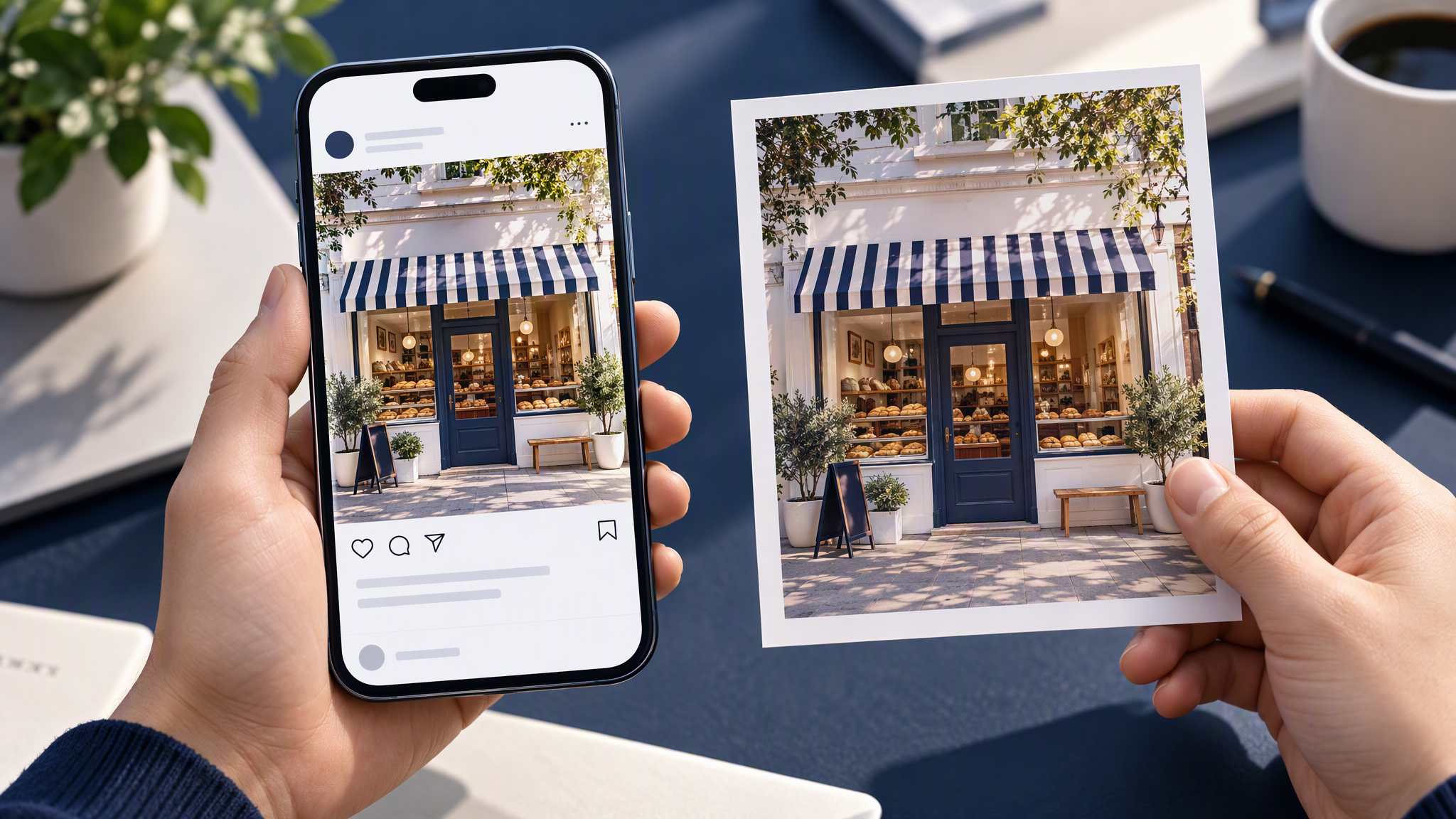
Use the feed as the reference. If the last six posts are bright and shot in the shop, the listing photos should be too. Same light, same distance, same kind of subject.
Refresh the seasonal shot when the season changes. Remove your own old uploads that no longer look like the shop: the dark exterior, the previous logo, the filtered special. Google's help page includes the steps to delete a photo you added, and it says you can request removal of customer-added photos. It does not offer a way to force your cover into the first slot.
Matching other channels is in How to Keep LinkedIn and Instagram Looking Like the Same Brand. Menus and flyers are in How Cafés and Local Shops Keep Printed Menus, Flyers, and Instagram Looking Like One Business. Halloween posts are in How Local Shops and Cafés Make Halloween Posts That Still Look Like Their Brand. December's local campaign has its own plan, in Small Business Saturday posts that match your shop. The test is the same: would a stranger call it one business?
On 20 October 2026 Google said Gemini can connect to Google Business Profile. What to upload and test there is in Gemini Brand Kit Upload: What Small Teams Should Check. A connection does not replace these photos. The profile still wants real pictures.
Where AI fits, and where it does not
Use AI for social posts and ads if you want it there. Keep the Business Profile real. Google says the image should represent reality, with no significant alterations and no excessive filters. A generated scene conflicts with that. Do not put one on the listing.
The square you post this week can come from a tool. The cover, the exterior, the interior, the products, the team and the seasonal frame should be photographs you took.
More on this cluster lives under Product photos.
The logo file and an hour of daylight are enough to start. If you want the social posts beside the listing to start from the same saved look as the site, Brandiseer can hold the reference photos with the logo and colours. It is optional. The profile itself stays a real-photo job.
Same shop, on the listing and in the feed
Google Business Profile photos match the brand when the logo is the website's file and the cover and business photos are real, well-lit shots in the same frame as your best posts. Use JPG or PNG, between 10 KB and 5 MB, ideally around 720 px by 720 px, with no heavy filter. Shoot the set in one session, refresh the seasonal frame, delete your own old uploads that no longer fit, and leave generated images off the profile.