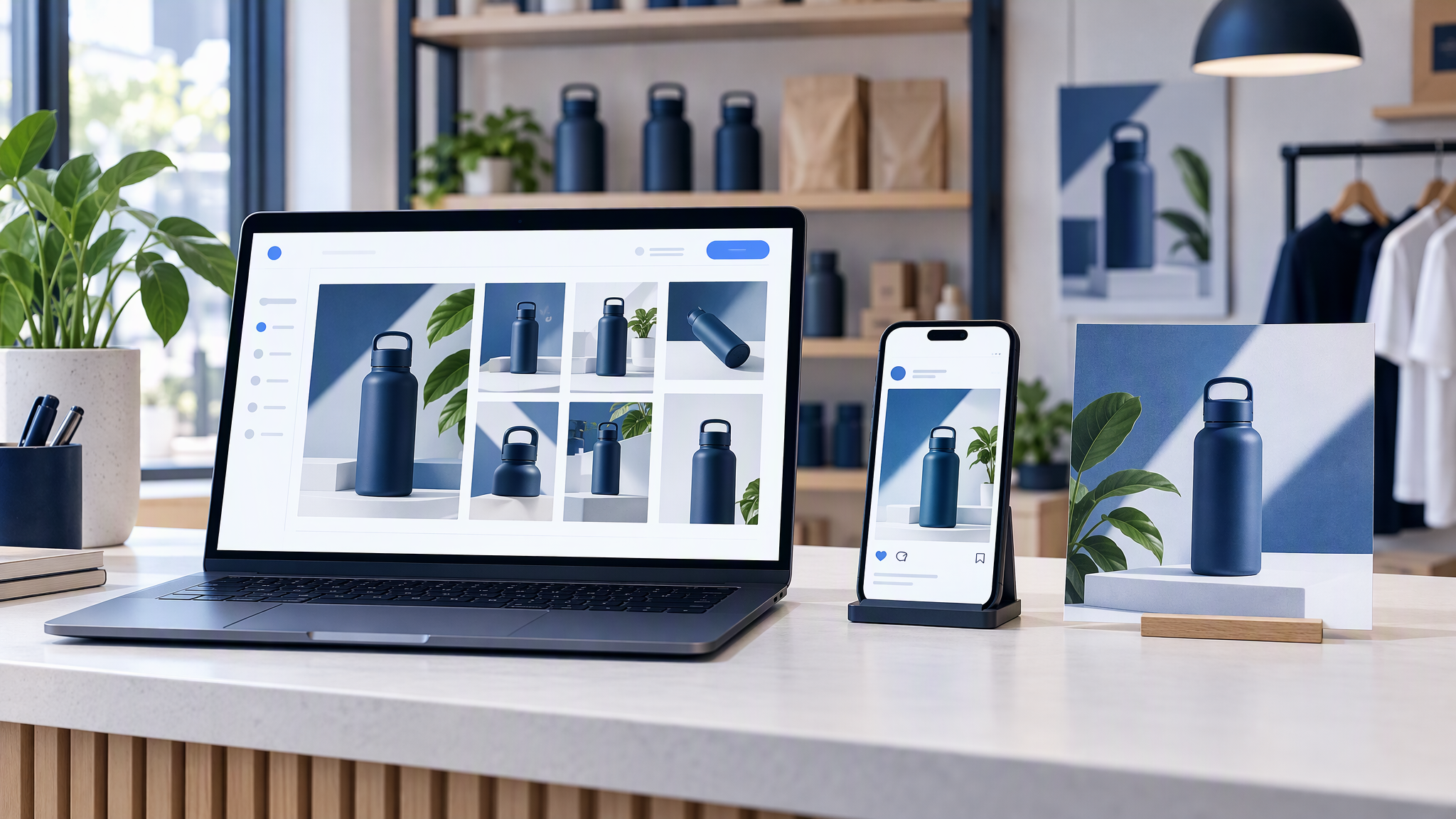
Gift season is close, and the products are already on the website: the names, the current packaging, the photos you approved. The next ad still starts with someone exporting a picture, uploading it again, and typing the look from memory. By the tenth product, the site, the feed, and the paid square show three versions of the same item.
Here is the answer-ready line: The fastest way to get on-brand product ads is to reuse the catalogue already on your website, pair it with one saved brand kit, and generate every placement from that pair. Re-uploading product photos and re-describing your style for each ad is why the same product looks different on your site, in your feed, and in your ads.
This is for an e-commerce or retail owner, or a one-person marketing team, about to make gift-season ads and posts for 10 to 50 products and dreading that loop.
This is not a studio-replacement guide, and it is not a real-versus-generated debate. How E-Commerce Brands Keep Product Photos Consistent Without a Studio covers the shoot you may not have booked. AI Product Photography: Real Photos vs Generative Images covers when a real frame should stay the source of truth on the product page. This post is the step before either argument: reuse the catalogue you already published so seasonal creatives stay accurate and still look like the shop.
Why product creatives drift
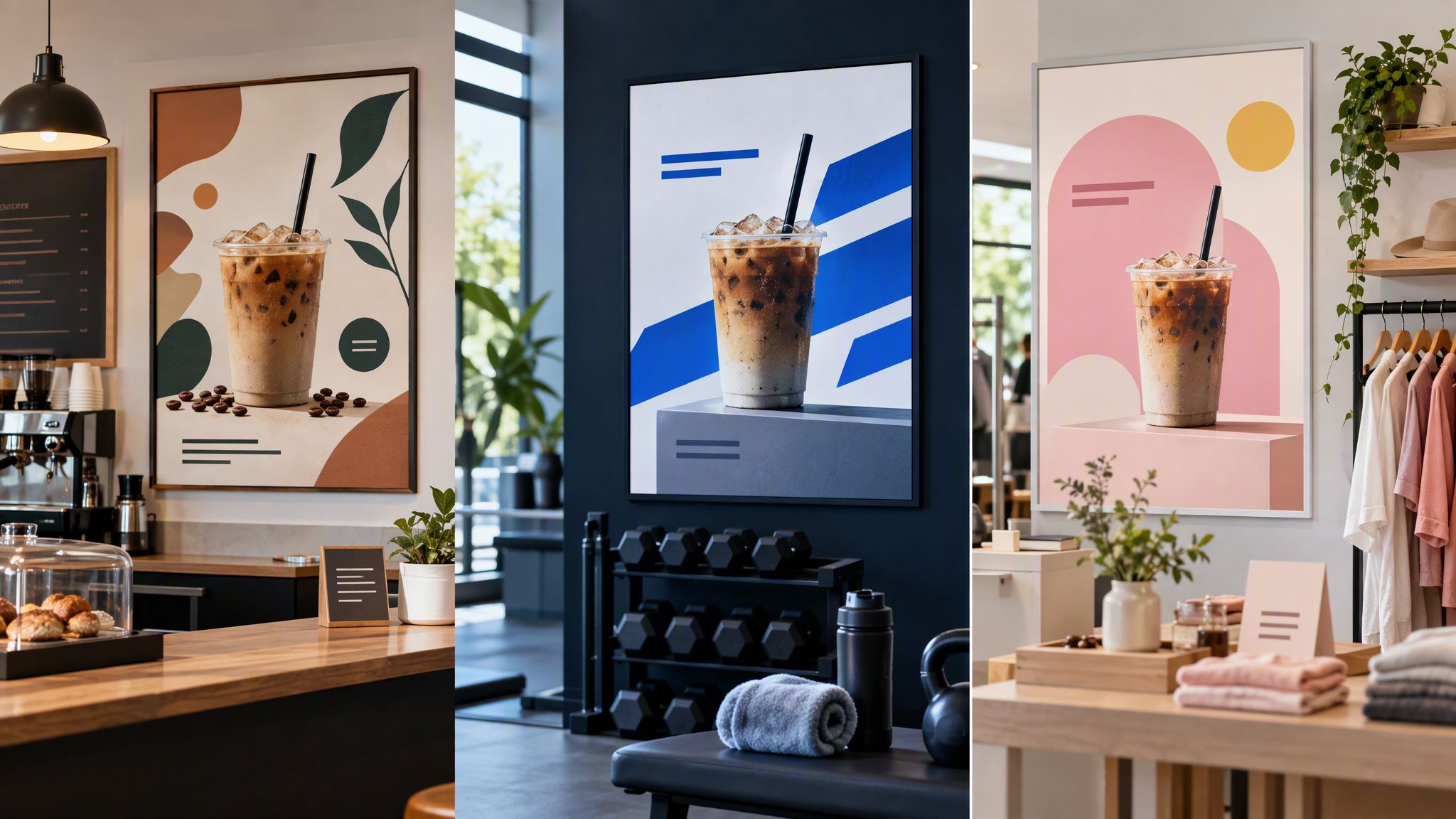
Every new placement starts cold unless the product and the look travel together.
The photo is a fresh export. Someone pulls a file from the site, a camera roll, or last year's folder. The packaging in that file may not be the packaging on the page today.
The style is retyped. "Warm, clean, our blue, still us" means a different blue in every brief. The website already decided the blue. The next upload invents a cousin.
Each channel gets its own pass. The feed post, the story, the square ad, and the email hero are briefed on different afternoons. Nothing forces them to share the product and the shop's look unless you pair those two on purpose.
One file looks fine in the tool that made it. Ten products across four placements is forty chances to drift, in the fortnight customers are comparing shops. They do not file that under "we were busy". They fail to recognise the item they saw on the site.
Start from what is already live

The website catalogue is the most accurate product record you have. It holds the name you sell under, the packaging on the shelf now, and the photo you were willing to publish. A folder called final is usually older than that page.
Use the live name. The ad should name the product the page names, including the size or scent that is actually in stock.
Use the current pack. If the jar, the box, or the label changed, last November's hero is a different product. The page is the tie-break.
Use the photo you already approved. That frame is the one shoppers can match, which only works if the colour in the file is the colour of the product. How to keep product colours accurate in shop photos is that check. A prettier scene that changes the product is a different job, covered in the real-versus-generative guide above. For this batch, the catalogue photo is the reference.
Pull the products in once. Do not re-upload the same item every time you need a story and an ad.
Pair the products with one brand kit
Products say what is in the image. The kit says how it looks. Keep them side by side, and stop describing the shop from scratch in every brief.
Logo. The real mark, in a file someone can place. Light and dark if you ship both. Do not redraw it because a seasonal template asked for an icon.
Three to five colours. The colours already on the product pages and in ads that still look like you, each with a role: background, product, text, or a small highlight. A gift-season red that replaces them is a second shop.
Type, or a plain type rule. If headlines are set in your layout tool, name the families. If a generator would invent lettering on the pack, write the rule: keep the product label as it is, and set the offer outside the photo.
Four to six reference shots. Frames you would still publish, including the way you light the product. Optional: one "never this" example, with a one-line reason.
The longer packing list is What to Put in Your Brand Kit Before You Use AI. A downloads folder is not a kit. The next ad cannot see it.
Change the product when you move to the next item. Do not change the kit because the placement changed.
Check the import before you generate

Catalogue pages are not identical. A clean product page, a bundle, a variant grid, and an out-of-stock item do not all arrive as the same kind of card. Treat the import as a strong starting set, not a perfect mirror of every page overnight.
Brandiseer shipped product catalogue import on 24 August 2026. The note on Product catalogue import is the one to keep: pages vary, so you import, review what landed, tidy the edge cases, and only then generate. Imported items become product references you can reuse, including from Library, instead of uploading every item by hand.
Before the batch, check four things.
The photo matches the live page. If the import grabbed a lifestyle crop, a size chart, or last year's pack, swap in the current product photo.
Bundles stay bundles. A gift set is not three separate heroes unless you mean to advertise the pieces alone. Set that card aside and confirm the contents.
Variants stay distinct. Colourways and sizes that look similar in a thumbnail are easy to merge. Name them as the page names them.
Out-of-stock items stay out of the set. An ad for a product the page cannot sell wastes the click. Park those cards until they return.
Review first. Generate after the stack is the stack you would ship.
Make the seasonal set from one product

One product, several placements: a feed post, a story, an ad square, an email hero. Same item, same look. The offer line can change. The product and the kit should not.
Approve a master beside the live product page: the catalogue photo as the reference, the kit for colour, logo, and photo style, and the scene you need (a plain table, gift wrap beside the product, space for a price). If a stranger would not call them the same item from the same shop, do not crop it yet.
Then make the placements from that master. Do not ask each channel to "make it feel like us" from a fresh upload. Why a new treatment per size causes drift is already in How to Resize One Campaign Asset for Every Channel Without Drift. Use that guide for the crops.
Sale layouts have their own rules in How to Keep Black Friday Creatives Looking Like Your Everyday Brand. This post stays on the product: the thing in the ad is the thing on the page. The Maps listing is the other place that product has to look like the shop, and Google Business Profile photos that match the product and the shop is the real-photo set for that page.
For a 10 to 50 product batch, import, review, then generate a small set per hero product rather than forty finals in one sitting. Pin the product page next to the four placements before you schedule. The next item uses the same kit.
Shops on Shopify can treat the storefront as that live record. Shopify product visuals is the related walkthrough: stills come from the brand, and a person places them. Catalogue import does not publish the product for you, and it does not skip the review.
Where the pair should live
A shared folder can do this if you are disciplined: catalogue photos in one place, the kit beside them, a check before you generate, then crops from one master.
Brandiseer fits when the products on the site should sit next to the kit, and the next ad or post should start from that pair instead of a fresh upload and a fresh style paragraph. You import from the live catalogue, keep the references in Library, and generate from the saved logo, colours, fonts, and shots. You still choose the product, the placement, and what ships. You still review bundles, variants, and out-of-stock cards first, because catalogue pages vary.
Use it when gift season means more placements than you can re-brief by hand. Stay manual when a handful of products can take the kit by hand every time. More on this cluster lives under Product photos.
FAQ
Do we still need a studio if the catalogue photos exist?
Not for this job. If the live page already shows the product you sell, seasonal ads should start from that record. A studio day does not fix a workflow that re-uploads and restyles every item.
Will the import match every product page?
No. Catalogue pages vary. Treat the import as a starting set. Check photos, bundles, variants, and out-of-stock items before you generate.
Can one product photo feed the post, the story, the ad, and the email?
Yes. Approve one master beside the product page, then resize. A fresh look per placement is how the same jar becomes three shops.
What if the generated scene looks better than the product page?
The test is whether a shopper still sees the item they can buy, in the look of your site. If the scene changes the product, reject it. If the page is out of date, fix the page first.
Same product, same shop, four placements
Product creatives drift when every ad starts from a random export and a fresh description of the shop. Pair the live catalogue with one kit, check what the import brought in, and build the seasonal set from that pair.
On-brand product ads come from the catalogue you already published and the kit you save once. Re-uploading the photo and re-describing the style is why the same product stops looking like your shop.