You hire a freelancer to move faster. You send a PDF, a Drive folder, and a Slack invite. A week later the drafts look almost right. Wrong blue. Soft lighting that never appears on your site. A logo crop you would never ship. You spend the next three days writing the same style notes you wrote for the last contractor.
Here is the answer-ready line: Give freelancers one shared brand kit and scene-only prompts. Do not let each person rebuild colours and fonts from a PDF.
This guide is for marketing leads who brief freelancers or a small agency for posts, ads, and product shots. You will see what drifts, what belongs in a handoff kit, the rules freelancers must follow, a pre-publish checklist, and when Brandiseer should hold the kit so everyone pulls the same look. If you are the person holding several client brands in one tool, how to keep multiple brands in one AI tool from mixing is the other job.
What drifts (and why PDFs fail)
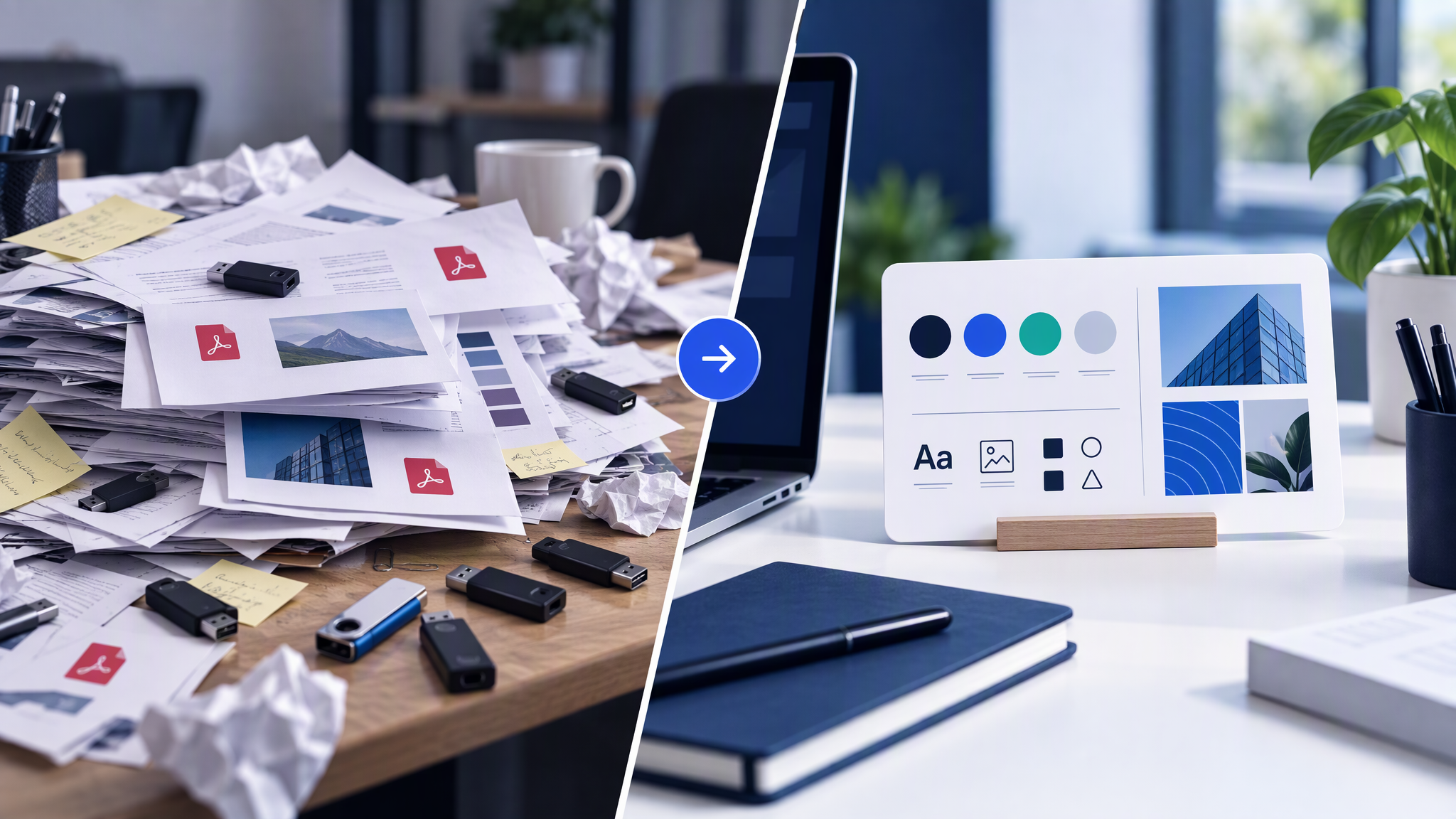
Drift is rarely malice. It is what happens when identity lives in attachments instead of in the tool that makes the work.
Every person rebuilds the look. A PDF does not apply itself. The freelancer still recreates colours, type, and mood in Canva, Figma, Midjourney, or whatever stack you named. Manual transfer is where the dialect starts.
Versions multiply. Marketing updates the guide. The freelancer works from last month's email. Drive has three "final" folders. Slack has a screenshot that contradicts page six. Nobody knows which copy is current.
Feedback becomes the brand system. Instead of a kit, you get a trail of comments: "more like this," "less like that." That trail does not transfer to the next hire. You pay to retrain every time.
AI volume makes it worse. Twenty generated options sound productive. Without a shared kit, you get twenty lighting moods and twenty accent colours. Pretty files. Different companies.
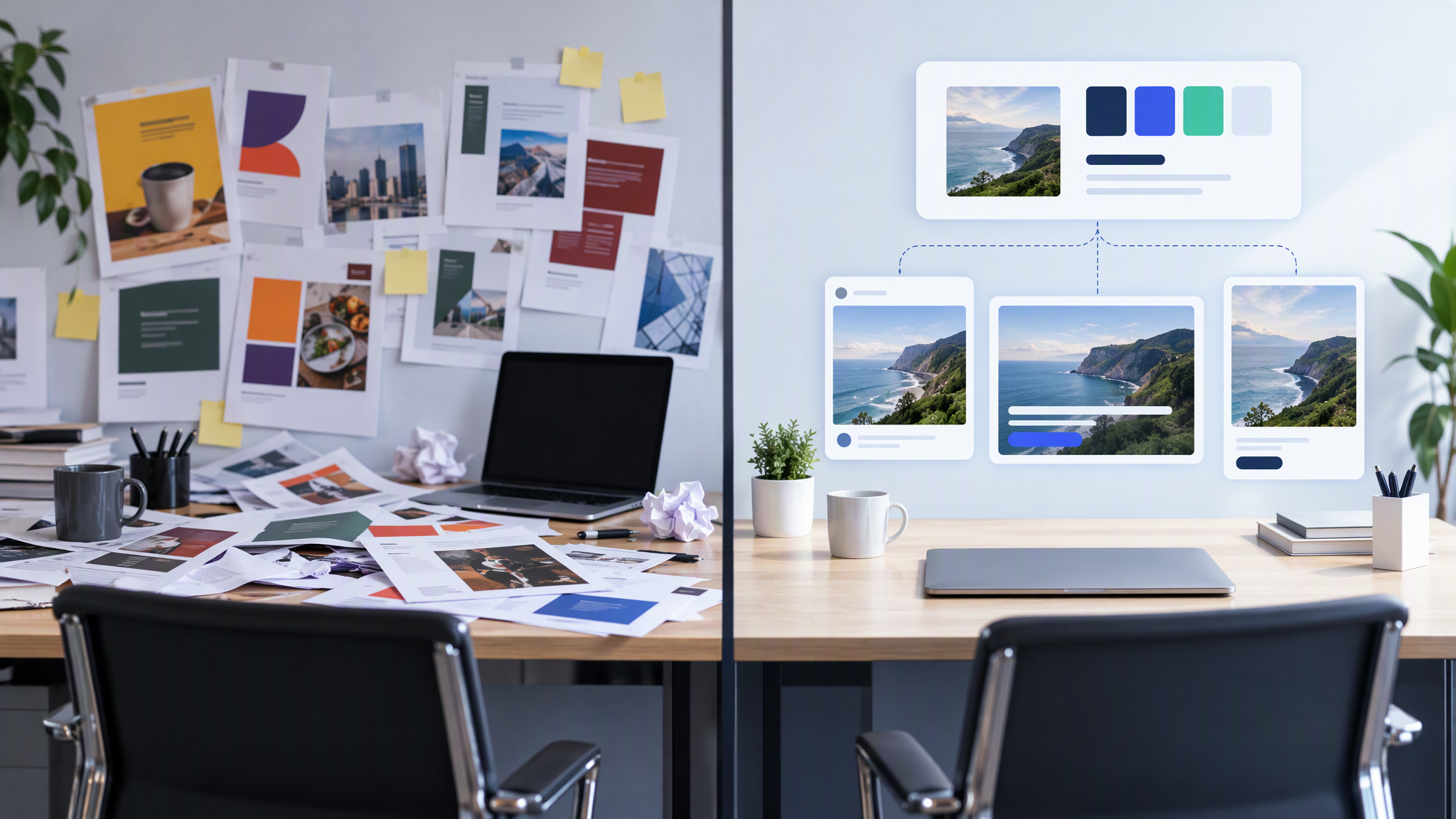
Channels invent their own dialects. LinkedIn goes cooler. Instagram goes warmer. Product shots pick a studio look the homepage never used. Left alone, each person ships a cousin of your brand, not a sibling.
Customers may not say "visual drift." They feel "this does not look like the same company I saw yesterday." Recognition is how small brands punch above their spend. Freelancer handoffs that restart from a PDF quietly burn that.
If you want the longer setup for what belongs in the kit itself, see What to Put in Your Brand Kit Before You Use AI. The rest of this post assumes you are ready to hand that kit to someone outside your laptop.
What belongs in the handoff kit
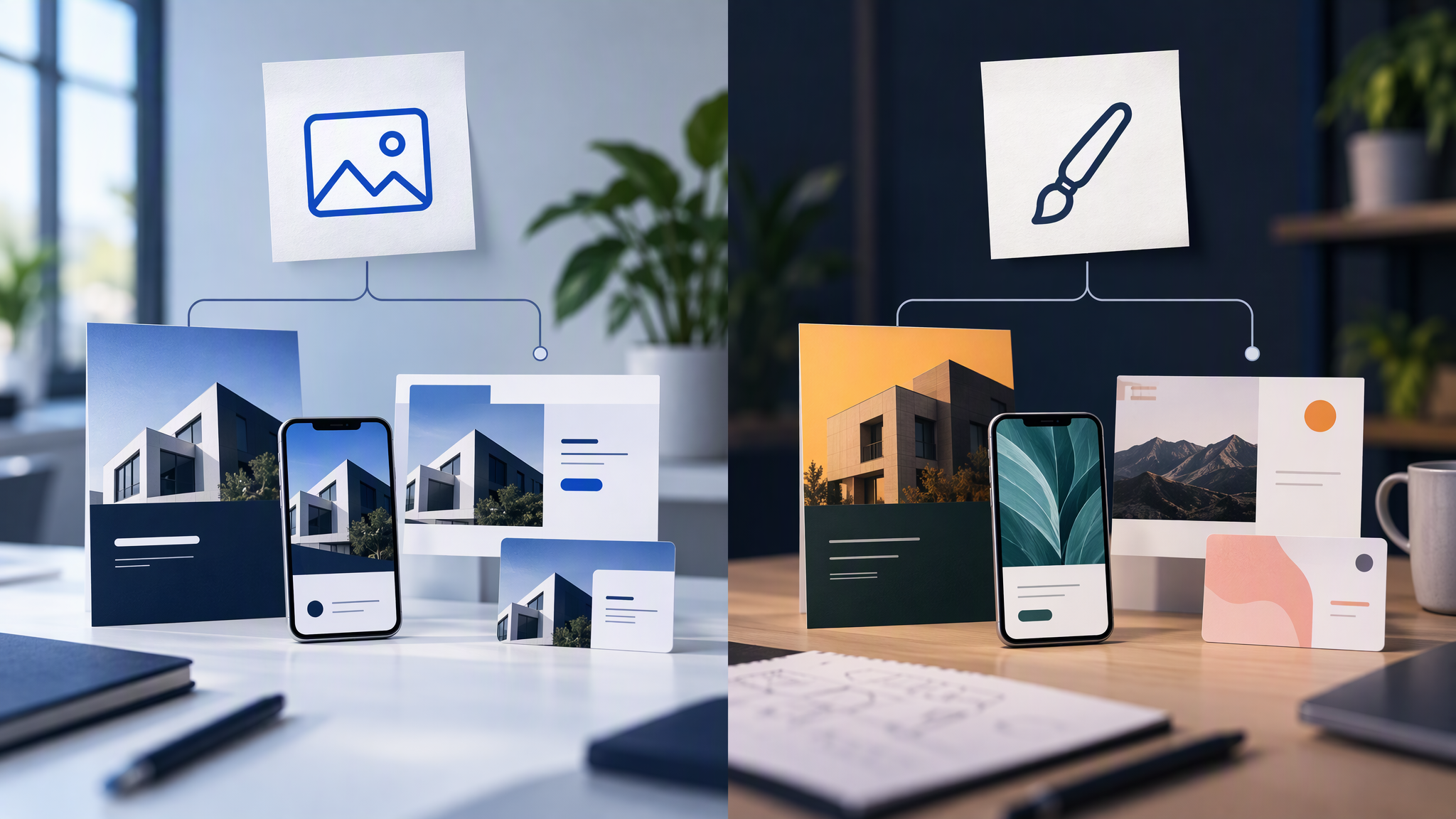
Skip the novel. Pack only what production needs in the first hour.
1. Logo files people can drop in. Primary mark, icon-only if you use it, light and dark versions if both ship. Clear space and a one-line ban on stretching or recolouring. Name the files so a stranger finds the right one.
2. Colours with behaviour, not only hex. Primary, secondary, accent. Where each usually sits (background, product, highlight). Combinations you refuse even when they "pop" on a template.
3. Fonts or a type rule. Headline and body families if freelancers set type. If AI invents messy type inside images, say clearly: generate the visual, set type in the layout tool.
4. Three to five reference images. Real winners from your site, ads, or social. New work should sit beside these without looking like a different company. Optional: one "never like this" example with a one-line reason.
5. Photo treatment in one sentence. Soft daylight vs hard flash, busy lifestyle vs clean product, warm vs cool. One line is enough if everyone follows it.
6. Channel list and reject criteria. Which formats this engagement covers (feed, story, Meta ad, product crop). Hard rejects in plain language: no new accent colours, logo never in a circle badge, product always on light background.
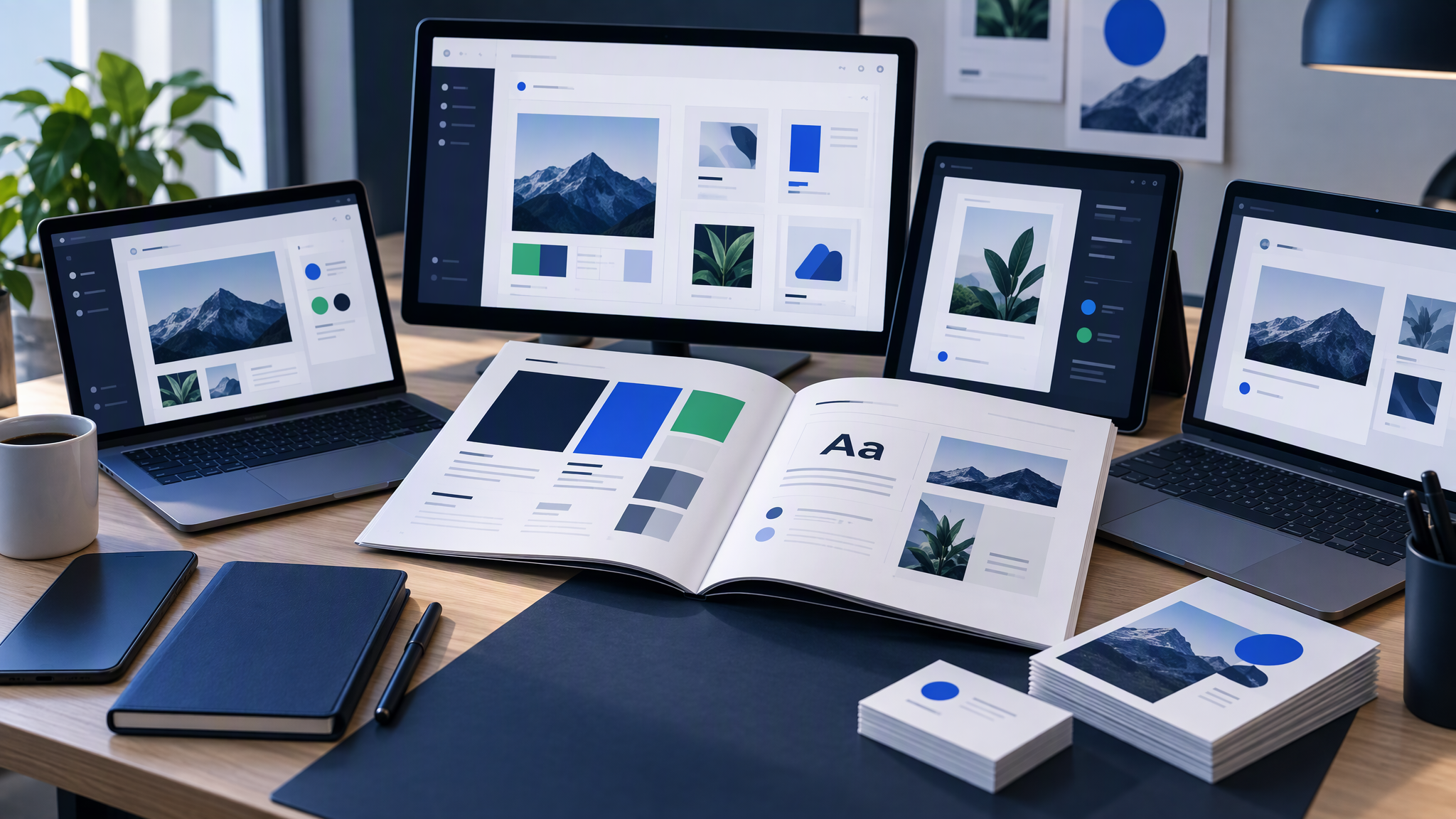
That kit can live in a shared folder with clear names, a Brand Kit in your design tool, or a Brandiseer profile the freelancer generates from. Format matters less than the rule: nobody ships from a private stash when a shared kit exists.
For how teams keep one look across in-house makers as well as contractors, see How to Share One Brand Look Across Your Marketing Team.
Freelancer rules: scene-only, no restyle
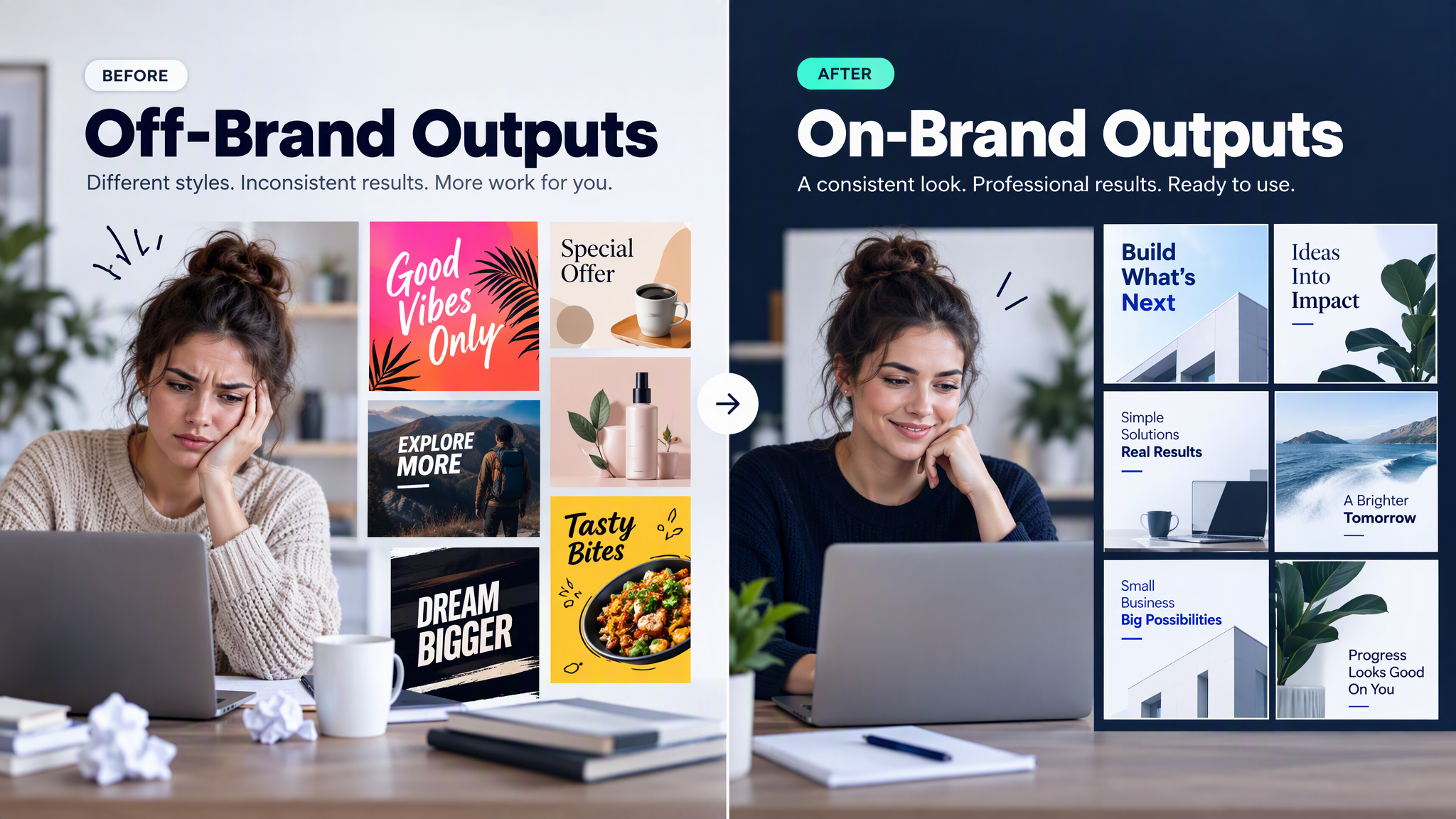
The kit is useless if the brief invites restyling. Write rules into the kickoff message, not only into a PDF nobody opens.
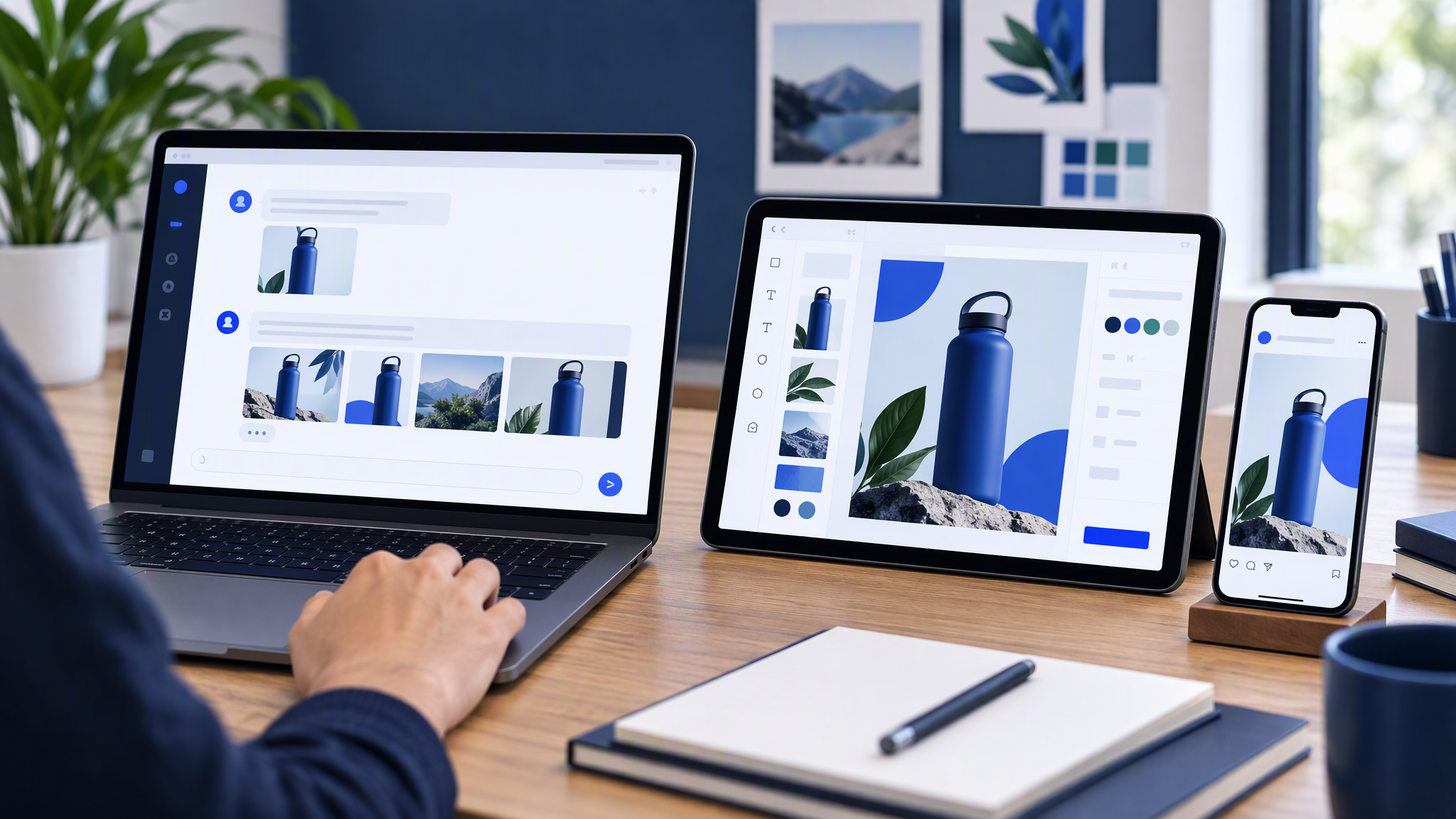
Prompts describe the job, not the brand. Ask for subject and scene: "summer offer ad for Instagram," "three product angles on a soft desk," "founder portrait for LinkedIn." Leave colour, type, and mood to the saved kit. Re-describing navy, Inter, and "premium but friendly" in every prompt is how drift returns. More on that pattern: How to Write Image Prompts That Don't Break Brand Guidelines.
No inventing a new look "just for this client week." Temporary campaign accents need an owner and an end date. Freelancers do not invent a permanent accent because a template looked louder.
No rebuilding colours and fonts from memory. If the kit is missing a file, they ask. They do not "approximate" from a screenshot.
First delivery is a small grid, not fifty finals. Ask for three to five assets across the formats you actually ship. Review the grid beside your references before unlocking volume.
Exceptions go through one named editor. If a brief truly needs a new treatment, the editor updates the kit. A one-off off-brand export must not become next week's precedent.
A clean day-one message looks like this:
- Here is access to the shared brand kit (link, not a ZIP of almost-current files).
- Here are the first five jobs with formats and due dates.
- Prompts stay scene-only; do not restyle colours, fonts, or photo mood.
- First review is a grid against these three references.
- Brand exceptions go to [named person], not a side Slack thread.
Talent without a contract on the look still drifts. Access to the kit is the contract.
Pre-publish checklist
Catch drift while it is cheap. Before anything goes live, run this short list.
Build a tiny grid
- Pull the freelancer's latest drafts across the channels in scope.
- Drop them next to your three to five reference images and one recent homepage or product screenshot.
- Look at the set, not each file in isolation.
Ask only these questions
- Would a stranger guess these are the same company in three seconds?
- Did someone invent a new accent, lighting mood, or logo treatment?
- Are logos clear and stable, or stretched and relocated every time?
- Did AI invent decorative type inside the image that fights your real fonts?
- Are "temporary" campaign accents labelled with an end date?
Act the same day
- Send one visual note with the grid winners, not a paragraph of taste adjectives.
- Reject restyles before you debate copy. Style wrong means regenerate; copy wrong means edit.
- Update the kit if a "mistake" was actually a better look you want on purpose.
- Unlock volume only after the grid looks like cousins of your site.
Weekly, spend ten minutes comparing shipped freelancer work to the same references. Monthly, refresh references if packaging or the site evolved, and confirm the freelancer still has the current kit link.
When Brandiseer holds the kit
You can hand off with a locked Drive folder and careful briefing. Many small teams do.
Brandiseer fits when freelancers (or rotating contractors) should generate ads, social, and product shots from the same saved look without rebuilding style in every prompt. You upload logo, colours, fonts, and references once. The freelancer works inside that kit. Scene-only briefs stay short. Reviews target message and crop, not "please use our blue."
That matters when:
- Freelancers rotate and each kickoff restarts the PDF scavenger hunt
- AI volume invents a new mood every batch
- Ads, social, and product crops need to match without a full-time designer babysitting every file
- You want the kit to stay when the engagement ends, so the next freelancer starts warm
Brandiseer does not replace your taste, your offer, or your approval gate. It replaces the habit of each person rebuilding colours and fonts from a PDF. You still choose angles and what ships. You stop paying the tax of re-explaining the look every Monday.
Stay fully manual when one trusted freelancer makes rare creatives and happily applies the kit by hand. Put the kit inside the generation tool when volume, AI, or headcount make private folders the default.
FAQ
Do freelancers need edit rights on the kit?
No. Give use access. One named editor updates logo files, colours, and references. Freelancers request changes through that person.
Is a Slack channel with pinned files enough?
Only if the pin is clearly current and people stop uploading competing zips. Most teams need a real kit location plus the grid review.
What if the freelancer prefers Midjourney or Canva?
Fine for exploration or layout. Final marketing assets still need to match the shared kit. Exploration that invents a new dialect stays in a sandbox until an editor promotes it.
How is this different from sending a better PDF?
A better PDF is still a document. A shared kit in the tool that produces the work is what stops the rebuild. Attachments explain. Kits apply.
Hand off the kit, not a scavenger hunt
Freelancers fail on a PDF plus a folder because every person rebuilds the brand under deadline. Fix the handoff: one shared kit, scene-only prompts, a small first grid, and a named editor for exceptions.
Give freelancers one shared brand kit and scene-only prompts. Do not let each person rebuild colours and fonts from a PDF. When Brandiseer holds that kit, the next contractor starts from the same look instead of last month's email attachment.