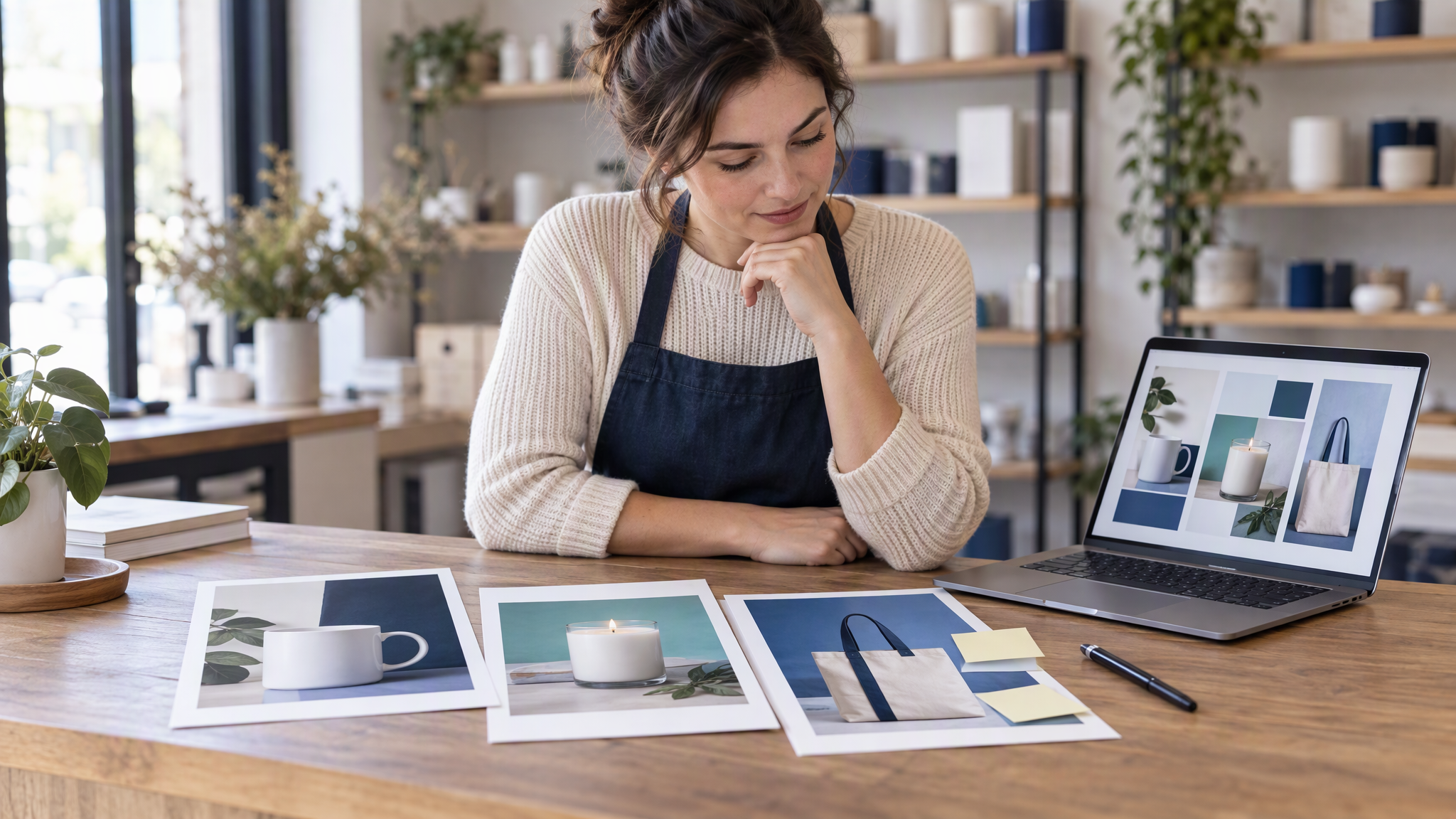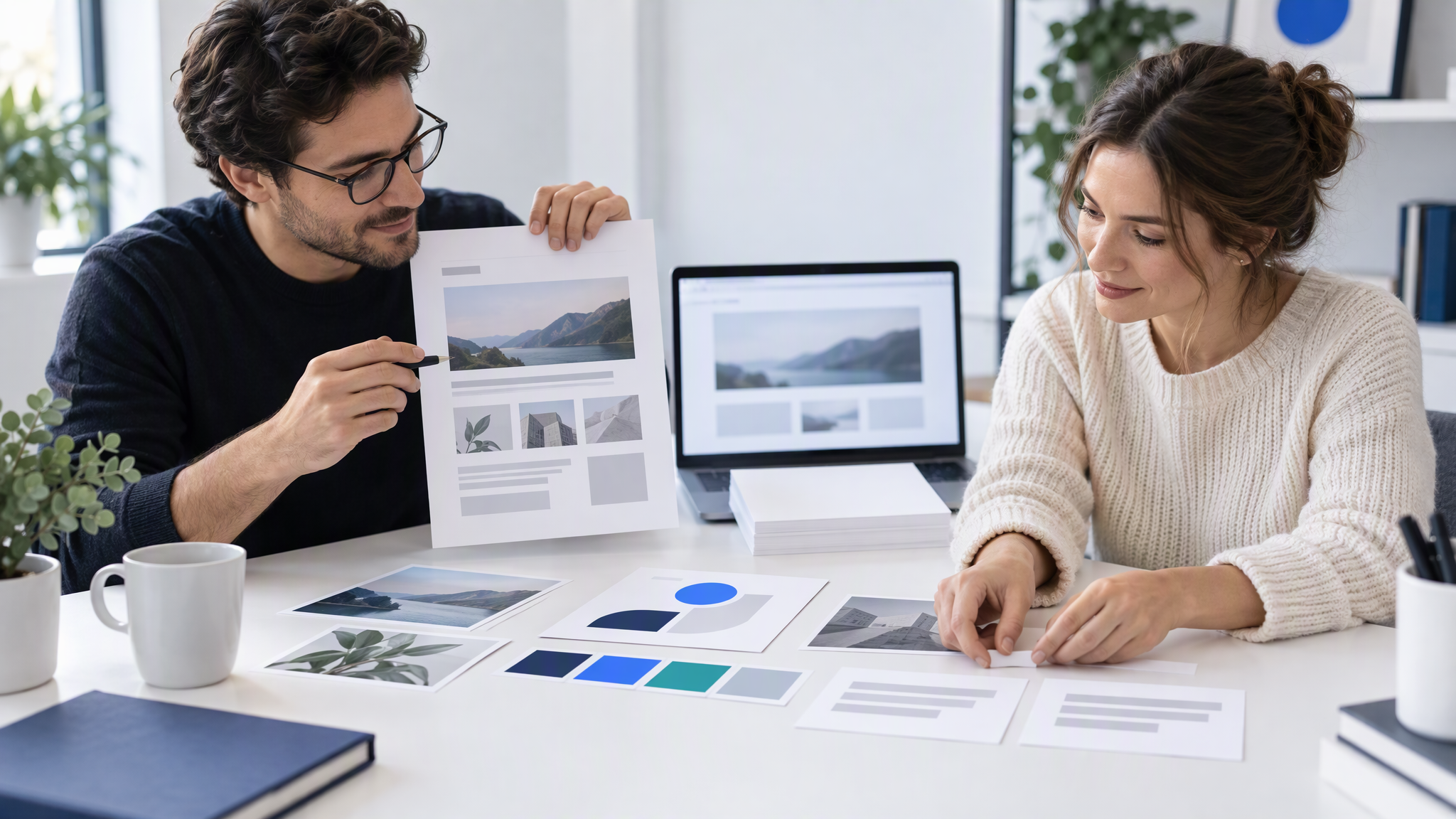
Canva Craft is Canva's first in-house image model, announced on 23 October 2026, and it plans the layout before it draws, so text and placement land more reliably. As of October 2026 it is in Dream Lab for all Canva users. Test it on three real jobs first.
This is for an owner, or the one person who does the marketing, who already makes posters, social posts and flyers in Canva. Craft is the news this week. The useful question, before the Christmas campaigns, is whether to switch image generation over to it, or to run three real jobs against the website first.
Should a small team use Canva Craft for marketing images?
Try it now if you already design posters, social posts or flyers in Canva and the text in AI images keeps coming out wrong: Craft plans the layout and text before it draws. Wait and test first if your images must show real products accurately. As of October 2026, Canva places Craft fourth for Products on DesignArena. Developers can try it through Canva's Public API. As of October 2026 the announcement does not say how Craft uses your Brand Kit, so check any result against your website first.
What Canva launched on 23 October 2026
Canva's newsroom post, "Introducing Canva Craft", is the account this post uses. Craig Hale at TechRadar, published on 23 October 2026, is the secondary report, used here for the date and the context of the launch. Claims about what Craft does are Canva's, as of October 2026.
Canva Craft is an image model inside Canva. As of October 2026, Canva says it is the first image model developed and trained by Canva Research. Canva describes a two-stage design. A planning model writes a plan of the composition: what goes where, how big each part is, and where any text sits. A rendering model then draws the image from that plan. Canva says that order is what makes text more legible and placement more precise. Treat that as Canva's description of the model. This post does not turn it into a score.
As of October 2026, Canva says Craft goes up to 2K resolution, offers more than 30 aspect ratios or a custom size, and can set text in 55 languages. Canva says the training places emphasis on millions of human-made Canva templates. Canva says the outputs are suited to Magic Layers, so a generated image can become editable layers rather than one flat picture.
As of October 2026, Canva says Craft is available to all Canva users globally. You open it in Dream Lab. Canva says a Public API is available, so a developer can call the same model outside a manual session. Canva says its MCP is "coming soon". Canva says Craft-fast and Craft-ultrafast are upcoming variants, not the version a team opens in Dream Lab today.
How Craft is different: layout first, then the image
Most image models start drawing from the words in the box. Canva says Craft writes the layout first. Posters and flyers fail when the offer sits in the wrong place, so that order is the part a small team can use.
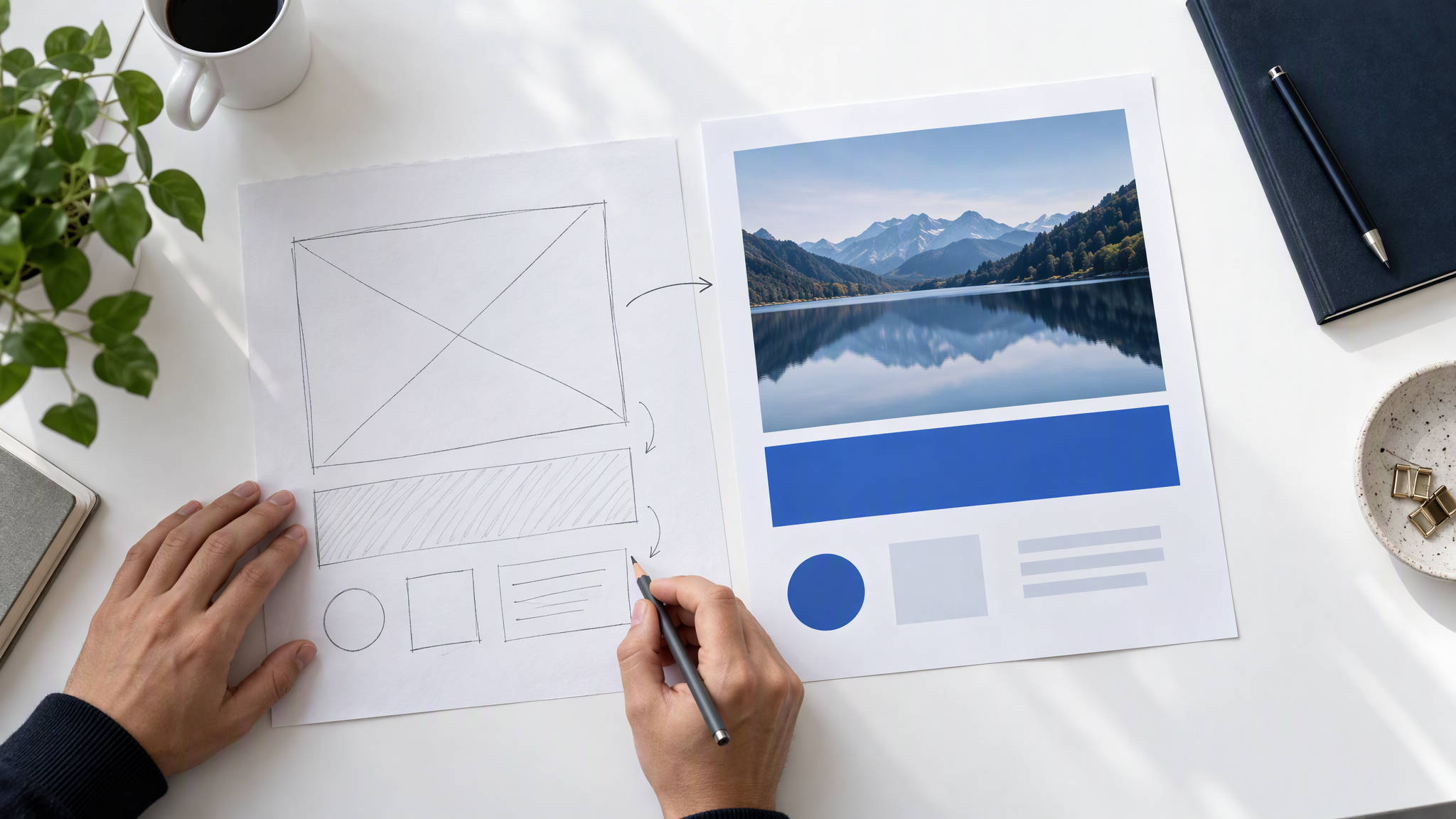
Planning, then the picture. As of October 2026, Canva says a planning model writes what appears, how big it is, and where any text sits. A rendering model then draws that plan, up to 2K. Canva says the text is more legible because the words are placed before the pixels. Test that on the offer line you would publish.
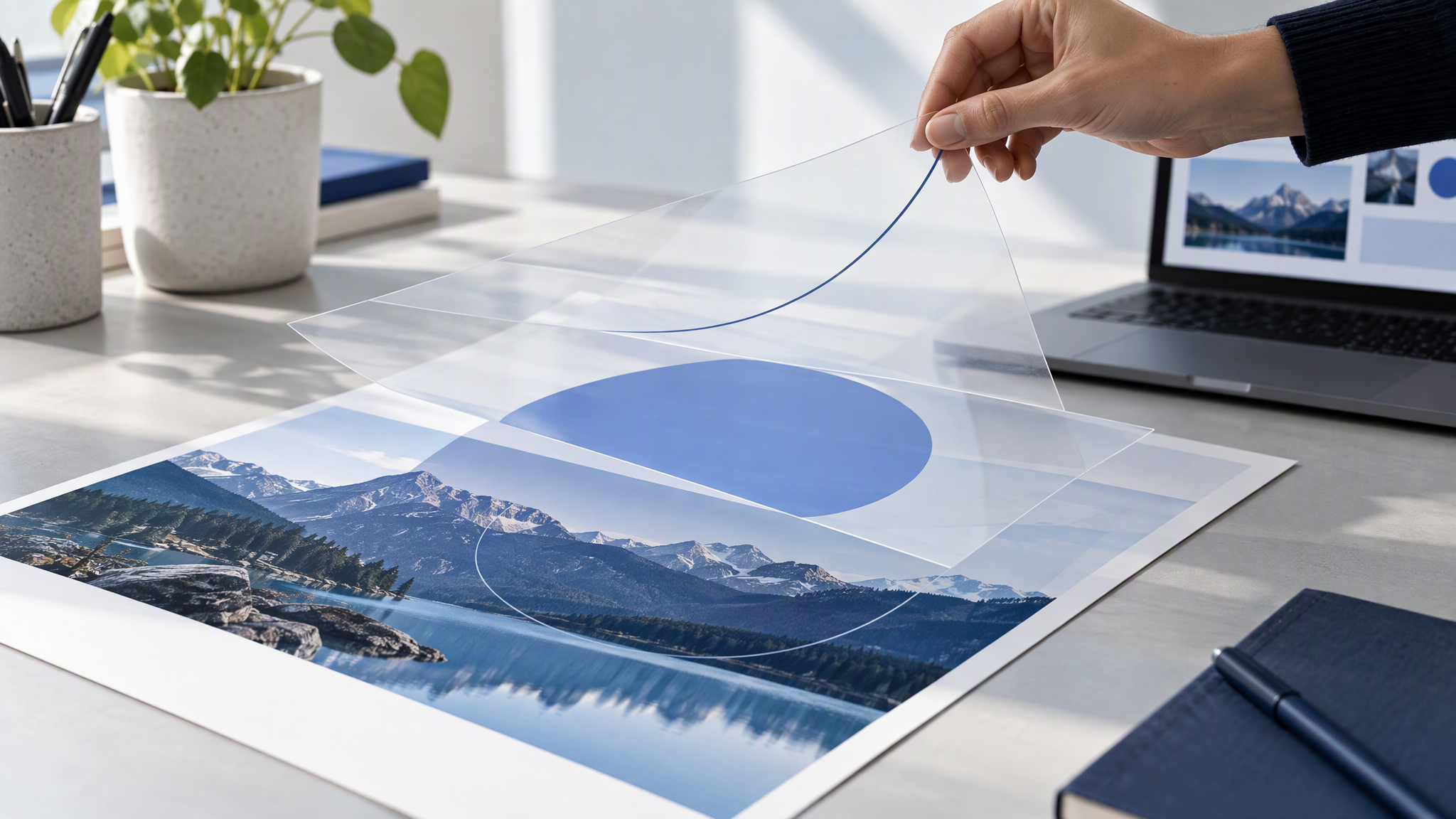
Layers you can separate. As of October 2026, Canva says the same structure suits Magic Layers, so one part can change without redrawing the rest. That is Canva's description, not a promise the colours will match your files.
What the Canva Craft announcement does not say
The newsroom post does not mention Brand Kit. As of October 2026, it does not say how Craft uses a team's colours, fonts, logo or photos. A result can still look finished and be the wrong shop. Check it against the live website, the way you would check any other image tool.
The announcement lists no prices and no credit limits. As of October 2026, this post adds none.
The rankings are Canva's, on DesignArena. As of October 2026, Canva says Craft debuted fourth on DesignArena, and that it ranks #4 for Products. Attribute both to Canva and DesignArena. Fourth for Products is a reason to run the product test below, not a reason to skip it.
As of October 2026, Canva says the MCP connection is still coming, and that Craft-fast and Craft-ultrafast are still to come. Do not brief the team as if those are already on.
Canva AI 2.0 and Brand Intelligence are a different product from this image model. What a small team should check there is in what small teams should check on Canva AI 2.0 and Brand Intelligence. This post does not repeat that launch's date. The subject here is Craft.
A three-job test before your team relies on it
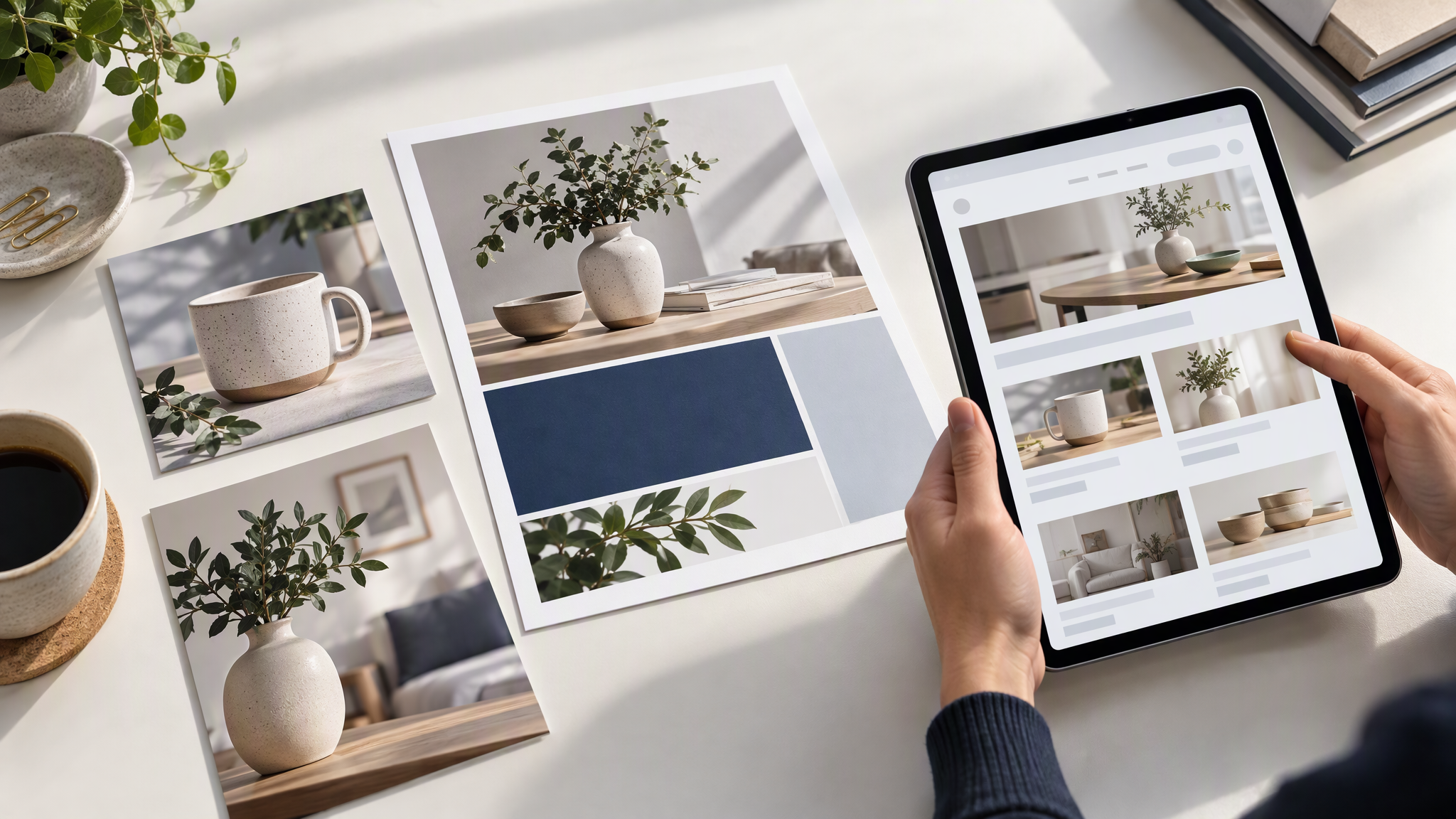
Make three pieces you would actually publish this month. Use a real subject, not a placeholder offer.
A square social post, with your offer text. The line you would put on this week's post. If the words break or invent a second headline, it fails.
An A4 flyer. A real offer, with the headline and the short detail a customer needs. A square can hide a layout problem that a flyer cannot.
A product shown in a scene. The product you sell, not a cousin of it. Hold the real item next to the screen before you judge the picture.
Pin each result next to the homepage and the last six posts. Check colours, fonts, logo placement and product details. A pass is a piece a stranger would place with the site. A fail is the wrong colour, a font the site has never used, a logo in a corner you do not use, or a product that does not match the one in your hand.
If the square passes and the product scene does not, do not switch the team over. Remake the three after you correct the files you are working from. A longer prompt does not repair a product that does not match.
Keep one brand across Canva and your other tools
Craft lives inside Canva. As of October 2026, the announcement does not say it updates the kit in a chat app, an ad tool, or the image tool you used last week. Each of those still starts from whatever files you gave it. That is how the pictures drift, even when the Canva poster looks right.
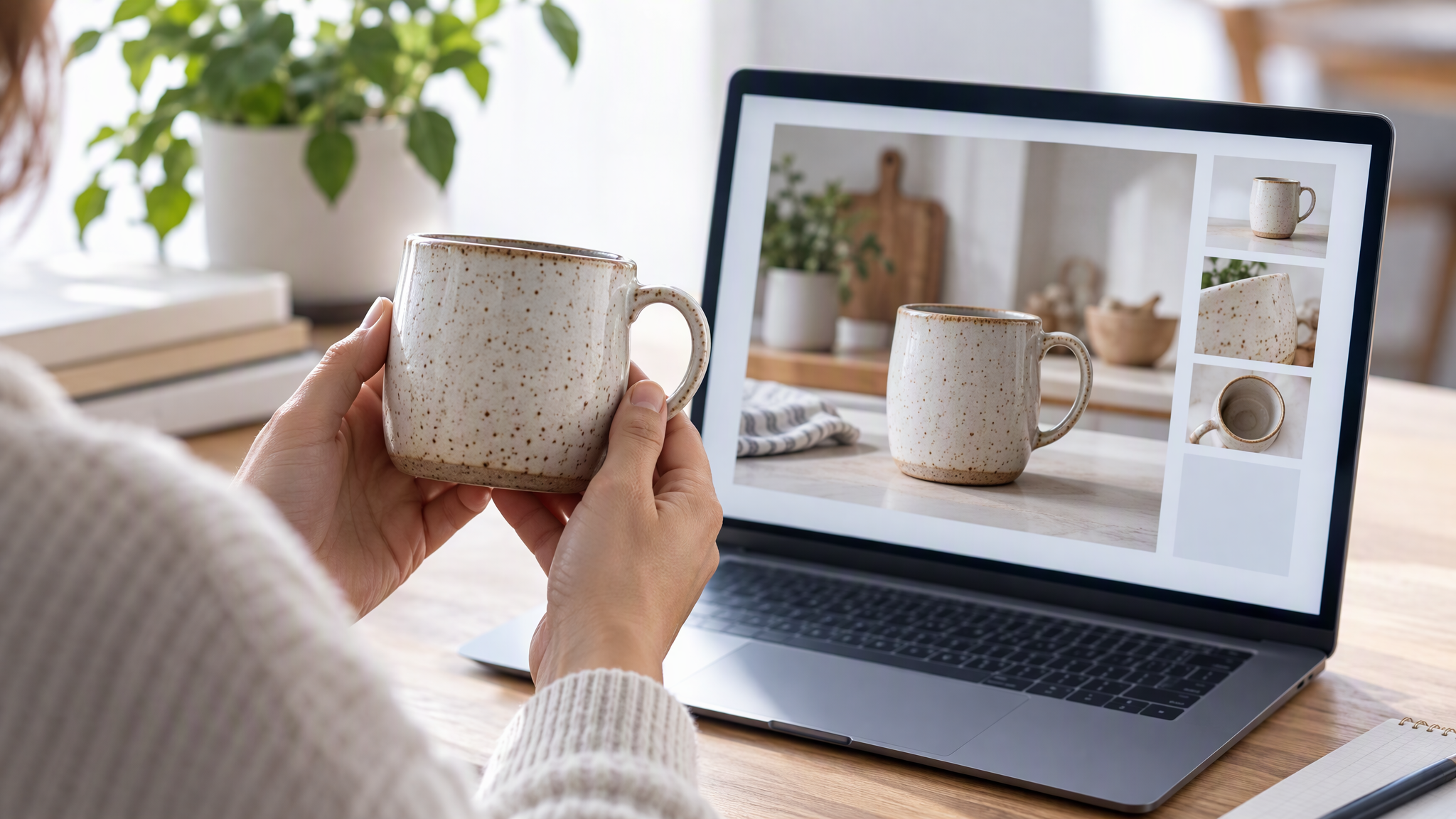
Keep one master folder: logo files with a placement rule, 3 to 5 colours with a job beside each, two fonts, 4 to 6 of your own photos, and three rules for what the brand never does. Copy from that folder into Canva, and into every other tool. When a test fails, correct the folder first, then copy the change out again.
The habit across tools is in How to Keep One Brand Look Across Every AI Tool Your Team Uses. How the kits you fill by hand compare is in Brand Kit Tools Compared for Small Teams. If Gemini is the other place you upload a kit, the checks are in Gemini Brand Kit Upload: What Small Teams Should Check. The longer packing list is in What to Put in Your Brand Kit Before You Use AI. A tool that builds the kit from your website and drafts the ads needs its own check, in Krea Ad Studio: what to check before a small shop downloads a campaign.
More on this cluster lives under AI tools.
If you want that same master folder to feed the next post outside Canva, Brandiseer is one way to keep the logo, colours, fonts and reference photos together. It is optional. The three jobs against the homepage are the point.
Test three jobs, then decide
Make the square, the A4 flyer and the product scene, and pin them next to the homepage. As of October 2026, leave price, credits and Brand Kit questions until Canva publishes them.