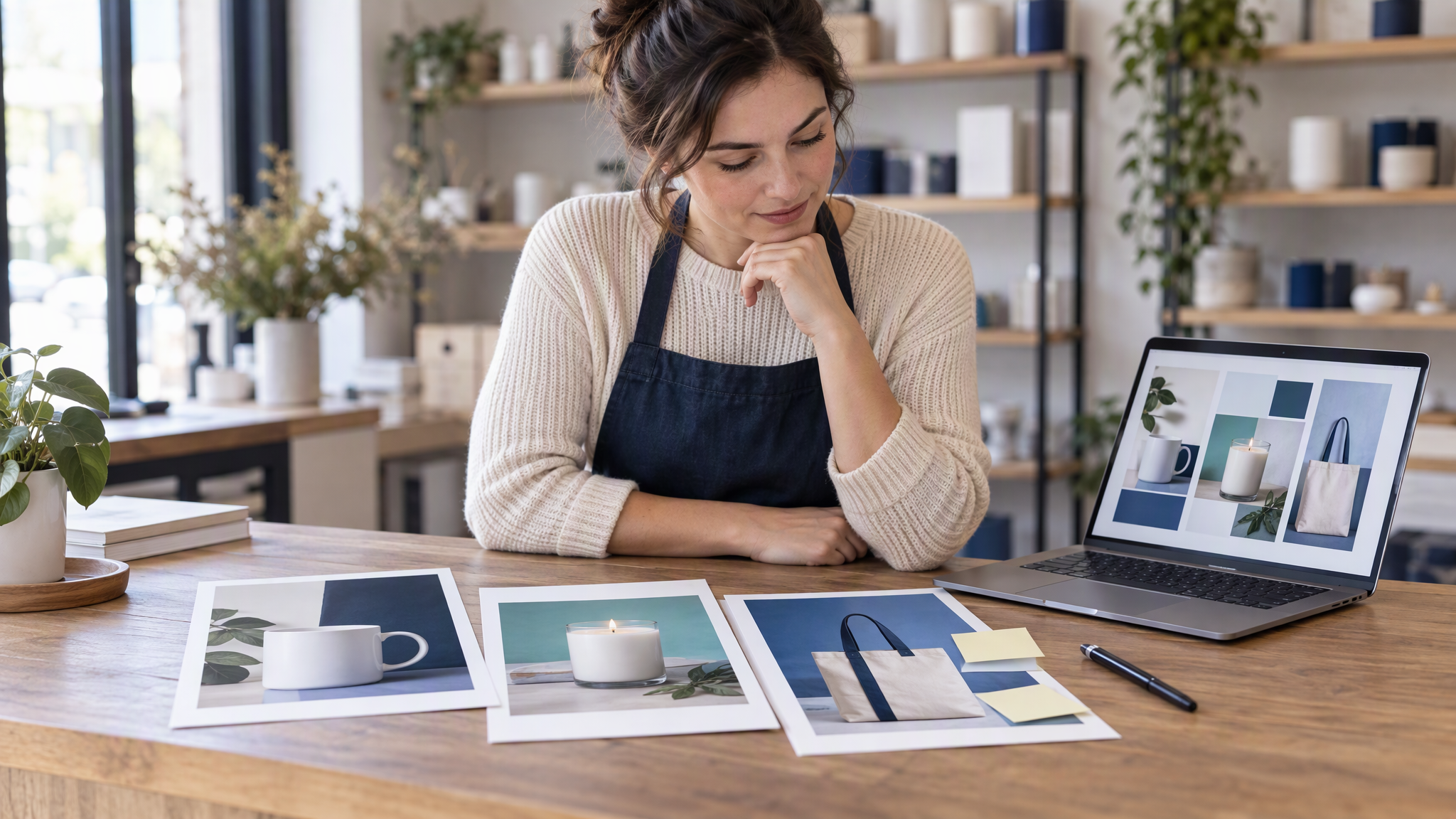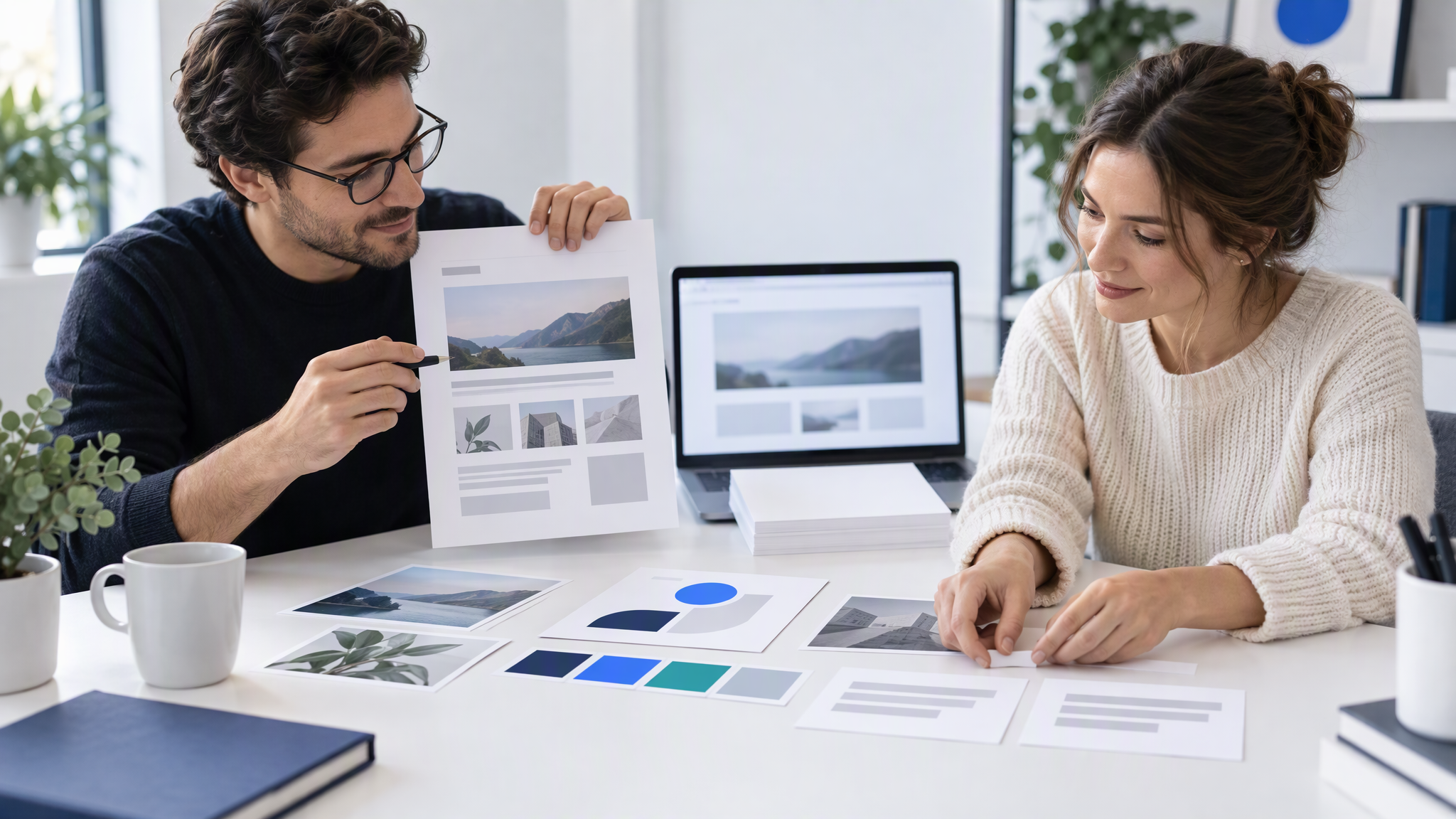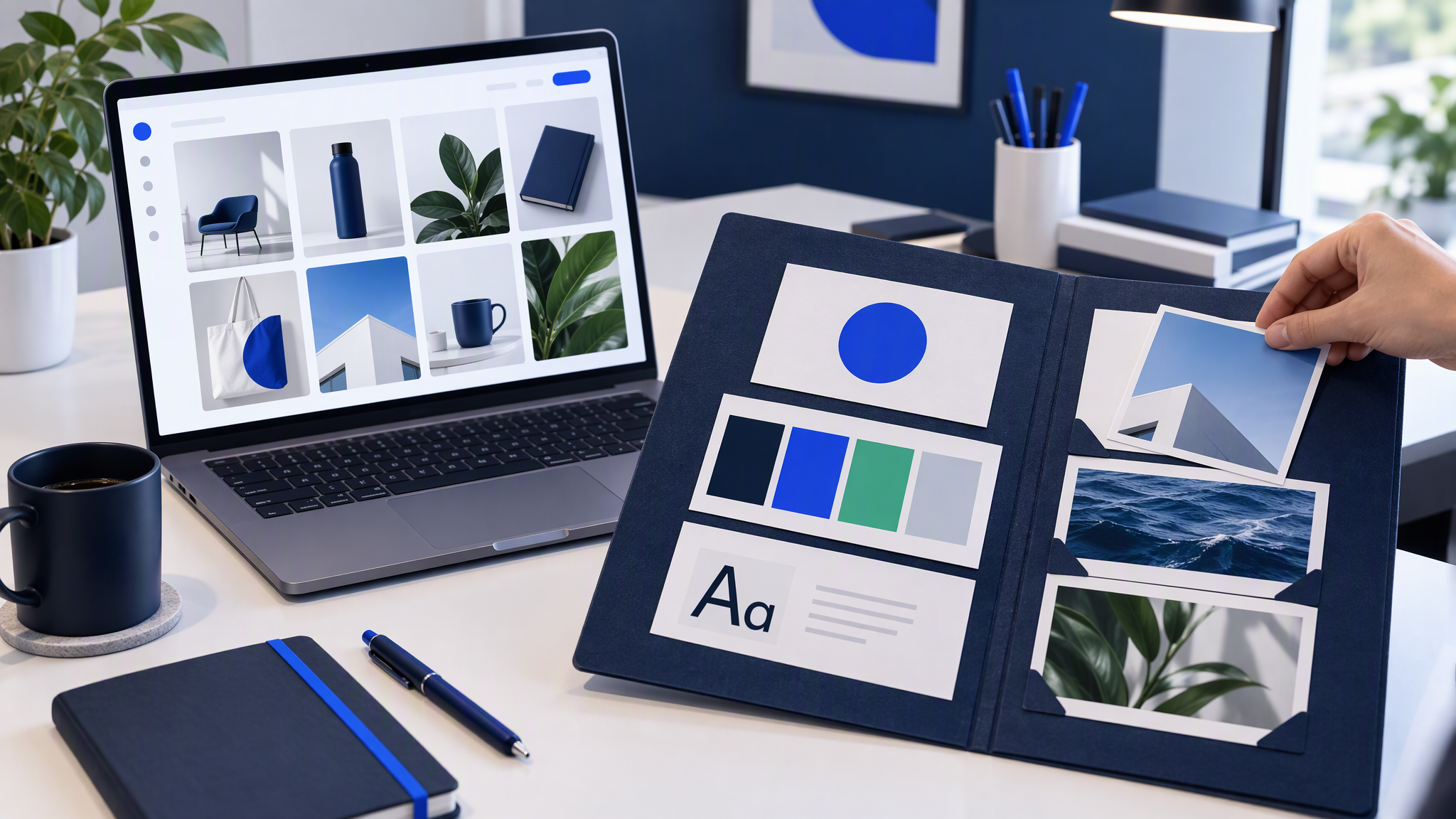
An AI brand kit landed in two creative tools in the same week. On 8 October 2026 Magnific launched Magnific One with a Brand Kit, and ElevenLabs published one for ElevenCreative. A small team needs a short list of files and rules, saved once, before anyone generates in the new kit.
Here is the answer-ready line: On 8 October 2026 Magnific launched Magnific One with a Brand Kit that builds a starting version of your visual identity from your website, a guidelines PDF, images or a written description, and ElevenLabs launched a Brand Kit in ElevenCreative the same week. An AI brand kit only keeps images on brand if you give it the right inputs: logo files with a placement rule, 3 to 5 colours, two fonts, 4 to 6 of your own best photos and a few "never" rules, kept the same in every tool you use.
This is for an owner or a small marketing team that has seen "Brand Kit" in the news and wants to know what to put in one. Decks are a separate launch: Gamma 5 Wants to Take the "AI Look" Out of Your Decks. How to Keep Them Matching Your Brand. This post is the week's image-kit news, and how to test a kit before it becomes the default.
What launched this week
On 8 October 2026 Unite.AI published "Magnific One Debuts With Art Direction Decided Before Image Generation". Magnific, formerly Freepik, announced Magnific One that day. Unite.AI reports the rebrand was announced on 28 April 2026. Magnific's pricing page still says "Magnific (formerly Freepik)".
Magnific says the model decides a picture's art direction before it generates. Martin LeBlanc, chief experience officer, is quoted from the announcement: "Most image models are very good at making the picture you described. Magnific One makes the picture you would have arrived at with a good art director in the room." Treat that sentence as Magnific's description of the model.
Unite.AI reports that a Brand Kit agent builds a first version from a website, a guidelines PDF, a few images, or a written description, covering logo, palette, typography, imagery and tone, for the team to review. A kit is optional, and each client can have its own. The same report says that in Final mode Magnific One applies the kit to every image and checks it, whoever wrote the prompt, and that marking an image as off-brand once becomes a standing rule.
Unite.AI also reports that Magnific One is on all paid plans, on the web, desktop, mobile and the Magnific MCP, and that Magnific states it never trains on user data. This post adds no plan names or prices. Magnific's pricing page says Magnific One is "unlimited on desktop" until 15 October. Unite.AI reports that offer as unlimited generation at 2K and 4K in the desktop app through 15 October 2026, without counting credits.
Carl Franzen at VentureBeat, the same day, reported that Sofía López Martín, Magnific's head of product marketing, said Magnific One is powered by OpenAI's GPT Image 2, with Magnific's own creative-direction system around it. A written FAQ Magnific later gave VentureBeat says "No. Nothing was trained." and does not name GPT Image 2, so the two accounts disagree. VentureBeat also says Magnific described a private comparison and did not publish the full results. Unite.AI's write-up has no independent quality test. This post will not treat either as an outside score.
ElevenLabs published "Introducing Brand Kit" on 9 October 2026, by Renee Zhang. The page also shows a last update of 8 October 2026. ElevenLabs says the ElevenCreative kit holds colours, fonts, logos with usage rules, reference images, and rules for what the brand never does. Tag it with @ in Image & Video, Flows, and the agent. One kit per brand or client. Voice and sound come later, ElevenLabs says, starting with brand voice and sound. The post lists no prices.
What is an AI brand kit, and how is it different from a style prompt?
An AI brand kit is a saved set of logo, colours, fonts, reference images and rules that the tool applies each time, where a style prompt is a description you have to type again for every image.
A style line such as "clean, warm, like our site" lives in one box for one afternoon. The next person writes a different sentence. A kit stores the files and the rules and applies them again. Magnific's version, as Unite.AI describes it, starts from materials you already have and asks the team to correct the draft. ElevenLabs asks you to fill the kit and tag it with @.
VentureBeat draws a line worth knowing before you pick a tool. It reports Magnific's written description of Brand Kit as guidance: prompts, references and brand rules applied before generation. Adobe Firefly Custom Models, VentureBeat notes, are models Adobe describes as trained on a customer's approved images. Uploading a logo and a handful of photos is a different job from training on a library of approved pictures. How those kit tools differ, including Canva and Adobe Express, is in Brand Kit Tools Compared: Canva, Adobe Express, and AI That Remembers Your Look.
What should you put in an AI brand kit?
Put in logo files with a simple rule for where the mark sits, 3 to 5 colours, two fonts, 4 to 6 photos from your own best marketing, and three rules for what the brand never does.
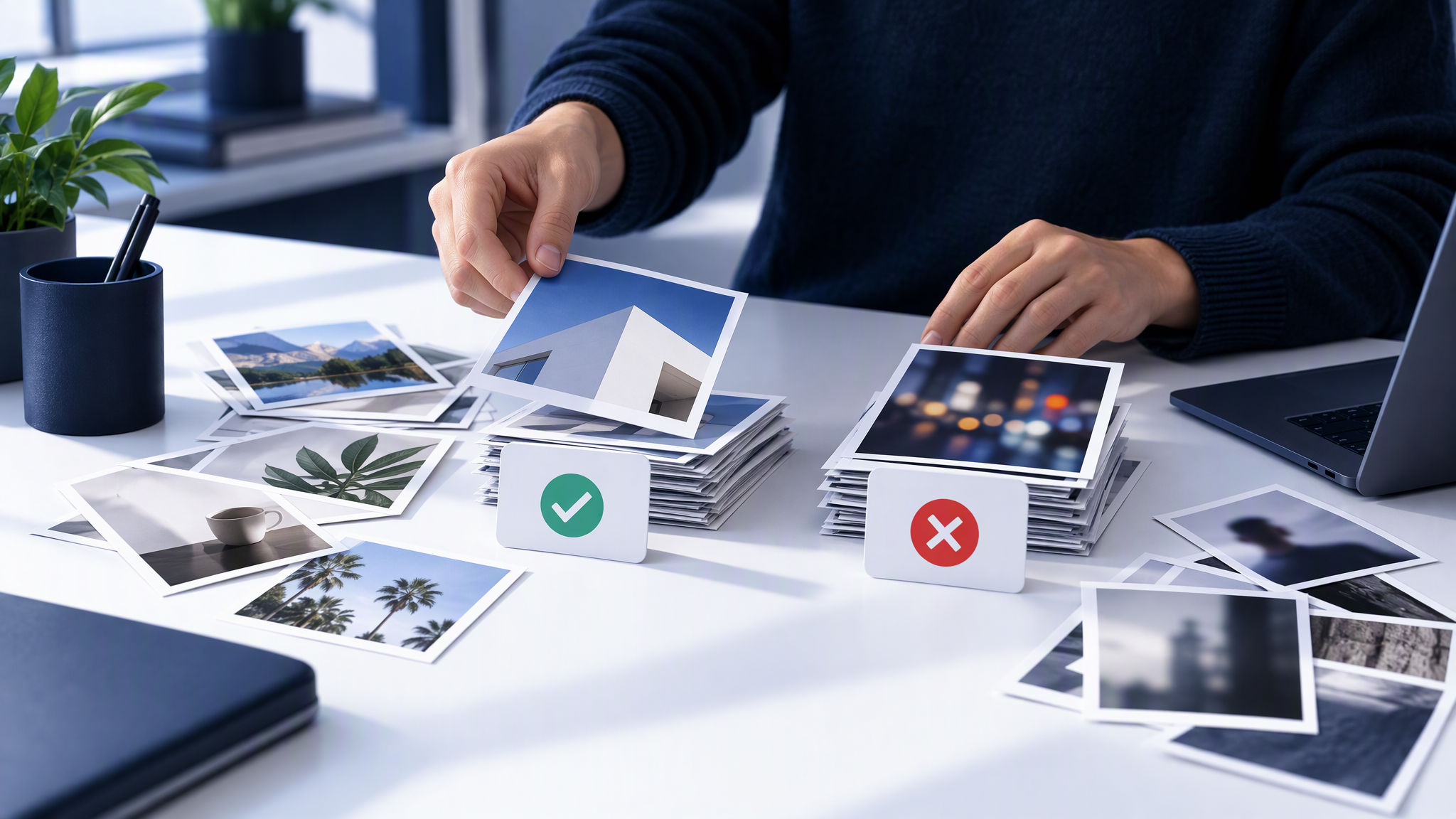
Gather it from the website and the last posts you would still run. Both kits this week ask for logos, colours, type, reference images and rules.
Logo files, plus where the mark sits. The file from the website, and one line of clear space. A file alone gets placed wherever the tool likes.
Three to five colours, each with a job. Background, text, the product colour, and one small highlight, taken from the site.
Two fonts. Headline and body, the ones you already use. If a third display face is on offer, the note says no.
Four to six of your own photos. Homepage hero, a product photo, a recent ad. ElevenLabs says reference images carry photography style. Give it your pictures.
Three "never" rules. For many small businesses: no neon, no cartoon people, no busy backgrounds. ElevenLabs calls this what the brand never does. "Keep it premium" gives a tool nothing to refuse.
If Magnific's agent drafts the kit from your site, check it against this list before you accept it. A wrong colour from an old banner becomes the next rule. The longer list is What to Put in Your Brand Kit Before You Use AI.
Test a new kit before the team uses it
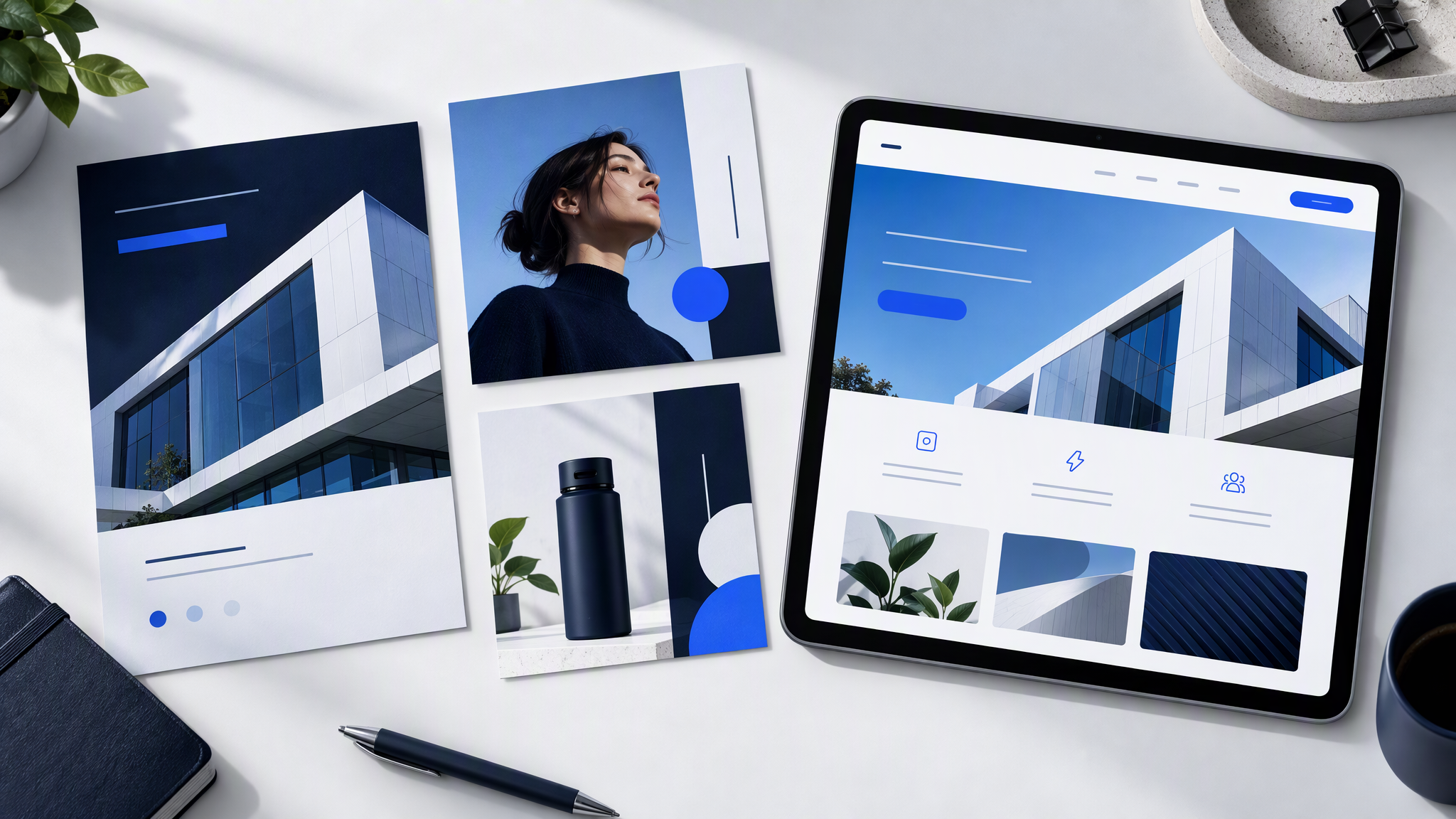
Make the three images you post most: a product shot in the setting the site already uses, a social post in a normal crop, and an ad you would pay to run.
Lay them next to the homepage and two recent posts. They pass if a stranger would call the set one business. A new palette, a stock scene, a cartoon the site has never used, or a logo in the wrong corner is a fail.
Change the kit, then remake the test. Add the "never" rule, swap the photo, or correct the colour. Keep the prompt as the subject and the scene. Magnific says marking an image off-brand becomes a standing rule. In a tool with no such switch, edit the kit by hand. The same check applies when a connected tool drafts quickly, which is the point of Meta's Muse Can Now Make Your Canva Designs and Instagram Posts. How to Keep Them on Brand. Run it before the rest of the team uses the kit.
One brand, many tools
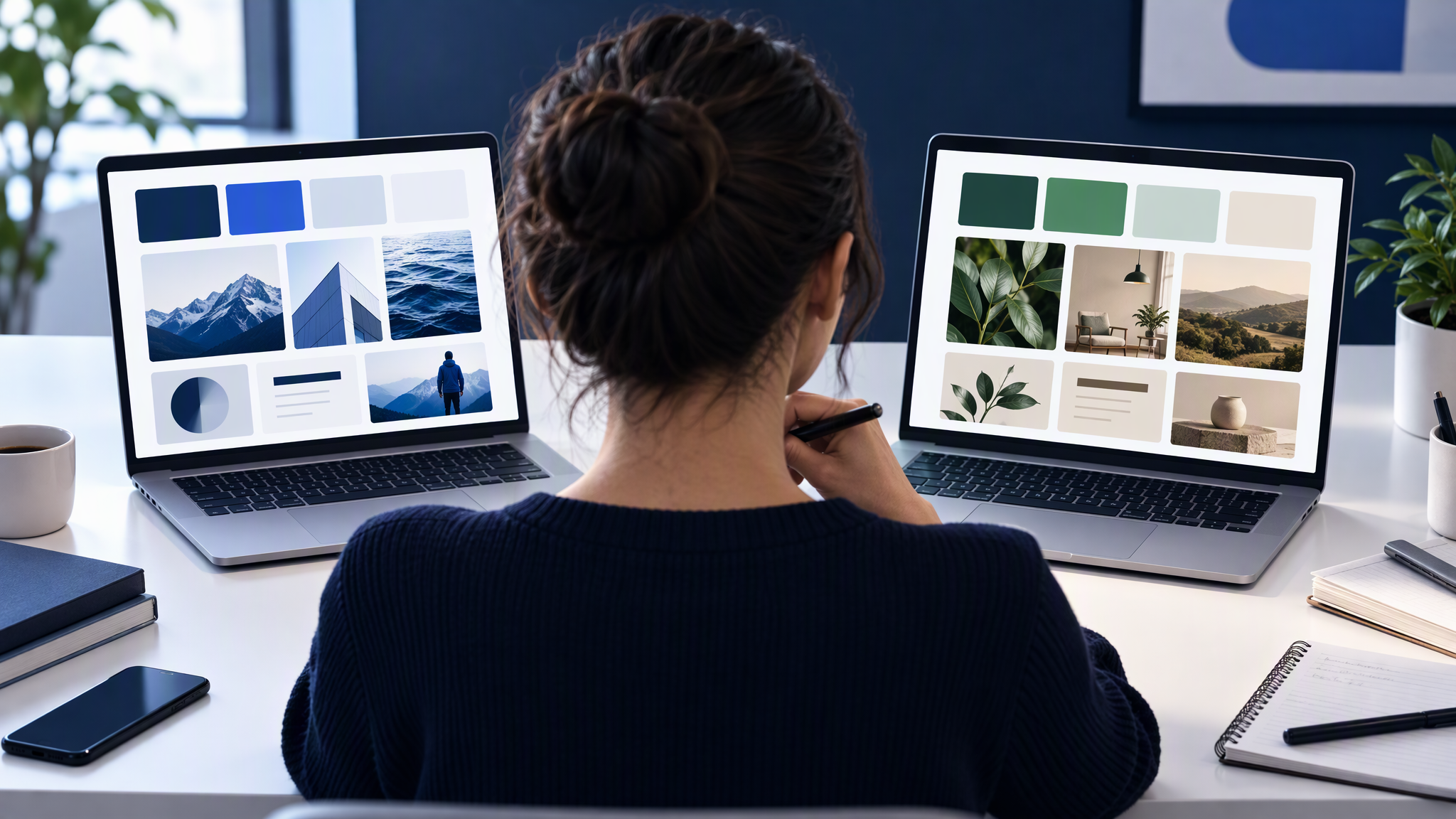
Magnific's kit does not update ElevenLabs, and neither updates Canva, Adobe, or a chat app. That is how the pictures drift. If the next app asking for a kit is Gemini, what small teams should check in a Gemini brand kit is the same master-folder test there. A kit built by pasting a website address needs that test too: what small teams should check on a PixelDojo brand kit. When the tool also writes the ads from your website, the checks before you download are in what a small shop should check in Krea Ad Studio.
Keep one master folder: the logo files, the colours with a job beside each one, the two fonts, the four to six photos, and the three "never" rules. Copy from that folder into each tool. When a test fails, correct the folder first, then copy the change out again.
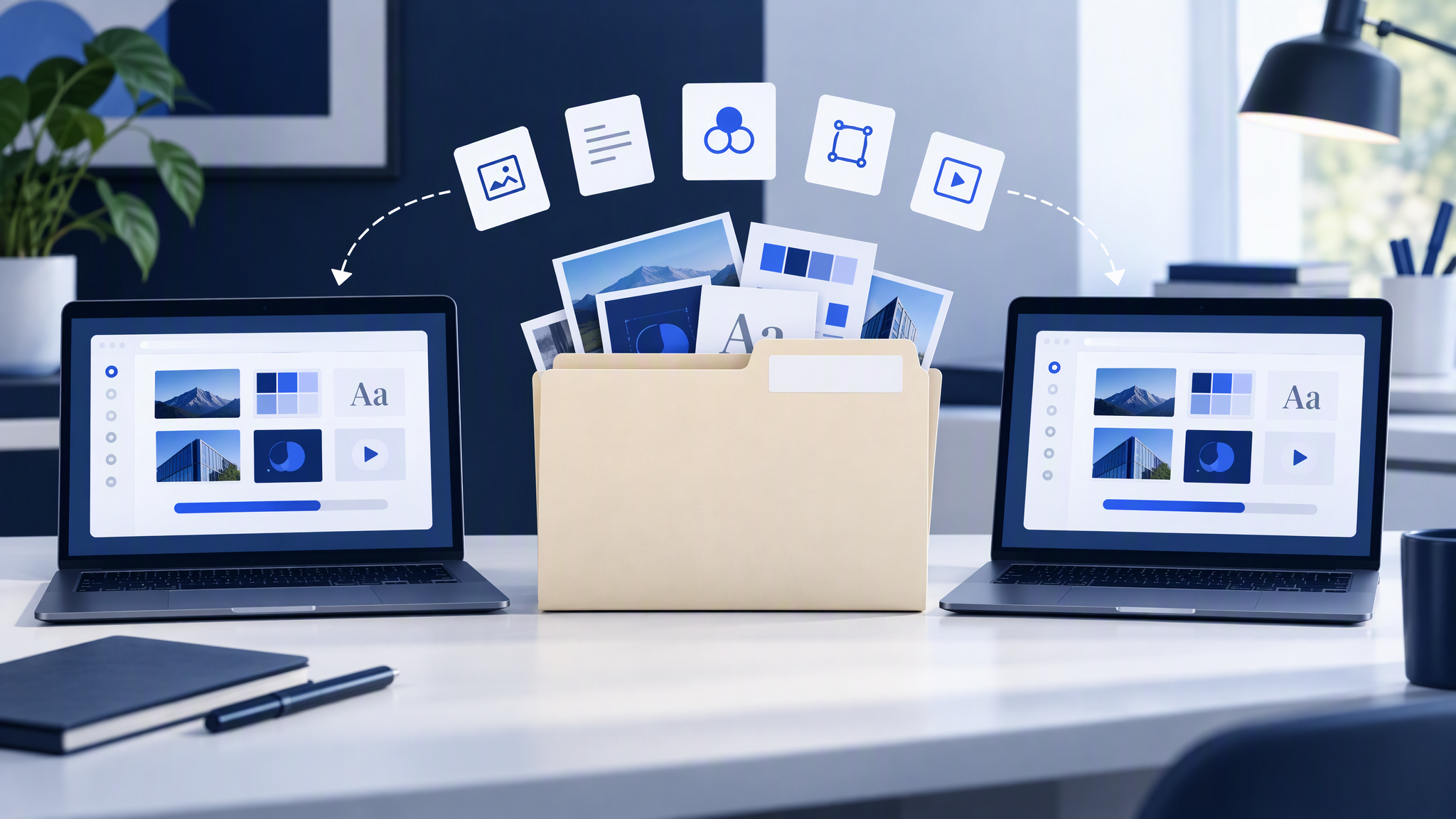
The same split shows up in chat. Typeface has put brand rules inside ChatGPT and Claude for enterprise teams, covered in Typeface Puts Brand Rules Inside ChatGPT and Claude. What Small Teams Should Copy. The files you would trust there are the files in the master folder. How to Keep One Brand Look Across Every AI Tool Your Team Uses is the longer version of that habit.
A short check every month
Open the newest AI images next to the homepage. Look for a colour that exists in only one tool, a photo style the site has never used, or a logo that has moved. If they still read as one business, leave the kit. If they do not, fix the master folder and copy it back into each tool.
More on this cluster lives under AI tools.
That folder, and the look beside the homepage, will carry a small team through a week of new kits. If you want the next ad or post to start from one saved brand, Brandiseer is one way to keep the logo, colours, fonts and reference photos together. It is optional. The test before the team uses the kit is the point.
Same list in every tool
Load the short list, make the three test images, and keep one master folder for the next tool.