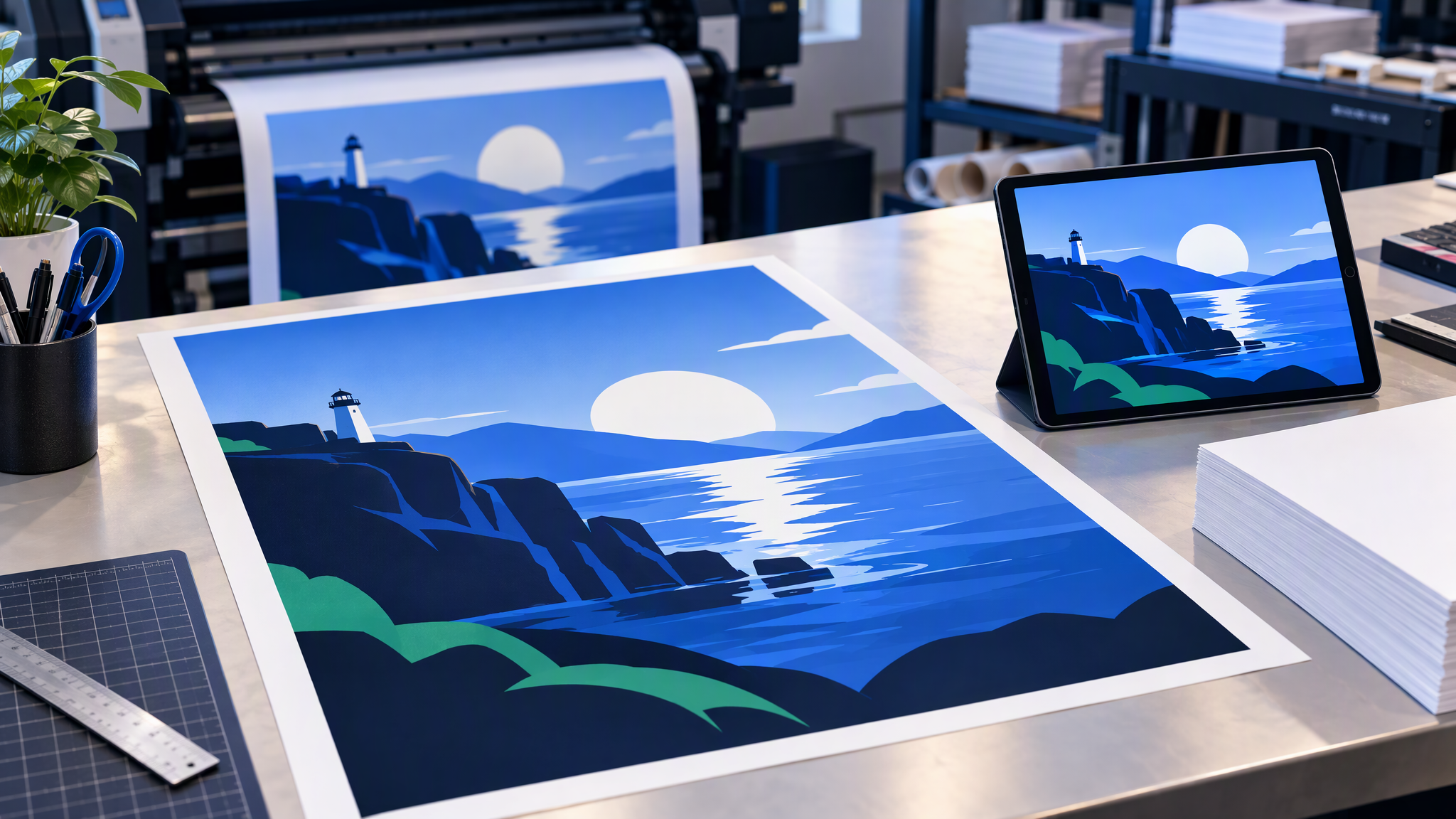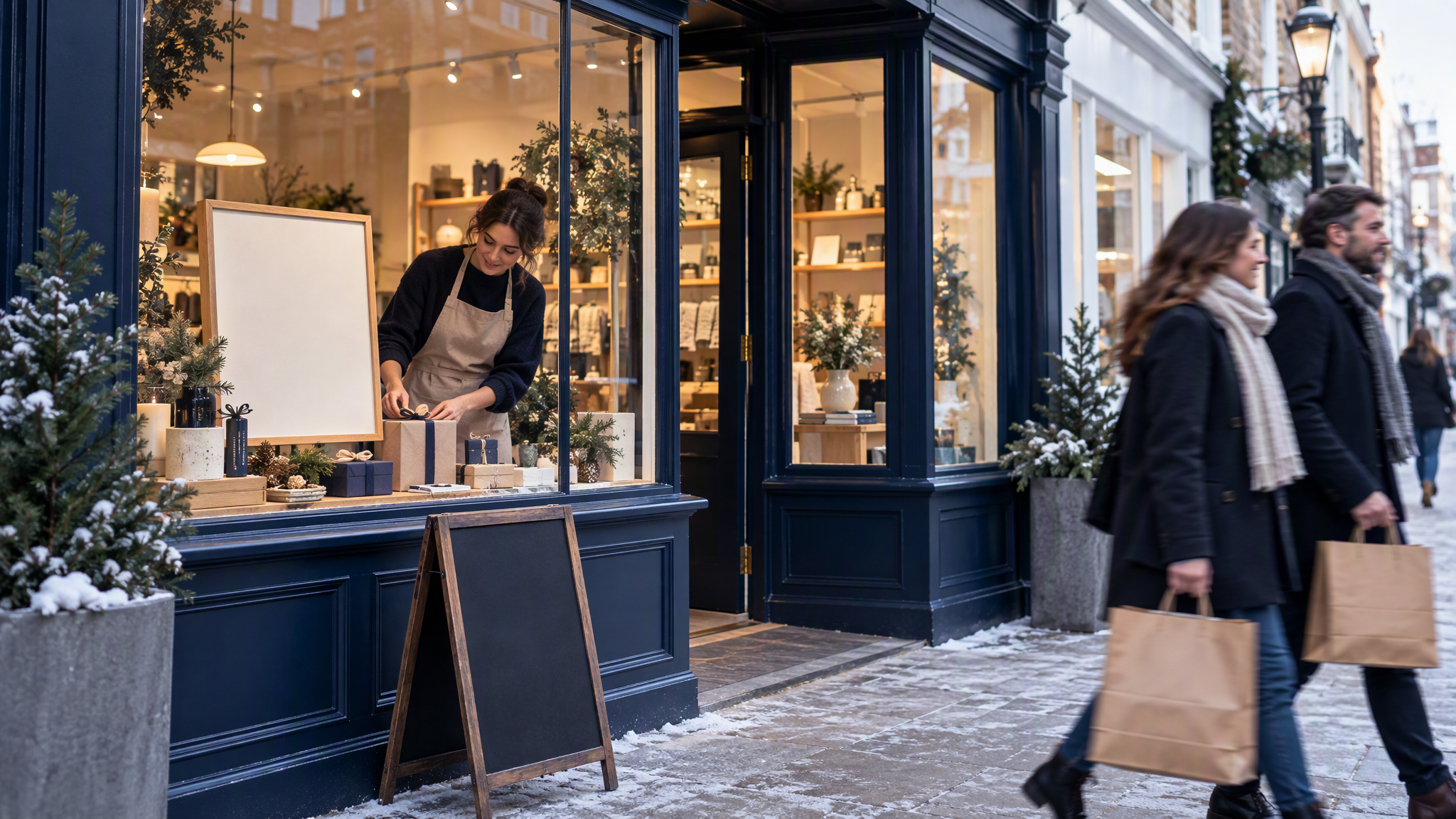
Small Business Saturday posts work best when the official campaign logo sits on top of your own shop photos and colours. Small Business Saturday UK is on 5 December 2026, as of November 2026, so plan five posts across the two weeks before it.
This is for the owner of a UK independent shop, café or local service who wants to take part and still look like themselves in the feed. The useful window starts in mid-November. The trap is the free campaign graphic: it is well made, and it is the same file in every shop's post. The plan below uses the official pack for the campaign logo and the poster, and makes everything else from your own photos, colours and voice.
What should a small shop post for Small Business Saturday?
Plan five posts across the two weeks before Saturday 5 December 2026: one saying you are taking part, one introducing the people behind the shop, one with your offer, one on the day and one thank-you. Use the free official marketing pack for the campaign logo and poster, as its guidelines say. Make everything else from your own photos and colours, so customers recognise your shop and not just the campaign. Shops with no time can post just the day-of and thank-you posts.
When Small Business Saturday 2026 happens and what the official pack includes
Small Business Saturday UK asks people to shop with small businesses. As of November 2026, the Small Business Saturday UK homepage says it takes place on the first Saturday in December, and that it celebrates the UK's 5.7 million small businesses. That 5.7 million is the campaign's own figure, as of November 2026.
As of November 2026, 5 December 2026 is the first Saturday of December 2026. That is the day these posts lead up to.
As of November 2026, the campaign's 2026 marketing pack includes:
- Campaign logos, dated and undated, in JPEG, PNG and SVG
- Social media graphics, with suggested posts to go with them
- A campaign poster, including a print-ready A3 PDF
- Brand guidelines and a one-page guide to the campaign
The download form asks you to tick that you have read and accept the campaign's Terms & Conditions before you proceed. Read them, then download, and follow the brand guidelines in the pack itself.
Why everyone's posts end up looking the same
The pack's social graphics and suggested posts are a gift, and they are the same gift in every feed.

A customer who follows five local shops will see one campaign graphic five times, and the shop behind it drops out. Regulars already know your counter and your paper bags. They find those in a photo of your own people.
Put that photo first: the people, the real window, the product you sell. Let the campaign logo sit small on it, where the pack's guidelines allow. Your photo stays the main picture.
A two-week posting plan for 5 December
Make the five posts in one or two sittings, so the light and the colours agree. As of November 2026, the two weeks before Saturday 5 December 2026 start on Saturday 21 November.
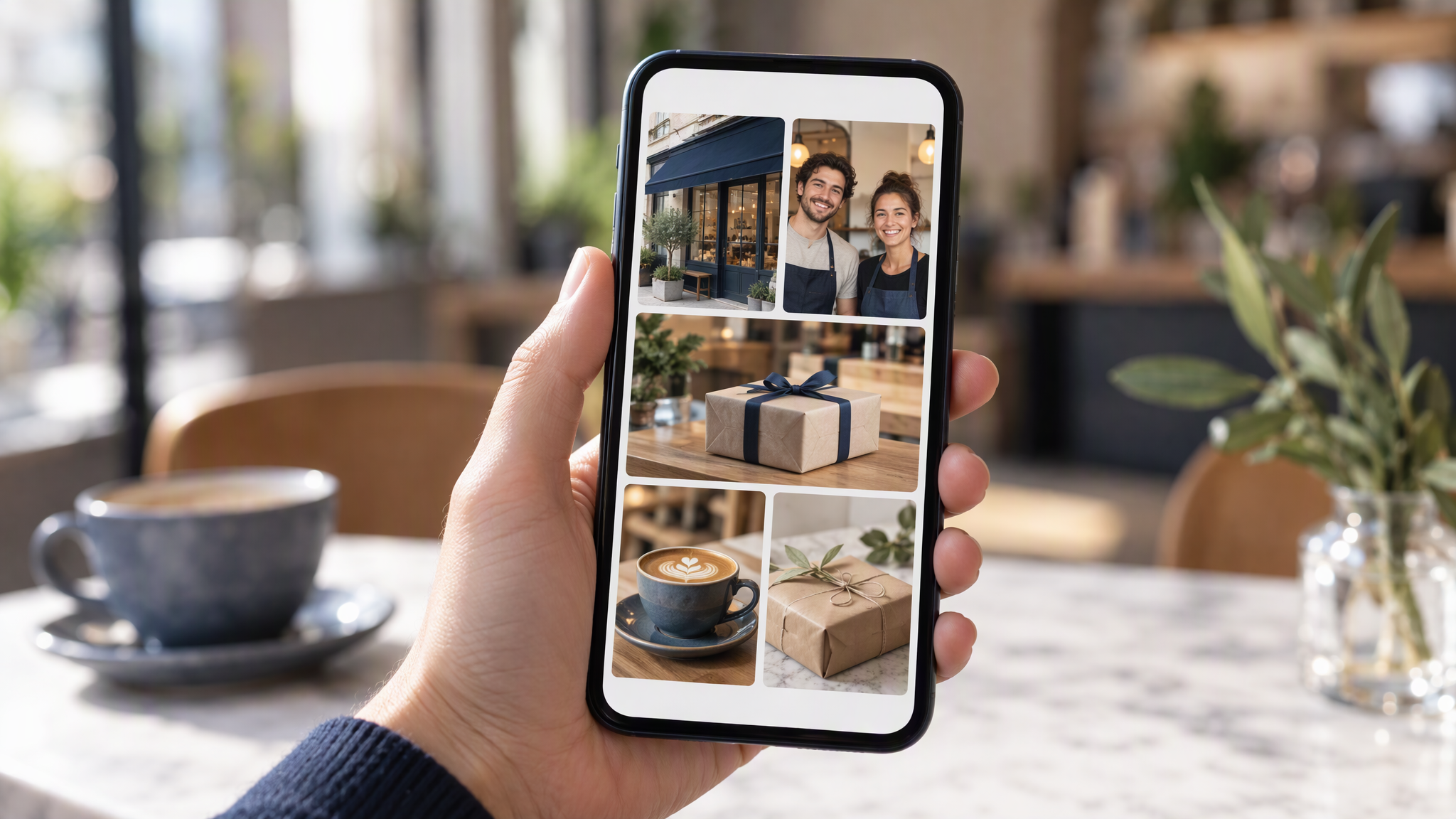
| When | Post | What to show | Where the campaign logo goes |
|---|---|---|---|
| Saturday 21 November | We're taking part | Your shop front or counter, in your usual photo style | Small, next to your photo, only as the pack's guidelines allow |
| Wednesday 26 November | Meet the maker | The people behind the shop, in natural light | Leave it off. This post is the people |
| Tuesday 1 December | Your offer | The product or the offer, photographed the way you usually post | Small, only if the guidelines in the pack allow it beside the offer |
| Saturday 5 December | On the day | The shop that morning, your own photo | Small, beside your photo, following the pack |
| Sunday 6 December | Thank you | The team, or the day, in the same photo style | Leave it off. If you add the logo, follow the guidelines in the pack |
Shops with no time can keep Saturday 5 December and the thank-you, and still use their own photos. Make those two in the same style as the rest of the month, so the weekend does not look like a different account.
Write the captions in your own voice. Read the pack's suggested posts for the facts of the day, then write the line a regular would recognise. Keep the words in the caption, off the photo.
Use the campaign logo properly
Download the logo from the marketing pack. Use the JPEG, PNG or SVG the campaign supplies, dated or undated, and follow the brand guidelines in that pack. This is not legal advice on logo use. The rules to follow are the ones you accept when you download.
Leave the campaign logo out of any AI image tool. Do not recreate it, do not redraw it, and do not recolour it. A near-copy is still someone else's mark. Keep the official file small, next to your own photo, so the post reads as your shop taking part, with the campaign mark as the badge.
The US Small Business Saturday is a different campaign. If you trade there, use that campaign's own materials. The date and the pack in this post are the UK ones.
Make the rest in your own style
Your shop photos come first. Pick one way of taking the picture, and one set of colours, and use them for all five posts. The same light, the same distance, the same kind of subject you already post in November. Someone scrolling should see the shop they already follow, with the campaign added on top.
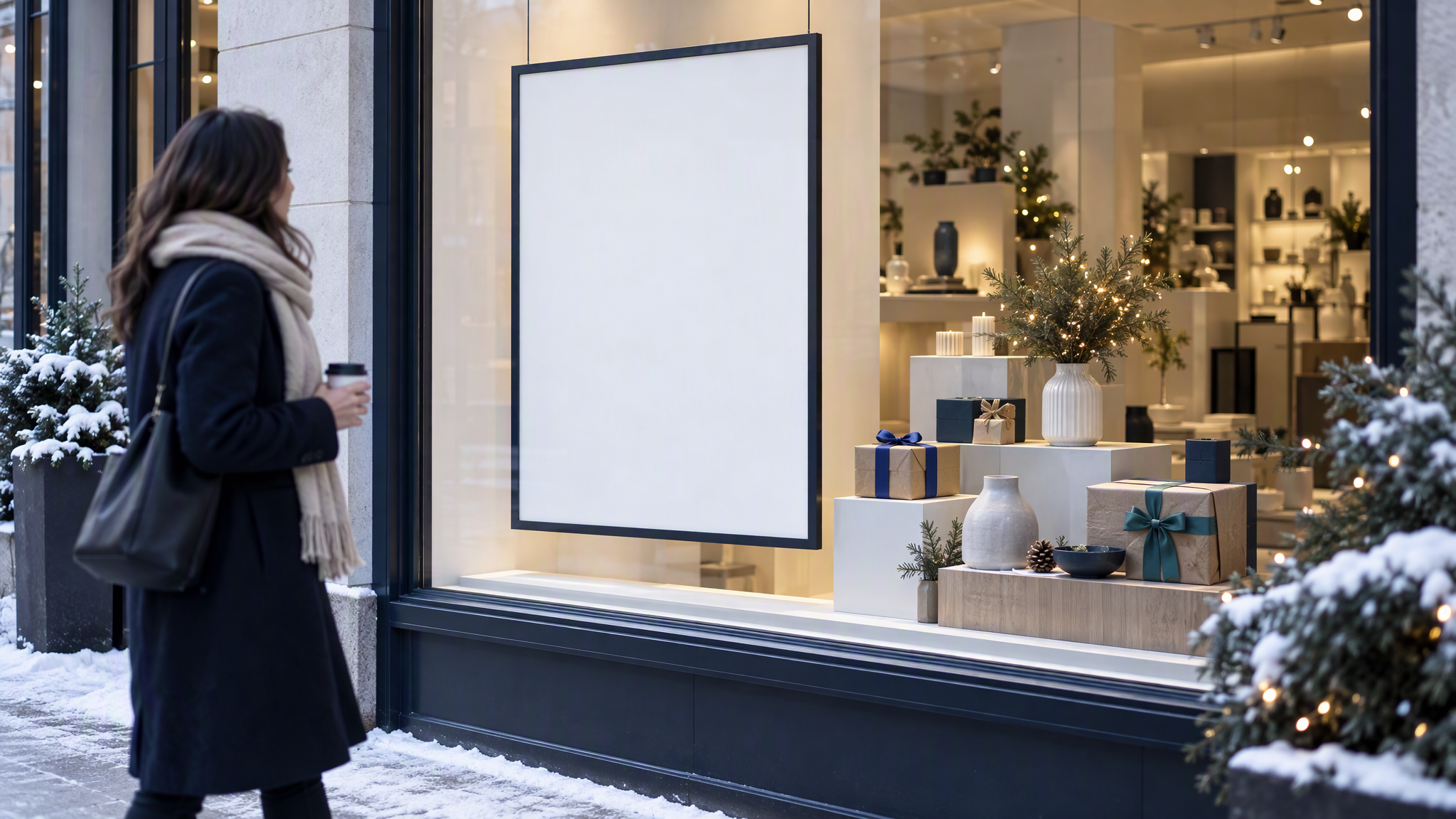
For the window, put up the print-ready A3 PDF from the pack, and one poster of your own beside it. The official poster does the campaign's job. Yours shows the offer, the people or the product, in the colours of the shop. Bleed and the file you hand a printer are covered in How to Hand Off Print-Ready AI Flyers and Posters Without the Mockup Frame. Menus and flyers that already match the Instagram grid are in How Cafés and Local Shops Keep Printed Menus, Flyers, and Instagram Looking Like One Business.
The listing on Google should show the same shop, in Google Business Profile Photos That Match Your Brand. The last seasonal test of this habit was Halloween, in How Local Shops and Cafés Make Halloween Posts That Still Look Like Their Brand. Sale creatives are a different job, in How to Keep Black Friday Creatives Looking Like Your Everyday Brand. Christmas gift-set photos that still match the catalogue are in How Local Shops Shoot Christmas Gift-Set Photos That Still Match the Catalogue.
More on this cluster lives under Social posts.
The campaign logo stays the file from the pack. If you want the five shop scenes to start from colours and reference photos you already saved, Brandiseer can hold those for the pictures that are yours. Keep the campaign logo out of it. It is optional. Your own photo, and the guidelines in the pack, are the point.
Five posts, your shop in the frame
Use the official pack for the logo and the A3 poster, follow the guidelines inside it, and make the posts from your own photos and colours. A shop with an hour can post the day itself and a thank-you. A regular should still recognise the shop.