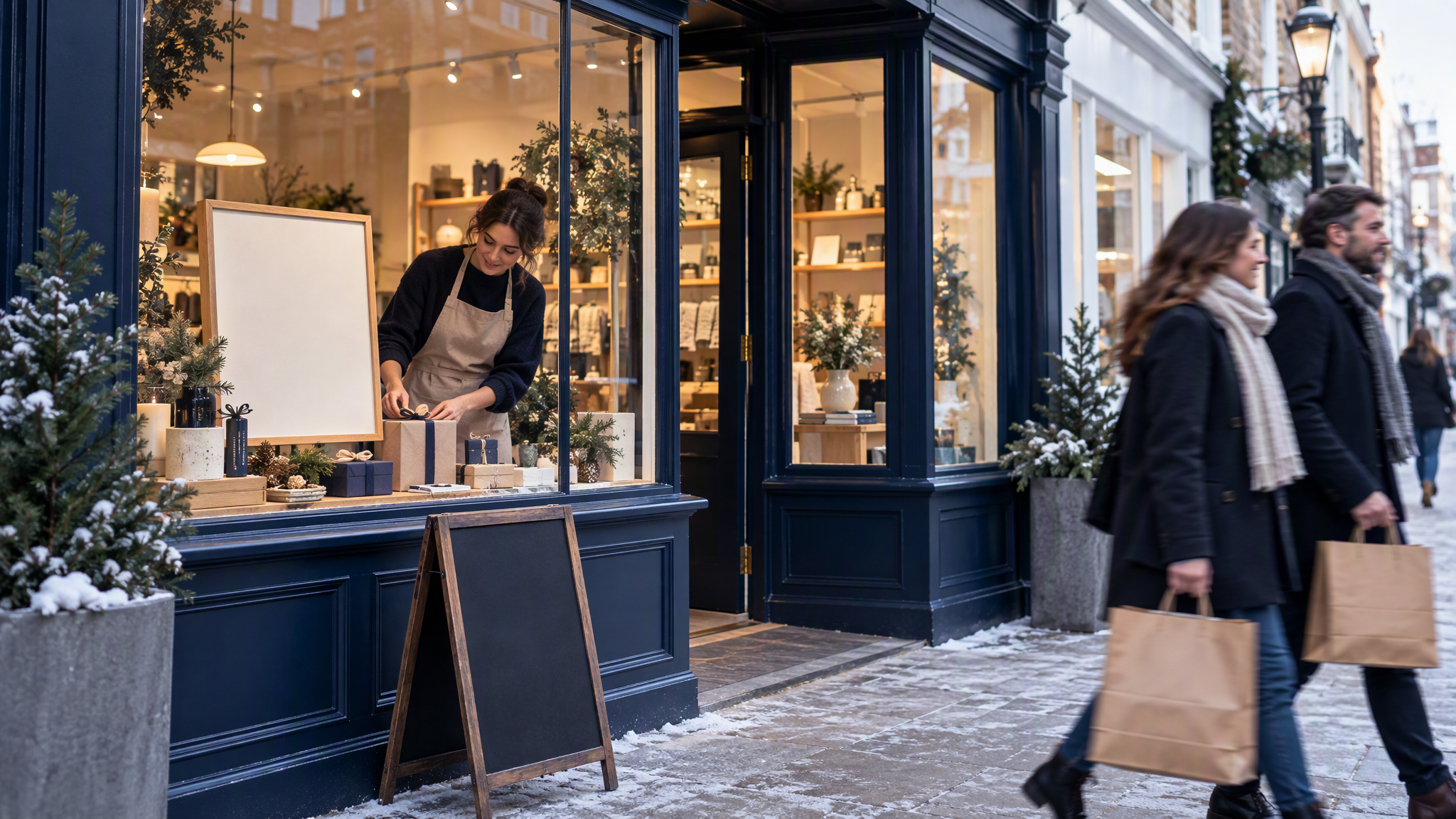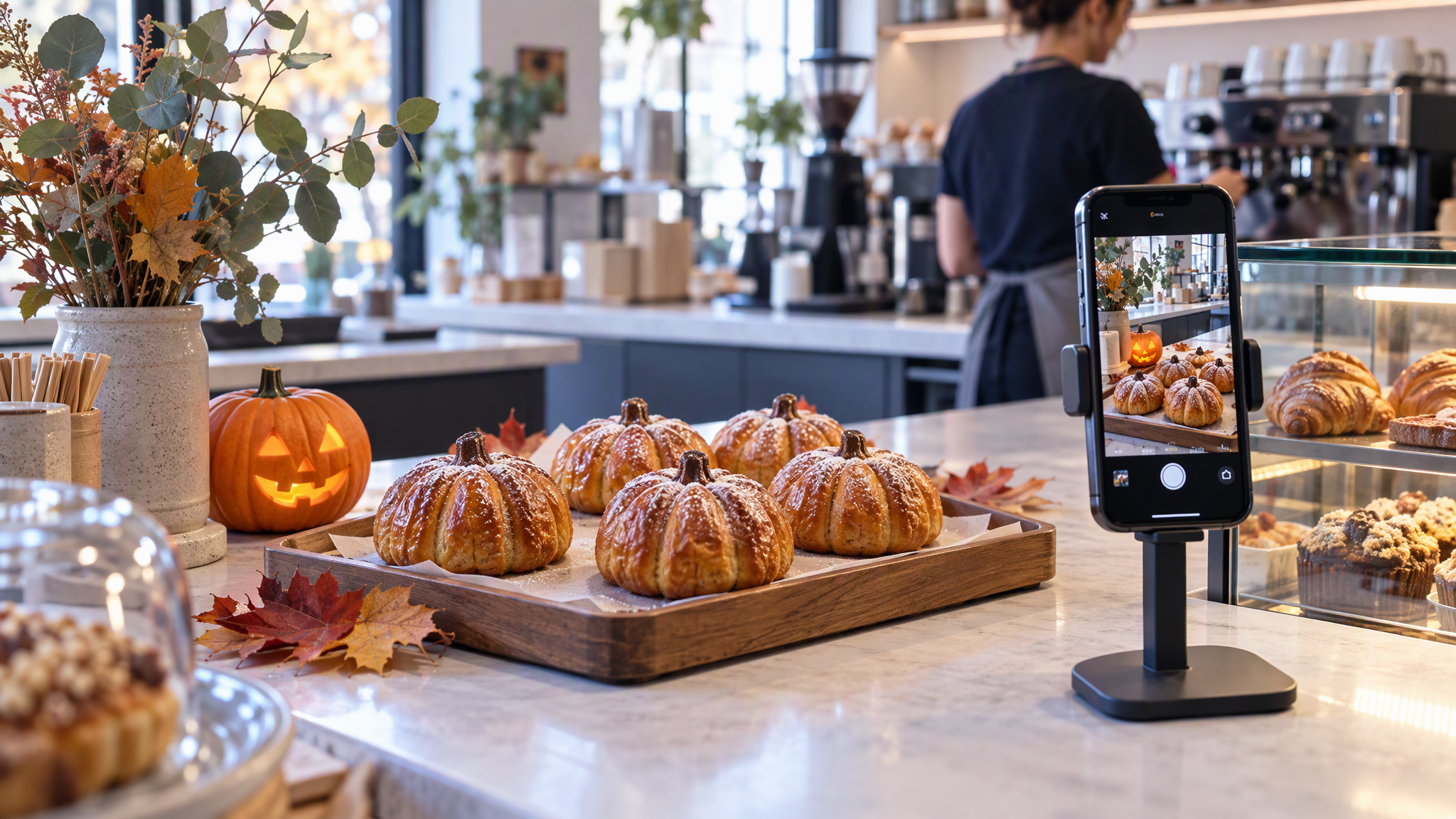
Halloween posts for small business go wrong in a familiar way. Cafés, bakeries, florists, salons and local shops reach for an orange-and-black template, a cartoon pumpkin and a spooky font, and for a fortnight the feed looks like someone else's shop. Halloween is on Saturday 31 October 2026. The posts can stay yours if the usual look stays put and the season shows up in the subject.
Here is the answer-ready line: Halloween posts for small business stay on brand when the logo, colours, fonts and photo style stay the same and the Halloween part comes from the subject and one or two props, such as a pumpkin pastry or a themed window. With Halloween on Saturday 31 October 2026, plan three or four posts for the last two weeks of October and make them together so they match each other and your usual feed.
This is for the owner, or the one person who does the marketing, planning those posts and a small themed offer before the last two weeks fill up.
Black Friday is a different job, about sale urgency on top of the everyday brand, covered in How to Keep Black Friday Creatives Looking Like Your Everyday Brand. Printed menus and flyers are a different job again, in How Cafés and Local Shops Keep Printed Menus, Flyers, and Instagram Looking Like One Business. This post is the Halloween social moment: a few posts, a light offer, and a feed that still looks like the shop.
Why Halloween posts often look like a different business
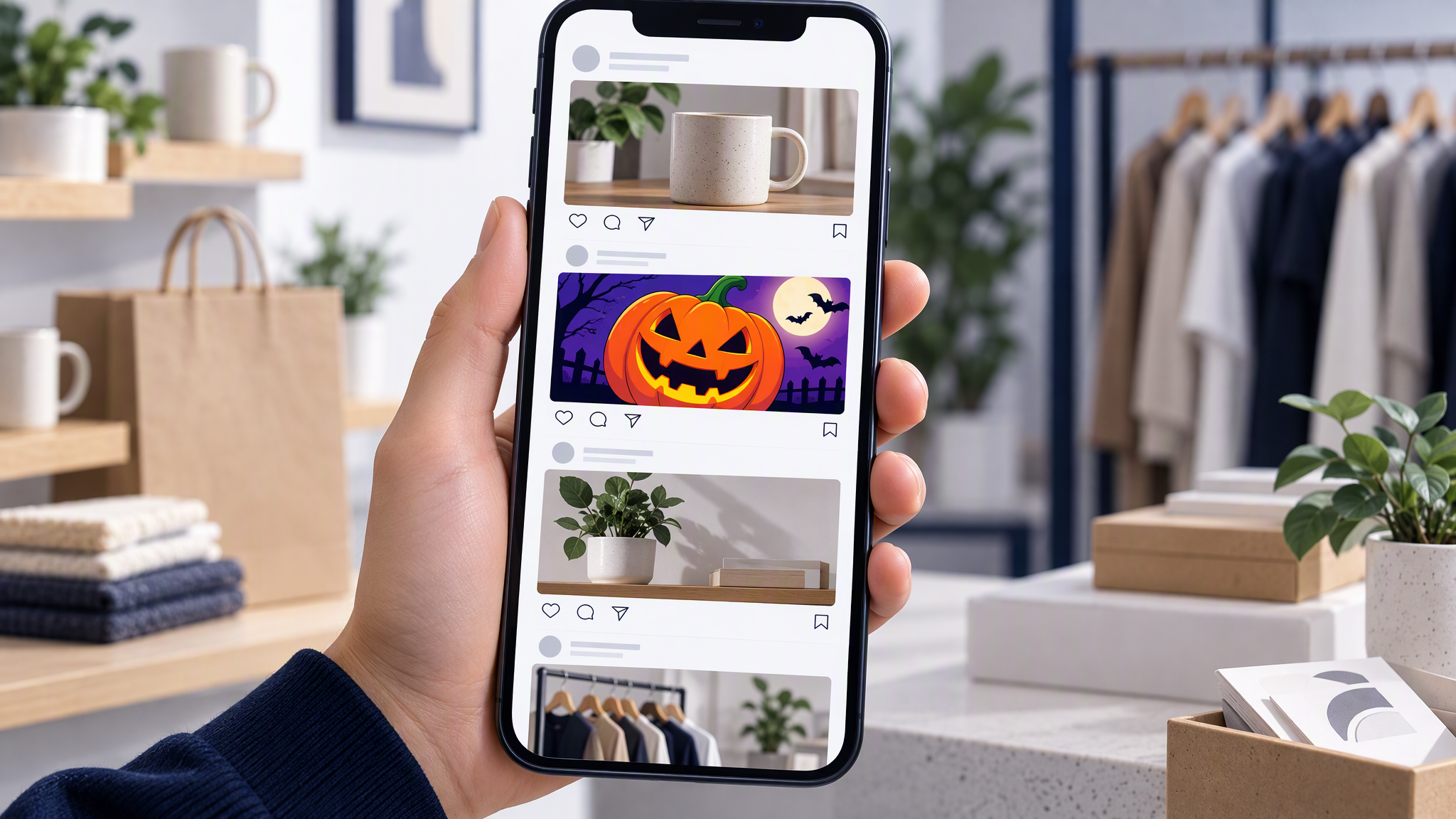
The template arrives with its own shop already designed.
Orange and black replace your colours. They read as Halloween, and as nobody in particular. A customer who knows your awning, your cups, or your paper bags will not find them in that frame.
Cartoon clip art replaces your photos. A pumpkin with a face, a bat border. Your grid is usually a straight photo of the work. The cartoon is a second shop for two weeks.
A spooky font replaces your type. A good photo, set in a face the shop has never used, still looks downloaded.
The template is fast, and the last two weeks are busy. Next to the posts from early October, the shop looks closed and a seasonal account looks open.
What should stay the same in Halloween posts for small business?
Keep the logo and where it sits, your core colours, your fonts and your photo style, and let Halloween show up in the subject and in one or two props.
Logo and placement. The same mark as the profile and the window, in the same corner, at the same size. No recolour for October, and no badge you would take down on 1 November.
Core colours. The colours of the chairs, the cups, the paper, the recent posts. A pumpkin can be orange because pumpkins are orange. The background, the type and the frame stay yours.
Fonts. The headline and the body you already use. A dripping display face is the template winning.
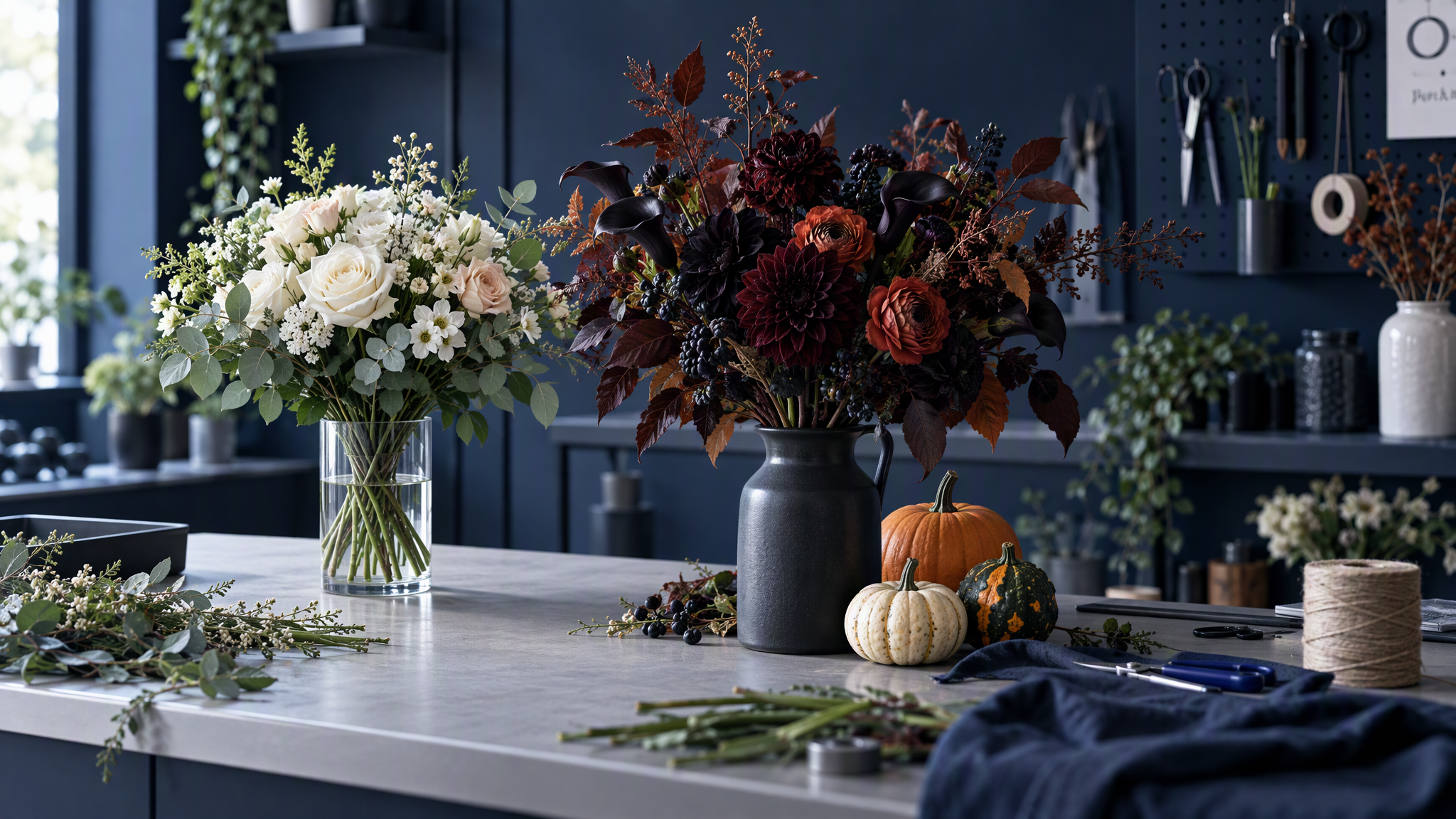
Photo style. The light, the table, the crop. If last week's bouquet was a calm overhead on a wood bench, this week's is the same overhead. The flowers can be darker. The photograph should stay a photograph.
One look across every crop you post is in How to Create On-Brand AI Social Content Across Every Channel. Halloween does not get a separate identity for a fortnight.
Ideas that work for local businesses
Halloween belongs in what you sell and what you put on the counter. It does not belong in a new visual system. Keep the words for the caption. The image is the thing itself.
A seasonal product or menu item. A pumpkin pastry on the plate you always use, photographed the way you photograph every other bun. The pumpkin is the subject. The shop is the style.
A themed window or counter. One carved pumpkin, a few leaves, and the products you already sell still in front. Enough to notice the date. Not a new shopfront.
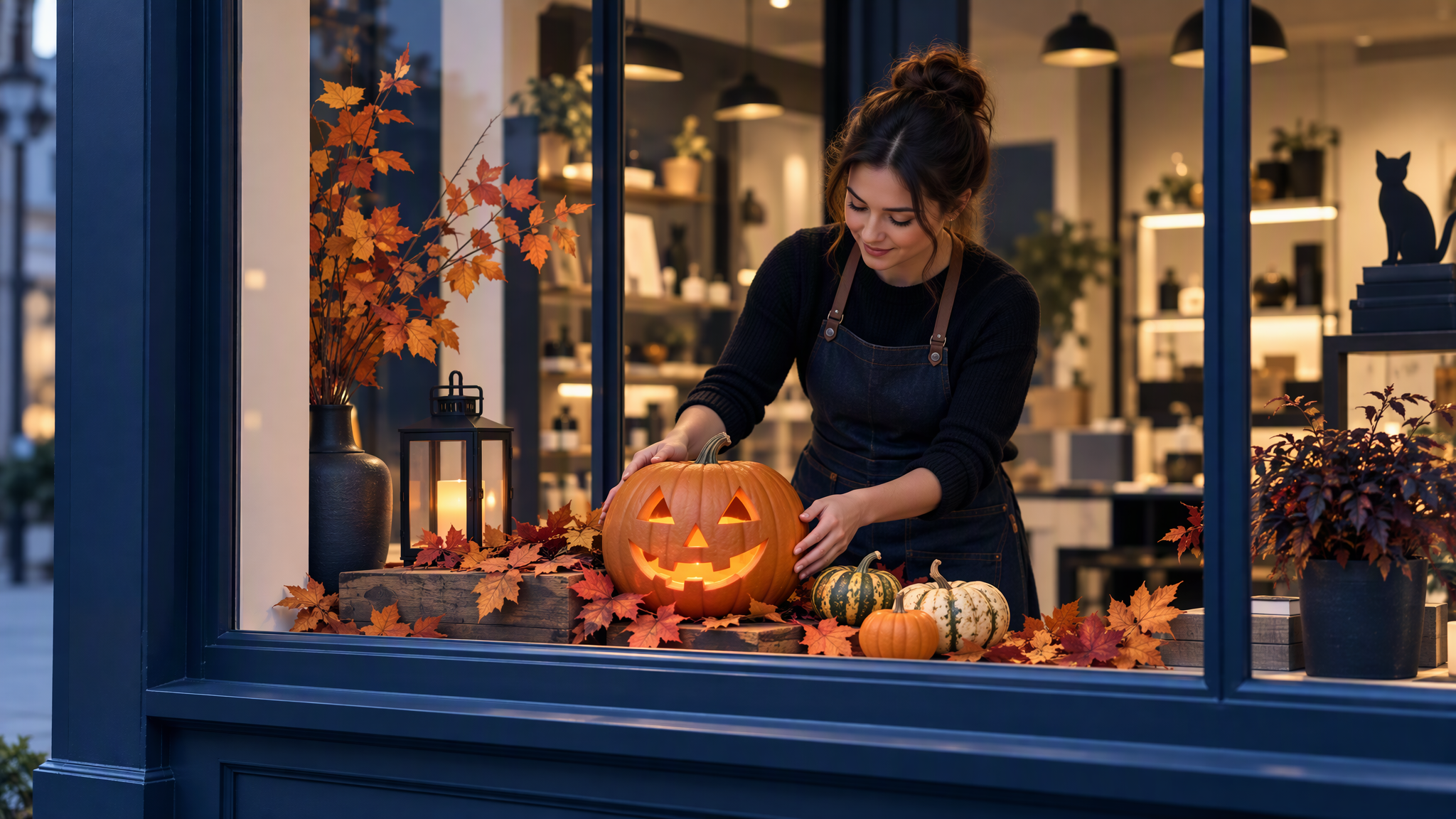
A staff costume day. Photograph the room the way you already photograph the salon chairs or the café pass. The costume is the news. The room stays your room.
A small offer or a short event. A Saturday tasting, a late opening on 31 October, a pumpkin biscuit with a drink. Put the price, the time and the date in the caption. If the time changes, you edit the caption, not the picture.
A behind-the-scenes prep shot. Trays, stems, a window half dressed. One or two props date the frame. You already have the light.
A florist can add small gourds and keep last week's table. A salon can post the costume day without turning the feed black. A bookshop can dress one window and photograph it the way the June window was photographed. The idea changes by trade. The subject and the props carry the date.
Plan three or four posts for the last two weeks
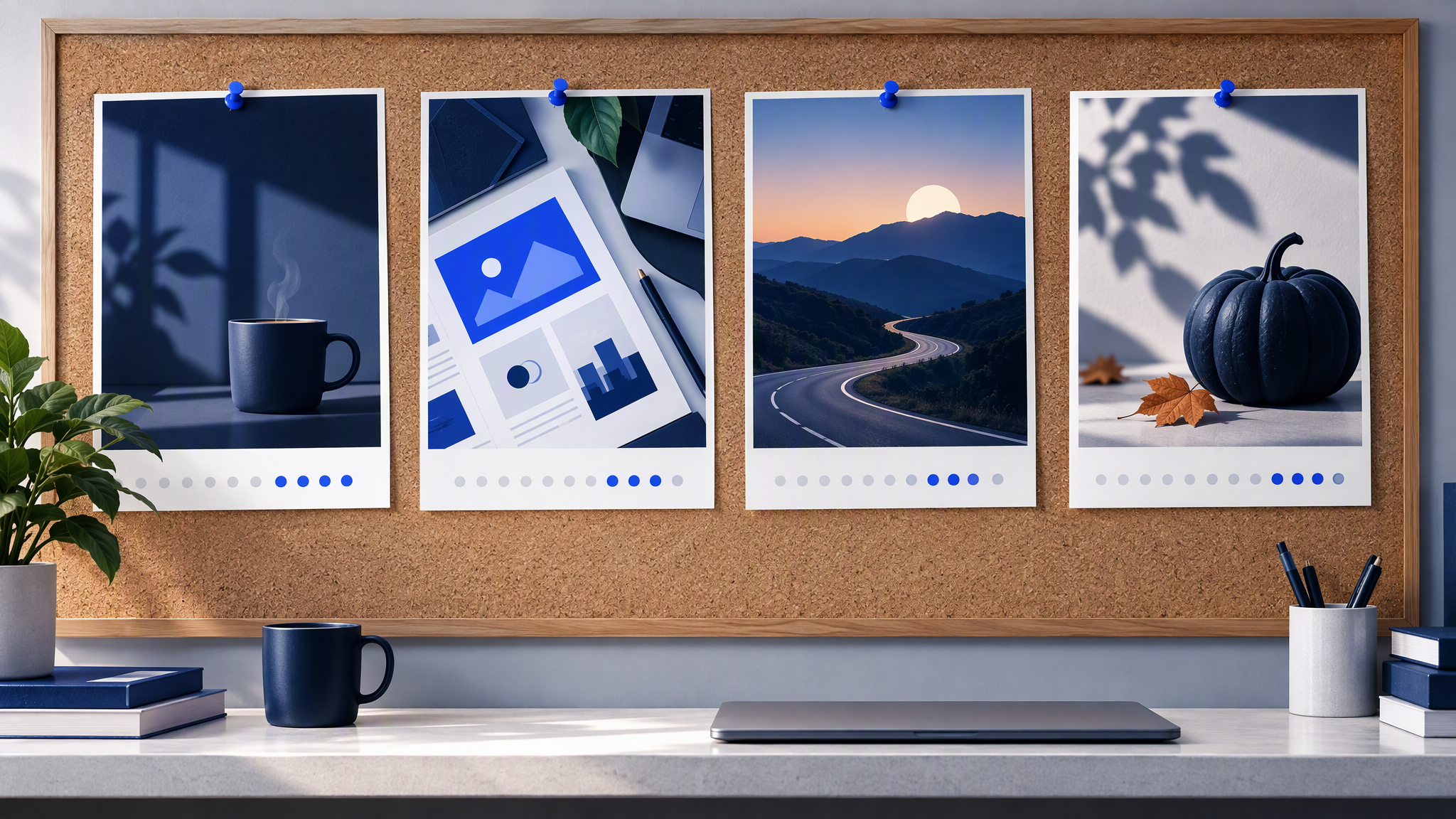
Three or four posts cover the last two weeks of October. Make them in one sitting, so they match each other as well as the rest of the feed.
A teaser, around 20 October. The product or the window. The caption says something is coming.
The product or the offer, around 24 to 26 October. The pastry, the bouquet, the late opening. The caption holds the price and the dates.
The day itself, Saturday 31 October 2026. The counter as it looks that morning, or a post you made ahead if you will not have time to shoot. Keep the style you used for the teaser.
A thank-you or a photo roundup, on the Saturday if you only have the one day left, or on the morning of Sunday 1 November. A few frames from the fortnight, and a caption that says what you sold or when the usual menu is back.
Four is enough. If you only have time for three, keep the teaser, the offer and the day itself, and let the day-of caption do the thank-you.
Make the set in one sitting, from the same logo, colours, fonts and photo style. The afternoon method, including the grid check before you schedule, is in How to Batch a Month of On-Brand Social Posts in One Afternoon. Use it for these four even if you are not planning all of November. Posts made a week apart, each from a fresh Halloween search, will not agree.
Write the captions with the images, and keep them off the pictures. "Saturday 31 October, pumpkin buns until they are gone" belongs under the photo.
Match the in-store piece
A counter card or a window poster should be the same picture as the post, or a crop of it. The person who saw the bun on Instagram should see that bun on the counter, on the same plate, in the same light. Design one of them first and make the other from that file. Change the crop if the window needs it. Leave the colours alone. Bleed, type size and the printer's file are in the menus and flyers guide linked above. People also find the shop on Google before they see the feed, so Google Business Profile photos that still look like your brand is the listing version of this check.
Christmas gift vouchers are the next piece many of these shops will print. That job is in How Small Shops and Salons Make Gift Vouchers That Look Like Their Brand. A Halloween poster that already matches the feed is a useful rehearsal for it. The next official UK campaign for many of these shops is Small Business Saturday, and a two-week plan that keeps your own photos is in Small Business Saturday posts that match your shop.
A quick check before you post
Put the Halloween image next to your last six posts. It should look seasonal and still like the shop: same logo, same colours, same fonts, same way of taking the photo, with the date carried by a pastry, a window, a costume or a small prop. Orange-and-black frames, cartoon pumpkins and a font you cannot find on the other six mean the account looks as if it changed hands. Remake that image before it is scheduled. Two weeks is long enough for regulars to stop recognising you.
More on this cluster lives under Social posts.
A folder of your usual logo, colours and photos is enough for most cafés and shops. If you want these four images to start from that saved look, Brandiseer can hold it. It is optional. The row of six older posts is the test.
Same shop, with a pumpkin in the frame
Halloween posts drift when a template rebuilds the brand for a fortnight. Keep the logo, the colours, the fonts and the photo style. Put the date in the subject and in one or two props. Plan three or four posts for the last two weeks of October, make them together, and only publish the one that still belongs next to the rest of the feed.