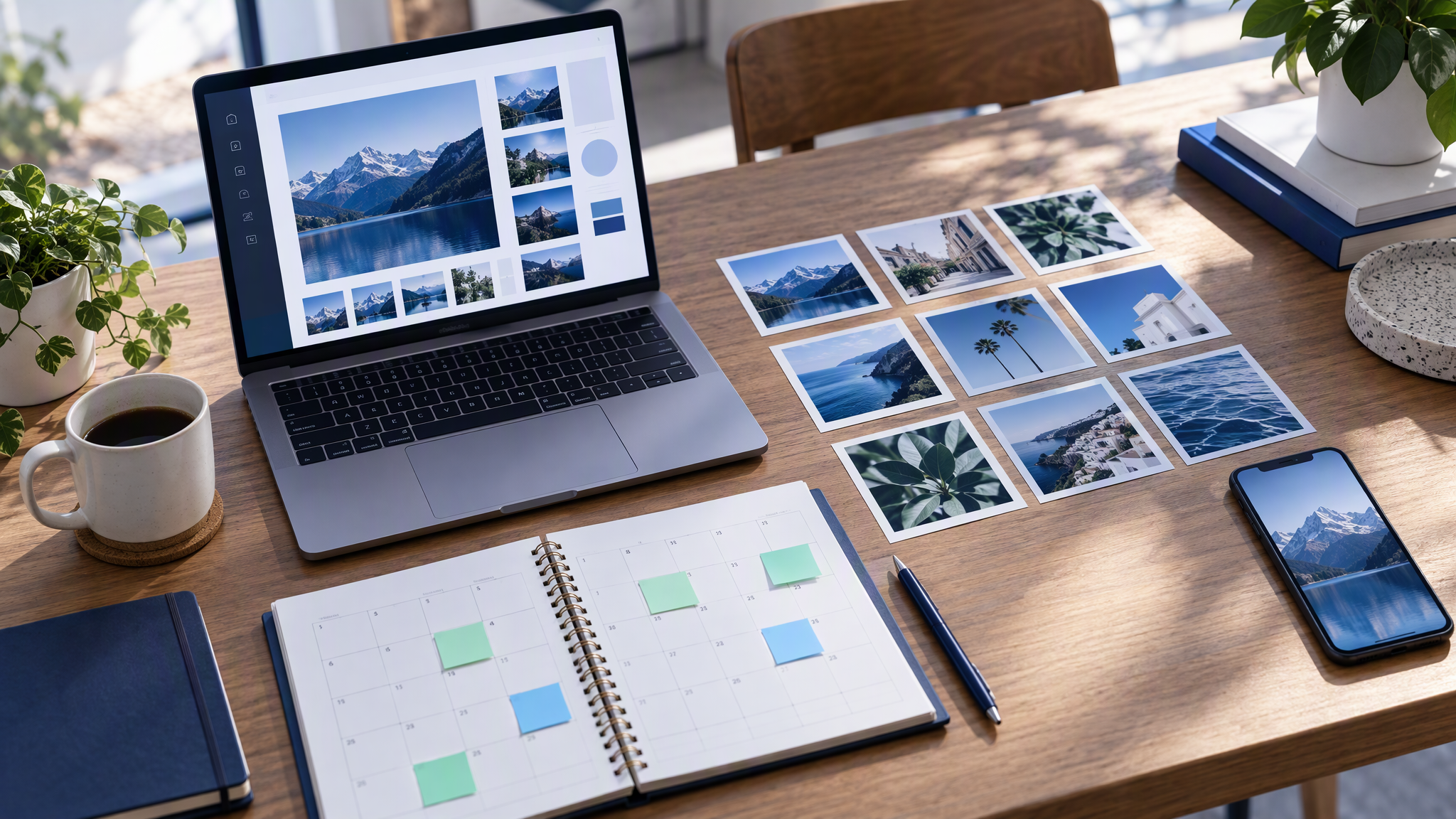
Most small teams still make each social image the evening before it goes out. Batching social media posts means planning and making a set in one sitting. To batch social media posts for a month, you write every post on one page first, then make the images together from the same saved brand, so October to December does not turn into a fresh scramble every night.
Here is the answer-ready line: To batch social media posts for a month, plan every post on one page first (date, channel, topic, format), then make all the images in one sitting from the same saved brand. Four posts a week on one channel is 16 images, and making them together means they share the same logo, colours and photo style instead of drifting one evening at a time.
This is for an owner or a one-person marketing team in mid-October who needs to post three to five times a week through Christmas, and who can block one afternoon to get ahead.
Why a feed drifts when each image is generated on its own is covered in How to Create On-Brand AI Social Content Across Every Channel. How to word a single prompt so it stays inside the guidelines is in How to Write Image Prompts That Don't Break Brand Guidelines. This post is the planning and the afternoon: the page, the sitting, and the check before anything is scheduled.
Why one-at-a-time posts drift

Each post is a new start, made in a hurry, with a slightly different idea of the brand.
The evening is a bad brief. You need something for tomorrow, so you take the picture that is close enough. Close enough, repeated, is how a feed changes colour without anyone deciding to rebrand.
Nothing carries over from last Tuesday. A new file does not remember the crop, the table, or the way you photographed the product. You describe it again, shorter than you would with an hour, and the picture comes back as a cousin.
October to December makes it worse. Offers, gifts and late nights. The posts that get made are the fast ones. By December the grid can look like three shops.
A batch afternoon moves those decisions earlier. You choose the topics when you are not trying to publish, and you make the images while the same references are still in front of you. The night before a post, you schedule a file you already approved.
How many posts do you actually need for a month?
Count the days you post each week, multiply by four, and do that once for each channel.
Four posts a week on Instagram is 16 posts. Three a week is 12. Five is 20. Add a few stories that point at a post you already made, using the same images. A separate set of story designs, in their own colours, is another brand.
Count each channel on its own. Twice a week on LinkedIn is eight more images, or eight crops of images you are already making. Keeping those two channels as one business is in How to Keep LinkedIn and Instagram Looking Like the Same Brand. Write the number at the top of the page before you open a design tool. Sixteen squares is a pile you can finish.
Plan the month on one page
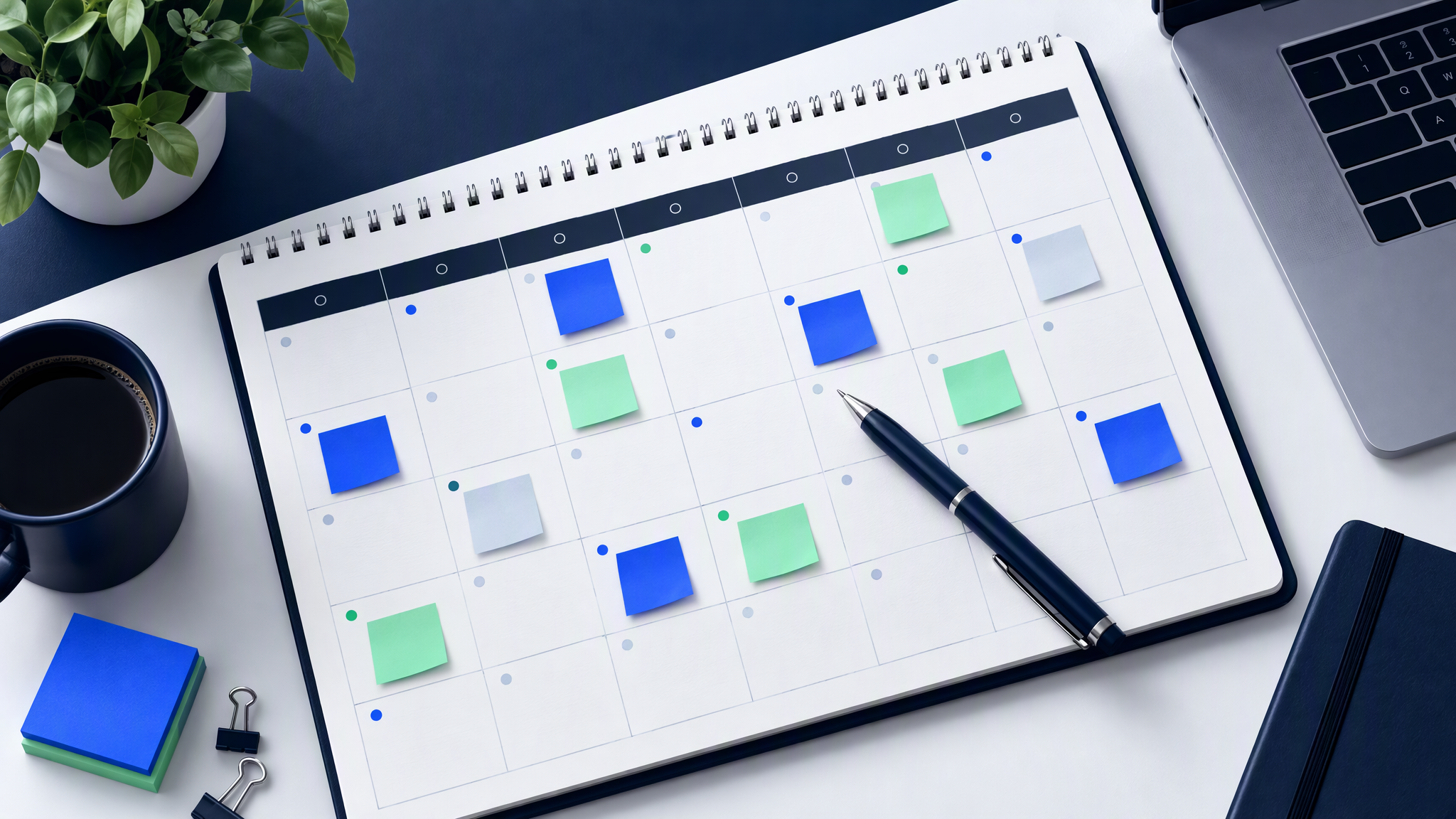
One page holds the month. Each row is a post. Four columns are enough: date, channel, topic, format.
Date. The day it will go out. For a team starting the week of 19 October 2026, the first Monday is 19 October.
Channel. Instagram, LinkedIn, or wherever you actually post. One row per channel when the format differs.
Topic. Rotate four kinds, and do not put the same kind on two days in a row: product, behind the scenes, offer, customer story. Four offers in a row is a sale account.
Format. Square, portrait, or story. Decide it on the page. A square stretched into a story later will cut off the product.
Here is one week for a shop posting four times on Instagram. The next three weeks copy the shape. Change the topic order so two posts in a row are not the same kind, and change the product so week four is not a reprint of week one.
One sample week
| Date | Channel | Topic | Format |
|---|---|---|---|
| Mon 19 Oct | Product | Square | |
| Wed 21 Oct | Behind the scenes | Portrait | |
| Fri 23 Oct | Offer | Square | |
| Sun 25 Oct | Customer story | Story |
That is four images. Four weeks of the same rhythm is 16. Add only the stories you will actually post. Keep prices, dates and headlines in the caption. Lettering inside the photo is painful to correct when the offer changes.
How to batch social media posts from one saved brand
Set the brand once, with the logo, the colours, the fonts and a few reference photos, then make every image in that same session. If the brand is still only a logo, build the social media kit from your logo before the sitting.
Open the logo from the site, the colours already in the feed, the two fonts you already post with, and four to six photos of the real product or the real shop. Leave out a reference from a campaign you would not run again. The sitting repeats whatever references you give it.
Work down the page. One row, one image, approve it or remake it, then the next row. The point of the sitting is that the same references are still in front of you when you reach the last date.
In Brandiseer, that sitting follows two product notes, and nothing past them.
The Prompt-first Dashboard to Chat creation workspace, shipped on 24 August 2026, makes the Dashboard a prompt-first starting point. You write the idea, pick a quick-start when you want a nudge, choose the aspect ratio and the brand, and Generate opens Chat with that prompt, that aspect ratio and that brand already in place. If you have not set up a brand yet, Brandiseer shows a clear next step. If you work across more than one brand, it remembers the last brand you used.
Brand-aware Prompt Enhancement, shipped on 22 August 2026, is for a thin idea. Enhance turns a rough line into a sharper image prompt with your brand in mind. It is one button in the composer, and the note says it works best when the brand profile is already in good shape. Use it when the row says only "Wednesday, the bench, portrait". Skip it when you already know the subject, the setting and the crop.
Those notes do not describe a batch button or a scheduler, and this post will not invent either. You make the images one after another, in one sitting, with the same brand selected. Brandiseer makes the pictures. The dates on your page belong to the scheduler you already use.
Make every format in the same sitting

When a row needs more than one crop, make the others immediately, before you move to the next date.
Finish the square. Then make the portrait of the same product, in the same setting, with the same brand still selected. Then the story crop, if the page asks for one. The three should look like one shoot. Leave quiet space for a caption in the app, and keep prices and dates out of the image. If the story crop cuts off the product, remake the frame.
Why a fresh treatment for each size pulls the brand apart is in How to Resize One Campaign Asset for Every Channel Without Drift. Use that when you are cropping one approved picture. Use this sitting when the portrait and the story are their own frames, made while the square is still on screen.
If a still should also move, do that after you approve the picture. How to Turn Your On-Brand Images Into Short Videos for Social starts from a still you would already post. It is a later step.
A 10-minute review before you schedule
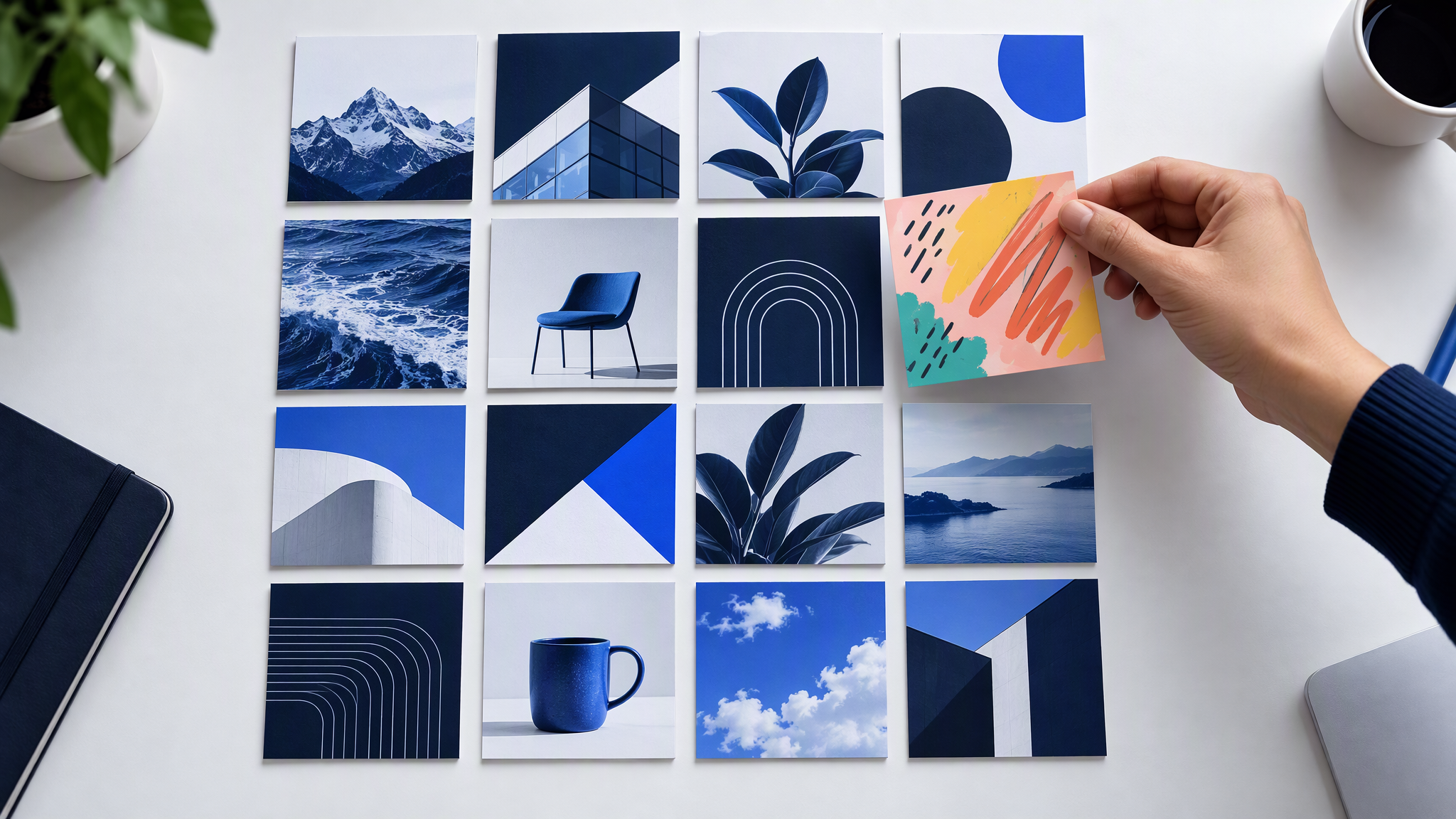
Lay all the images out in date order, in a grid, and look for the odd one out.
A different photo style, such as one stock frame or a filter the others do not share. A louder colour than the rest of the month. Two offers in a row, or a product you do not sell in that colour. Text inside the picture, a price or a date that belongs in the caption. Lift that image out.
Remake it in the same session, while the other fifteen are still the reference. Then put the approved files into the scheduler you already use, on the dates from the page. Brandiseer does not schedule. Teams that want images and captions on a repeating run, with scheduling in Buffer, can follow Social media automation. The grid check still happens before anything is set to publish.
More on this cluster lives under Social posts.
One afternoon, then the month is made
Sixteen images, from four posts a week, will look like one business when they are planned on one page and made in one sitting from the same logo, colours, fonts and reference photos. The night before each post is for scheduling a file you already checked.
Brandiseer fits that sitting when you write each idea on the Dashboard, carry the aspect ratio and the brand into Chat, and use Enhance only for a half-sentence row. You still choose what ships. The scheduler you already use still holds the dates.