Canva AI 2.0 is the launch a small team will see in the feed this week. Canva's newsroom describes it as a research preview, powered by what Canva calls the Canva Design Model, with Brand Intelligence among the new workflows. Martech Beacon reported that announcement on 13 October 2026. Before anyone starts a campaign in chat, the kit and three test jobs matter more than the headline.
Here is the answer-ready line: Canva AI 2.0 launched on 13 October 2026 as a research preview, powered by Canva's Design Model, which Canva says generates fully layered, editable designs from a conversation, with Brand Intelligence applying fonts, colours and style from the first output. Small teams should load a real brand template (or clear description), run three test jobs against the live website, and keep the same master kit files in every other AI tool, while treating plan availability and pricing as unconfirmed until Canva publishes them.
This is for an owner or a small marketing team that already uses a Canva brand kit, has seen Canva AI 2.0 in the news, and wants to know what to set up before the team generates campaigns in chat.
An agent that can open Canva and draft posts is a different job, covered in Meta's Muse Can Now Make Your Canva Designs and Instagram Posts. How to Keep Them on Brand. Other kits from the same stretch of October are in Magnific One and ElevenLabs Launch AI Brand Kits. What Small Teams Should Save Before Using Them. This post is the Canva AI 2.0 news, and the checks to run before it becomes the default. Canva's separate in-house image model is a different check, in Canva Craft Image Model: What Small Teams Should Check. A website import that fills a kit for ads is in what small teams should check on a PixelDojo brand kit.
What launched on 13 October 2026
Canva's account is the newsroom post "Introducing Canva AI 2.0: Reimagining how the world creates". "Canva Launches Its Own Design Model, Rolls Out New AI Features", published by Martech Beacon on 13 October 2026, is the second report used here. Claims about what the product does are Canva's. The note on what was not announced is Martech Beacon's.
Canva says Canva AI 2.0 is powered by the Canva Design Model. Canva calls that model "the world's first foundation model built for creativity", and also "the world's first foundation model built to understand the structure, hierarchy, and complexity of real-world design". Treat both sentences as the company's description. This post does not turn them into an outside score.
Canva says the model generates fully layered, editable output from a prompt, and that you can start from a conversation rather than a blank page or a template. Under what it calls layered object intelligence, Canva says each design is built from individual editable objects, not a static or locked flat image. On that account, a headline, a photo or a font can change without redrawing everything else. Canva also describes conversational design, agentic orchestration, and a Memory Library that it says applies your style as you work inside Canva.
Canva lists six workflows on top of that: connectors, scheduling, web research, Brand Intelligence, Sheets AI, and Canva Code 2.0. The connectors it names are Slack, Gmail, Google Drive, Google Calendar, Notion, Zoom, HubSpot, Microsoft, Atlassian and Linear.
Canva says the release is a research preview. Early access, Canva says, uses a password revealed during the Canva Create keynote. General availability, Canva says, rolls out over the coming weeks. This post does not name that password or any plan.
What is Brand Intelligence in Canva AI 2.0?
Brand Intelligence applies your fonts, colours and style from a connected brand template or a description, from the first output, and it can update existing work to the latest brand in one ask.
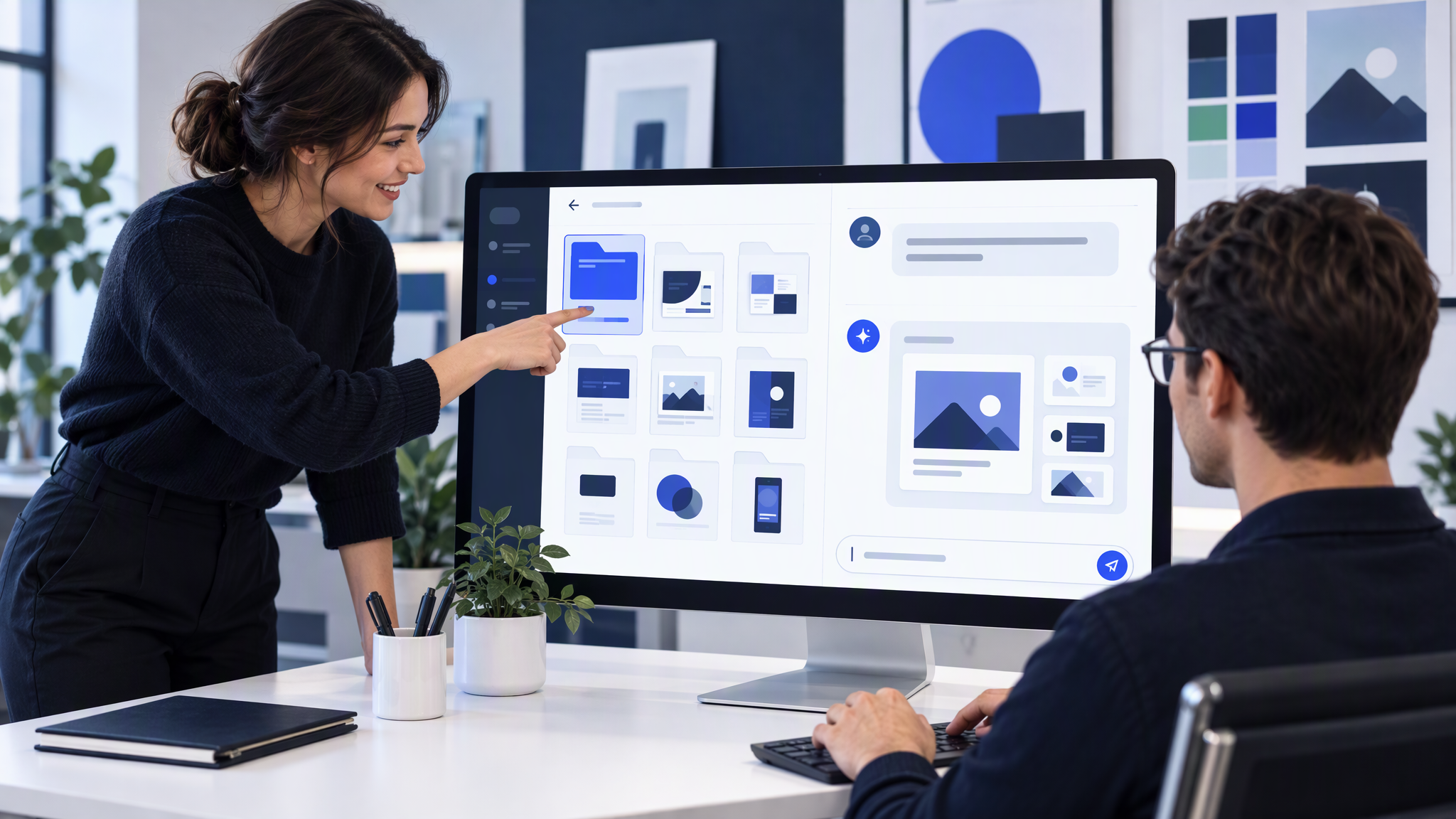
That is Canva's description, not a test result. Canva's wording is: connect your brand template or describe what you need, and Canva AI applies your fonts, colours and style from the first output. You can also ask it to apply your latest brand to work you already have. Canva says that turns a long manual update into a single step.
The useful part for a small team is the start. The first output is supposed to carry the template or the description, so you are not restyling a finished picture afterwards. It still only knows what you connected or wrote. A thin template, or a description typed from memory, becomes the brand the chat will repeat.
How kits you fill by hand compare, including Canva and Adobe Express, is in Brand Kit Tools Compared: Canva, Adobe Express, and AI That Remembers Your Look. Slides are a separate October launch: Gamma 5 Wants to Take the "AI Look" Out of Your Decks. How to Keep Them Matching Your Brand.
What to put in place before the team uses it
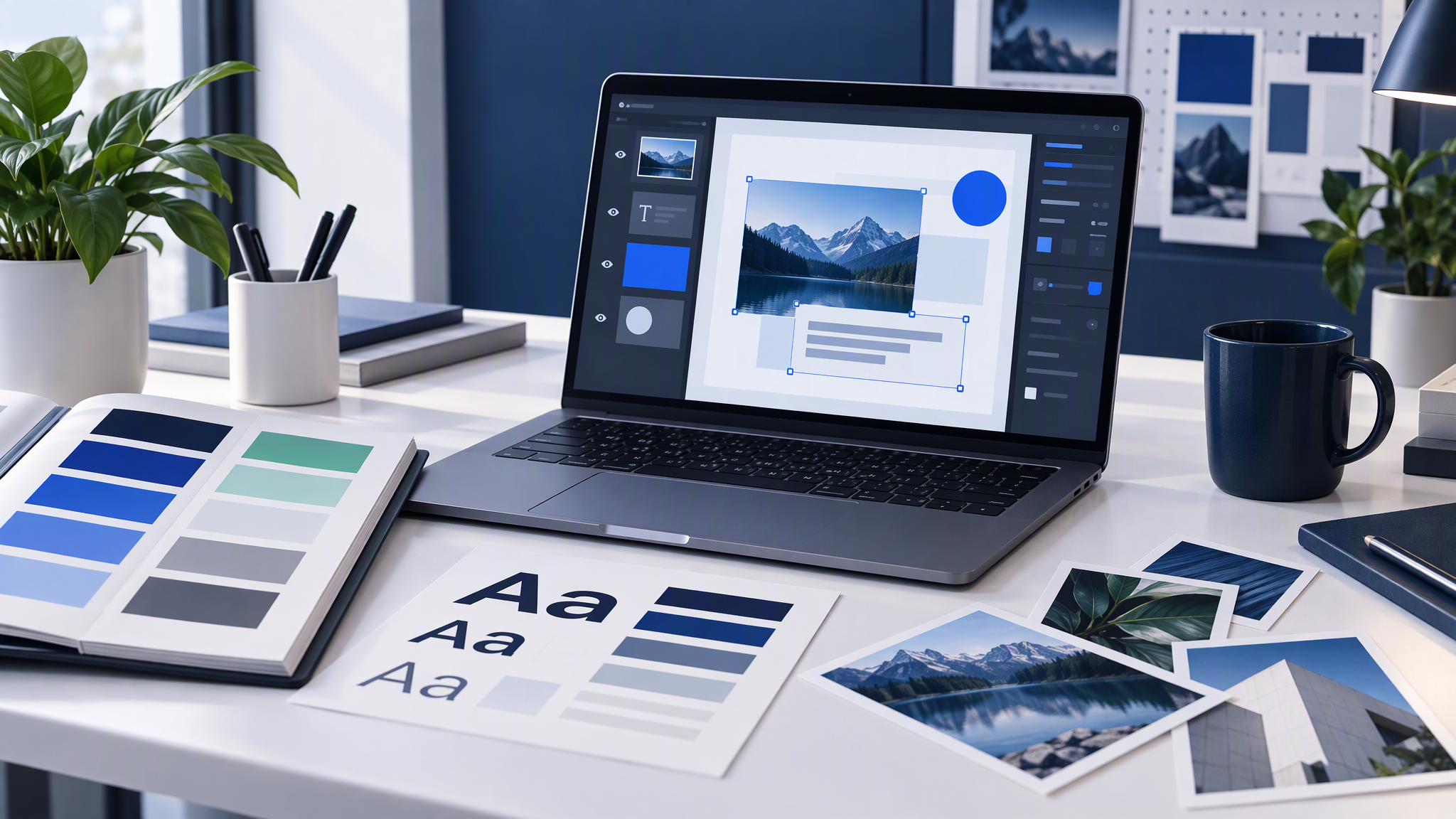
Put in the same short list you would give any other tool: logo files with a placement rule, 3 to 5 colours, two fonts, 4 to 6 reference photos, and a few rules for what the brand never does.
Logo files, plus where the mark sits. The file from the website, and one line of clear space.
Three to five colours, each with a job. Background, text, the product colour, and one small highlight, taken from the live site.
Two fonts. The headline and the body you already use.
Four to six of your own photos. The homepage, a product, a recent post you would still publish.
A few "never" rules. For many small businesses that is no neon, no cartoon people, and no busy backgrounds. "Keep it premium" gives a tool nothing to refuse.
If the template Brand Intelligence will read is out of date, fix it before the team starts. A wrong colour in that file becomes the next default. The longer packing list is What to Put in Your Brand Kit Before You Use AI. The same inputs are what the Magnific and ElevenLabs kits need in the post linked above.
Test three real jobs before you trust it
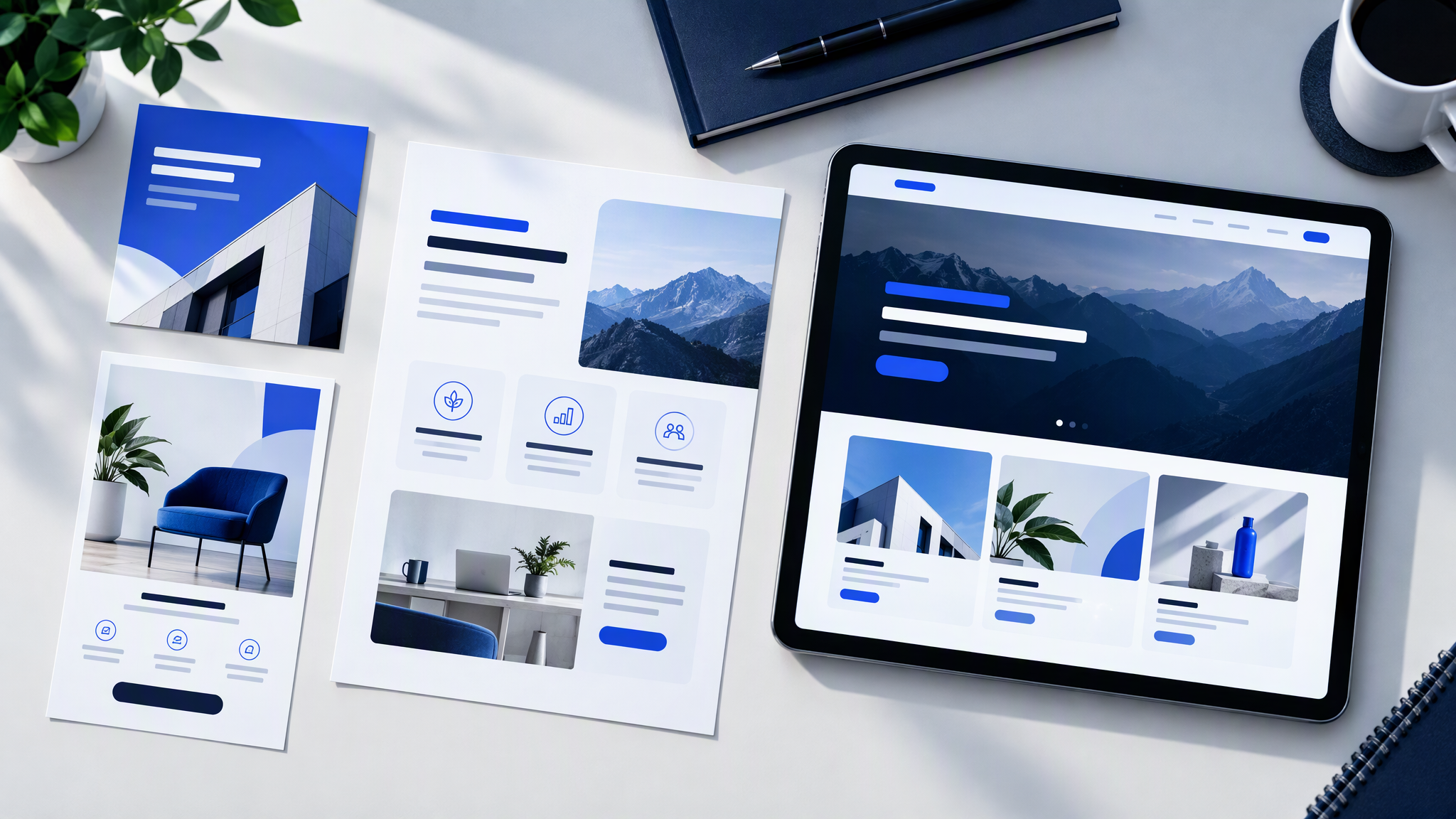
Make three pieces you would actually send: a social square, a flyer, and a one-page offer. Use a real subject from this month.
Lay each one next to the live website and the last six posts. They pass if a stranger would call the set one business. A new palette, a stock scene, a font the site has never used, or a logo in the wrong corner is a fail. If the square passes and the flyer does not, the kit is not ready for the rest of the team.
Change the template or the description, then remake the three. Keep the ask as the subject and the format.
Where Firefly, Canva and Midjourney each fit a business team is in Adobe Firefly vs Canva vs Midjourney for Business Teams. The three jobs against the website still apply.
One brand, Canva plus everything else
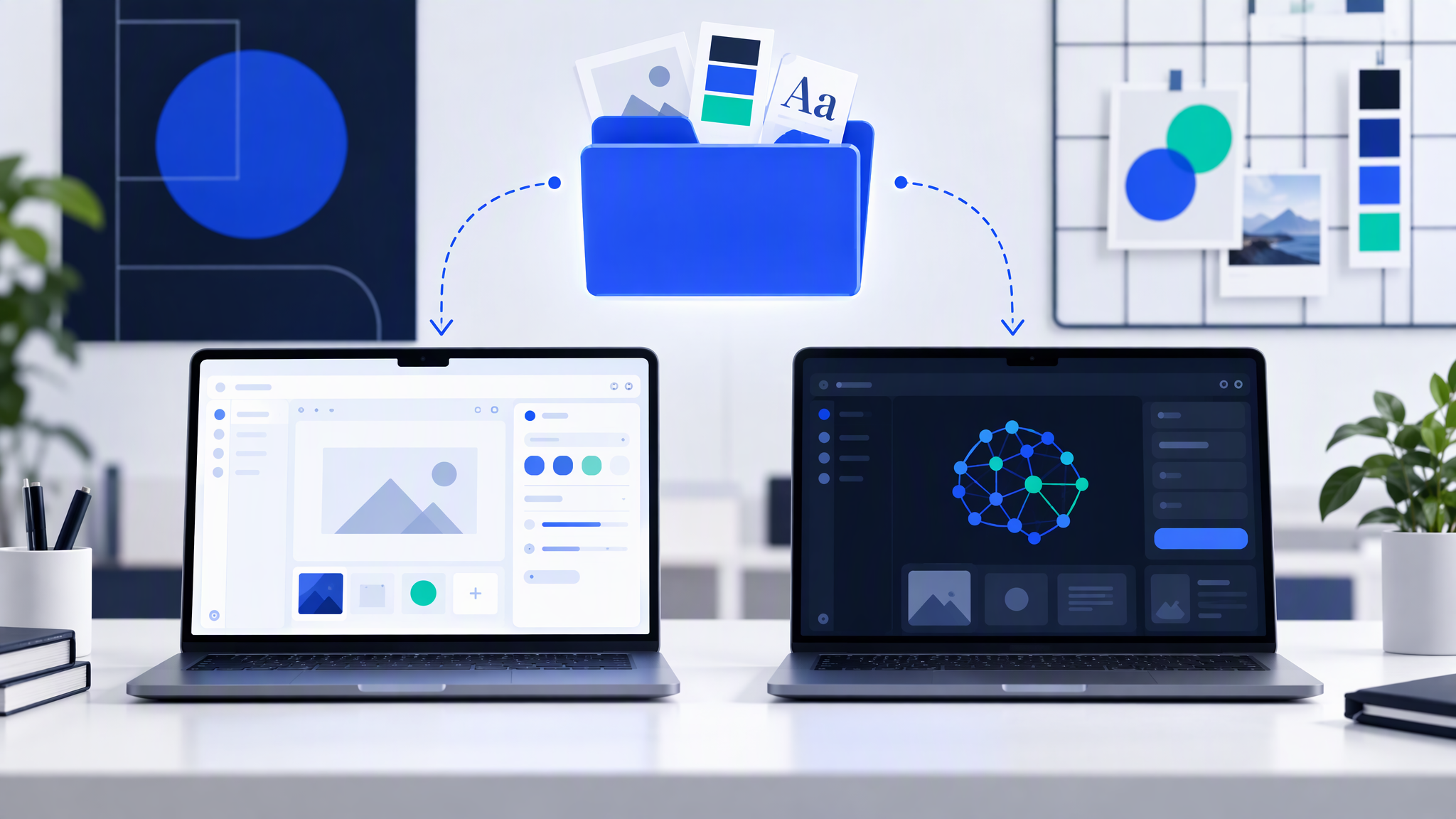
Brand Intelligence lives inside Canva. It does not update the kit in a chat app, an ad tool, or the image tool you used last week. Each of those still starts from whatever files you gave it. That is how the pictures drift. The same folder is what you would check for Gemini, and the Gemini brand kit checks for a small business is that pass.
Keep one master folder: the logo files, the colours with a job beside each one, the two fonts, the four to six photos, and the "never" rules. Copy from that folder into Canva, and into every other tool. When a test fails, correct the folder first, then copy the change out again.
Canva's Memory Library, as Canva describes it, is for how you work inside Canva. It is not a folder the rest of the stack can read. The habit of one folder across tools is in How to Keep One Brand Look Across Every AI Tool Your Team Uses.
What is still unknown
Martech Beacon says pricing, plan availability and model details were not disclosed in the initial announcement. Treat any price, plan limit or quality figure that does not come from Canva as unconfirmed. Martech Beacon calls the launch a directional signal until availability and quality are clearer. This post adds no prices, no plan names and no score.
Canva has said the current release is a research preview, and that general availability rolls out over the coming weeks. Until Canva publishes who can use it, do not brief the whole team as if the switch is already on for every login.
More on this cluster lives under AI tools.
The work that matters this week is the template, the three test jobs, and the master folder. If you want the next post or flyer to start from that same saved brand outside a single app, Brandiseer is one way to keep the logo, colours, fonts and reference photos together. It is optional. The check against the website is the point.
The template, then the three jobs
Load a real template or a clear description, make the square, the flyer and the one-page offer, and keep one master folder for every other tool. Leave plan and price questions until Canva publishes them.