A shop that already lives in Canva and posts on Instagram just got a new pitch. On 29 September 2026 Meta said its personal AI agent, Muse, can connect to the tools a small business already uses and help get the work done. An agent that drafts posts will repeat whatever brand material it can see. If that material is thin or out of date, the mistake goes out faster.
Here is the answer-ready line: Meta's Muse for Small Business, announced on 29 September 2026, lets its AI agent use connected tools like Canva, Shopify and Klaviyo plus your Facebook and Instagram business accounts. An agent that drafts posts for you is only as on brand as the kit it reads, so update your logo, colours, fonts and reference photos before you connect it, and approve every post before it goes live.
This is for an owner or solo marketer who posts on Instagram and Facebook, already uses Canva, and has just seen Muse pitched as a way to run the business.
What Meta announced
On 29 September 2026 Meta published "The Future Is for Everyone: Muse for Small Business" on its newsroom. Muse is the personal AI agent Meta introduced earlier that month. The newsroom says it is available in the US and Canada, and that this release adds skills and connectors so people can run a business with tools they already use.
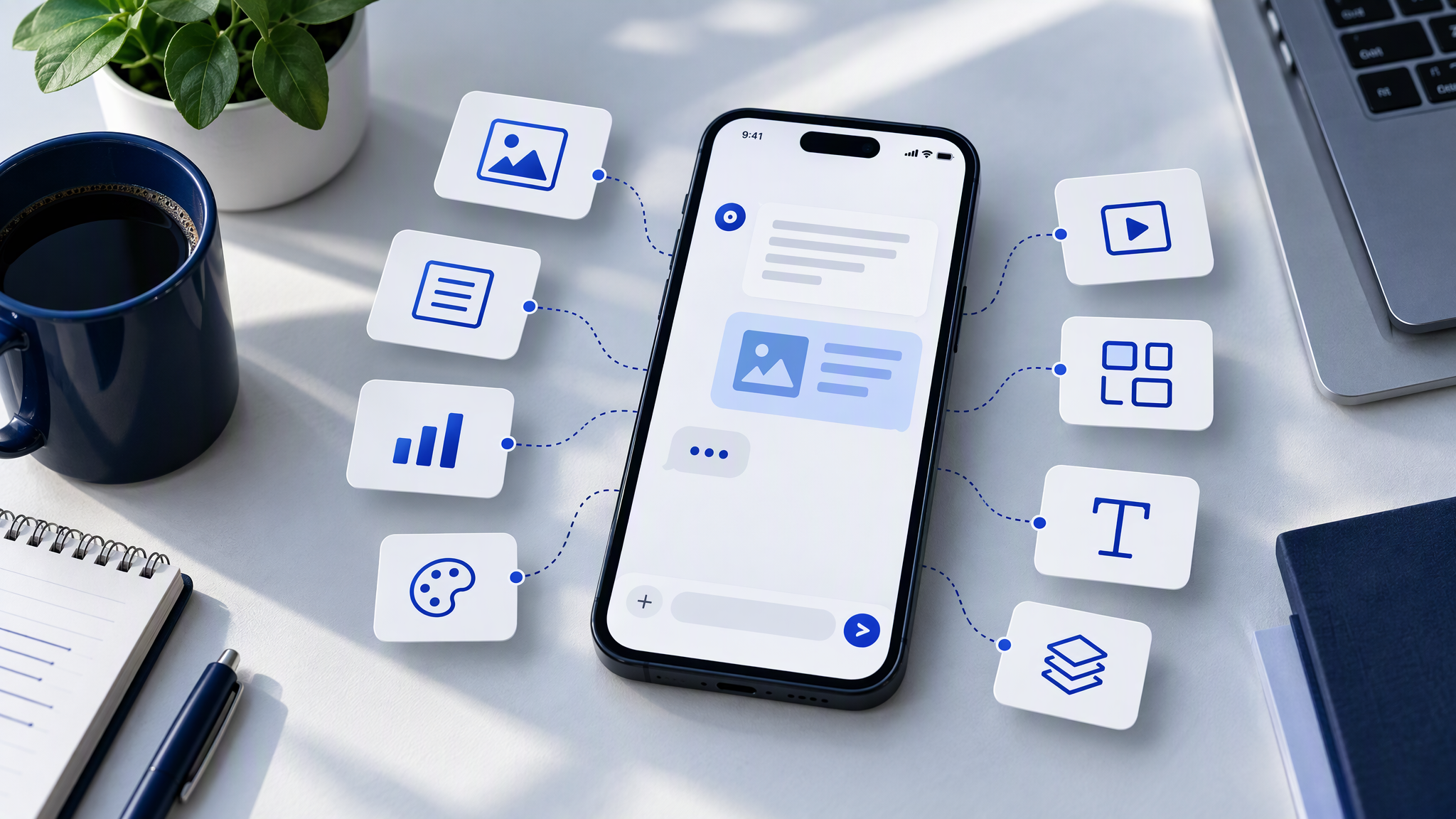
The connectors named in that post are Asana, Box, Canva, Dropbox, Figma, Granola, HighLevel, Intuit QuickBooks, Klaviyo, Lovable, Notion, Shopify, Slack, Stripe, and Zoom, as well as Facebook and Instagram business accounts. Jay Peters at The Verge confirmed the expansion the same day, including access to Facebook and Instagram business accounts, and noted that Muse could already connect to apps such as Gmail and Outlook. Meta says the full list sits in the Muse app settings, with more connectors to come.
On Meta's own apps, the newsroom says Muse can connect Instagram professional account analytics, Facebook Pages, and Meta ad accounts in a few clicks. Meta's claim is that, once connected, the agent already understands what you sell, what the brand sounds like, and what customers keep asking. That is a claim about connected accounts. It is not proof the agent has seen your approved photos.
Meta also says nothing publishes, sends, or spends without your approval. Availability in these sources is the US and Canada. This post will not guess other countries, a user count, or plan prices. Meta says Muse is free for most of what people need, with subscription plans for people who want more, and it does not publish those prices.
What the Canva connector actually does
The pictures, as the sources describe them, come through connectors. Canva's newsroom post, "Canva expands design with Muse, from Meta" (29 September 2026), says the connector lets Muse connect your Canva designs, create new ones, pull your brand's fonts, colours, and assets, search a design library, and export a finished file you can send or post. Ask for a social post and, Canva says, the agent works with Canva to build it from the connected account rather than a template picked at random.
That is a design handoff. It is not a claim that Muse paints the picture on its own.
Cameron Adams, Canva co-founder and chief product officer, told Meta's newsroom that the useful part is the connection. "The real magic happens when it's fully connected to your existing work, your context and your brand," he said. Connecting Muse with Canva, in his words, brings that into the conversation, so the templates and tools you already use can turn an early idea into something "on-brand, editable and ready to share."
Why this matters for your look

An agent that drafts with very little human touch will repeat the kit it can see, at the speed of a chat. That is useful when the kit is current. It is expensive when the kit is an old logo and a colour that never made the website.
A thin kit is one logo file, no colour roles, and no photos of the real product. The connector can still export a tidy file. Customers do not see "the agent used Canva". They see a post that could belong to someone else.
Meta says a connected Muse can pick up what the brand sounds like. Sound is not the pictures. If the Canva account holds the wrong fonts and a thin asset folder, the export will look thin even when the caption sounds like you. The list that prevents that is in the next section.
How this differs from last week's news
Two other stories landed in the same fortnight. They are not this one.
On 28 September this blog covered Typeface, which put enterprise brand rules inside Claude and ChatGPT: Typeface Puts Brand Rules Inside ChatGPT and Claude. What Small Teams Should Copy. On 1 October we covered BrandHalo, a startup pitching guidelines across ChatGPT, Claude, and Copilot: BrandHalo Wants a Brand Brain Across ChatGPT, Claude, and Copilot. What Small Teams Should Copy.
Typeface and BrandHalo speak to teams that can buy a product for brand rules. Muse puts an agent in front of small businesses on Facebook Pages, Instagram, and Meta ads, with Canva as the path to a finished design file. The drift problem is the same. The audience is much wider. You do not need those products, or Muse, to fix a thin kit. You do need the kit before any of them starts drafting.
Agencies teaching agents a longer rule set is a separate habit, in Agencies Are Teaching AI Agents Their Brand Rules. What Small Teams Should Copy. For one Canva account and an Instagram grid, the shorter version is enough.
Get your kit ready before you connect anything
Do this before you tap connect.
Current logo files. The mark on the website, in a format Canva can place. Light and dark if you use both. The template does not redraw it, recolour it, or trap it in a badge the site does not use.
Three to five colours. The ones already on the site and in recent posts, with a role: background, text, product, or a small highlight. A seasonal palette that replaces those colours is a second shop.
Fonts. The two you actually set. If a template wants a third display face, the kit note says no.
Four to six approved photos. Real products, the real shop, the lighting you already publish. A new export should sit beside these without looking like another business.
A short never-do list. No new palette for one post. No stock scene that hides the product. No logo treatment you would not put on the window.
The longer packing list is What to Put in Your Brand Kit Before You Use AI. Put that kit into the Canva account before Muse reads it. A PDF in a drawer is invisible to the connector.
Keep a human check before you publish
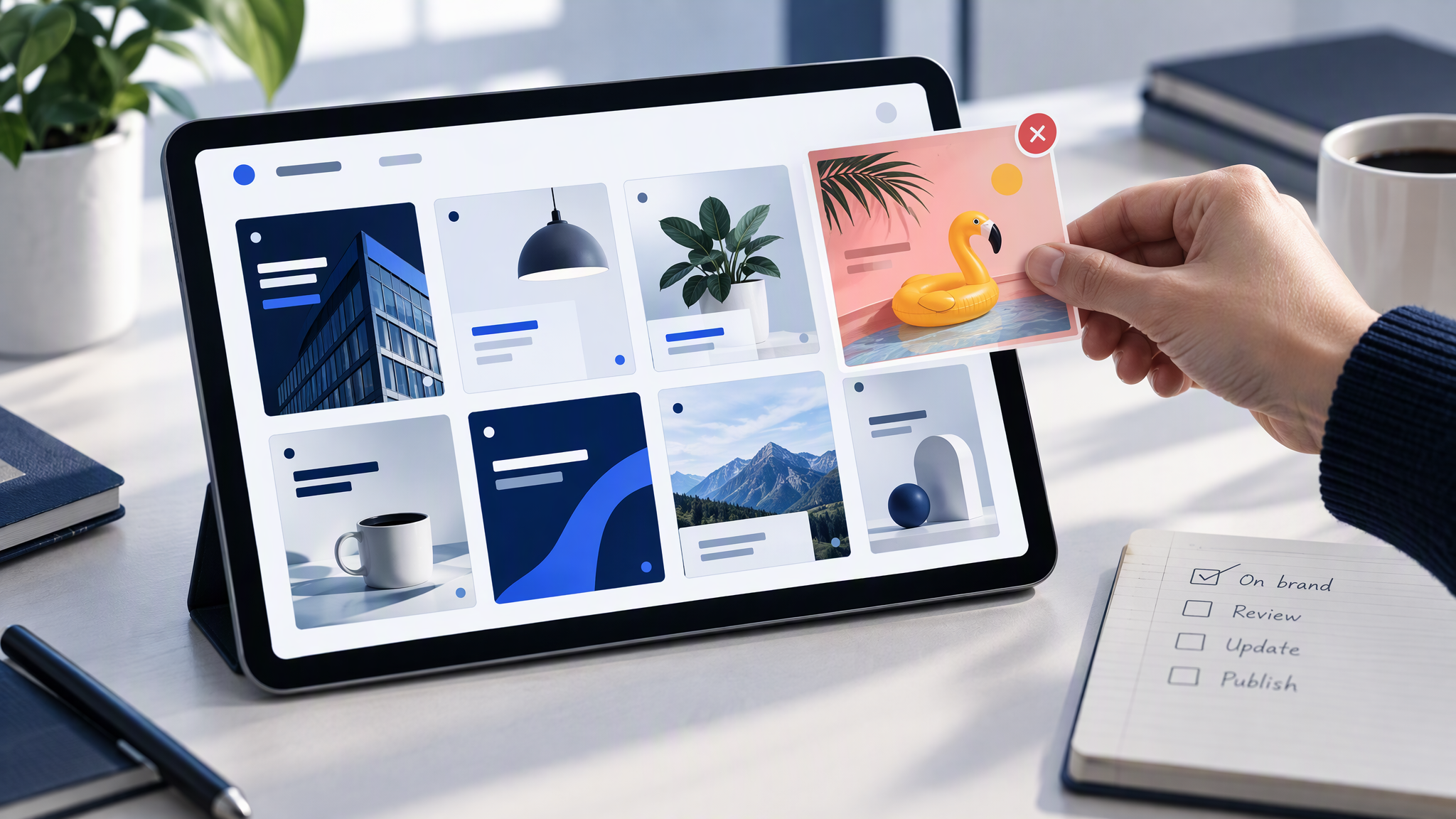
Meta's own line is that nothing publishes, sends, or spends without your approval. Use it. An exported file is a draft until you say it can go on the Page, the professional account, or an ad.

Compare the draft with your last three good posts, not with the chat that made it. Ask three questions. Do the colours match those posts? Is the logo the real one, in a familiar place? Does the photo look like your product photography, or did the export invent a new scene? If any answer is no, reject the file. A better caption will not repair a wrong picture.
If LinkedIn and Instagram already struggle to match, the same test is in How to Keep LinkedIn and Instagram Looking Like the Same Brand. An agent does not retire that check. More on this cluster lives under AI tools.
A named folder and a stubborn approve step can carry a small shop. If you want new images to start from a saved kit, rather than from whatever happens to sit in a connected account, Brandiseer is one way to keep logo, colours, fonts, and reference photos in one place. It is optional. The approval is the point.
FAQ
Is Muse for Small Business available outside the US and Canada?
Meta's newsroom describes Muse as a personal AI agent available in the US and Canada. This post will not guess other countries.
Does Muse create the images itself?
The sources frame the visuals through connectors. Canva says Muse can hand a design job to Canva, pull fonts, colours, and assets from the connected account, search a design library, and export a finished file. That is not Muse drawing the picture on its own.
Is this the same story as Typeface or BrandHalo?
No. Those products aim at teams buying brand rules across chat tools. Muse is the agent on Meta's apps, in front of small businesses. Same drift, wider audience.
What if the Canva account only has a logo?
Update it before you connect. Fonts, colours, assets, and a few real photos are what the connector can pull. A logo alone gives you fast files that do not look like the shop.
Connect it after the kit is current
Muse for Small Business can now reach Canva, a named set of business tools, and your Facebook and Instagram accounts. Update the logo, the colours, the fonts, and the reference photos first. Keep the approval Meta already describes, and let the last three good posts decide whether the next export ships.